AI Tools for Audio

Discover the best Audio AI tools to enhance your productivity and creativity.

Page 21 of 40 • 471 total tools

We’re really entering a new age for creating and changing audio, thanks to AI. You know, those days of needing tons of skills and pricey gear for good audio are pretty much over. Now, with smart AI audio tools, anyone can make professional-sounding audio for podcasts, music, or any cool audio project.

These tools aren’t just for making music; they can create voiceovers, improve sound quality, and even help with sound design. It’s amazing how much AI is changing the audio world, and the ways we can use it are endless.

After spending a lot of time trying out different platforms and features, I’ve put together a list of the top AI audio tools out there. Whether you’re just starting out and need something simple, or you’re a pro looking for powerful options, there’s definitely something here to help you make your audio sound even better.

So, if you’re ready to see what AI can do for sound, let’s jump into the best tools that will totally change how you work with audio.

The Best AI Audio Tools

  1. ElevenLabs: Great for making multilingual video voiceovers if you’re a creator.
  2. Suno: Perfect for creating custom soundscapes to help you relax.
  3. BandLab: Lets you mix and master tracks smoothly.
  4. TurboScribe: Helps improve audio for clearer transcriptions.
  5. Voicemod: Lets you change your voice for creative projects.
  6. Adobe Podcast: Enhances audio with simple, one-click AI tools.
  7. Transkriptor: An automated tool for transcribing lectures.
  8. Speechify: Makes it easy to listen to articles and documents.
  9. NaturalReader: Good for creating voiceovers for your video content.
  10. Riffusion: Offers real-time audio manipulation for creators.
  11. Narakeet: Converts subtitles into synchronized audio.
  12. PlayHT: Useful for voiceovers in audio editing.
  13. Lalal.ai: Lets you remove vocals seamlessly for remixes.
  14. Ttsmaker: Effortlessly create voiceovers for videos.
  15. Udio: Craft unique sounds using its audio tools.

How Do AI Audio Tools Work?

AI audio tools work a lot like AI writing software. They use advanced models that have been trained on huge amounts of data. Many of these tools use deep learning to analyze and create sound patterns, which lets them generate or change audio. You’ll often see them used for making speech, composing music, and sound design, all thanks to the vast libraries of audio samples and language data they learn from.

Basically, these tools use neural networks that are designed to process sound much like we do. They look at audio input, find patterns, and then predict the best sound to produce based on what they’ve learned. This means they can create a wide range of outputs, from voices that sound really real to music that feels both familiar and new.

When it comes to making voices, the process usually involves feeding a neural network thousands of hours of spoken audio. This teaches it subtle things like intonation and how to vary speech. Then, when you type something in, the model uses its training to create speech that matches the tone and context you’re going for. The result? Voices that sound lifelike and can deliver text with emotion and clarity.

In a similar way, AI music tools study huge collections of music to understand what makes a good hook, rhythm, or harmony. By breaking down existing songs, these models learn how to create new music that sounds like popular styles or even comes up with completely new soundscapes. You can tell the AI what genre or mood you want, and it’ll tailor the results to your taste.

Beyond just creating content, AI audio tools can also improve existing sounds. Things like reducing noise, fixing pitch, and adding effects are all powered by algorithms that have learned from the details in audio files. This lets you make your recordings sound better or create entirely new sound experiences without much effort.

If you’re curious about the technical side, there are plenty of resources that explain how audio processing and machine learning work in sound. All in all, AI audio tools are really changing how we create and interact with sound, opening up amazing possibilities for musicians, podcasters, and audio engineers.

Our Best AI Audio Tools at a Glance

RankNameBest ForPlans and PricingRating
1ElevenLabsMultilingual video voiceovers for creatorsN/A4.83 (29 reviews)
2SunoCreate custom soundscapes for relaxationN/A4.82 (11 reviews)
3BandLabMix and master tracks seamlessly.N/A4.75 (44 reviews)
4TurboScribeEnhance audio for clear transcriptionPaid plans start at $10/month.4.80 (5 reviews)
5VoicemodTransform your voice for creative projectsN/A4.78 (27 reviews)
6Adobe PodcastEnhance audio with one-click AI toolsN/A4.67 (12 reviews)
7TranskriptorAutomated lecture transcription tool.N/A.4.31 (13 reviews)
8SpeechifyListen to articles and documents.N/A4.80 (54 reviews)
9NaturalReaderCreate voiceovers for video contentN/A4.75 (44 reviews)
10RiffusionReal-time audio manipulation for creatorsN/A4.18 (11 reviews)
11NarakeetConvert subtitles to synchronized audioN/A4.72 (18 reviews)
12PlayHTVoice over for audio editingN/A4.59 (27 reviews)
13Lalal.aiSeamless vocal removal for remixesN/A4.64 (11 reviews)
14TtsmakerCreate voiceovers for videos effortlessly.N/A4.60 (5 reviews)
15UdioCraft unique sounds with audio toolsN/A4.18 (11 reviews)
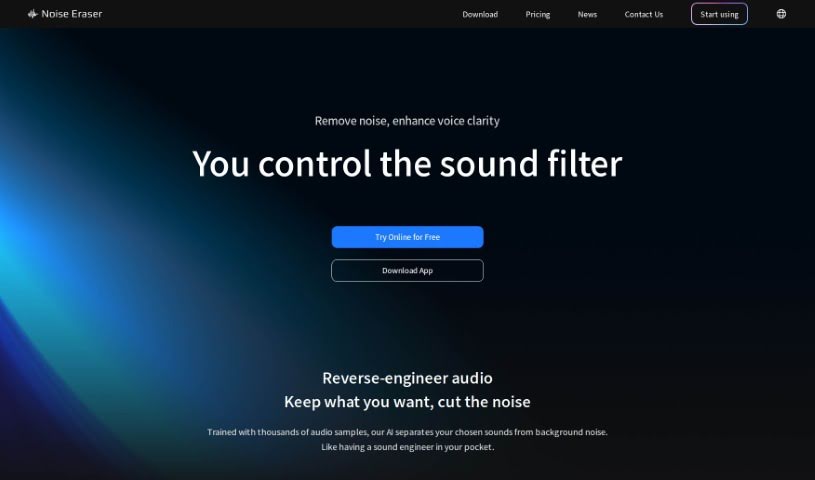
Screenshot of Noise Eraser

Noise Eraser

Freemium

Noise Eraser is a handy online tool that really helps clean up your audio files. Its main job is to get rid of annoying background noise, making sure the human voice comes through loud and clear. It's super easy to use and works with all sorts of audio formats you might be using, like MP3, WAV, and FLAC. The best part? It handles the noise removal automatically. This means you don't need fancy, expensive gear or to be an editing wizard to get great sound. Noise Eraser helps you achieve that studio-quality sound, making your recordings much more pleasant to listen to by simply cutting out that distracting background hum.

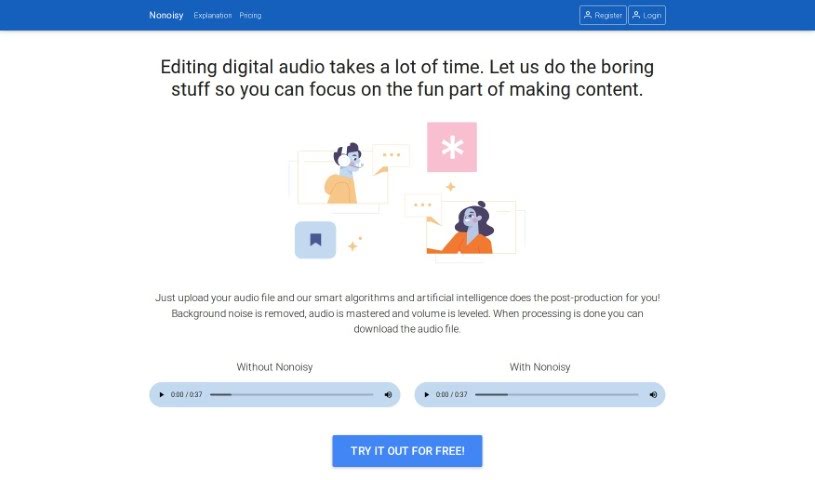
Screenshot of Nonoisy

Nonoisy

Freemium

Nonoisy is a really neat tool designed to make your audio sound so much better by cutting out annoying background noise. It's especially helpful when noise can really get in the way of your work, conversations, or just enjoying peace and quiet. It is a smart filter that gets rid of unwanted sounds, helping you focus more whether you're in an office, working from home, or studying. Nonoisy is built for everyone, from individuals to professionals. It uses some pretty advanced tech to tell the difference between background noise and the important stuff, like voices or alerts, so you can still hear what matters clearly. It’s a reliable and easy way to get clearer audio and better focus, perfect for video calls, work, or just finding some quiet.

Screenshot of Now&Zen

Now&Zen

Freemium

Now&Zen is a platform designed to offer you truly personalized meditation experiences. You get to customize absolutely everything about your guided meditation – think the voice, the style, the specific intent, and so much more. This way, you can create an audio session that perfectly fits your personal mindfulness journey. The platform makes it super quick to adjust things like how long your meditation is, which voice you want, and what background sounds you prefer, all in under 5 minutes. Plus, you can download your sessions to use even when you're offline. Now&Zen really believes that everyone's meditation experience is unique, so it offers a variety of voices to guide you, makes sure you can use it offline, and lets you tailor the intent to help with specific personal needs. Ultimately, Now&Zen aims to give you a smooth and deeply personal meditation journey, celebrating all the different ways people practice mindfulness and their beliefs. While Now&Zen is great for boosting your mindfulness and meditation practice, it's important to remember it's not a replacement for professional medical advice. If you have serious health concerns, please talk to a healthcare professional. The platform's AI technology strives for accuracy and relevance, but it's not perfect.

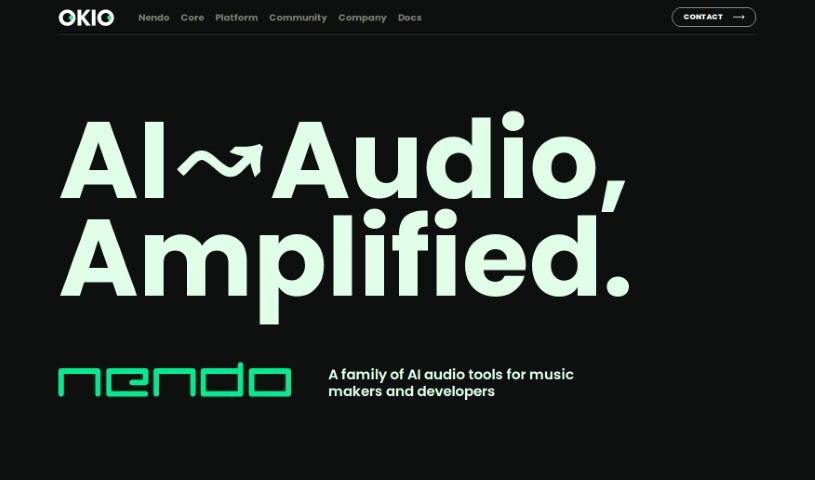
Screenshot of Okio

Okio

Freemium

Nendo, which you might also know as Okio, is a professional-grade, open-source platform. It uses artificial intelligence to help you manage, analyze, generate, and find audio content. It is a powerful tool for anyone working with a lot of audio, like musicians, sound designers, podcasters, and other audio pros. Okio makes it much simpler to dig through large audio collections thanks to features like advanced search, smart filters, automatic metadata creation, voice transcription, and topic detection. It really streamlines how you handle your audio assets.

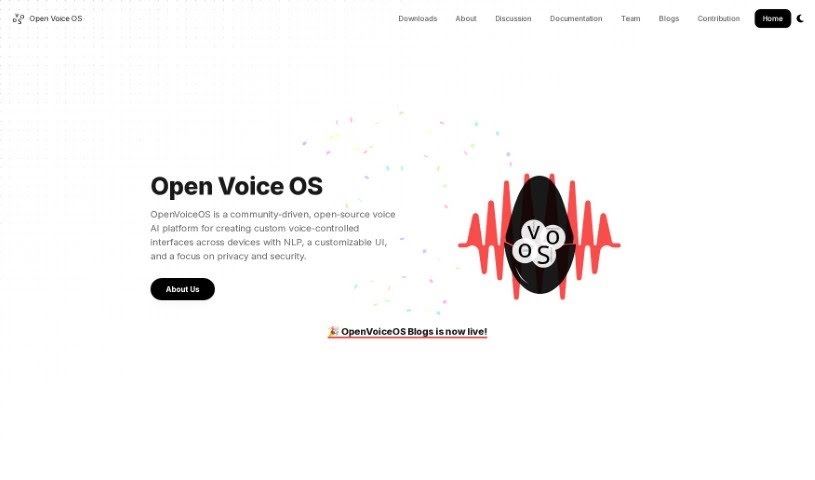
Screenshot of Open Voice Os

Open Voice Os

Freemium

OpenVoiceOS, formerly known as Open Voice Os, is a community-powered, open-source voice AI platform. It's designed to help you build your own custom voice-controlled interfaces for all sorts of devices. What's really great about OpenVoiceOS is its focus on privacy and security. It offers a user interface (UI) that you can tailor to your liking, along with natural language processing (NLP) capabilities. This means you can control smart home gadgets, play music, set reminders, and do much more, all with simple voice commands. The whole platform is built using open-source software, and they actively encourage developers from the open-source community to jump in and contribute. Essentially, OpenVoiceOS wants to lead the way in how we interact with personal assistants and smart speakers, inviting anyone interested – whether you're a software developer, data scientist, or just a tech enthusiast – to join in and help shape its future.

Screenshot of Open-Audio TTS

Open-Audio TTS

Freemium

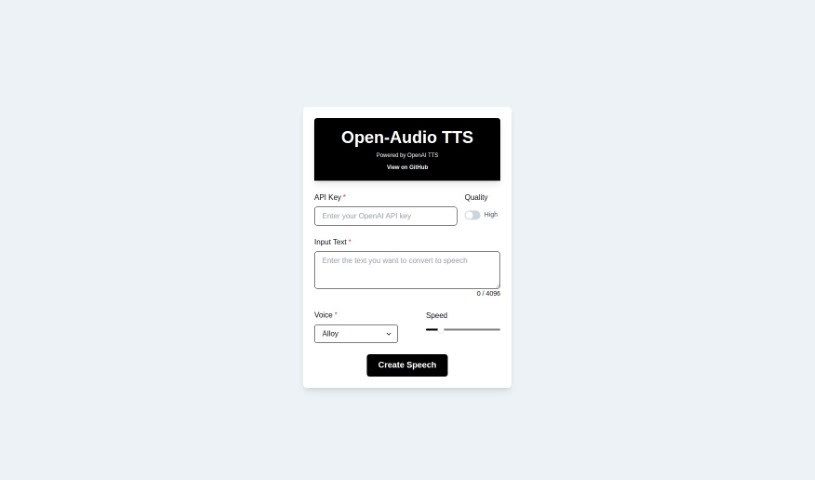
Open-Audio TTS is a text-to-speech tool that packs a lot of features and benefits. You can choose from different voice types and control how fast the speech sounds. It's really versatile, whether you're building audioscapes, creating podcasts, generating audiobooks, or helping out folks who are visually impaired. The tool makes converting text to audio pretty straightforward. Plus, you can get an API Key for free, and they keep updating it on GitHub. On the flip side, you do need that API Key to use it, it won't work offline, and the voice selection is a bit limited. There are also some restrictions on how much you can customize things, it doesn't support multiple languages, and you won't find dedicated technical customer service or a super clear update schedule.

Screenshot of Openai Whisper

Openai Whisper

Freemium

Whisper is a really neat technology from OpenAI that's all about turning spoken words into written text. It is a super-accurate transcription service. It's part of a suite of tools that also includes things like Voice (which does text-to-speech), GPT-4V, and DALLE·3, opening up a lot of possibilities for different projects.

Screenshot of OptimizerAI

OptimizerAI

Freemium

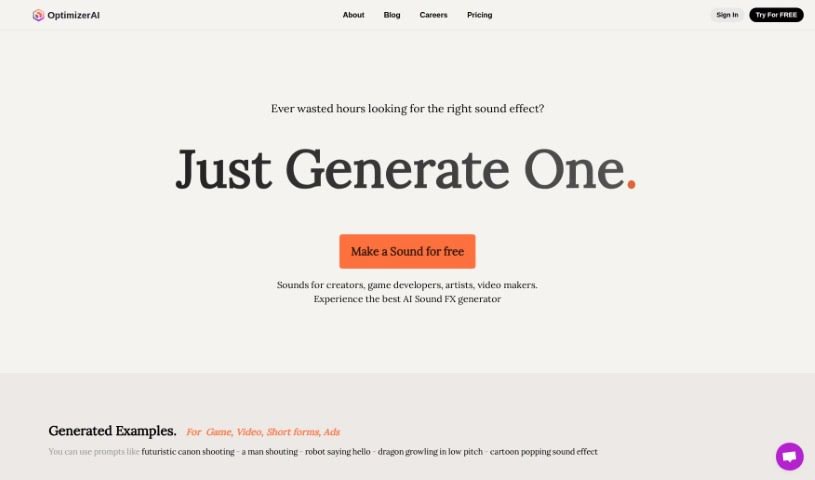
Sound effects are those audio bits that creators, game developers, artists, and video makers use to really make their content pop. Think of everything from futuristic cannons firing and people shouting to robots greeting you or dragons roaring – those are all sound effects! They're super important for making games, animations, videos, and ads feel truly immersive and engaging.

Screenshot of Orb Plugins

Orb Plugins

Freemium

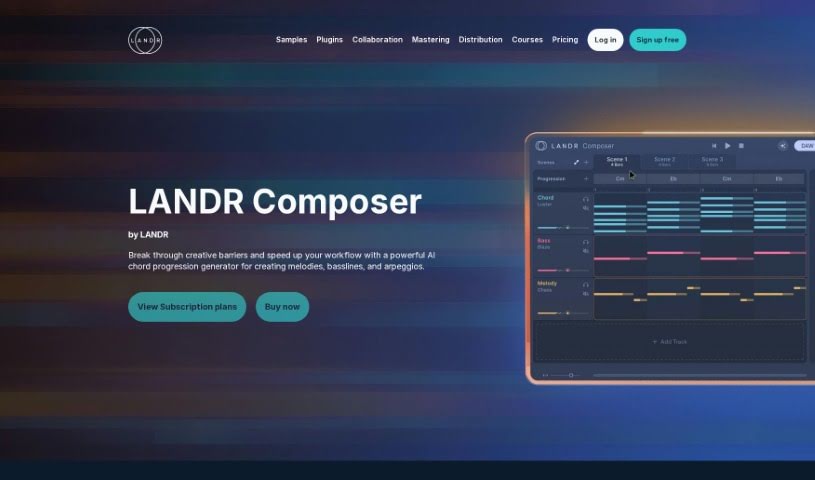
Orb Plugins is a comprehensive music production software suite developed by Orb Plugins. This innovative suite is powered by AI and includes four distinct music plugins: Orb Melody, Orb Bass, Orb Arpeggios, and Orb Synth. It's designed to really boost your music production workflow, offering a seemingly endless supply of patterns, chord progressions, melodies, basslines, and arpeggios. You can dive into cool features like Polyrhythms, Lyrical Melodies, and Chaining Blocks to help you compose music. The suite integrates smoothly with most Digital Audio Workstations (DAWs), though it doesn't support Protools. Plus, they offer a 30-day money-back guarantee, so you can try it out risk-free. Orb Plugins also provides expertly crafted presets, advanced music production tools, and an infinite stream of AI-generated patterns, perfect for exploring new musical ideas.

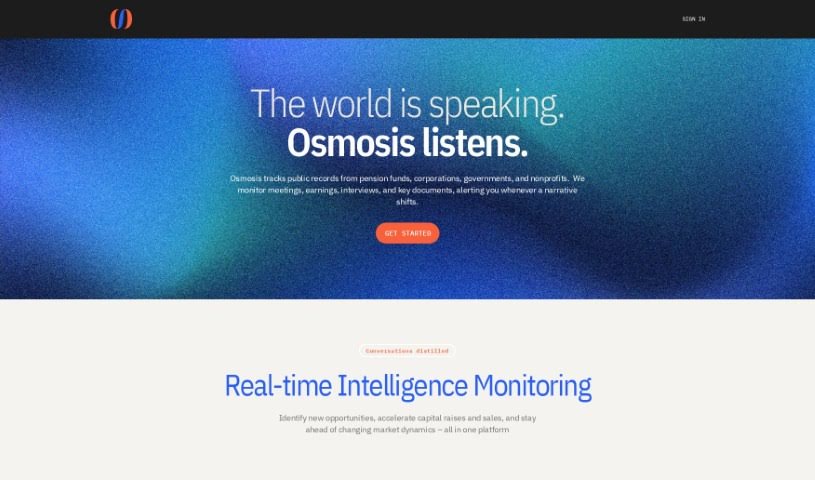
Screenshot of Osmosis

Osmosis

Freemium

Osmosis is a platform that really listens to what's happening in the world, giving you unscripted insights that can help you grow your revenue, raise funds more quickly, and just generally move more efficiently. One of its standout features is content density management. Basically, Osmosis takes conversational content and distills it into different levels of detail, making even complex information easy to grasp at whatever speed you prefer. Plus, it offers insights that are specifically tailored to each team member's role and experience, giving you personalized analyses and summaries. This whole system is designed to pull out the really valuable insights from conversations, saving you tons of time you'd otherwise spend sifting through and analyzing everything yourself. If you want to dive deeper, you can check out their website at osmosis.fm.

Screenshot of Output Co-Producer

Output Co-Producer

Freemium

Output Co-Producer is a sophisticated artificial intelligence tool designed specifically for musicians. Its standout feature is the 'Pack Generator,' which crafts unique, completely free, and royalty-free sample packs based on your text descriptions. How does it work? It uses generative AI, combined with actual audio samples from talented musicians, to curate and blend sounds into something entirely new. The best part? You can use it for free – no credit card needed – and all the sample packs you create are royalty-free. You can guide the generator by describing moods, instruments, genres, or even referencing specific artists. Output plans to roll out even more AI-powered tools under the Co-Producer umbrella in the future.

Screenshot of Papercup

Papercup

Freemium

Papercup offers a high-quality AI dubbing service, powered by state-of-the-art AI voices that have been fine-tuned by human experts. Industry leaders actually endorse it, and it guarantees complete accuracy. Papercup's solutions include full-service dubbing, which uses their own AI technology and thousands of licensed AI voices. These voices are managed by dubbing pros and then double-checked by professional translators. The service is built on a foundation of trustworthy data, with voice data that's commissioned and licensed, all while sticking to ethical content standards. Plus, Papercup provides incredible scalability, enterprise-level data security, and custom API integrations so you can tailor your dubbing workflows exactly how you need them. Clients have shared how they've successfully reached global audiences with localized content, seeing real boosts in audience engagement and satisfaction thanks to Papercup's services.

Stay Updated with AI Tools

Get weekly updates on the latest AI tools, trends, and insights delivered to your inbox

Join 25,000+ AI enthusiasts. No spam, unsubscribe anytime.