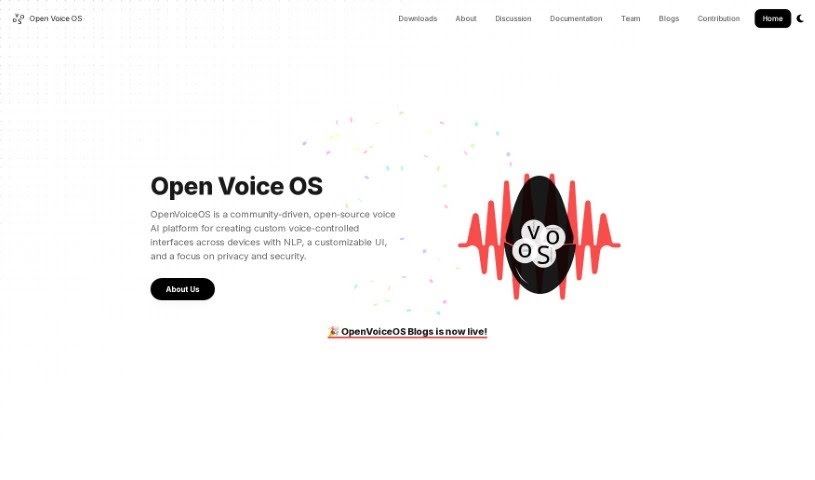
Screenshot of Open Voice Os

Open Voice Os

Discover OpenVoiceOS, a powerful open-source voice AI platform. Learn what it is, how to use it effectively in 2025, explore its features, and see how it stacks up against other voice generators.

Screenshot

What is OpenVoiceOS?

OpenVoiceOS, formerly known as Open Voice Os, is a community-powered, open-source voice AI platform. It’s designed to help you build your own custom voice-controlled interfaces for all sorts of devices. What’s really great about OpenVoiceOS is its focus on privacy and security. It offers a user interface (UI) that you can tailor to your liking, along with natural language processing (NLP) capabilities. This means you can control smart home gadgets, play music, set reminders, and do much more, all with simple voice commands. The whole platform is built using open-source software, and they actively encourage developers from the open-source community to jump in and contribute. Essentially, OpenVoiceOS wants to lead the way in how we interact with personal assistants and smart speakers, inviting anyone interested – whether you’re a software developer, data scientist, or just a tech enthusiast – to join in and help shape its future.

Who Created OpenVoiceOS?

Peter Steenbergen, who goes by the handle j1nx, is the original creator of Open Voice OS. It actually started out as MycroftOS, but it had to be renamed because of some trademark issues. Back in October 2020, Peter Steenbergen officially changed MycroftOS to OpenVoiceOS - Mycroft Edition. Since then, the team has grown! Casimiro Ferreira, known as Jarbas, joined as a Python developer, and Aditya Mehra came on board as a GUI developer. Together, they’re building out the OpenVoiceOS platform.

What Can You Do with OpenVoiceOS?

OpenVoiceOS is incredibly versatile. Here are some of the key things you can do with it:

  • Build Custom Voice Interfaces: Create your very own voice-controlled systems for different devices.
  • Protect Your Privacy: It’s built with a strong emphasis on keeping your user data private and secure.
  • Natural Voice Control: Easily manage smart home devices, play your favorite music, or set reminders using everyday language.
  • Contribute to Open Source: The platform is open-source, meaning developers from all over the world are welcome to contribute and help improve it.
  • Personalize Your Experience: Enjoy a user interface that you can customize to fit your specific preferences.
  • Shape the Future: By contributing, you can help influence the direction of personal assistants and smart speakers.

Who Should Use OpenVoiceOS?

OpenVoiceOS is a fantastic tool for anyone interested in voice AI and customization. It’s particularly well-suited for:

  • Software Developers: If you like coding and building applications, you’ll find a lot to explore here.
  • Data Scientists: Those who work with data and algorithms will appreciate the platform’s capabilities.
  • Technology Enthusiasts: If you’re simply passionate about new technology and want to experiment with voice AI, OpenVoiceOS is a great choice.

How Do I Get Started with OpenVoiceOS?

Getting OpenVoiceOS up and running is straightforward. Here’s how you can do it:

  1. Run the Installer: The easiest way to start is by copying and pasting this command directly into your terminal. It will download and run the installer script for you:

    sh -c "curl -s https://raw.githubusercontent.com/OpenVoiceOS/ovos-installer/main/installer.sh -o installer.sh && chmod +x installer.sh && sudo ./installer.sh && rm installer.sh"
  2. Understand the Platform: Remember, OpenVoiceOS is an open-source voice AI platform that really prioritizes privacy and security. It lets you create unique voice-controlled interfaces for a variety of devices.

  3. Key Features to Note:

    • Custom Voice-Controlled Interfaces: Build exactly what you need.
    • Privacy and Security First: Your data is protected.
    • Seamless Voice Control: Effortlessly manage smart home devices, music, and reminders.
  4. Installation Options: You have a couple of good ways to install OpenVoiceOS:

    • Docker: This is a super easy method for a quick setup.
    • Python Virtual Environment: If you’re a developer and want to dive into the code or make modifications, this is the way to go.
  5. Community Contributions: Since it’s community-driven, OpenVoiceOS is always looking for help. Developers can contribute by adding support for specific devices or platforms.

  6. Learn More and Join: For more detailed information and to become part of the community shaping the future of personal assistants and smart speakers, be sure to visit the official Open Voice OS website.

By following these steps, you’ll be well on your way to exploring and using OpenVoiceOS for all your voice-controlled interface projects.

Related AI Tools

Discover more tools in similar categories that might interest you

Stay Updated with AI Tools

Get weekly updates on the latest AI tools, trends, and insights delivered to your inbox

Join 25,000+ AI enthusiasts. No spam, unsubscribe anytime.