AI Art Generation Tools

AI Tools for Art Generation

Discover the best Art Generation AI tools to enhance your productivity and creativity.

Page 16 of 19 • 225 total tools
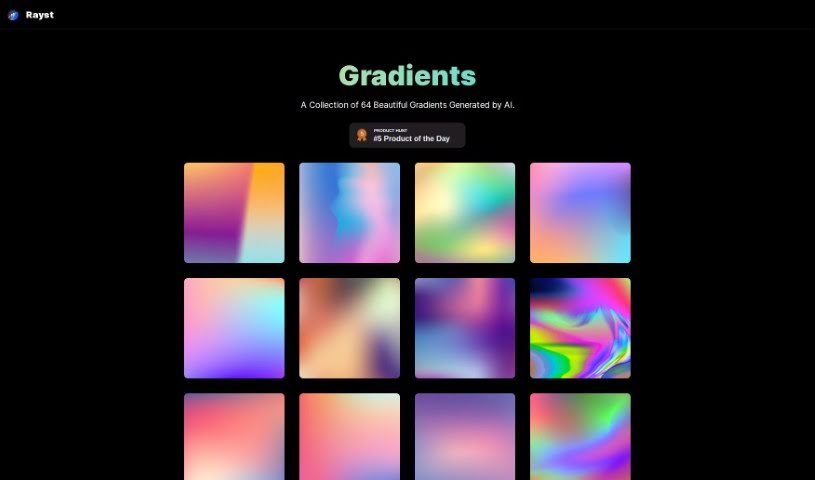
Screenshot of Rayst Gradients

Rayst Gradients

Freemium

Rayst Gradients is a collection of 64 gradients generated by artificial intelligence. Each gradient features a unique color blend designed to add vibrancy and visual appeal to design projects. The entire collection is free to use for both commercial and personal work, with no special permissions or licenses required. Attribution is appreciated but not mandatory.

Art Generation View Tool →
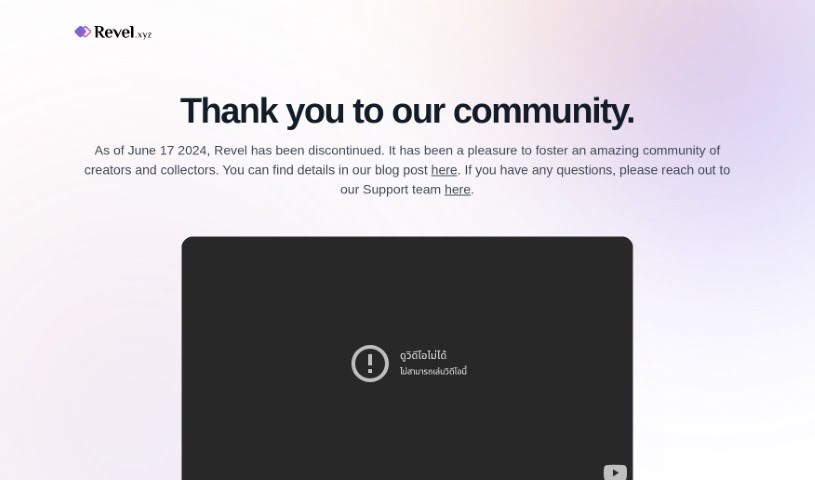
Screenshot of Revel

Revel

Freemium

Revel was a platform for collecting, trading, and minting personal media as digital trading cards — often described as a digital take on baseball cards. The service has since shut down and is no longer operational.

Art Generation View Tool →
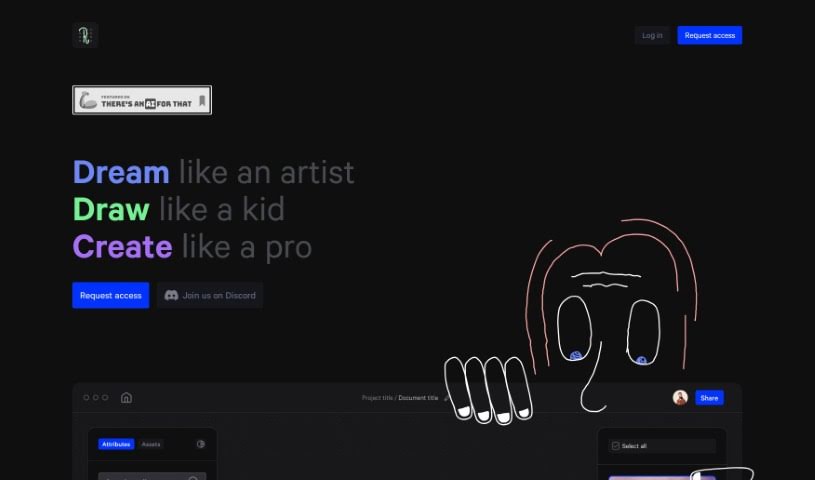
Screenshot of Roughly App

Roughly App

Freemium

Roughly App is a creative platform built around three principles: "Dream like an artist," "Draw like a kid," and "Create like a pro." It encourages users to let their ideas flow freely, create without self-consciousness, and use its tools to produce professional-looking digital art. The platform also has a community on Discord where dreamers, artists, and creators can connect, share ideas, and collaborate.

Art Generation View Tool →
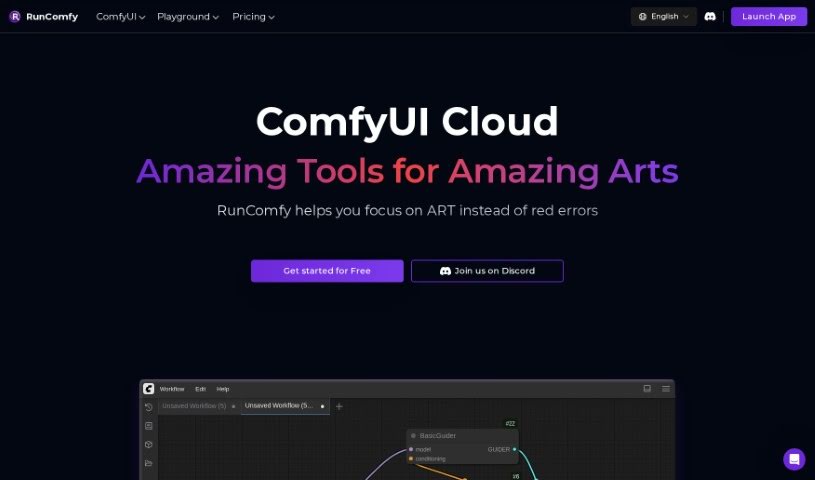
Screenshot of RunComfy

RunComfy

Freemium

RunComfy is a cloud platform for creating AI art without technical setup. It handles configuration for you, running ComfyUI workflows on high-speed cloud GPUs so you can start projects immediately. The interface is node-based and graphical, so no coding is required.

Art Generation View Tool →
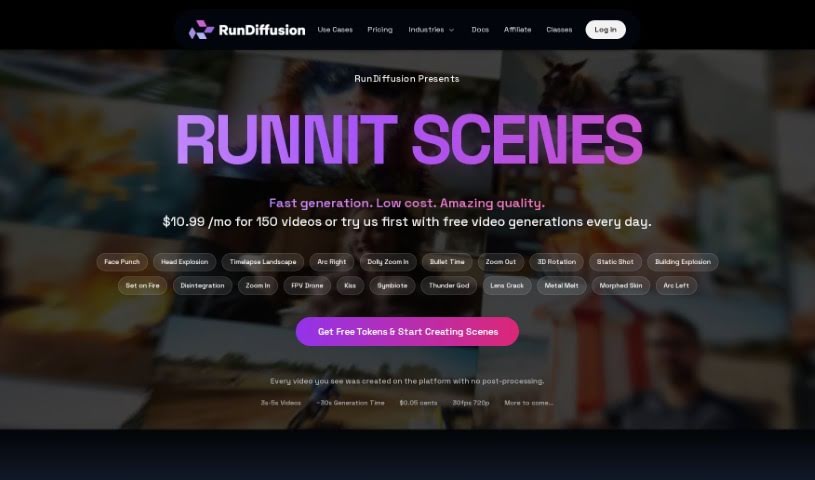
Screenshot of RunDiffusion

RunDiffusion

Freemium

RunDiffusion is a cloud platform built specifically for creating AI-generated art. It is a fully managed service that gives you access to powerful GPUs, so you can start generating AI art without any coding. It is designed for everyone, from experienced artists to those just curious about AI art. The interface is straightforward, letting you experiment with a range of artistic styles and techniques. RunDiffusion also makes it easy for artists to connect, share their work, and collaborate on projects.

Art Generation View Tool →
Screenshot of Sagebrush

Sagebrush

Freemium

SageBrush is an AI app that turns simple sketches into detailed, imaginative pictures. You sketch, set a prompt, and the AI generates an image based on both. A customizable prompt editor gives you control over the style and details of the output, making the app approachable for beginners while remaining useful for experienced artists who want to guide the result.

Art Generation View Tool →
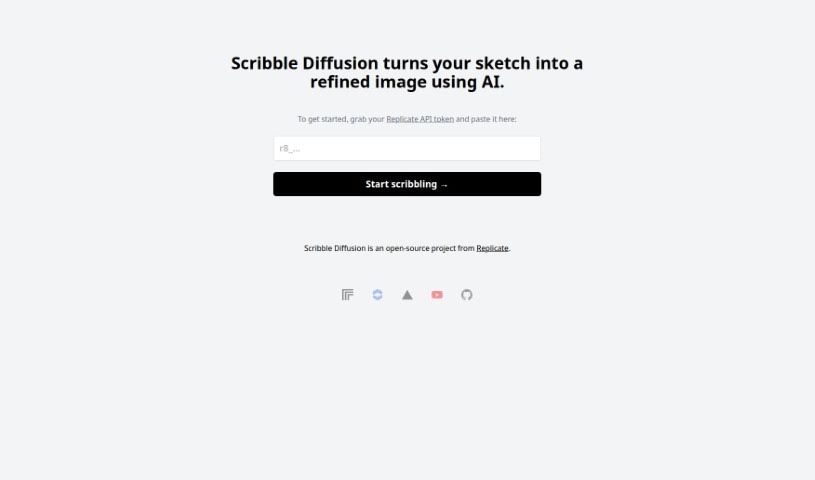
Screenshot of Scribble Diffusion

Scribble Diffusion

Freemium

Scribble Diffusion is an open-source project from Replicate that uses AI to transform rough sketches into polished, professional-looking images. You draw something simple, and the tool refines it into a finished image.

Art Generation View Tool →
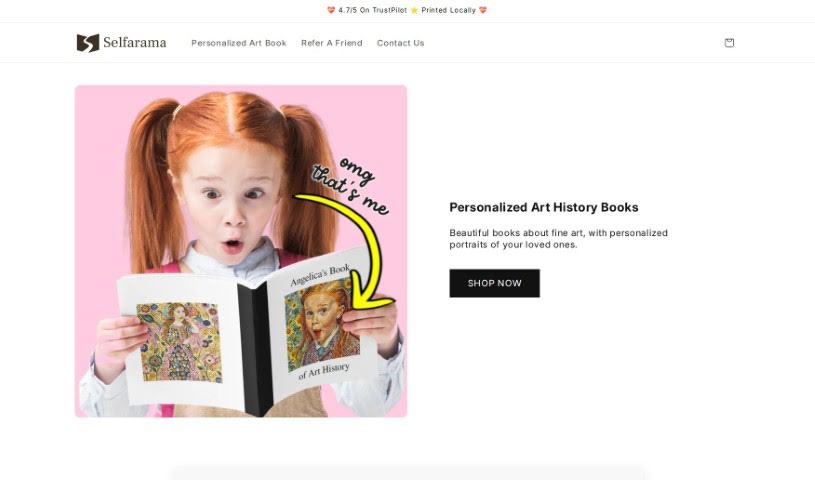
Screenshot of Selfarama

Selfarama

Freemium

Selfarama is a personalized art history book made for children, designed to help kids fall in love with art and keep that passion for life. Using photos you send in, the company creates custom artwork featuring your child, personalized across every page and the cover. Kids in more than 25 countries have received the books, and customers often highlight the easy ordering process, the detailed coverage of the artists, and the joy of reading it together as a family.

Art Generation View Tool →
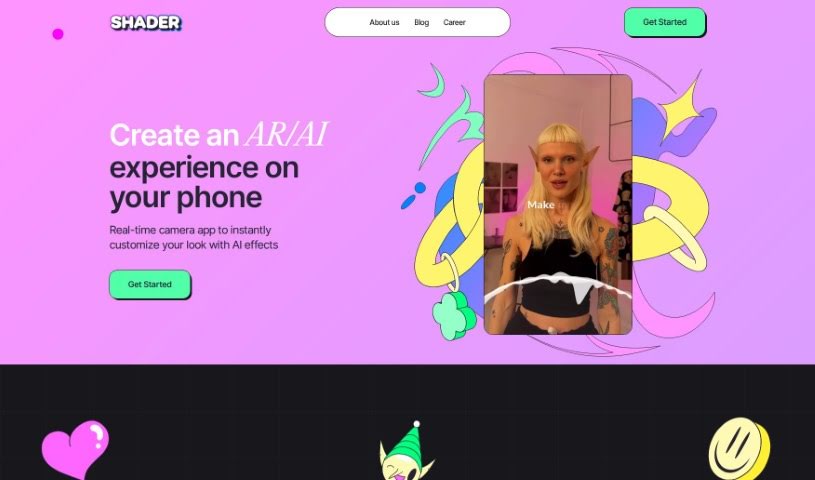
Screenshot of Shader App

Shader App

Freemium

Shader App is a no-code tool for creating augmented reality (AR) content. It uses AI to change your appearance in real time through text, swipe, or voice commands. Videos can be recorded directly in the app with custom AR effects applied.

Art Generation View Tool →
Screenshot of Shortbread AI

Shortbread AI

Freemium

Shortbread AI uses artificial intelligence to help you create comics, webtoons, and manga. The interface is built for storytellers: you describe what you want, the platform generates it, and you stay in control of the result. You can adjust character poses, facial expressions, and camera angles, and add design elements such as speech bubbles and fonts.

Art Generation View Tool →
Screenshot of Silly Robot Cards

Silly Robot Cards

Freemium

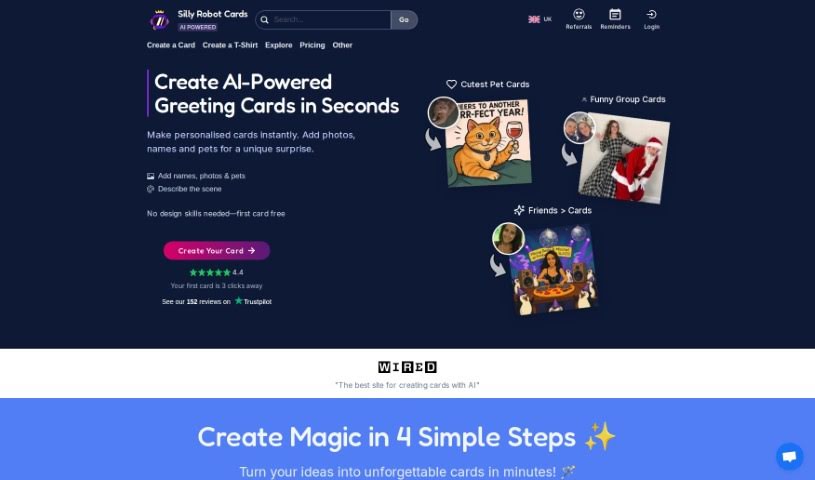
Silly Robot Cards is a platform that uses AI and unique card designs to help you create personalized greeting cards. Upload your own photos and choose from over 80 AI-generated designs to make custom cards suited to the recipient's interests and personality. Cards are printed on sustainably sourced materials using water-based inks, and you can write your own messages inside and choose from various shipping options, including international delivery.

Art Generation View Tool →
Screenshot of Simplified Tattoo Generator

Simplified Tattoo Generator

Freemium

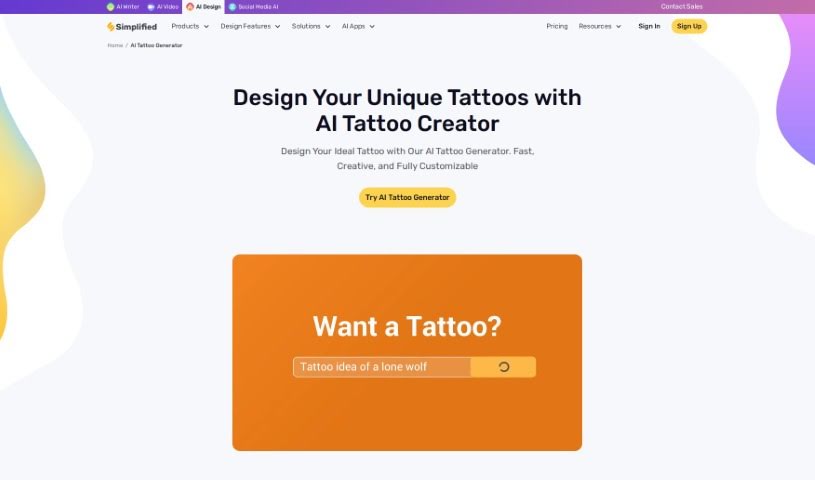
Simplified's AI Tattoo Generator creates custom tattoo designs from text descriptions. You provide a prompt, and the tool generates tattoo concepts tailored to your specifications. You can explore different styles and placement options, adjust elements like style, size, and specific details, then save and download designs in various formats for printing or sharing.

Art Generation View Tool →

About Art Generation tools

Staring at a blank canvas is intimidating, whether you’re a professional concept artist or someone who struggles with basic sketches. Traditionally, turning a visual idea into a finished piece meant hours of line work, color mixing, and lighting adjustments. If a client requested a style change mid-project, you often had to start over from scratch.

AI art generators act like digital sketchbooks, turning plain text descriptions or rough doodles into detailed visuals in seconds. They don’t replace artistic vision or genuine human emotion, but they make testing visual ideas incredibly fast.

Testing Visual Directions in Seconds

The biggest advantage of visual generators is how quickly they let you iterate. Imagine you’re designing a character for an indie game. Rather than spending days sketching dozens of hairstyles, outfits, and color palettes, you can type a brief prompt into an image generator. Within moments, you get several distinct visual directions to evaluate, pick your favorite elements from, and refine.

Different engines excel at different tasks:

  • Some models focus on painterly, cinematic artwork that mimics oil paintings or fantasy concept art.
  • Others specialize in photorealism, capturing camera angles, skin textures, and natural lighting with remarkable precision.
  • Newer models focus specifically on rendering readable text within logos, posters, and graphic design assets.

Image editing features have evolved just as quickly. Inpainting tools let you highlight a specific area of an image—like a plain backdrop or a character’s jacket—and swap it out using a simple text command. You don’t need complex layer masking skills just to adjust a color or fix a minor detail.

Key Capabilities to Look For:

  • Style and character consistency: Features that let you reuse character models or color palettes across multiple generations for cohesive storytelling.
  • Inpainting and canvas expansion: Tools that let you edit specific regions inside an image or extend borders to fit different aspect ratios.
  • Typography rendering: Generators built to render clear, readable text within graphic designs and banners.
  • Image-to-image conversion: Systems that transform rough pencil sketches or 3D blockouts into rendered artwork.
  • Custom model training: Software that accepts custom image datasets to match a specific brand voice or personal aesthetic.

Meaningful art will always depend on human taste, composition, and emotional intent. While generators handle computational rendering, your creative choices are what turn an image into something worth sharing.

Take a look through the tools below to find the right fit for your creative workspace.

The Best AI Art Generators

  1. Leonardo AI: Great for creating custom artwork for brands.
  2. Openart: Offers tools for making AI-powered fan art.
  3. Tensor.art: Ideal for creating abstract art.
  4. Pix AI: Perfect for designing custom anime characters.
  5. Yodayo: Use this for creating unique digital art styles.
  6. Night Cafe Creator: Lets you make unique art from text prompts.
  7. Artguru AI: Good for creating anime art from descriptions.
  8. Imagine AI Art Generator: Offers endless artistic possibilities.
  9. Playground: Useful for custom artwork for digital projects.
  10. Dezgo: Helps you generate high-quality art from text.
  11. Deep Dream Generator: Transforms photos into detailed art.
  12. Autodraft AI: Turns text into unique artworks.
  13. Apob AI: Create unique art styles for your projects.
  14. Starry AI: Focuses on digital art creation.
  15. Meta Imagine: Lets you create unique art from text prompts.
New tools, in your inbox.

Weekly picks of the best AI tools we've researched and added — no spam, unsubscribe anytime.

Join 25,000+ AI enthusiasts. No spam, unsubscribe anytime.