AI Tools for Art Generation

Discover the best Art Generation AI tools to enhance your productivity and creativity.

Page 15 of 21 • 241 total tools

Art has always been a way to express creativity, but now there’s a new player: AI art generators. These tools take your ideas and turn them into amazing visuals, really pushing what we think of as art. Thanks to advances in machine learning, making your own unique art is easier and more exciting than ever.

AI art generation isn’t just a novelty anymore; it’s seen a huge surge in innovation. Big tech companies and independent creators are working together, offering all sorts of styles and abilities. Whether you’re an artist looking for inspiration or just curious, there’s something here for you.

I took a close look at this changing field, checking out different AI art generators to find the most impressive ones available right now. You’ll find a wide range of tools here, from fun illustrations to super-realistic images, all ready to help you bring your creative ideas to life.

As these technologies keep growing, the possibilities for artists and AI to work together seem endless. Let’s explore the best AI art generators that can help you create captivating visuals and really develop your artistic skills.

The Best AI Art Generators

  1. Leonardo AI: Great for creating custom artwork for brands.
  2. Openart: Offers tools for making AI-powered fan art.
  3. Tensor.art: Ideal for creating abstract art.
  4. Pix AI: Perfect for designing custom anime characters.
  5. Yodayo: Use this for creating unique digital art styles.
  6. Night Cafe Creator: Lets you make unique art from text prompts.
  7. Artguru AI: Good for creating anime art from descriptions.
  8. Imagine AI Art Generator: Offers endless artistic possibilities.
  9. Playground: Useful for custom artwork for digital projects.
  10. Dezgo: Helps you generate high-quality art from text.
  11. Deep Dream Generator: Transforms photos into detailed art.
  12. Autodraft AI: Turns text into unique artworks.
  13. Apob AI: Create unique art styles for your projects.
  14. Starry AI: Focuses on digital art creation.
  15. Meta Imagine: Lets you create unique art from text prompts.

How Do AI Art Generators Work?

AI art generators use complex algorithms and massive datasets. At their core, these tools rely on machine learning models trained on countless images, styles, and artistic techniques. By spotting patterns and features in visual data, they learn how to create unique artwork based on what you ask for.

Most AI art generators use models called Generative Adversarial Networks (GANs) or diffusion models. These have two parts: a generator that makes images and a discriminator that judges them. They work together, improving the output bit by bit until the generated images look just right, whether that’s realistic or creative.

When you give a prompt, the AI figures out what you want and uses its vast knowledge of art. It then combines this information to create a new image, mixing elements in fresh ways. The results can be anything from abstract designs to lifelike portraits, depending on what you ask for and what the tool can do.

AI art generators have really taken off thanks to advances in deep learning and the availability of diverse training data. This data includes everything from classic paintings to modern digital art. The algorithms use this rich information to copy styles, create new ideas, and explore artistic possibilities.

Plus, platforms like DALL-E and Midjourney have made art creation accessible to anyone with an idea. Users can make amazing art without needing traditional art skills, just by describing their vision. This mix of technology and creativity opens up new ways to express yourself and collaborate.

If you’re curious about the details, learning about neural networks and machine learning can give you a better idea of how these tools function. While still developing, AI art generators show huge potential for changing creative fields and inspiring new visual stories.

Our Best AI Art Generators at a Glance

RankNameBest ForPlans and PricingRating
1Leonardo AICustom artwork creation for brandsPaid plans start at $9/month.4.73 (11 reviews)
2OpenartAI-powered fanart creation toolsPaid plans start at $84/year.4.25 (8 reviews)
3Tensor.artAbstract art creationN/A4.78 (23 reviews)
4PixAICustom anime character designN/A4.80 (5 reviews)
5YodayoCreating unique digital artwork styles.N/A4.33 (6 reviews)
6NightCafe CreatorCreate unique art from text prompts.Paid plans start at $15.99/month.4.63 (32 reviews)
7Artguru AICreate anime art from descriptionsN/A4.58 (12 reviews)
8Imagine AI Art GeneratorEndless artistic possibilitiesN/A4.80 (5 reviews)
9PlaygroundCustom artwork for digital projectsPaid plans start at $432/month.4.82 (11 reviews)
10DezgoGenerate high-quality art from textsN/A4.79 (53 reviews)
11Deep Dream GeneratorTransforming photos into detailed artN/A4.73 (26 reviews)
12Autodraft AITransforming text into unique artworksN/A4.74 (27 reviews)
13Apob AICreating unique art styles for projects.N/A4.67 (12 reviews)
14StarryAIDigital art creationN/A4.77 (43 reviews)
15Meta ImagineCreate unique art from text prompts.N/A4.70 (10 reviews)
Screenshot of Palette.fm

Palette.fm

Freemium

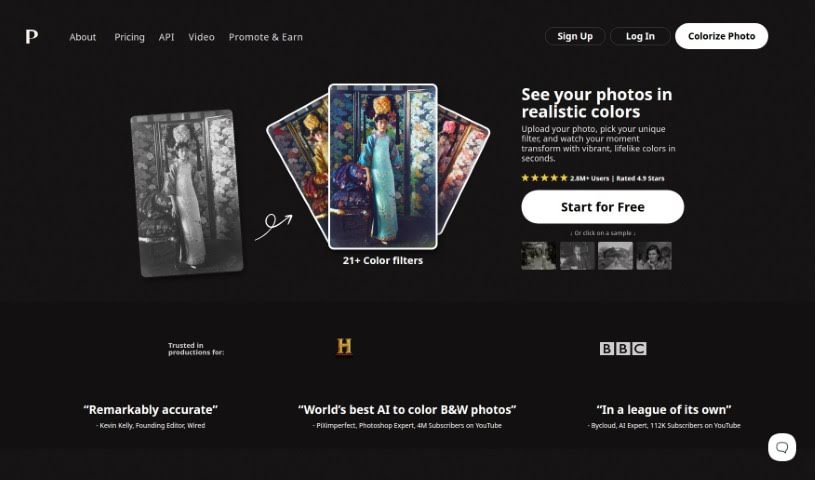
Palette.fm is a really neat AI tool that lets you add color to old black-and-white photos, jazz up artworks, or give modern images a fresh look. It's super easy to use – you don't even need to sign up, and uploading your photos is a breeze. They offer different styles and plans to fit what you need. What makes Palette.fm stand out are its advanced algorithms and machine learning. This means it's great at getting the colors right, especially for skin tones. It handles details and tricky lighting really well, which is key to making images look vibrant and real. Whether you're a pro at colorizing or just trying it out for fun, Palette.fm is a versatile and efficient way to bring your images to life with realistic colors.

Screenshot of Partly

Partly

Freemium

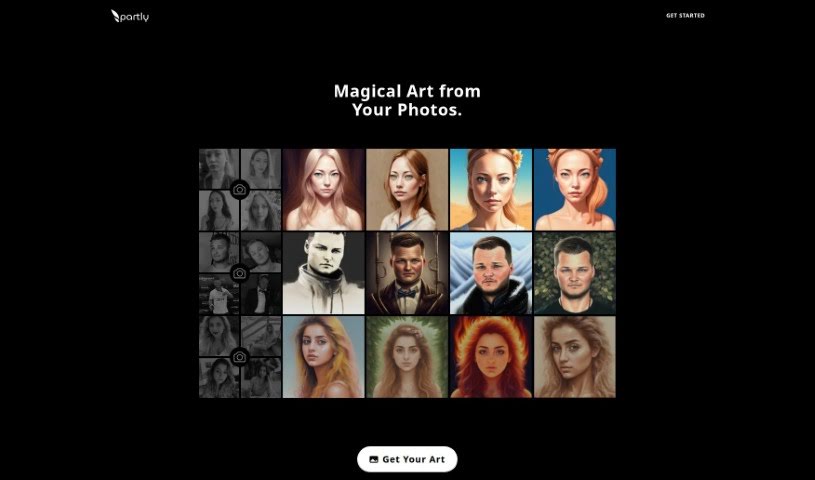
Partly is a service that takes your photos and turns them into really unique, AI-generated artworks. It's a pretty cool idea, using artificial intelligence to reimagine your pictures into art pieces that are truly one-of-a-kind and creatively distinct. They blend your personal style with AI algorithms, so every artwork you commission is special. Developed in Sweden, Partly makes sure everything is GDPR compliant, your payments are secure, data transfer is encrypted, and the whole user experience is remarkably smooth. With Partly, you can add a touch of magic to your memories and transform your photos into captivating AI art.

Screenshot of Peacasso

Peacasso

Freemium

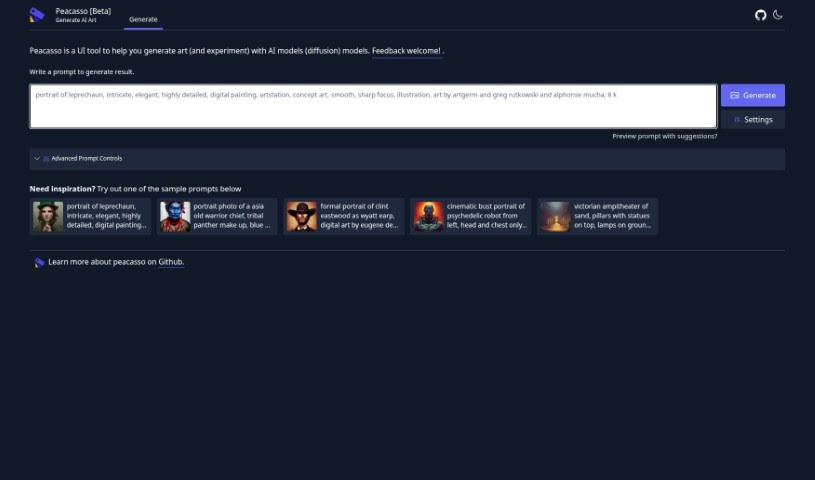
Peacasso is a distinctive digital painting style that really shines with its incredibly detailed work, bright, lively colors, and compositions that feel like they're straight out of a movie. You'll find all sorts of themes here, from portraits of characters like mischievous leprechauns and grizzled old warrior chiefs to iconic figures such as Clint Eastwood as Wyatt Earp. The art is super detailed, often drawing inspiration from romanticism, and it beautifully blends fantasy and science fiction elements, sometimes featuring exotic characteristics or even robotic enhancements. What really makes Peacasso paintings stand out are their sharp focus, dramatic poses, and gorgeous lighting, all of which combine to create truly eye-catching pieces of art.

Screenshot of Petalica Paint

Petalica Paint

Freemium

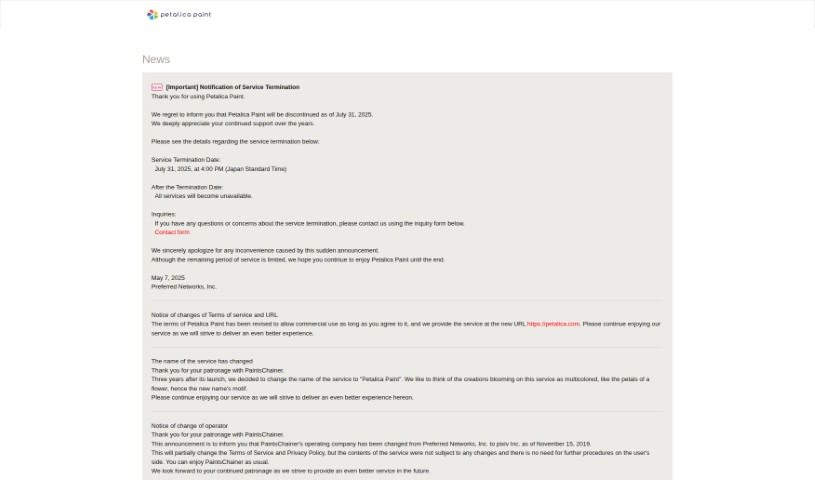
Petalica Paint is a neat AI tool that automatically adds color to your images, especially sketches. Preferred Networks developed it. You can upload a sketch, and Petalica Paint will color it for you. Want to guide the colors? You can add color hints to influence the final look. Plus, there's a handy SketchSimplification feature to help clean up your sketch lines. It offers three distinct colorization styles: 'Tanpopo', 'Satsuki', and 'Canna'. You can even use it directly within Pixiv Sketch, and it's available for commercial use, provided you follow their terms of service. The 'Canna' style, in particular, is great for its shading and lighting effects.

Screenshot of Phase

Phase

Freemium

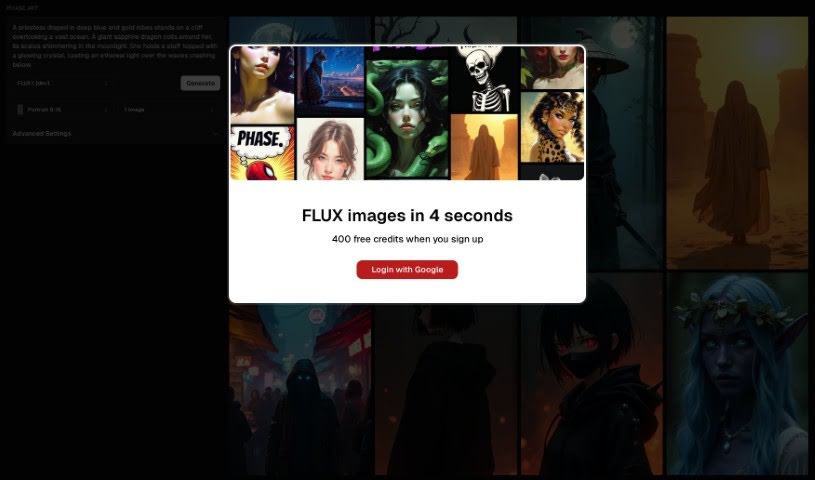
Phase is a really neat tool that uses AI to help you create art. It is a partner that assists you in guiding and collaborating with artificial intelligence. It comes packed with some cool features, like stable diffusion for generating images, image-to-image generation using frames, inpainting to refine specific areas, a handy built-in prompt-helper, and even free drawing so you can directly guide the AI's output. Plus, it makes it super easy to look back at your prompt history. Right now, phase.art works best on desktop computers, but they're actively working on making it mobile-friendly for the future.

Screenshot of PhotoFairy

PhotoFairy

Freemium

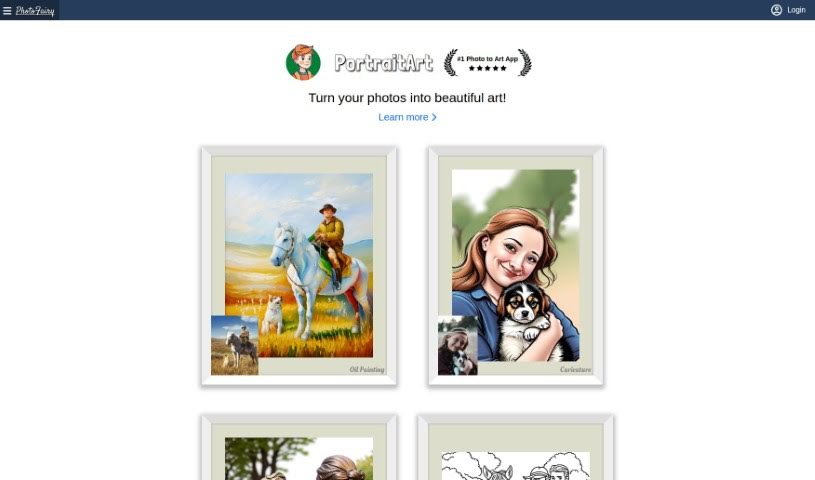
PhotoFairy is a really user-friendly platform, perfect whether you're just starting out with photo editing or you're already a seasoned pro in graphic design. It comes packed with over 50 different preset styles, plus a bunch of handy functions. You can easily remove backgrounds, cut out objects, change hairstyles, and even touch up faces to make them look their best. Plus, you can play around with virtual objects, create cool double exposures, and apply all sorts of styles to your images – and the best part? It's all free! PhotoFairy also shines when it comes to turning your photos into different art styles, like oil paintings, pencil sketches, or watercolors. You can see some great examples of what it can do on their website.

Screenshot of Photoleap

Photoleap

Freemium

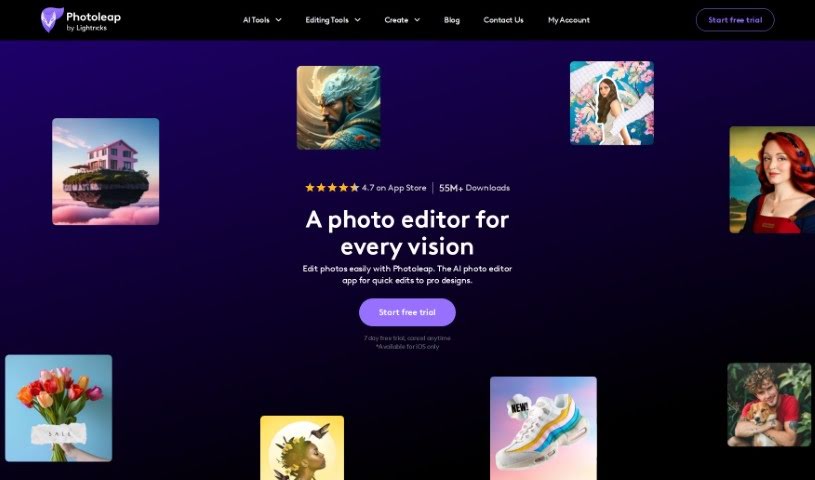
Photoleap is a really cool photo editing app designed for anyone who loves to create. It's packed with tools that let you turn your regular photos into actual works of art. You can easily cut out subjects, remove backgrounds, add fun stickers, apply stylish filters, experiment with effects, and even use different fonts. Plus, it's got some neat AI features that can take your creativity even further. Imagine typing a description and having the app create an image from it, or turning your own sketches into detailed photos. You can even bring static images to life by animating them into GIFs or short videos. Photoleap really aims to give you a smooth creative process, bringing together Motionleap's animation features with powerful editing tools like merging photos, creating double exposures, working with layers, and applying quick filters – all in one handy app.

Screenshot of Picurious AI

Picurious AI

Freemium

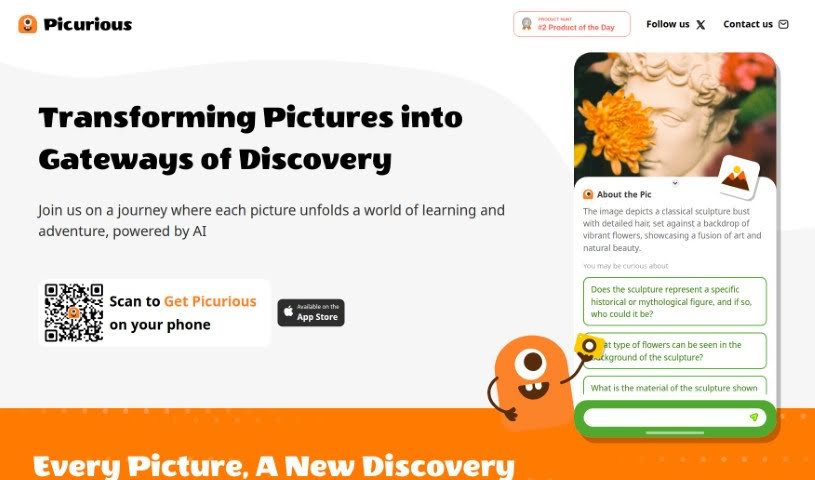
Picurious AI is a way to turn your pictures into starting points for learning and discovery. It's like a guided adventure where each image opens up new knowledge, all thanks to AI. You can dive into all sorts of subjects – from math puzzles and the wonders of nature to landscape architecture, art, vehicles, and the fascinating worlds of animals and plants. Picurious AI sparks your curiosity with AI-generated questions, helping you figure out things like how to care for plants, identify different birds, recognize architectural styles, learn about rare flowers, trace the origins of coffee beans, understand what sunlight flowers need, get wine suggestions, or even discover iconic chair designers.

Screenshot of PixAI

PixAI

Freemium

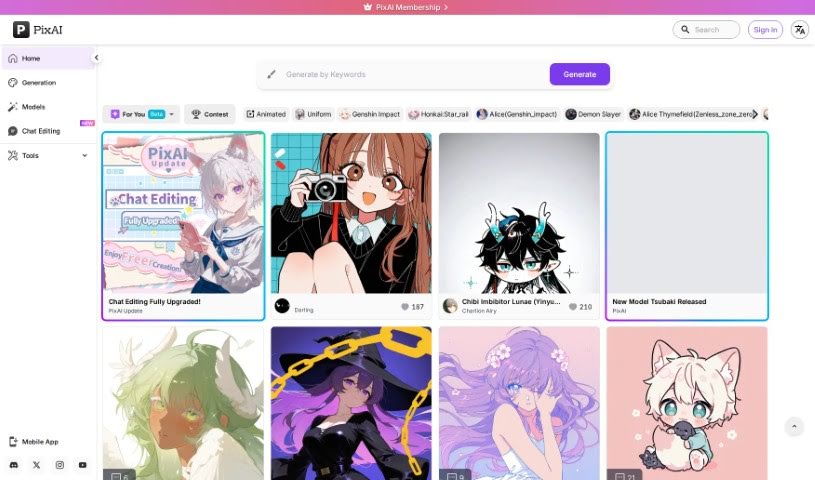
PixAI is a really cool platform that gives you a free AI art generator. It's perfect for creating Anime Fanart, letting you bring any pose, style, or scene you can imagine to life. You can generate top-notch Anime, Realistic, and Fantasy Art using a variety of AI art models. Plus, it's packed with advanced features like image-to-image generation, ControlNet for precise control, inpainting to fix or change parts of an image, and Hires fix for sharper details. You can even use reference images to get exactly the look you want, picturing your favorite anime characters in specific poses and then crafting unique anime, waifu, realistic, or fantasy art. Basically, PixAI is a feature-rich, character-rich, and totally free way to make anime art, helping you unleash your creativity and make your anime dreams a reality.

Screenshot of Pixel-Art.ai

Pixel-Art.ai

Freemium

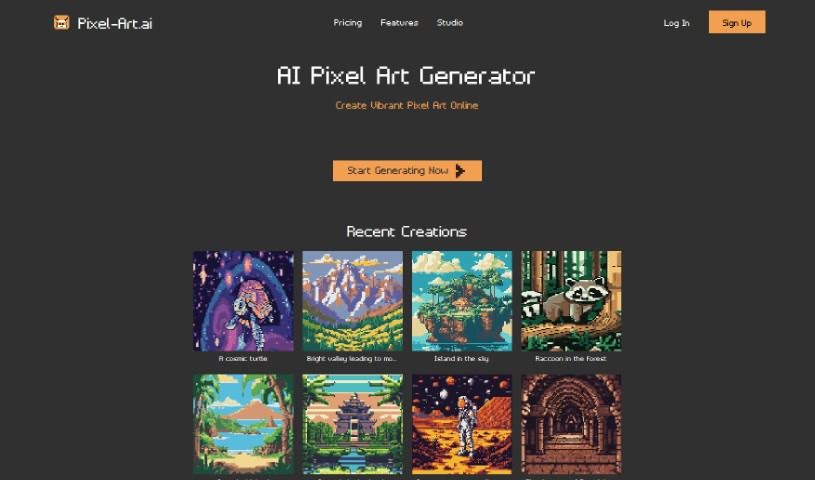
Pixel-Art.ai is a fantastic tool that lets you create vibrant pixel art online, completely free! It's powered by AI, making it super accessible. You get features like precise editing tools, copy/paste functionality, layers, and brushes. Plus, there's AI inpainting, which is great for artistic collaboration. You can save and organize all your work right within the built-in pixel art studio, and then export your finished pieces as PNG files. It really blends AI-generated art with your own personal touch, helping you bring your creative ideas to life with pixel-perfect accuracy.

Screenshot of Pixelfy

Pixelfy

Freemium

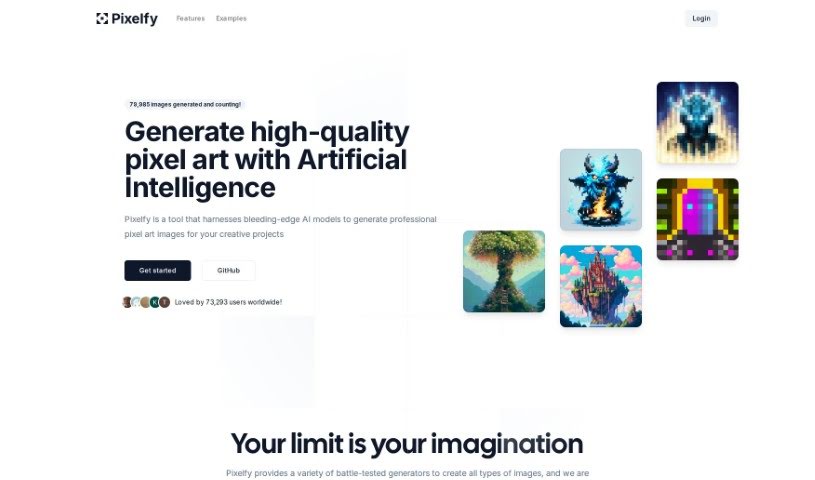
Pixelfy is a fantastic open-source AI application that's all about creating high-quality pixel art for your creative projects. It uses some pretty advanced AI models to whip up all sorts of images – think backgrounds, characters for fantasy RPGs, 32x32 skill art, or even 16x16 pixel portraits, and so much more. You can either give it a prompt to work from or upload your own images to guide the pixel art generation. Pixelfy also lets you customize grid sizes, tweak advanced sampling controls, upload reference images, and use a handy prompt builder to make things even easier. Plus, it's known for being super user-friendly and gets new features added all the time.

Screenshot of Playbook.com

Playbook.com

Freemium

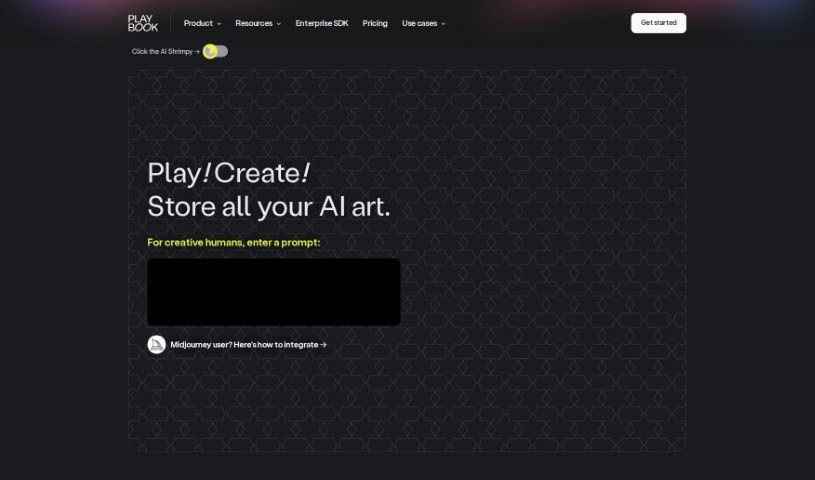
Playbook.com is a super-powered file manager built specifically for designers, and it's packed with AI to make your creative work flow smoother. You can actually generate unique, artistic designs right there using AI prompts. Plus, it helps you keep everything organized with tagging for your files and folders, offers project management tools, and makes collaboration a breeze for freelancers and design teams alike. There's also a handy Template Gallery with ready-to-go templates, and a community where you can even join AI art competitions.

Stay Updated with AI Tools

Get weekly updates on the latest AI tools, trends, and insights delivered to your inbox

Join 25,000+ AI enthusiasts. No spam, unsubscribe anytime.