AI Academic Research Tools

AI Tools for Academic Research

Discover the best Academic Research AI tools to enhance your productivity and creativity.

Page 5 of 8 • 93 total tools
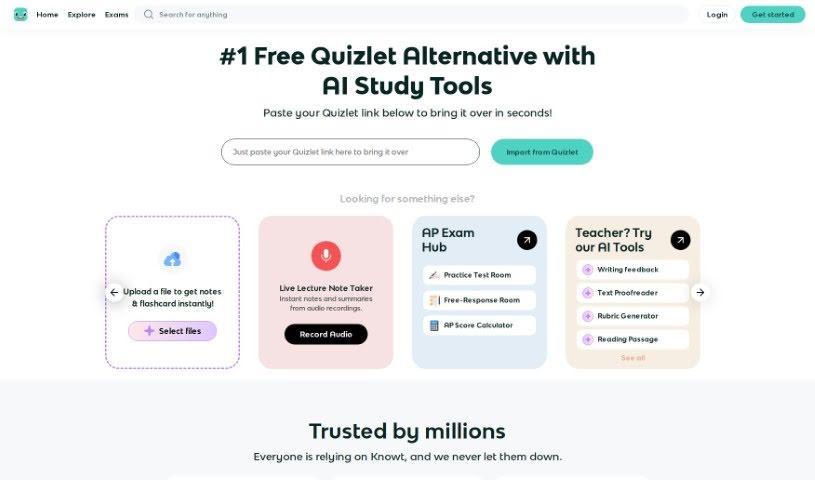
Screenshot of Knowt

Knowt

Freemium

Knowt is a study platform for creating and studying flashcards, positioned as a free alternative to Quizlet. It offers unlimited access to Learn Mode, practice tests, spaced repetition, and straightforward flashcard creation and import. Students can import their existing Quizlet sets and study them for free, and an AI flashcard creator generates cards automatically. Millions of students and teachers use Knowt, with feedback highlighting its usefulness for APUSH and other AP exam preparation. It covers a wide range of subjects and exams and serves both students and teachers.

Academic Research View Tool →
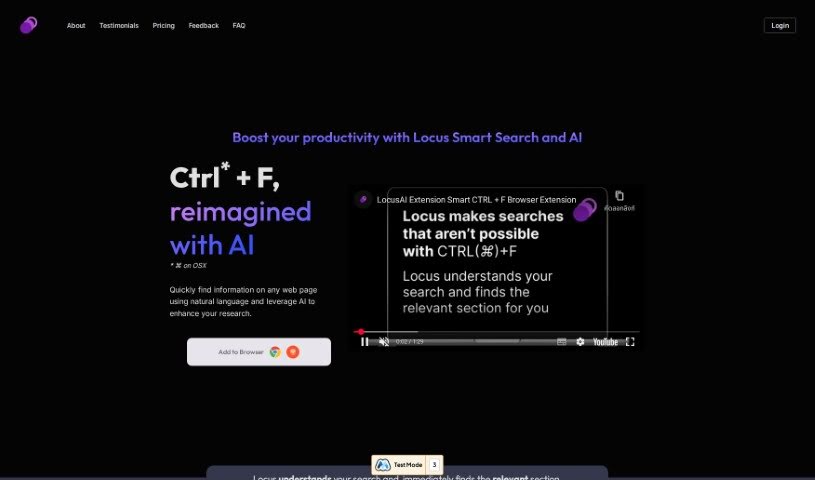
Screenshot of Locus

Locus

Freemium

Locus is an AI-powered tool built on large language models (LLMs) that helps you work through information faster. It supports synthesizing information, creating content, summarizing web pages, generating research ideas, studying with digital note cards, and memorizing answers. Users report that dense academic papers become easier to tackle because Locus surfaces the most important parts of articles, textbooks, and other documents. Core features include Smart Search, AI assistants, Favorites, and professional plans with additional capabilities.

Academic Research View Tool →
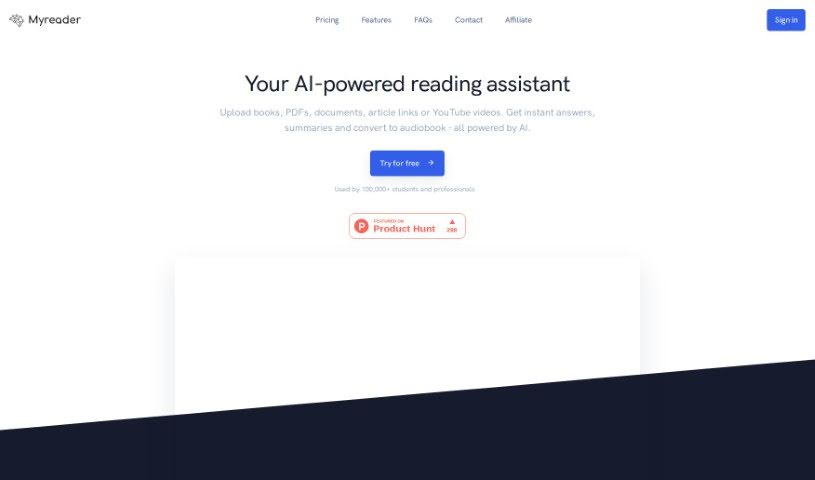
Screenshot of Myreader AI

Myreader AI

Freemium

Myreader AI is an artificial intelligence tool for interacting with books and documents. You upload a book or document, ask questions about its contents, and the AI pulls answers directly from the text you uploaded, pointing you to the exact sections you need to read. This removes manual page-by-page searching and offers a faster way to get through reading material.

Academic Research View Tool →
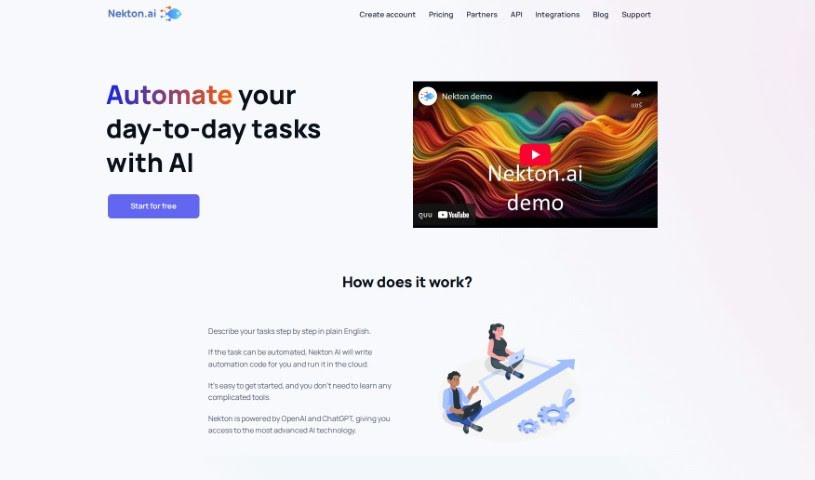
Screenshot of Nekton

Nekton

Freemium

Nekton is a platform focused on exploring and researching our oceans, designed to help study and protect aquatic life. It serves as a window into marine science, covering new techniques in marine biology and oceanography, advanced technology, and conservation efforts. The platform aims to make it easy for anyone to learn about and help protect marine animals and their habitats, offering research findings, technology in action, conservation projects, and educational resources.

Academic Research View Tool →
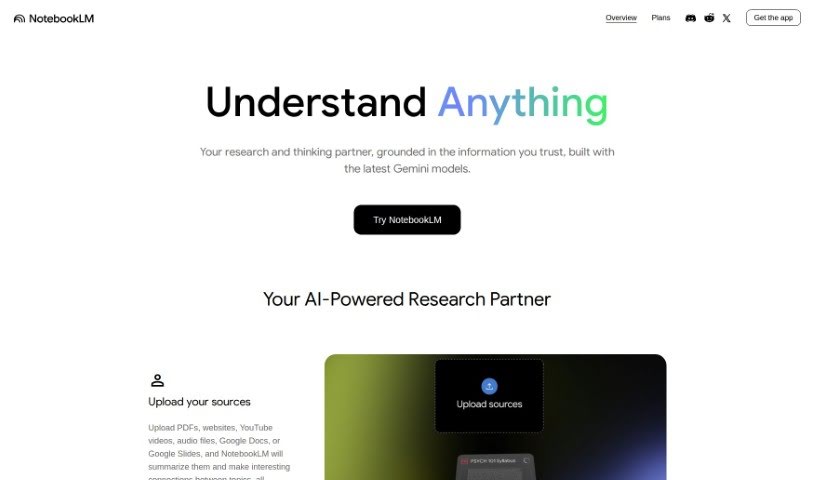
Screenshot of NotebookLM

NotebookLM

Freemium

NotebookLM is an AI tool designed to make research more efficient. It is currently available only in the U.S. to users aged 18 or older. You upload your own documents, and NotebookLM helps you dig into them — moving smoothly between reading, asking questions, and writing. It can turn your notes into ready-made outlines, blog posts, or business plans, speeding up the first-draft process.

Academic Research View Tool →
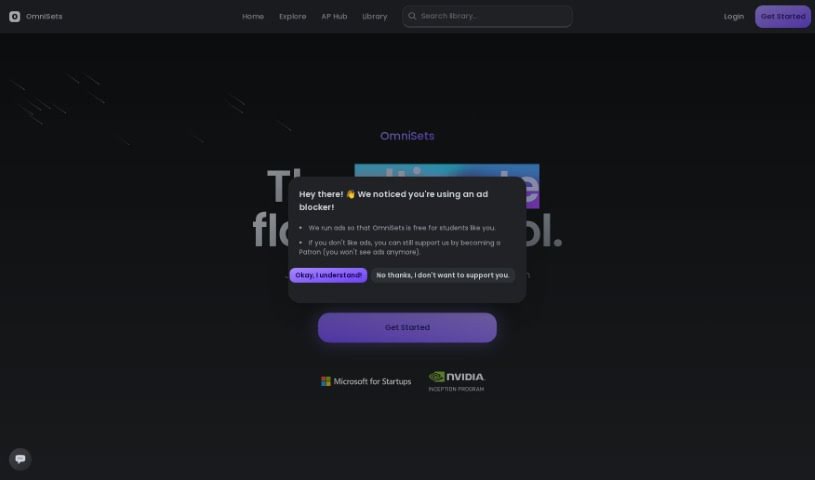
Screenshot of Omnisets

Omnisets

Freemium

Omnisets is a free study tool that uses AI to create a personalized learning experience. It combines adaptive learning, spaced repetition, quizzes, matching games, and smart study scheduling in a simple, easy-to-use interface. You can generate flashcards directly from your notes with AI, and a dedicated 'test prep' feature helps you prepare for exams. Study modes emphasize active recall, and students have praised the platform's versatility and how its AI features support learning.

Academic Research View Tool →
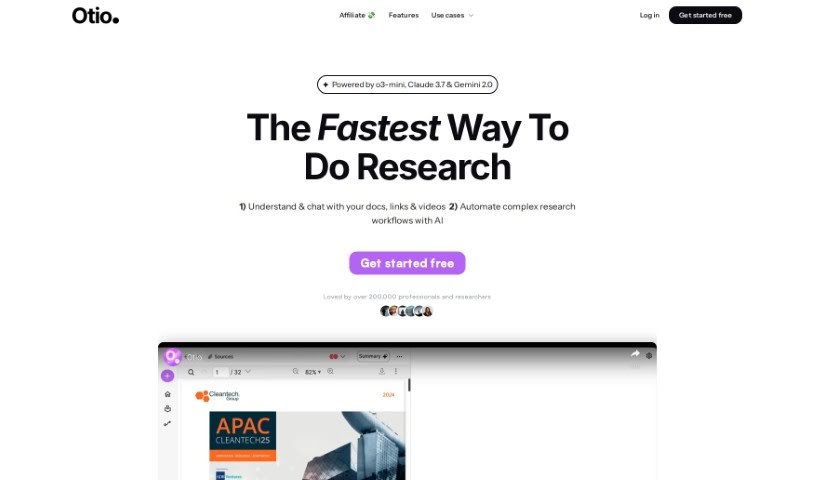
Screenshot of Otio

Otio

Freemium

Otio is a research and study tool used by over 50,000 researchers and students. It helps you manage and understand information from many sources: you can import PDFs, Word documents, blog post links, and YouTube videos, and Otio automatically creates summaries. You can also chat with your documents to extract specific insights, and use its AI text-editor for writing, editing, and paraphrasing.

Academic Research View Tool →
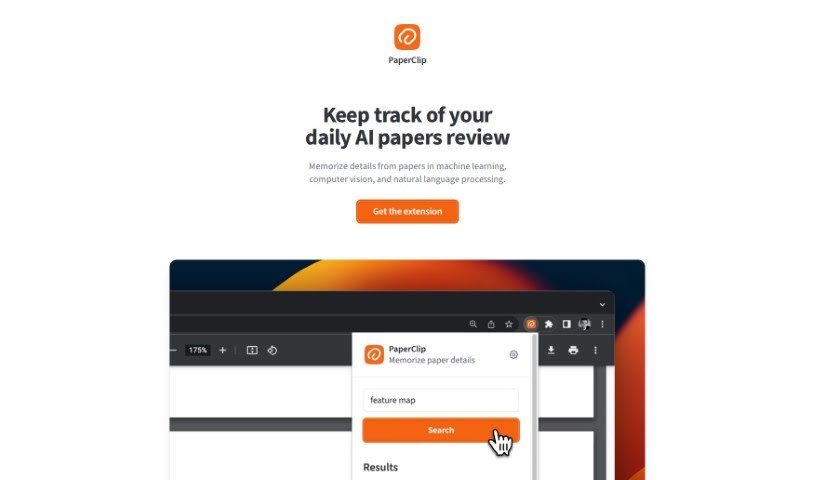
Screenshot of Paperclip

Paperclip

Freemium

Paperclip is a research tool for AI researchers who need to manage information gathered from academic papers. Built with machine learning, computer vision, and natural language processing work in mind, it functions as a memory aid — a second brain for key findings and details from the papers you study.

Academic Research View Tool →
Screenshot of Papers Gpt

Papers Gpt

Freemium

Papers GPT is a specialized AI tool built for researchers, data analysts, and developers. It lets you bring different data sources directly into your AI model, creating custom AI that can answer specific questions using your own knowledge bases — scientific papers, industry data, or custom datasets.

Academic Research View Tool →
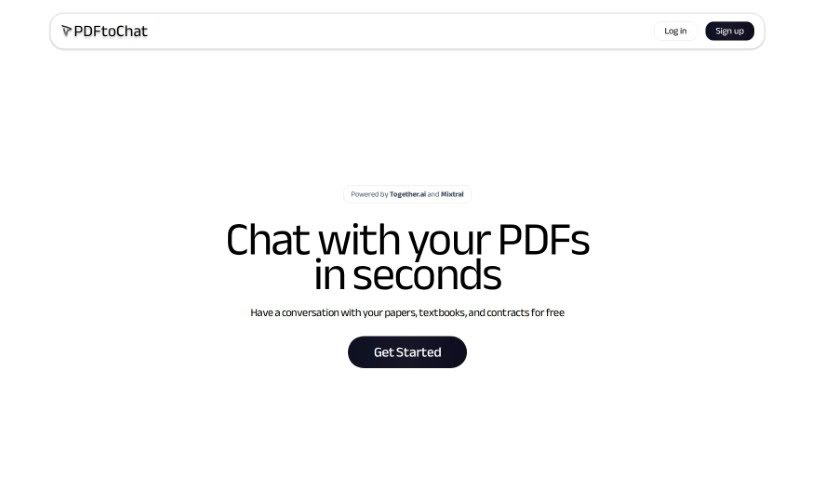
Screenshot of PDFtochat

PDFtochat

Freemium

PDFtoChat is an AI tool that lets you chat with your PDFs. Instead of reading through dense material like academic papers, legal contracts, or textbooks, you can ask questions and get answers drawn directly from the document's content.

Academic Research View Tool →
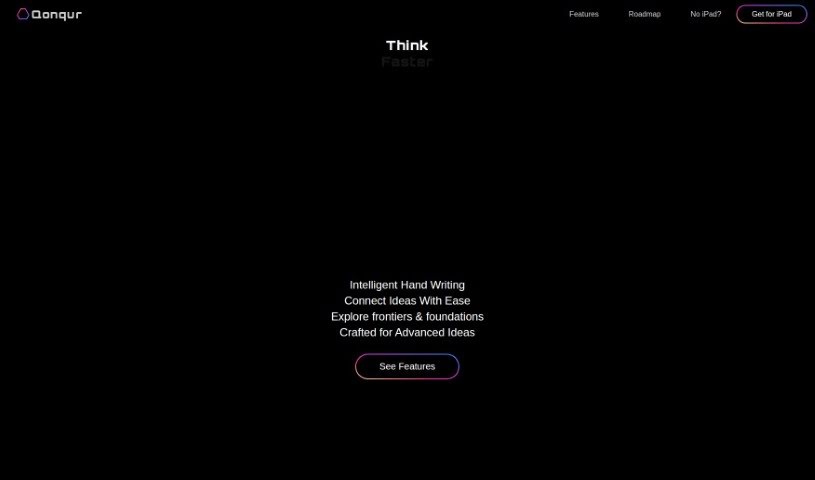
Screenshot of Qonqur

Qonqur

Freemium

Qonqur is a software solution that brings virtual hands into digital learning and research. It supports presentations, brainstorming, learning new subjects, and research — all controlled through hand gestures. The tool is designed to hold an audience's attention, help develop ideas, uncover new knowledge, and keep research articles organized. No VR headsets or expensive equipment are required; a standard webcam and a display are enough. Qonqur is currently available at a special beta price.

Academic Research View Tool →
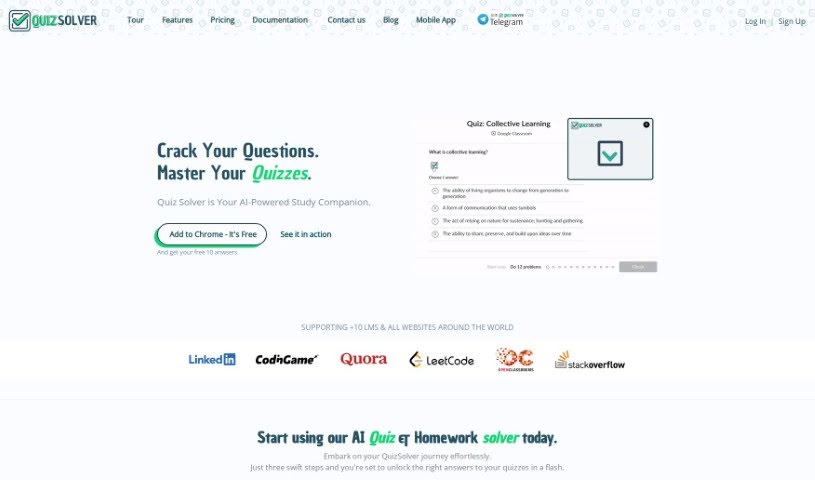
Screenshot of Quizsolver

Quizsolver

Freemium

QuizSolver is a Chrome extension that finds answers to quizzes and homework. It uses the GPT-4 AI model to detect and solve multiple-choice questions, usually delivering answers within seconds, and works with quiz platforms worldwide. Personal data is protected through encryption.

Academic Research View Tool →

About Academic Research tools

Anyone who’s ever tackled a major research project knows the drill. You’re staring at a mountain of downloaded PDFs, trying to connect the dots across dozens of studies, and suddenly it’s 3 AM. It’s exhausting work. But recently, a new wave of software has stepped in to help manage that heavy load.

Rather than trying to write your dissertation for you (which they definitely shouldn’t do), these platforms act more like a tireless research assistant, helping you cut through the initial noise.

Finding relevant papers used to mean typing exact keywords into a database and hoping for the best. Modern AI search engines actually understand the context behind your question. Think of it like talking to a specialized librarian. Ask about “how sleep affects memory,” and the tool knows to pull in related terms like “memory consolidation” or “REM cycle.” You end up finding key studies you might have otherwise missed entirely.

Once you track down those papers, you still have to digest them. That’s where document chat tools prove their worth. Instead of skimming a forty-page paper just to check if the methodology matches your project, you can ask direct questions: “What was the sample size and demographic?” The application scans the file and hands you exact figures in seconds.

Organizing your work is another huge time saver. Modern citation managers automatically extract author names, publication dates, and journal titles straight from your files. Later, when you’re drafting, writing assistants help polish awkward phrasing so your core arguments come through clearly.

What to look for when picking a tool:

  • Contextual search: Engines that understand the meaning behind your query rather than matching rigid keywords.
  • Document chat: Applications that let you query uploaded PDFs or datasets directly.
  • Citation formatting: Software that automatically organizes references without manual entry.
  • Drafting support: Grammar and clarity checkers tailored specifically for academic writing.

The research process will always require critical thinking and deep analysis; that’s the whole point of scholarship. But the tedious busywork of searching, manual formatting, and early-stage skimming? You can finally hand that off.

Take a look through the options below to find the right fit for your next project.

The Best AI Academic Research Tools

  1. Semantic Scholar: AI-powered search that understands the meaning behind research queries, not just keywords. Shows the most influential papers and how they connect.
  2. ResearchRabbit: Maps your research library visually. Finds new papers and authors in your field, and tracks what cites your saved work.
  3. Elicit: Spots gaps in the literature and extracts claims from papers automatically. Built for systematic reviews and meta-analyses.
  4. Consensus: Search engine that finds evidence-based answers straight from research papers. Shows whether studies support or contradict a claim.
  5. Connected Papers: Builds a graph of related academic papers. Lets you see how studies connect, and follow trails through the literature.
  6. Scholarcy: Turns long articles into summary flashcards. Checks how findings fit into the broader literature, with inline citations.
  7. Scite: Adds Smart Citations to every paper that references your work. Shows whether citing studies support, contradict, or just mention your claims.
  8. Alpha Inquire: AI research assistant that scans Google, arXiv, Hacker News, and financial news. Built by a small team at the intersection of search and synthesis.
  9. Sourcely: Finds credible sources for academic writing. Gives you summaries and references so you can cite with confidence.
  10. Enago Read: Literature review platform with a Copilot that answers questions directly from your PDFs. Speeds up the exploration and critical reading phase.
  11. Otio: Research assistant for managing information from many sources. Import PDFs, Word docs, blog links, and YouTube videos, then chat with everything.
  12. NotebookLM: Uploads your own documents and helps you dig into them. Good for asking questions across a personal corpus of PDFs and transcripts.
  13. Unriddle AI: Helps you read and write research papers faster. Offers AI autocompletion, writing suggestions, and a graph view for mapping your work.
  14. ChatInDoc: Chat directly with your PDFs. Ask questions about academic papers, reports, or instruction manuals without scrolling through pages.
  15. Doclime: Chat with your documents and get instant answers. Returns exact answers with citations, so you can trust where the information came from.
New tools, in your inbox.

Weekly picks of the best AI tools we've researched and added — no spam, unsubscribe anytime.

Join 25,000+ AI enthusiasts. No spam, unsubscribe anytime.