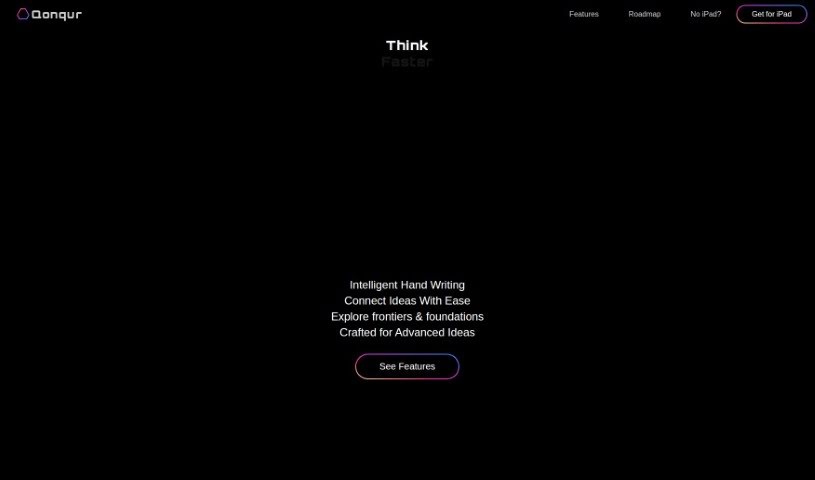
Screenshot of Qonqur

Qonqur

Discover what Qonqur is and how to use it effectively in 2025. We'll explore its features and see how it stacks up against other school tools.

Screenshot

What is Qonqur?

Qonqur is a neat software solution that brings virtual hands into the world of digital learning and research. It is a new way to do things like give presentations, brainstorm ideas, learn new subjects, and dig into research, all controlled by your hand gestures. It’s designed to really grab your audience’s attention, help you flesh out your ideas, uncover new knowledge, and keep your research articles organized. And the best part? You don’t need any fancy VR headsets or expensive gear to use it. Right now, Qonqur is available at a special beta price, offering a really interactive and high-tech way to handle your academic and research tasks. All it takes are simple, yet powerful, hand movements. Basically, Qonqur makes the digital experience much better for everyone in classrooms or research settings.

Who created Qonqur?

Nate Rojas is the person behind Qonqur; he founded the company and is also its CEO. Nate is actively involved in presenting the company to potential investors and championing its mission: to free intellect and creativity from limitations by blending the arts with science. Qonqur itself offers innovative software solutions tailored for digital learning and research environments. Their focus is on making presentations, brainstorming, learning, and research more engaging and efficient through gesture control technology, which really helps make academic and research tasks more interactive.

What is Qonqur used for?

  • Giving presentations
  • Doing research
  • Learning new things
  • Brainstorming sessions
  • Improving your overall digital experience
  • Handling various digital activities
  • Completing academic tasks
  • Making things more accessible

Who is Qonqur for?

  • Academics
  • Researchers
  • Students

How to use Qonqur?

Getting started with Qonqur is pretty straightforward. Just follow these simple steps:

  1. Get Set Up: First, plug in any webcam you have and connect it to a display. That’s it for the hardware!
  2. Launch the App: Once you’re ready, just start the application. No VR glasses needed here.
  3. Engage with Gesture Control: You’ll interact with the platform using intuitive hand movements. It’s designed to feel natural.
  4. Explore Different Activities: Qonqur is really versatile, so feel free to use it for presentations, brainstorming, learning, or research.
  5. Take Advantage of Limited Beta Pricing: You can access these innovative features at a special introductory price.

With Qonqur, you can really boost your digital experience, captivate your audience, manage your research articles smoothly, and discover knowledge in a much more engaging way. This tool introduces a whole new way of thinking about digital learning and research thanks to its gesture control technology, making it a genuinely valuable asset for academic settings and research facilities. Why not start your journey with Qonqur and see how it can change the way you handle academic and research tasks?

Related AI Tools

Discover more tools in similar categories that might interest you

Academic Help Free Essay Generator

Education Academic Writing
Learn More

Stay Updated with AI Tools

Get weekly updates on the latest AI tools, trends, and insights delivered to your inbox

Join 25,000+ AI enthusiasts. No spam, unsubscribe anytime.