AI Academic Research Tools

AI Tools for Academic Research

Discover the best Academic Research AI tools to enhance your productivity and creativity.

Page 3 of 8 • 93 total tools
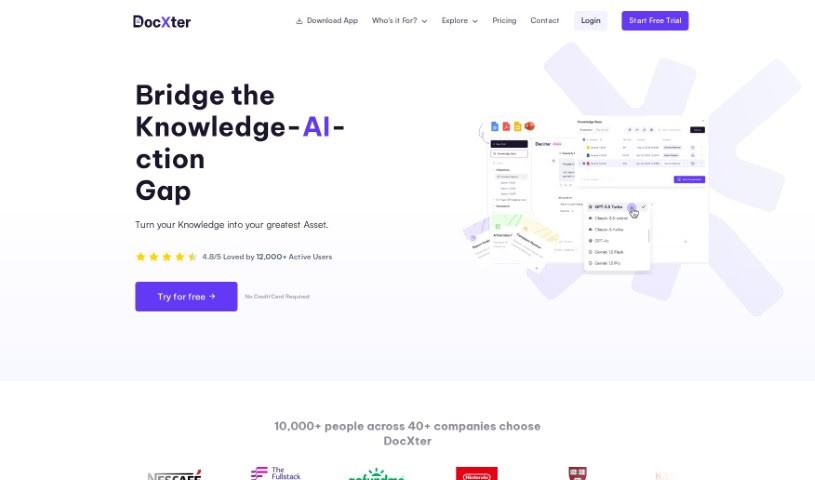
Screenshot of DocXter

DocXter

Freemium

DocXter is an AI-powered document intelligence platform built to help you understand and analyze documents. It works with common file types — DOC, DOCX, PDF, PPTX, and TXT — and uses AI to break down material and pinpoint key details, cutting the time spent on study and review. The platform also handles tricky software files, supports real-time collaboration, and offers multiple AI models for more precise interactions.

Academic Research View Tool →
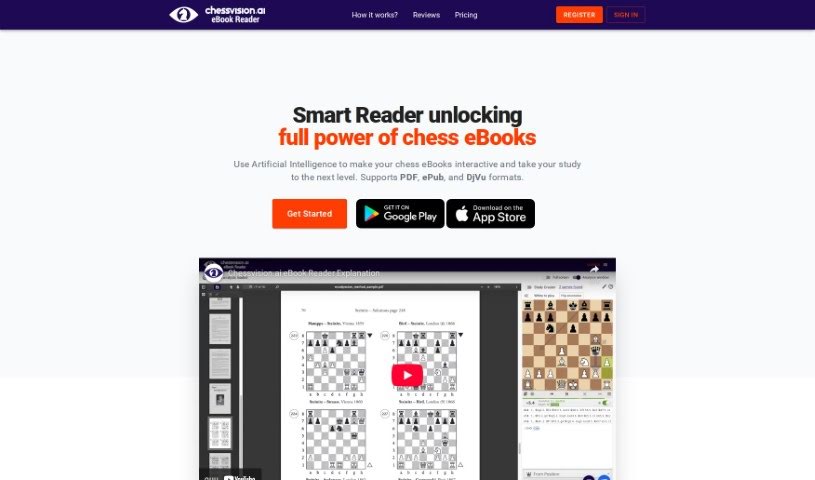
Screenshot of Ebook Chessvision

Ebook Chessvision

Freemium

Chessvision.ai's eBook Reader, created by Pawel Kacprzak, uses Artificial Intelligence and Computer Vision to make chess eBooks interactive. You can add your own notes directly into eBooks, scan positions and look them up in online databases, or analyze them with a built-in engine. The tool works with eBooks in PDF, EPUB, and DJVU formats. Once an eBook is processed, no reprocessing is needed for future readings. A free trial is available, and members receive updates included. The tool won the Best Chess Startup 2020 Award at the Chesstech2020 Conference.

Academic Research View Tool →
Screenshot of EduEase

EduEase

Freemium

EduEase is used by over 100,000 teachers worldwide. It began as a research project by Charles Barlow, who wanted to explore AI in teaching, and he later teamed up with Patrick Drabble to develop it further. That project grew into EduEase Learn, a public tool for creating quantitative assessments.

Academic Research View Tool →
Screenshot of Elicit

Elicit

Freemium

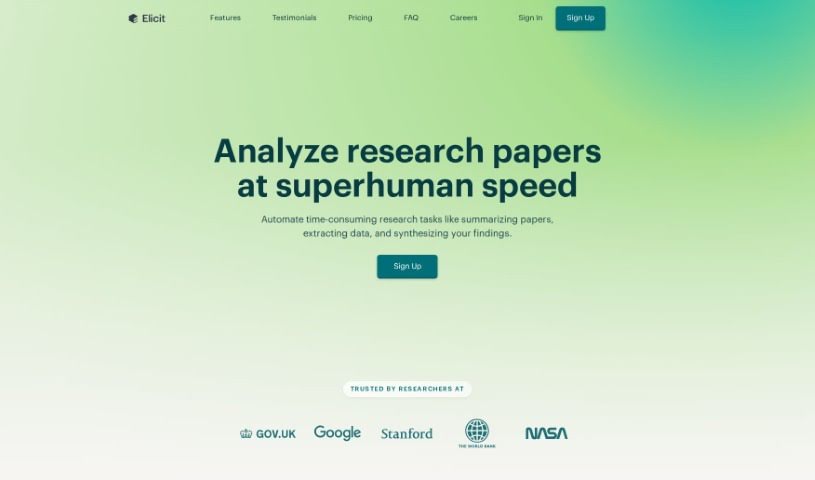
Elicit is a research tool designed to speed up literature reviews. It helps researchers find papers that can be difficult to track down, automates parts of systematic reviews and meta-analyses, and supports exploration of new research areas.

Academic Research View Tool →
Screenshot of Enago Read

Enago Read

Freemium

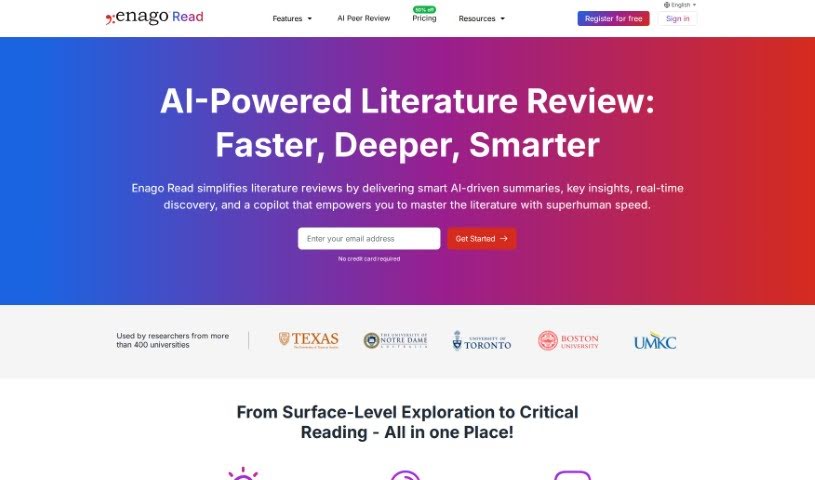
Enago Read, formerly known as RAxter.io, is a platform that helps researchers speed up their literature review process. It uses AI to make exploring, acquiring, managing, and critically reading knowledge easier. Its core feature is the Copilot, which lets you ask questions directly about papers and get answers right away, helping you dig deeper into the material.

Academic Research View Tool →
Screenshot of Epsilon

Epsilon

Freemium

Epsilon is an AI research assistant built to streamline academic research. Enter a question, and it scans a database of over 200 million academic papers to find the studies that best answer it, then generates a summary with inline citations showing where each piece of information came from. That cuts down time spent hunting through sources so you can focus on analyzing and synthesizing material.

Academic Research View Tool →
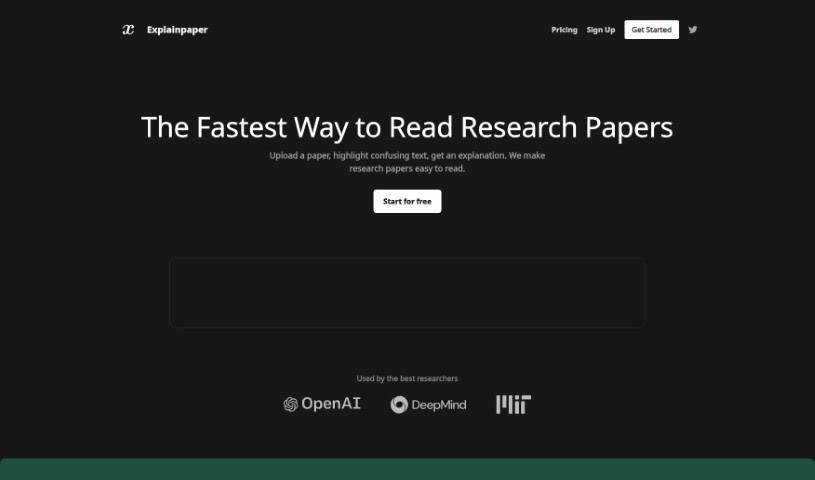
Screenshot of Explainpaper

Explainpaper

Freemium

Explainpaper is a website designed to make reading research papers easier. It offers a simple interface with features for searching papers, highlighting text, adding notes, and getting quick summaries of research findings. It also serves as a place to connect with others who share your research interests for discussions and knowledge sharing. Researchers use it to break down complicated ideas and make academic papers more approachable.

Academic Research View Tool →
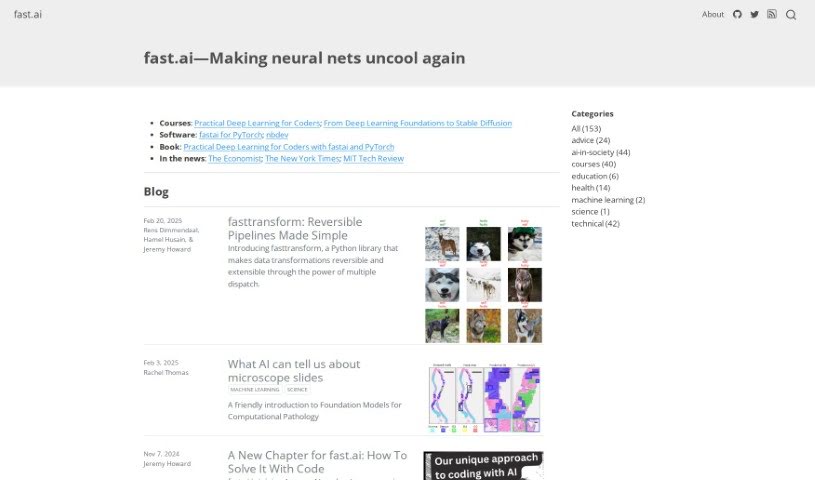
Screenshot of Fast.ai

Fast.ai

Freemium

Fast.ai is a well-known platform offering AI tools and resources for individuals and businesses alike. Its focus is on making AI development quick and efficient, with deep learning and machine learning courses and tutorials covering essential topics such as neural networks, computer vision, and natural language processing. The learning materials are designed to be accessible regardless of your technical background.

Academic Research View Tool →
Screenshot of Flash Insights

Flash Insights

Freemium

Flash Insights is a free browser extension that extracts useful information from web pages and videos. It pulls key takeaways from content so AI chatbots can analyze it, simplifying online research whether you're reading a webpage or watching a YouTube video. The goal is to make learning faster and more efficient.

Academic Research View Tool →
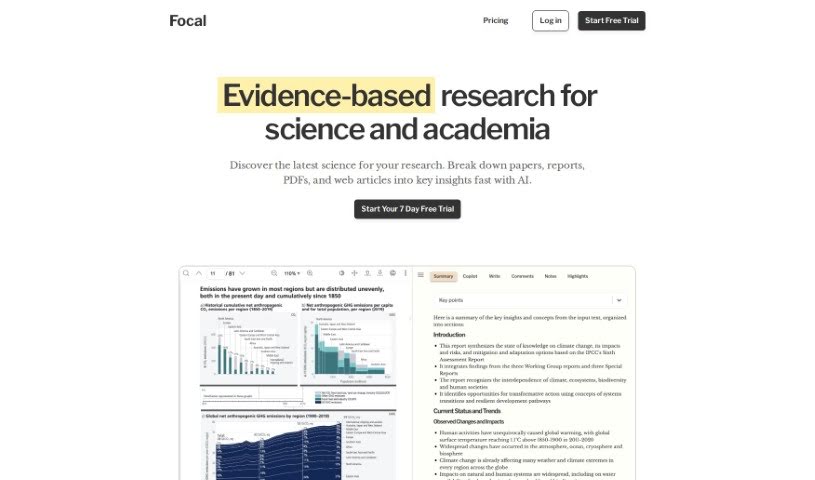
Screenshot of Focal

Focal

Freemium

Focal is a research tool that helps you get to the core of your sources quickly. You can save articles and papers directly into Focal, and it generates summaries so you can grab the key points without reading everything in full. You can also highlight text and group those highlights under different projects, making it easy to share findings with others for collaborative learning.

Academic Research View Tool →
Screenshot of FolkTalk

FolkTalk

Freemium

FolkTalk is an online platform for exploring folklore. It offers a curated collection of folk tales from a variety of cultures and regions, presented alongside historical context that explains the meaning and background behind each story. It is designed for scholars studying cultures, casual story lovers, and anyone interested in traditional tales, with an easy-to-use interface built to keep readers engaged.

Academic Research View Tool →
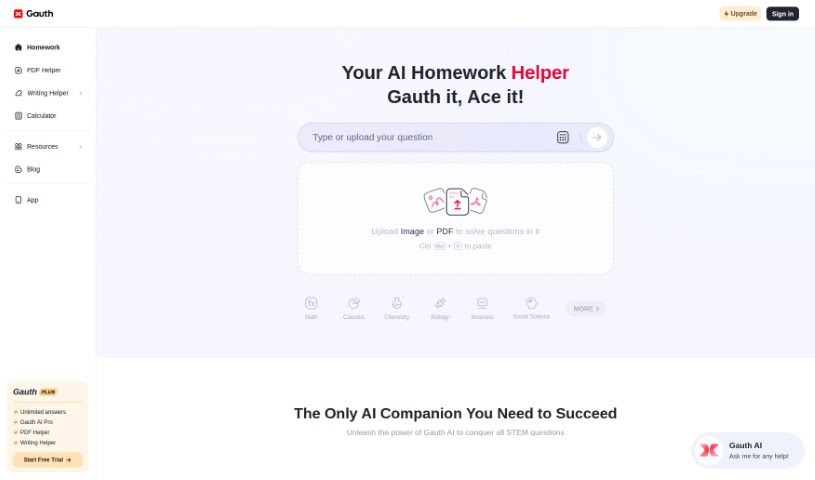
Screenshot of Gauth

Gauth

Freemium

Gauth is an educational platform that helps students work through tough academic problems, with a particular strength in STEM subjects. It combines AI-powered problem solving with a network of verified expert tutors, offering live tutoring, detailed explanations, and step-by-step guides. The platform reports a high success rate for problem-solving and is used by millions of students worldwide.

Academic Research View Tool →

About Academic Research tools

Anyone who’s ever tackled a major research project knows the drill. You’re staring at a mountain of downloaded PDFs, trying to connect the dots across dozens of studies, and suddenly it’s 3 AM. It’s exhausting work. But recently, a new wave of software has stepped in to help manage that heavy load.

Rather than trying to write your dissertation for you (which they definitely shouldn’t do), these platforms act more like a tireless research assistant, helping you cut through the initial noise.

Finding relevant papers used to mean typing exact keywords into a database and hoping for the best. Modern AI search engines actually understand the context behind your question. Think of it like talking to a specialized librarian. Ask about “how sleep affects memory,” and the tool knows to pull in related terms like “memory consolidation” or “REM cycle.” You end up finding key studies you might have otherwise missed entirely.

Once you track down those papers, you still have to digest them. That’s where document chat tools prove their worth. Instead of skimming a forty-page paper just to check if the methodology matches your project, you can ask direct questions: “What was the sample size and demographic?” The application scans the file and hands you exact figures in seconds.

Organizing your work is another huge time saver. Modern citation managers automatically extract author names, publication dates, and journal titles straight from your files. Later, when you’re drafting, writing assistants help polish awkward phrasing so your core arguments come through clearly.

What to look for when picking a tool:

  • Contextual search: Engines that understand the meaning behind your query rather than matching rigid keywords.
  • Document chat: Applications that let you query uploaded PDFs or datasets directly.
  • Citation formatting: Software that automatically organizes references without manual entry.
  • Drafting support: Grammar and clarity checkers tailored specifically for academic writing.

The research process will always require critical thinking and deep analysis; that’s the whole point of scholarship. But the tedious busywork of searching, manual formatting, and early-stage skimming? You can finally hand that off.

Take a look through the options below to find the right fit for your next project.

The Best AI Academic Research Tools

  1. Semantic Scholar: AI-powered search that understands the meaning behind research queries, not just keywords. Shows the most influential papers and how they connect.
  2. ResearchRabbit: Maps your research library visually. Finds new papers and authors in your field, and tracks what cites your saved work.
  3. Elicit: Spots gaps in the literature and extracts claims from papers automatically. Built for systematic reviews and meta-analyses.
  4. Consensus: Search engine that finds evidence-based answers straight from research papers. Shows whether studies support or contradict a claim.
  5. Connected Papers: Builds a graph of related academic papers. Lets you see how studies connect, and follow trails through the literature.
  6. Scholarcy: Turns long articles into summary flashcards. Checks how findings fit into the broader literature, with inline citations.
  7. Scite: Adds Smart Citations to every paper that references your work. Shows whether citing studies support, contradict, or just mention your claims.
  8. Alpha Inquire: AI research assistant that scans Google, arXiv, Hacker News, and financial news. Built by a small team at the intersection of search and synthesis.
  9. Sourcely: Finds credible sources for academic writing. Gives you summaries and references so you can cite with confidence.
  10. Enago Read: Literature review platform with a Copilot that answers questions directly from your PDFs. Speeds up the exploration and critical reading phase.
  11. Otio: Research assistant for managing information from many sources. Import PDFs, Word docs, blog links, and YouTube videos, then chat with everything.
  12. NotebookLM: Uploads your own documents and helps you dig into them. Good for asking questions across a personal corpus of PDFs and transcripts.
  13. Unriddle AI: Helps you read and write research papers faster. Offers AI autocompletion, writing suggestions, and a graph view for mapping your work.
  14. ChatInDoc: Chat directly with your PDFs. Ask questions about academic papers, reports, or instruction manuals without scrolling through pages.
  15. Doclime: Chat with your documents and get instant answers. Returns exact answers with citations, so you can trust where the information came from.
New tools, in your inbox.

Weekly picks of the best AI tools we've researched and added — no spam, unsubscribe anytime.

Join 25,000+ AI enthusiasts. No spam, unsubscribe anytime.