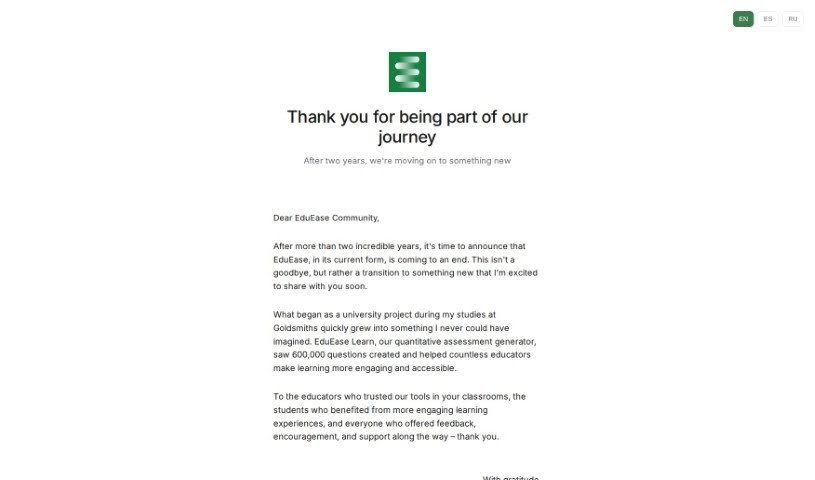
Screenshot of EduEase

EduEase

Discover EduEase, a powerful tool for educators. Learn what it is, how to use its features effectively in 2025, and how it stacks up against other teacher tools.

Screenshot

What is EduEase?

EduEase is a tool that’s already helping over 100,000 teachers around the world. It all started with Charles Barlow, who conceptualized it as a research tool to explore AI in teaching. He then teamed up with Patrick Drabble to develop it further. What began as a research project has grown into a valuable resource for educators globally. The platform’s core offering is EduEase Learn, a public tool that provides a really smart way to create quantitative assessments. It’s designed to be easy to use, supports various types of input, and even lets you break down large files. If you’re just starting out or have a smaller class, there’s a free option that gives you 8 questions each day. For more extensive use, the basic plan is just £8 a month, which bumps your daily question limit to 400 and gives you a sneak peek at new features. You can learn more by checking out their LinkedIn profiles: Charles Barlow and Patrick Drabble.

Who created EduEase?

Charles Barlow and Patrick Drabble are the minds behind EduEase. Initially, it was developed as a research tool to explore how AI could be used in teaching methods. But it quickly grew beyond that, and now it’s a public tool called EduEase Learn, serving educators worldwide. It’s a sophisticated solution for creating quantitative assessments, and over 100,000 teachers are already using it. It’s particularly great for teachers with smaller classes, offering a free version and advanced features at affordable monthly prices.

What is EduEase used for?

  • Exploring AI-driven pedagogy
  • Generating quantitative assessments

How to use EduEase?

Using EduEase is pretty straightforward. Here’s a simple breakdown:

  1. Access the Tool:
    • Head over to the official website at https://learn.eduease.ai/. That’s where you’ll find the EduEase tool ready to go.
  2. Pick Your Plan:
    • Decide which pricing plan fits your needs best. There’s a free plan, which is perfect if you have a smaller class or just want to try it out. Or, you can opt for the basic plan if you need more features.
  3. Sign Up:
    • Once you’ve chosen, sign up and create your account. It’s quick and easy.
  4. Get Familiar with the Interface:
    • Take a moment to look around. The interface is designed to be really user-friendly, so you shouldn’t have any trouble navigating it.
  5. Add Your Inputs:
    • This is where you’ll input the questions or educational content you want the tool to work with, whether for analysis or assessment.
  6. Generate Assessments:
    • Now, use EduEase to create those quantitative assessments based on what you’ve entered.
  7. Join the Community (Basic Plan Users):
    • If you’re on the Basic plan, jump into the community! It’s a great way to get early access to new features and really boost your experience with AI in teaching.
  8. Stay Updated:
    • Keep an eye out for new features and updates. This ensures you’re always using the latest and greatest in AI-powered education.
  9. Need Help? Reach Out:
    • If you run into any snags or have questions, don’t hesitate to contact the support team. They’re there to help!

By following these steps, you’ll be able to use EduEase effectively to improve your teaching and assessments.

Related AI Tools

Discover more tools in similar categories that might interest you

Academic Help Free Essay Generator

Education Academic Writing
Learn More

Stay Updated with AI Tools

Get weekly updates on the latest AI tools, trends, and insights delivered to your inbox

Join 25,000+ AI enthusiasts. No spam, unsubscribe anytime.