AI Video Creation Tools: Features, Editing, and Automation

AI Tools for Video Creation

Discover the best Video Creation AI tools to enhance your productivity and creativity.

Page 9 of 11 • 127 total tools
Screenshot of StoryFile

StoryFile

Freemium

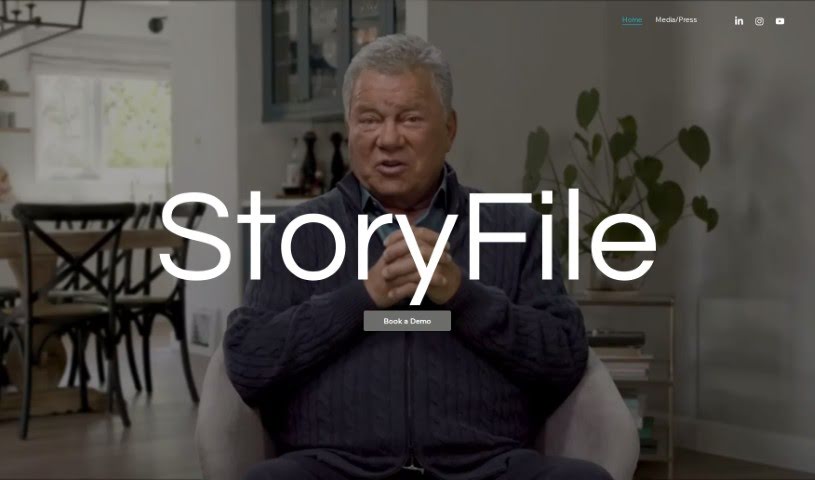
StoryFile is a company that uses Conversational Video AI to create interactive videos capable of holding simulated conversations. Its platform, Conversa, lets you gather and build video content that can respond to people in real time, using AI to mimic human-like dialogue. These videos, called "storyfiles," are used across industries to make communication more engaging and personal.

Video Creation View Tool →
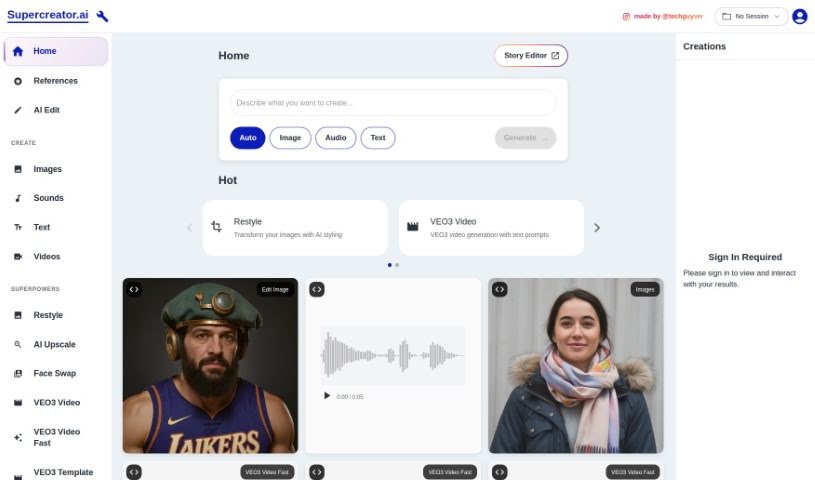
Screenshot of Supercreator Ai

Supercreator Ai

Freemium

Supercreator Ai is a mobile app designed to make creating original short videos for platforms like TikTok, Reels, and Shorts simpler and faster. It uses artificial intelligence to handle over 100 different tasks that would otherwise take significant time, all within a single app. Users report improved productivity, faster content creation, and better-quality videos. Features include script generation, green screen backgrounds, and a streamlined video creation workflow.

Video Creation View Tool →
Screenshot of Supportbuddy

Supportbuddy

Freemium

Supportbuddy is a platform for creating short, narrated videos with a simple four-step process:

Video Creation View Tool →
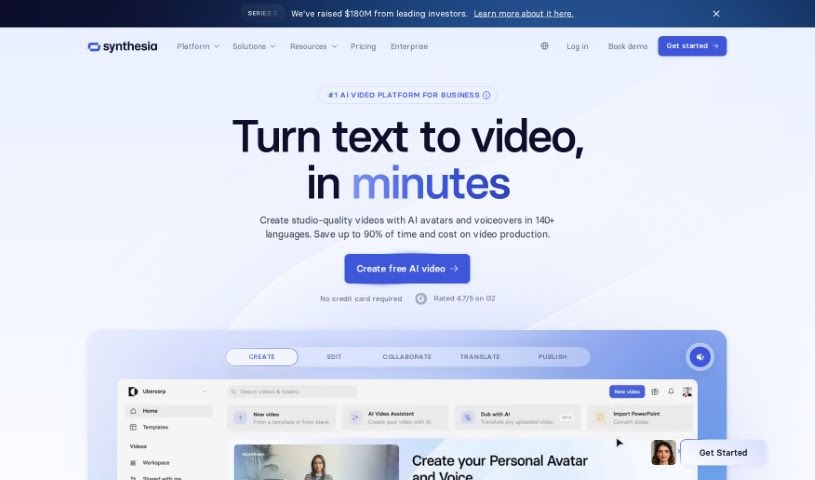
Screenshot of Synthesia

Synthesia

Freemium

Synthesia is an AI video generation platform that lets you type a script, choose an AI presenter, and produce professional-looking videos without cameras, microphones, or studios. The platform emphasizes responsible use of deepfake technology, positioning its tools for positive applications such as educational content, engaging presentations, and customer communication.

Video Creation View Tool →
Screenshot of Taleblocks

Taleblocks

Freemium

Taleblocks is a web-based platform that turns written text into shareable videos. It provides AI-generated voices in multiple languages, automatic captions, and a library of stock photos and videos to match your message. Everything runs through a simple web interface, so no technical skills are required. Content creators and businesses can use it to repurpose written content into short videos for social media and video platforms.

Video Creation View Tool →
Screenshot of Typeframes

Typeframes

Freemium

Typeframes is an AI-powered video creation tool that turns text into product videos. You provide your content, choose a template and animation style, and Typeframes handles the rest — no video editing experience required. You can adjust effects, animations, colors, and other details to match your brand, and export in multiple formats and resolutions. It's built for beginners, shows a live preview as you work, and its subscription plans let you create as many high-quality product promo videos as you need. Engaging videos can also help SEO by keeping visitors on your page longer.

Video Creation View Tool →
Screenshot of TYPPO

TYPPO

Freemium

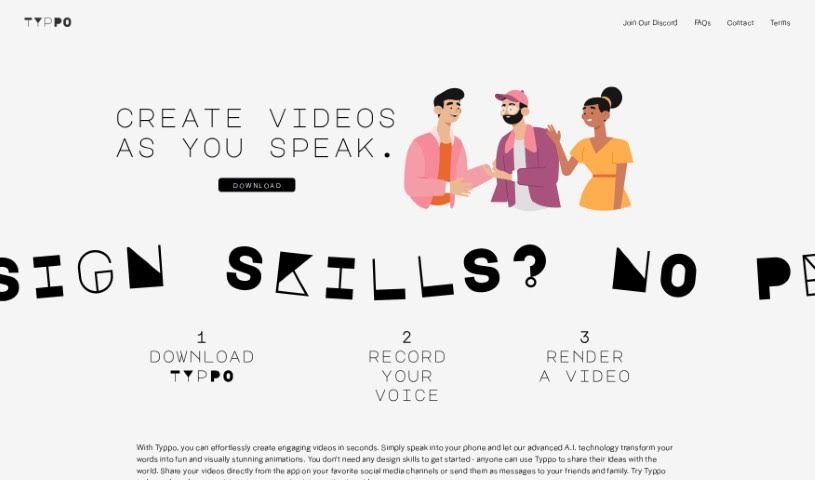
TYPPO is a platform that lets you create videos simply by speaking into your phone. Its AI technology turns your spoken words into animations, so you don't need any design experience. Finished videos can be shared on social media or sent directly to friends and family from the app. TYPPO's goal is to help people create their own branded messages for free, with an emphasis on authentic communication over traditional advertising.

Video Creation View Tool →
Screenshot of Vatic AI

Vatic AI

Freemium

Vatic AI is a text-to-video platform that turns written prompts into videos with a single click. You enter your text, and the AI generates a dynamic video from it — no video editing experience required. The platform is available on both the App Store and Play Store, and you can start making videos for free. It receives continuous updates and improvements.

Video Creation View Tool →
Screenshot of VEED AI Avatars

VEED AI Avatars

Freemium

VEED AI Avatars is an online platform that uses artificial intelligence to turn text into videos. It offers customizable digital actors, support for over 75 languages, more than 30 video templates, animation tools, transitions, and selectable backgrounds. You can produce professional-looking videos without scheduling shoots or needing advanced editing skills, and the platform includes subtitles, background noise removal, and text-to-speech.

Video Creation View Tool →
Screenshot of VEED Text to Video

VEED Text to Video

Freemium

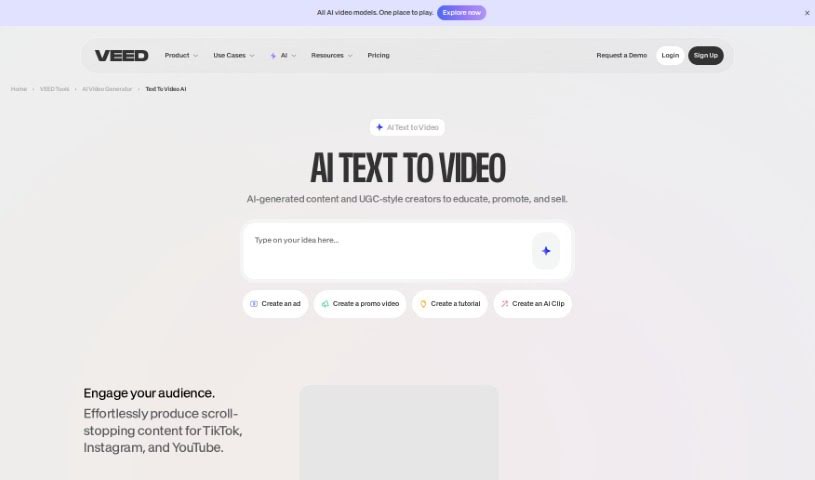
VEED's Text to Video is an AI tool that turns written text into videos. You describe what you want, and the tool generates a video complete with voiceovers, music, and relevant footage. It includes text-to-speech conversion, a library of royalty-free stock media, and background music options.

Video Creation View Tool →
Screenshot of Vidboard Ai

Vidboard Ai

Freemium

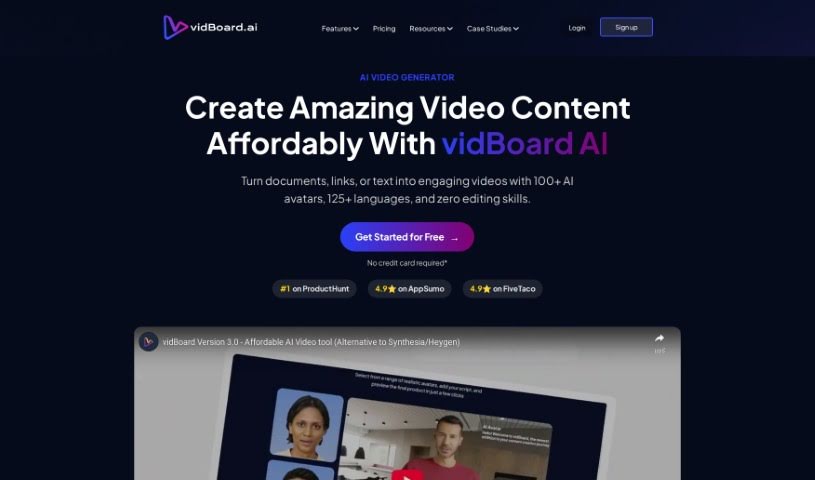
Vidboard Ai is a platform that uses AI to simplify video creation, particularly for personalized marketing, learning materials, and news updates. It automates video production from text, ChatGPT output, and audio scripts, and features a "Creative AI Presenter" that can represent your digital identity on screen.

Video Creation View Tool →
Screenshot of Viddyoze AI Video Generator

Viddyoze AI Video Generator

Freemium

Viddyoze AI Video Generator is an AI-powered tool that helps businesses and brands create video content quickly. It offers fast video creation, an easy-to-use interface, and support for multiple video styles, including formats suited to social media. It also handles video editing, lets you add intros and outros, and provides customization so videos can be tailored to specific business needs.

Video Creation View Tool →

About Video Creation tools

Setting up camera gear, editing timeline clips, fixing audio sync, and assembling footage can quickly eat up your entire week. Whether you’re creating promotional videos for a business, producing YouTube tutorials, or building social clips, video production takes significant time and technical effort. It’s easy to spend hours trimming clips, adjusting colors, and rendering files when you’d rather focus on new creative ideas.

These specialized creative assistants streamline raw footage editing, automate scene transitions, and help you generate polished video content faster without replacing directors or video editors.

Speeding Up Rough Cuts, Visual Tweaks, and Multi-Format Exports

Assembling rough cuts from hours of unedited footage used to take days of tedious trimming. Smart video creation tools analyze raw recordings, highlight key moments, and assemble initial timeline edits in seconds. Instead of scrubbing through endless video tracks to find the right take, you get a clean rough cut ready to polish and re-sequence.

Improving video quality and applying visual effects gets much simpler, too. Upgrading low-resolution clips, removing unwanted background objects, or balancing color profiles normally requires advanced editing skills and expensive software. AI-powered video editors fix lighting issues, isolate subjects, and clean up background noise with a few clicks, giving your footage a professional look without hours of frame-by-frame work.

Scaling your video content for different platforms and audiences also becomes far more efficient. Turning a long horizontal video into multiple vertical clips for different channels often means starting from scratch. Video creation assistants automatically reframe subjects for square or vertical feeds, generate matching subtitles, and translate spoken audio into multiple languages, keeping your content pipeline active without extra shoot days.

Key Capabilities to Look For:

  • Automated scene cutting and assembly: Systems that analyze raw footage to identify key moments, remove silences, and generate rough timeline cuts automatically.
  • Smart subject and background removal: Features that let you isolate subjects, swap background elements, or remove unwanted objects without manual rotoscoping.
  • Audio cleanup and balancing: Tools that isolate spoken dialogue, cancel out background noise, and match audio levels across different clips.
  • Auto-reframing and multi-format export: Controls that adjust video aspect ratios for vertical, square, or widescreen formats while keeping the main subject centered.
  • Subtitle and translation integration: Features for generating accurate closed captions, styled subtitles, and translated voiceovers in multiple languages.

Creating compelling video content will always depend on your creative vision, emotional intuition, and knack for storytelling. Software can’t replace genuine human emotion or the spark of an original idea, but letting smart tools handle repetitive clip trimming, audio balancing, and multi-platform formatting gives you back the time needed to bring your vision to life.

Check out the video creation tools below to find the right assistant for your projects.

The Best AI Video Creation Tools

  1. Runway: Great for dynamic scene transition effects.
  2. HeyGen: Makes studio-quality video creation effortless.
  3. Vidnoz AI: For quickly generating AI video content.
  4. Digen AI: Automates video editing and production.
  5. Synthesia: Streamlines creating internal training videos.
  6. Magic Hour: Easily creates engaging promotional videos.
  7. Animaker: Helps you create eye-catching social media videos.
  8. AKOOL: Perfect for personalized holiday video messages.
  9. Live3D: Converts AI art into animated videos.
  10. HitPaw: Enhances videos with watermark-free editing.
  11. Clipchamp: Ideal for social media video editing.
  12. Captions: Streamlines editing for stunning videos.
  13. D-ID: Effortlessly produces marketing videos.
  14. DreamFace: Animates faces for engaging videos.
  15. DeepBrain AI: Quickly turns articles into engaging videos.
New tools, in your inbox.

Weekly picks of the best AI tools we've researched and added — no spam, unsubscribe anytime.

Join 25,000+ AI enthusiasts. No spam, unsubscribe anytime.