S
Supportbuddy
FreemiumSupportbuddy is a platform for creating short, narrated videos with a simple four-step process:
Text To Video
View Tool →
Discover the best Text To Video AI tools to enhance your productivity and creativity.
Supportbuddy is a platform for creating short, narrated videos with a simple four-step process:
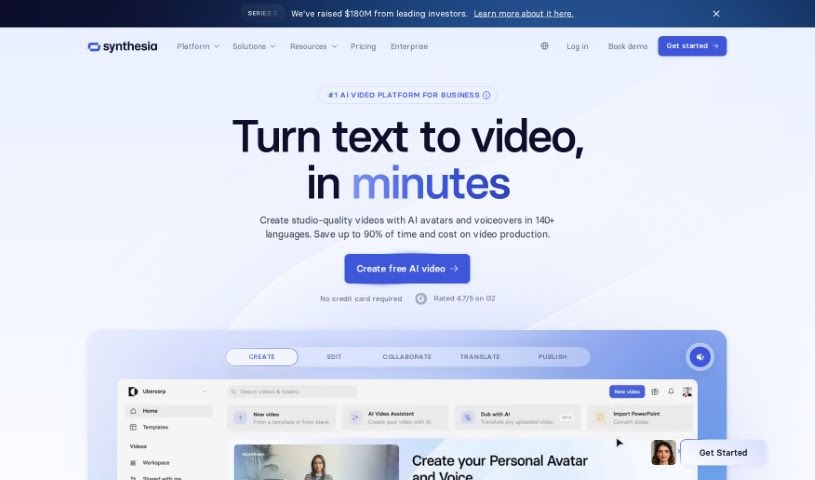
Synthesia is an AI video generation platform that lets you type a script, choose an AI presenter, and produce professional-looking videos without cameras, microphones, or studios. The platform emphasizes responsible use of deepfake technology, positioning its tools for positive applications such as educational content, engaging presentations, and customer communication.
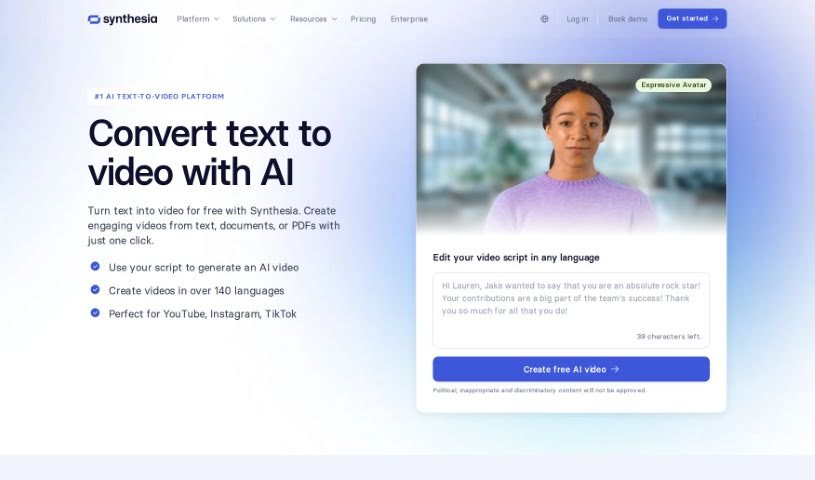
Text to Video is a way to turn written words into video. The technology uses text-to-speech to convert written text into spoken audio, then matches that audio with relevant visuals to create video presentations. Typical features include different voice options, background music, and animation effects.

Taleblocks is a web-based platform that turns written text into shareable videos. It provides AI-generated voices in multiple languages, automatic captions, and a library of stock photos and videos to match your message. Everything runs through a simple web interface, so no technical skills are required. Content creators and businesses can use it to repurpose written content into short videos for social media and video platforms.
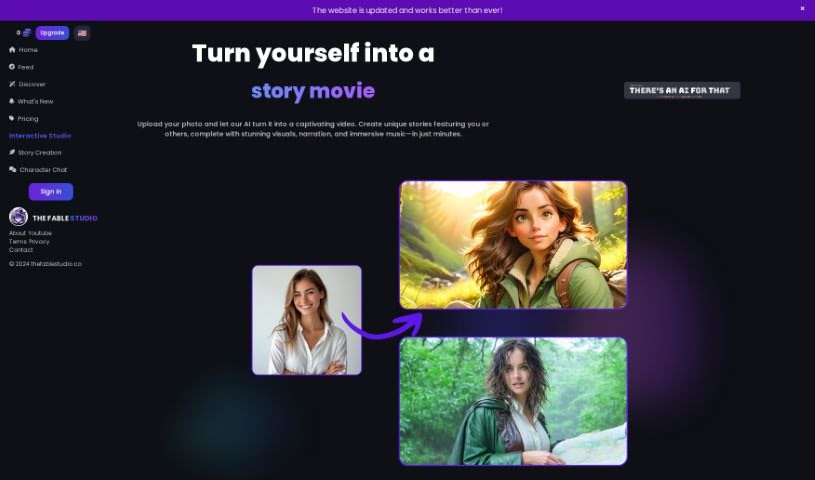
THE FABLE STUDIO is an AI platform for creating animated videos and interacting with them. It turns written ideas into animated videos, with customization for visuals, voices, and video effects. A chat feature lets you talk with the characters in real time. It suits writers, teachers, film enthusiasts, or anyone with a story to share.
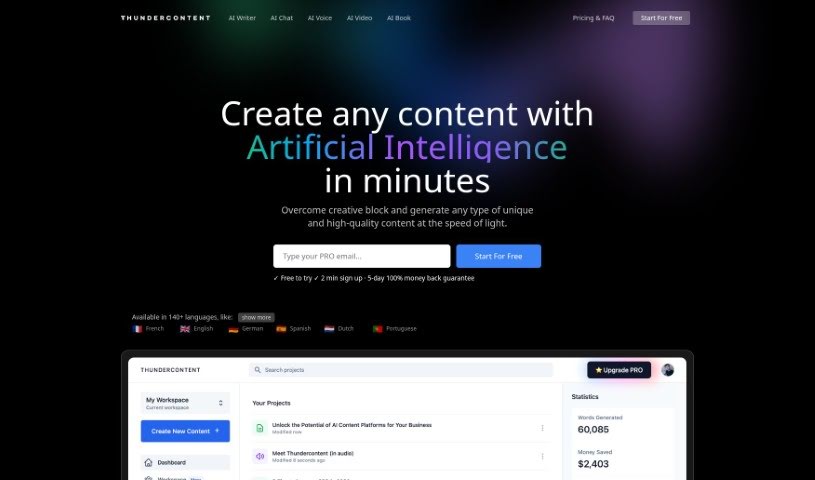
Thundercontent is an AI-powered video editor that automates much of the editing process. Its algorithms analyze raw footage and make editing choices automatically, reducing the time spent on manual edits. Users can turn text into branded videos in minutes, and the platform is designed to work for both beginners and experienced editors. Over 25,000 companies, from small businesses to large corporations, use Thundercontent.
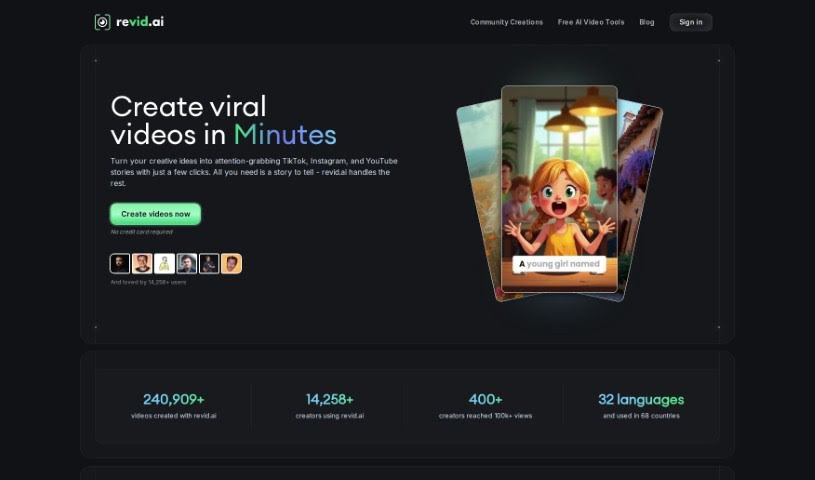
Typeframes is an AI-powered video creation tool that turns text into product videos. You provide your content, choose a template and animation style, and Typeframes handles the rest — no video editing experience required. You can adjust effects, animations, colors, and other details to match your brand, and export in multiple formats and resolutions. It's built for beginners, shows a live preview as you work, and its subscription plans let you create as many high-quality product promo videos as you need. Engaging videos can also help SEO by keeping visitors on your page longer.
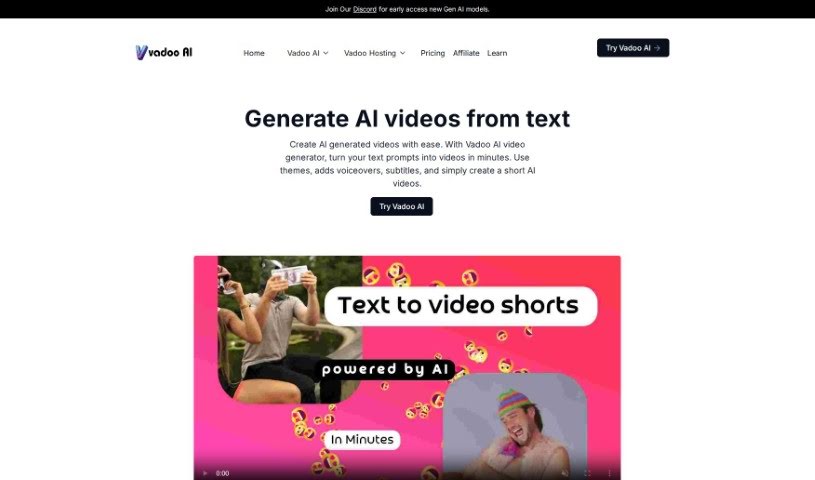
Vadoo AI is an all-in-one AI video platform that automates video generation from text, prompts, or detailed descriptions. It supports creating social media content, cutting longer videos into short clips, and editing existing social media footage.

Vatic AI is a text-to-video platform that turns written prompts into videos with a single click. You enter your text, and the AI generates a dynamic video from it — no video editing experience required. The platform is available on both the App Store and Play Store, and you can start making videos for free. It receives continuous updates and improvements.

VEED AI Avatars is an online platform that uses artificial intelligence to turn text into videos. It offers customizable digital actors, support for over 75 languages, more than 30 video templates, animation tools, transitions, and selectable backgrounds. You can produce professional-looking videos without scheduling shoots or needing advanced editing skills, and the platform includes subtitles, background noise removal, and text-to-speech.
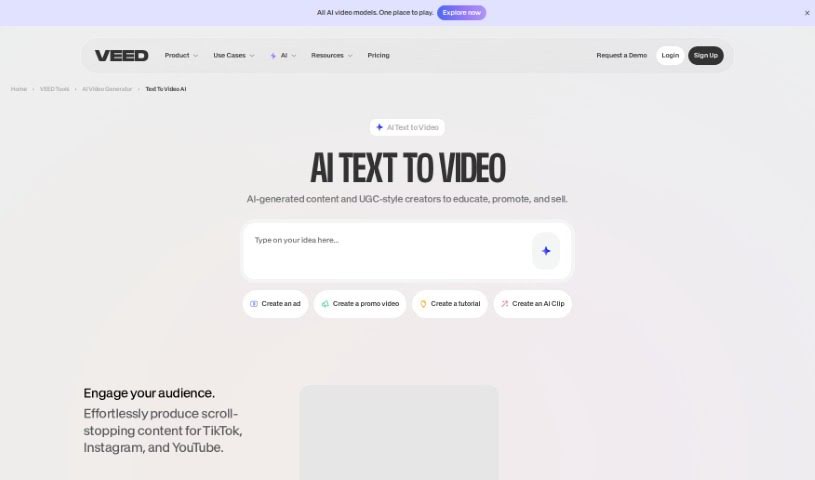
VEED's Text to Video is an AI tool that turns written text into videos. You describe what you want, and the tool generates a video complete with voiceovers, music, and relevant footage. It includes text-to-speech conversion, a library of royalty-free stock media, and background music options.
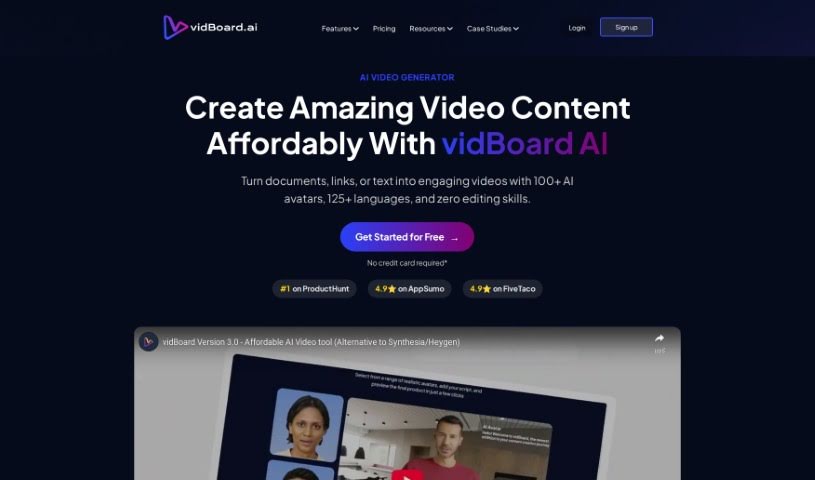
Vidboard Ai is a platform that uses AI to simplify video creation, particularly for personalized marketing, learning materials, and news updates. It automates video production from text, ChatGPT output, and audio scripts, and features a "Creative AI Presenter" that can represent your digital identity on screen.
Setting up lighting, hiring actors, and spending days in complex video editing software can make video production feel like an expensive, exhausting process. Whether you need engaging clips for a social media campaign, short b-roll footage for a presentation, or visual storyboards for a larger project, bringing ideas to screen takes serious resources. It’s easy to stall creative projects when traditional filming and rendering take too long.
The text-to-video tools in this directory act as creative studio assistants. They convert written scripts and prompts into dynamic video clips, helping you test visual concepts quickly and produce video content without a massive crew.
Turning written concepts into moving images used to require physical cameras, sets, and shooting schedules. Smart video generators analyze descriptive text prompts and generate realistic scenes, motion graphics, or animations in seconds. Instead of staring at a static storyboard or trying to describe a vision to a crew, you get immediate video drafts that put your ideas in motion right away.
Scaling video content across different platforms also gets much easier. Producing unique video clips for every marketing channel or social feed can quickly drain your budget. Text-to-video tools help you create tailored promos, explainer clips, and visual backgrounds directly from script outlines so you can generate fresh variations without scheduling extra shoot days.
Refining camera movements and keeping visual styles consistent across scenes becomes far more manageable, too. Modern AI video platforms give you precise control over camera angles, panning speed, lighting, and visual aesthetics. You can guide how the virtual camera moves through a scene, maintain consistent character appearances across shots, and add matching audio or lip-synced voiceovers without complex post-production edits.
Practical Features to Consider:
- Prompt-to-video rendering: Systems that convert written prompts into dynamic video clips with smooth, natural motion.
- Camera and movement controls: Settings that let you direct virtual camera angles, pans, zooms, and motion intensity.
- Character and visual consistency: Tools that keep character faces, outfits, and lighting uniform across multiple scenes.
- Audio and lip-sync integration: Features that combine spoken voice tracks, background audio, and matching lip movements with generated characters.
- Multi-format and style presets: Options for exporting videos in widescreen, vertical, or custom artistic styles like 3D animation or photorealism.
Creating compelling video content will always rely on your creative vision, storytelling instincts, and director’s eye. Software can’t replace original ideas or thoughtful narrative pacing, but letting smart tools handle initial scene generation and camera motion gives you back the time needed to shape a great story.
Explore the text-to-video tools below to start bringing your scripts to life.
Weekly picks of the best AI tools we've researched and added — no spam, unsubscribe anytime.
Join 25,000+ AI enthusiasts. No spam, unsubscribe anytime.