AI Programming Tools

AI Tools for Programming

Discover the best Programming AI tools to enhance your productivity and creativity.

Page 8 of 13 • 150 total tools
Screenshot of Lemon Squeezy Snippetsage

Lemon Squeezy Snippetsage

Freemium

SnippetSage is an AI-powered tool from Lemon Squeezy for organizing and managing code snippets. It offers an interface for searching, filtering, and sorting code, along with a built-in code editor and collaboration features. It supports multiple programming languages and frameworks, and its AI learns common coding patterns to suggest relevant snippets that can be tweaked and tested directly in the app.

Programming View Tool →
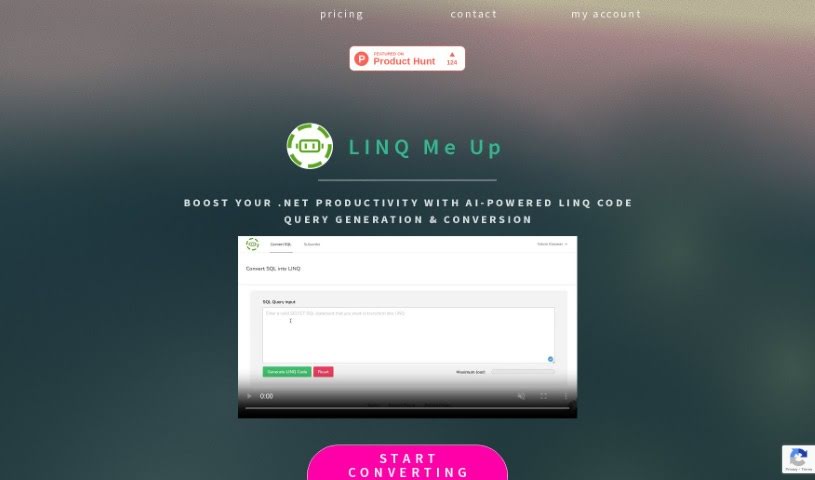
Screenshot of LINQ Me Up

LINQ Me Up

Freemium

LINQ Me Up is a tool for .NET developers that converts SQL queries to LINQ code and back. It supports C# and Visual Basic in both Method and Query syntax, and generates custom LINQ queries for data types including XML, JSON, and POCOs. Rather than relying only on rule-based syntax translation, it uses AI to analyze the input and produce optimized conversions.

Programming View Tool →
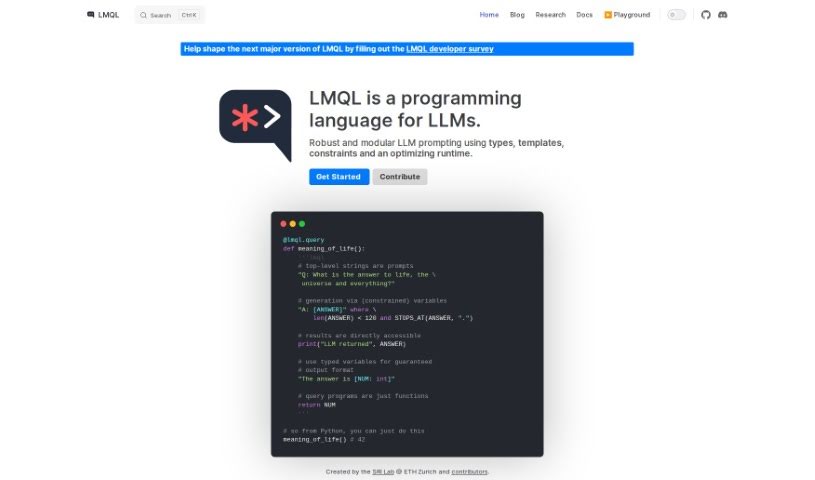
Screenshot of LMQL

LMQL

Freemium

LMQL (Language Model Query Language) is a programming language for interacting with language models. It provides a straightforward way to query these models, letting developers craft queries to extract specific information or generate exact outputs. The language supports querying model parameters, generating text, and completing prompts through a syntax accessible to programmers at any level of experience in natural language processing.

Programming View Tool →
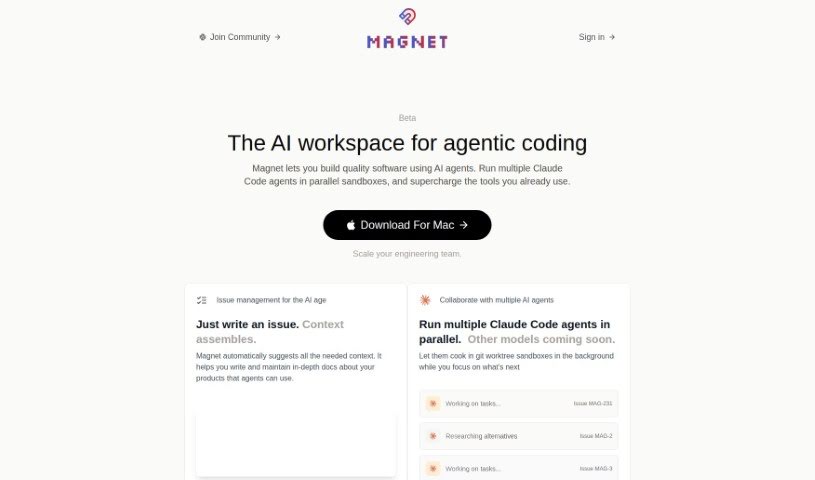
Screenshot of Magnet

Magnet

Freemium

Magnet is an AI coding assistant that uses OpenAI's APIs, including GPT-3.5 and GPT-4, to provide context-aware suggestions during software development. It can consider multiple files at once for better context, offer intelligent recommendations, and support team collaboration. You can start for free with a supported OpenAI API key; a PRO plan at $20/month adds unlimited GPT-4 access plus Linear, GitHub, and Notion integrations.

Programming View Tool →
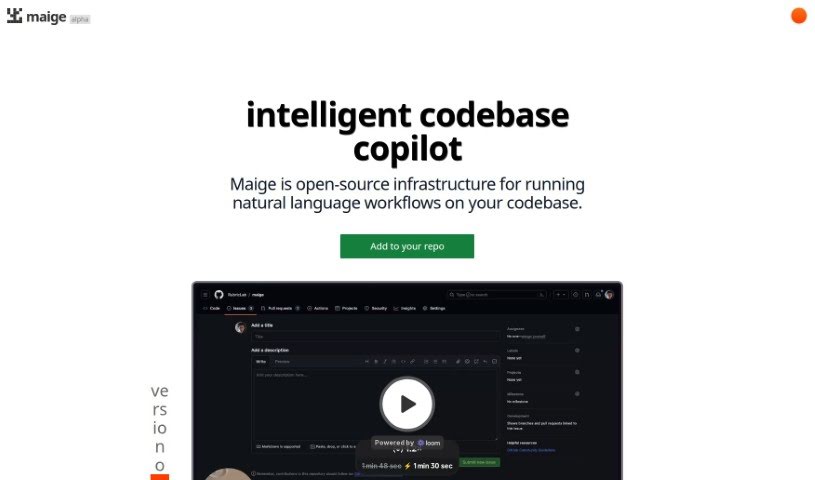
Screenshot of Maige

Maige

Freemium

Maige is an open-source infrastructure that runs natural language workflows directly on your codebase. Powered by GPT, it classifies and labels issues in GitHub repositories: it labels new issues as they arrive, labels existing issues when you comment "Maige label this," and follows custom instructions for how issues should be classified. Companies including Highlight.io, PrecedentCal.com, and Trigger.dev use it. A free trial is available; details on premium features or paid plans are not readily available.

Programming View Tool →
Screenshot of McAnswers

McAnswers

Freemium

McAnswers is an AI tool built specifically for developers. It provides refined answers to coding questions, along with a detailed prompt library, a collection of common coding errors to learn from, and recommendations for related topics and videos.

Programming View Tool →
Screenshot of Mistral AI Mistral-medium

Mistral AI Mistral-medium

Freemium

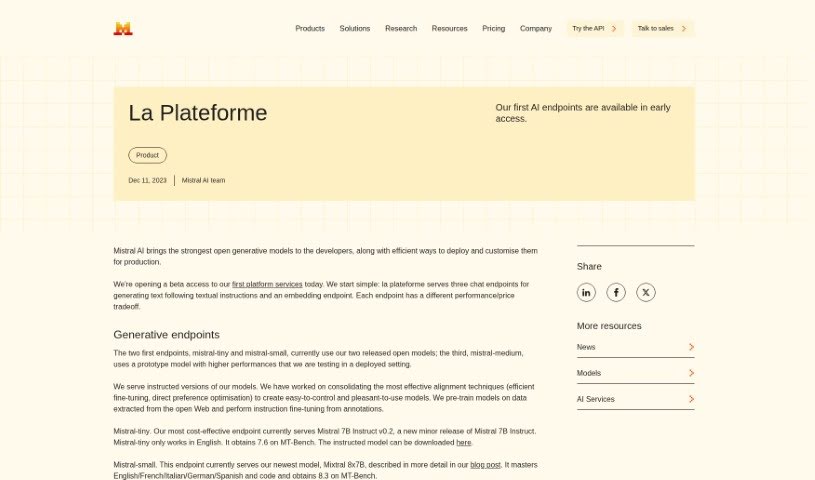
Mistral-medium is a chat endpoint from Mistral AI, built for top-tier performance across a range of applications. It excels in English, French, Italian, German, Spanish, and coding tasks, and scored 8.6 on the MT-Bench evaluation. Mistral AI focuses on giving developers strong, open generative models that are easy to deploy and customize for production environments.

Programming View Tool →
Screenshot of Open Interpreter

Open Interpreter

Freemium

Open Interpreter is a free, open-source project that lets LLMs run code directly on your computer. Through a straightforward interface, you can have your computer perform tasks by writing and executing code. It supports code execution in multiple languages and offers a web-based interface for easy access. Because the project is open-source, you can modify and share the code yourself. The repository is hosted on GitHub, and documentation is available on the website.

Programming View Tool →
Screenshot of OSS Insight

OSS Insight

Freemium

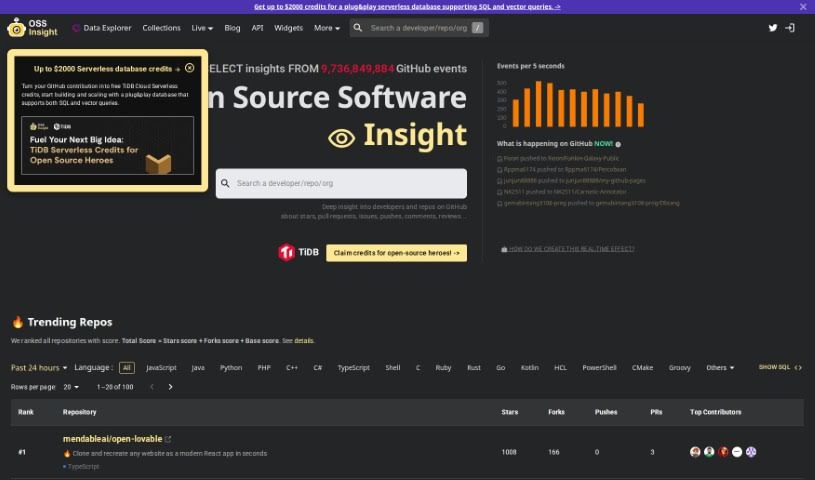
OSS Insight is a visual framework for building applications that use multiple agents and Retrieval-Augmented Generation (RAG). It is an open-source, Python-powered toolkit that is fully customizable and does not lock you into specific models or vector stores. Its goal is to make developing multi-agent applications more approachable.

Programming View Tool →
Screenshot of Otto Engineer

Otto Engineer

Freemium

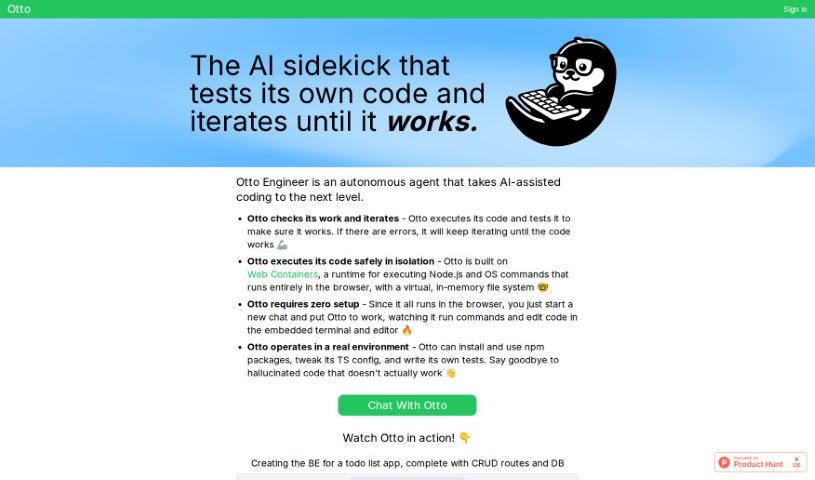
Otto Engineer is an autonomous AI coding assistant that runs entirely in your web browser — nothing to install. Describe a task in a chat, and Otto executes code, runs tests, fixes errors, and iterates until the code works.

Programming View Tool →
Screenshot of Pandalyst

Pandalyst

Freemium

Pandalyst is a tool designed to simplify writing SQL queries for both beginners and experienced users. It uses AI to generate accurate SQL queries quickly, saving time on a task that can otherwise be tedious. Subscription plans include Basic and Pro, each with a set number of queries per month. If you make a mistake in your SQL, you can easily fix it. Pandalyst works in any web browser on desktop or mobile, and it does not store user data on its systems, providing a secure experience.

Programming View Tool →
Screenshot of Pathway

Pathway

Freemium

Pathway is a software framework built to solve a specific industry problem: the lack of infrastructure that can reason over data streams in real time. It lets software engineers build real-time data products without being weighed down by constantly changing data inputs.

Programming View Tool →

About Programming tools

Staring at a terminal screen at two in the morning while trying to trace a subtle memory leak or decipher a cryptic stack trace drains any developer’s spirit. Between writing repetitive boilerplate, untangling legacy codebases, updating dependencies, and writing unit tests, everyday development work often keeps you away from solving actual logic problems.

Built for software engineers, web developers, and system architects, these AI development tools act as high-speed pair programmers. They write routine code, catch edge cases, and explain unfamiliar syntax in seconds without replacing algorithmic thinking or system design skills.

Boilerplate Generation, Debugging, and Test Suites

Accelerating daily coding tasks and generating boilerplate code turns ideas into working software much faster. Writing repetitive CRUD endpoints, database schemas, or API wrapper functions by hand eats up valuable sprint hours. Modern AI coding assistants auto-complete functions, suggest context-aware logic based on your existing codebase, and turn plain English comments into tested functions directly inside your editor.

Debugging complex errors and refactoring legacy systems becomes far less tedious, as well. Tracing how a massive legacy module works or figuring out why a specific build failed often leads to endless web searches. Intelligent development agents scan your repository, pinpoint failing lines of code, explain the root cause in simple terms, and offer clean refactoring suggestions that preserve your application’s intent.

Writing unit tests and updating documentation keeps codebases healthy without extra overhead. Most developers love building features, but few enjoy writing test suites or updating API docs. AI tools analyze code pathways, generate test cases covering tricky edge cases, and auto-generate inline documentation to keep your repository maintainable.

Key Capabilities to Look For:

  • Context-aware code completion: Systems that read your entire repository to suggest code matching your existing patterns and conventions.
  • Interactive terminal and chat assistants: Tools that let you query your codebase, debug stack traces, and run terminal commands directly from your IDE.
  • Automated test and doc generation: Features that create unit tests, integration scenarios, and inline docstrings for your functions.
  • Multi-language and framework support: Software that works smoothly across Python, JavaScript, TypeScript, Rust, Go, SQL, and popular web frameworks.
  • Privacy and repository security controls: Platforms built with strict security models ensuring proprietary code remains private and isn’t used for model training.

Building great software will always depend on human problem-solving, architectural vision, and a deep understanding of user needs. Algorithms can suggest a function, flag a syntax error, or draft a unit test, but designing scalable architecture requires a developer’s mind.

Explore the coding tools below to upgrade your development environment.

The Best AI Programming Tools

  1. Code Sandbox: Great for a code compilation environment.
  2. Warp Terminal: Helps streamline devops automation.
  3. ZZZ Code AI: Offers tools for code conversion and evaluation.
  4. Sourcegraph Cody: Provides intelligent code completion right in your IDEs.
  5. Code Rabbit: Enhances code quality through automation.
  6. Aider Chat: Offers improved pair programming with AI.
  7. Code Convert AI: Quickly converts code between multiple languages.
  8. Promptmetheus: Streamlines code generation prompts.
  9. JetBrains: Streamlines coding with smart suggestions.
  10. AI2sql: Converts plain-English questions into SQL queries.
  11. Inngest: Streamlines error handling in workflows.
  12. HTTPie: Makes cli http requests for API development easier.
  13. Snappify: Helps you easily visualize and compare code snippets.
  14. Build Ship: Streamlines API development for apps.
  15. Peak U: Offers quick bug fixes across many languages.
New tools, in your inbox.

Weekly picks of the best AI tools we've researched and added — no spam, unsubscribe anytime.

Join 25,000+ AI enthusiasts. No spam, unsubscribe anytime.