Top AI Portrait Generators

AI Tools for Portrait Generation

Discover the best Portrait Generation AI tools to enhance your productivity and creativity.

Page 10 of 12 • 135 total tools
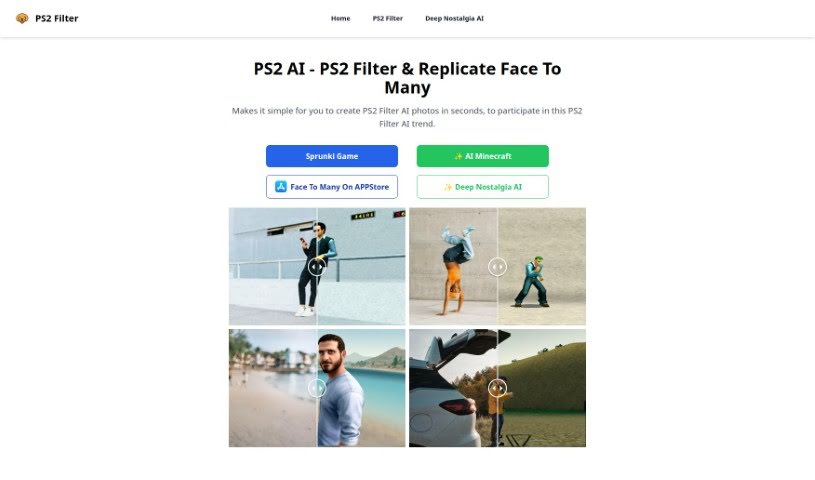
Screenshot of PS2 Filter

PS2 Filter

Freemium

The PS2 Filter is a tool for creating PS2-style AI photos. It applies a retro video-game-inspired filter to your images, can replicate faces across multiple images, and generates results in seconds. It simplifies the process of applying this specific AI filter, making it accessible to anyone interested in this style of AI photo enhancement.

Portrait Generation View Tool →
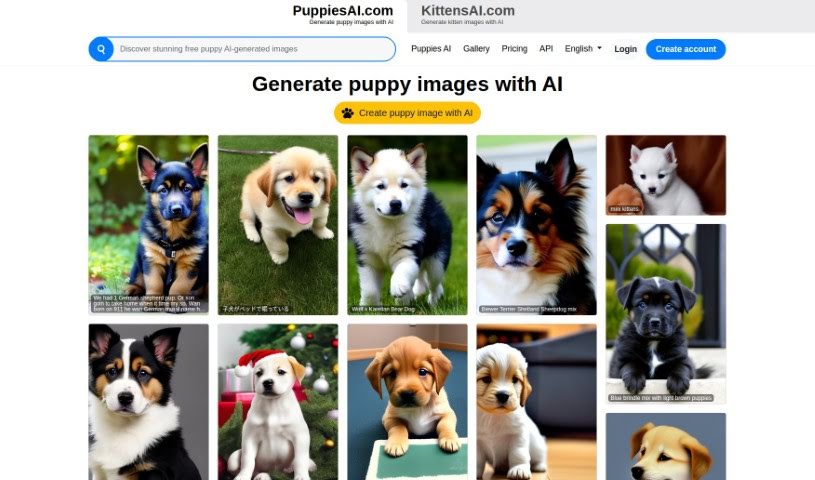
Screenshot of Puppiesai.com

Puppiesai.com

Freemium

PuppiesAI.com is a platform that uses artificial intelligence to generate custom puppy images. It is designed to be user-friendly, letting you create puppy pictures tailored to what you want. You can browse AI-generated puppy images in the gallery, view pricing plans for different usage levels, and integrate the image generation API into your own projects. The platform supports multiple languages and lets you manage your account and creations securely. A FAQ section on the website answers common questions.

Portrait Generation View Tool →
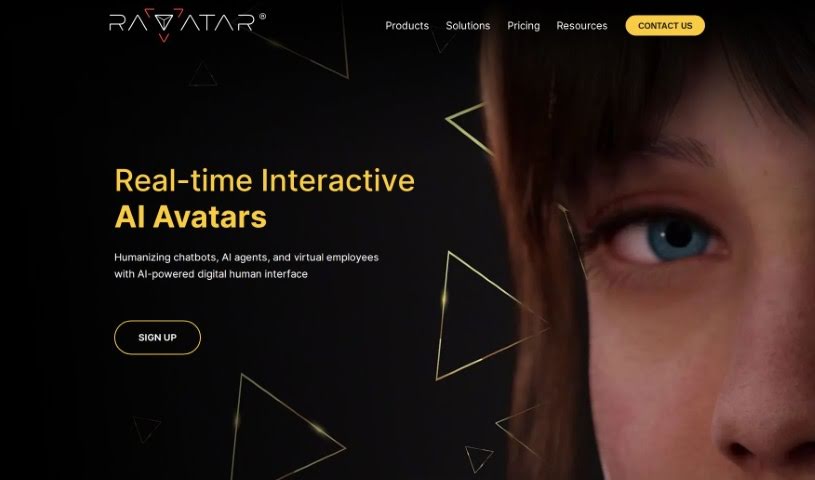
Screenshot of Ravatar

Ravatar

Freemium

Ravatar is a service platform for creating lifelike human AI avatars. It uses Generative AI and Conversational AI to build avatars that closely mimic human appearance and behavior, including speech recognition and generation, so they feel natural to interact with in virtual spaces. The platform covers the full workflow: creating, customizing, and integrating these avatars into your systems, whether for personal use or as customer service assistants.

Portrait Generation View Tool →
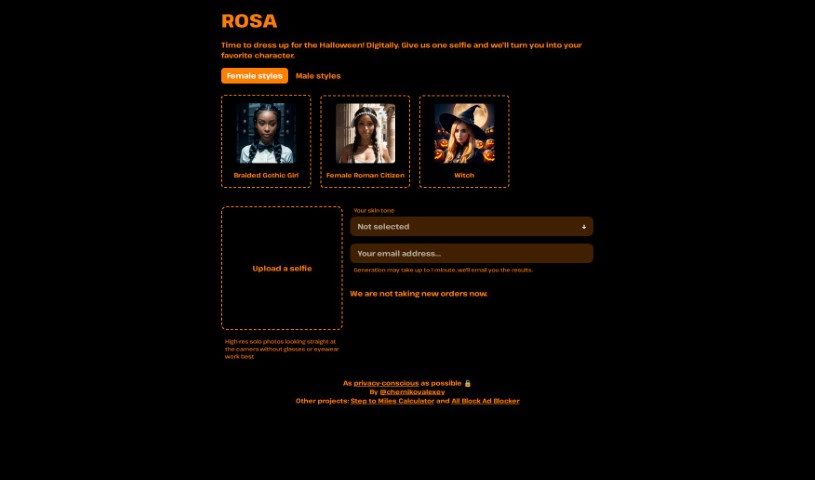
Screenshot of Rosa

Rosa

Freemium

Rosa is an AI tool that transforms your photos into images of yourself as a Naruto character or as a Halloween avatar. Privacy is a stated priority: uploaded photos and the AI models are deleted right after your images are generated and sent to you.

Portrait Generation View Tool →
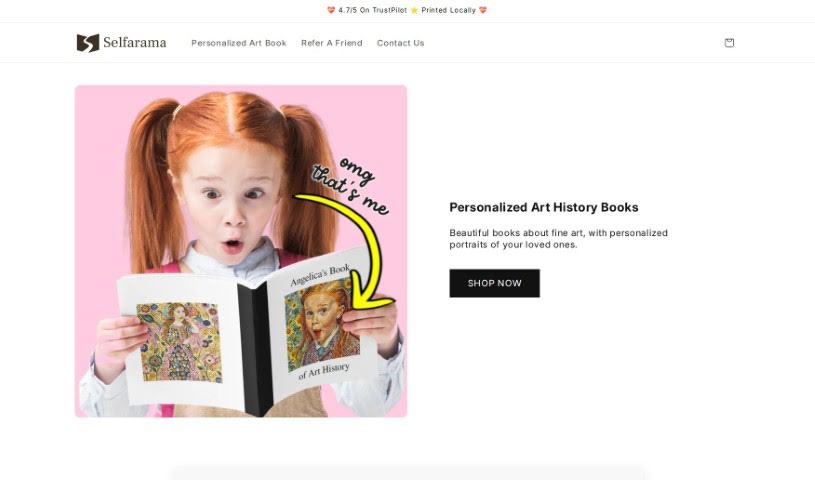
Screenshot of Selfarama

Selfarama

Freemium

Selfarama is a personalized art history book made for children, designed to help kids fall in love with art and keep that passion for life. Using photos you send in, the company creates custom artwork featuring your child, personalized across every page and the cover. Kids in more than 25 countries have received the books, and customers often highlight the easy ordering process, the detailed coverage of the artists, and the joy of reading it together as a family.

Portrait Generation View Tool →
Screenshot of Snapfusion

Snapfusion

Freemium

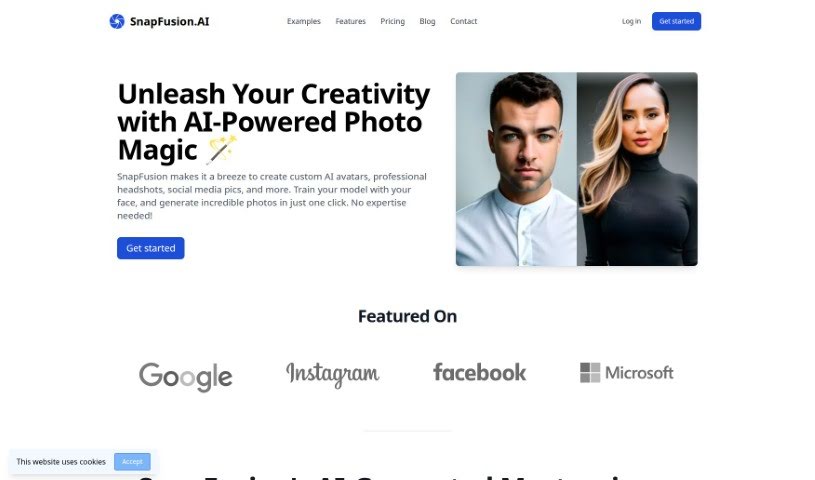
Snapfusion is an AI photo tool for creating custom avatars, professional-looking headshots, and social media images. You train the AI with your own face, then generate personalized photos in a single click. The platform offers a range of photo styles, produces high-quality images, and has a straightforward interface. Data is handled securely, payment is flexible with no subscription required, and extra models or photos can be purchased as needed. Live chat support is available, users can request custom features, and the tool works for both personal and business use.

Portrait Generation View Tool →
Screenshot of SocialBook AI Portrait Generator

SocialBook AI Portrait Generator

Freemium

SocialBook's AI Portrait Generator transforms your photos using generative AI. Upload selfies and the AI creates new portraits that retain the essence and feel of the original picture. There are over 500 styles to choose from, ranging from classic Renaissance looks to modern, avant-garde designs. Beyond generating portraits, the platform includes full editing tools, so you can add text, apply special effects, or change the background. Results are rendered in high definition.

Portrait Generation View Tool →
Screenshot of SocialBook Photo To Cartoon

SocialBook Photo To Cartoon

Freemium

Photo To Cartoon is a tool from Socialbook that transforms everyday photos into cartoon-style artwork using AI. Upload a photo, choose from different cartoon effects, and the image is cartoonified instantly.

Portrait Generation View Tool →
Screenshot of Splend AI

Splend AI

Freemium

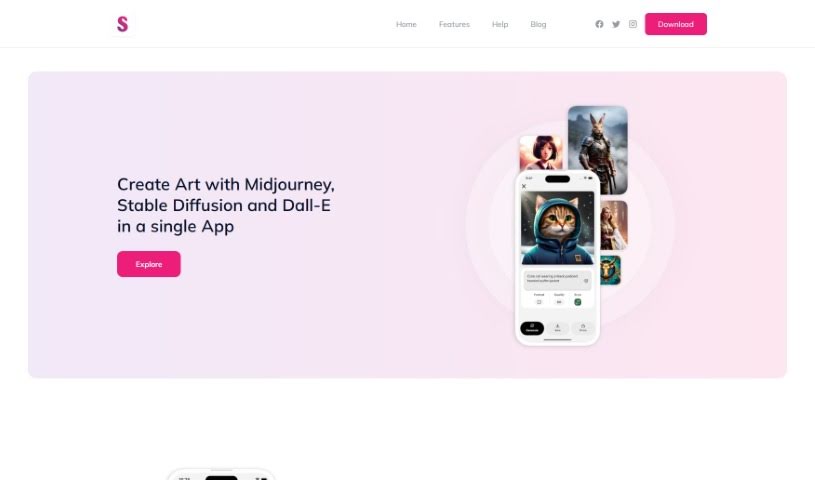
Splend AI is a free app that brings together three AI art generators: Midjourney, Stable Diffusion, and Dall-E. It lets you generate unique portraits, artwork, and landscapes from simple text descriptions. You can choose from pre-set styles or create your own custom styles to match your vision.

Portrait Generation View Tool →
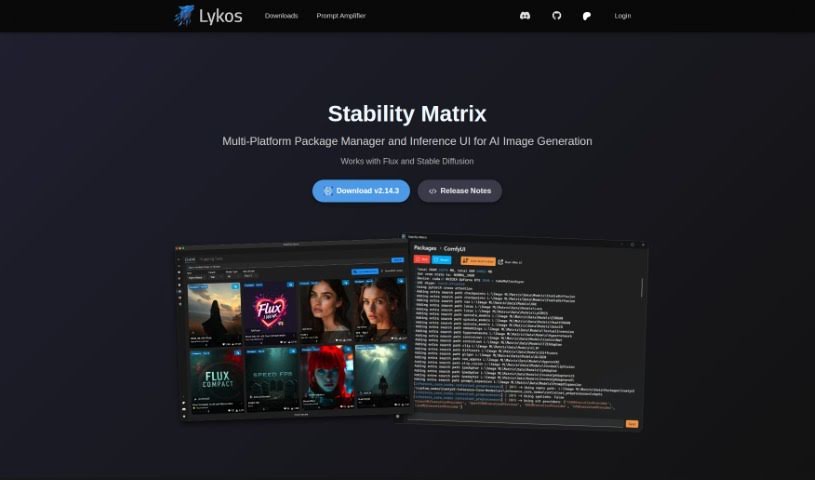
Screenshot of Stability Matrix

Stability Matrix

Freemium

Stability Matrix is an assistant for AI image generation that simplifies managing AI image models. It helps you keep models organized and up to date with minimal effort: you can install new models with a single click or import existing ones via drag and drop. It also provides quick access to the latest model updates.

Portrait Generation View Tool →
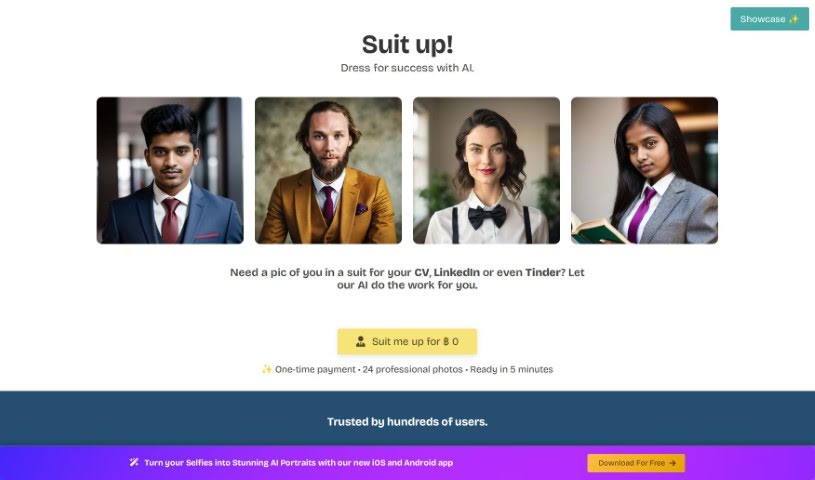
Screenshot of Suit Me Up

Suit Me Up

Freemium

Suit Me Up is a service that uses AI to create lifelike pictures of you dressed in suits. You upload your own photos, and it generates 20 different suit-wearing images — suitable for resumes, LinkedIn profiles, or dating apps like Tinder.

Portrait Generation View Tool →
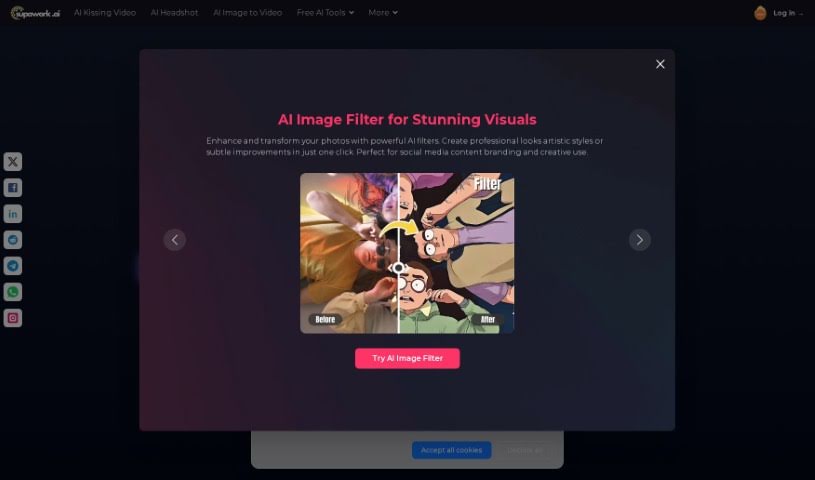
Screenshot of Supawork AI AI Avatar Generator

Supawork AI AI Avatar Generator

Freemium

The Supawork AI Avatar Generator turns ordinary photos into AI-generated avatars. It offers over 100 avatar styles, including photography studio looks, outdoor beach scenes, and professional indoor settings. Upload selfies and generate avatars in a few minutes, then use them to update social media profiles or explore creative ideas with your own artistic touch.

Portrait Generation View Tool →

About Portrait Generation tools

Getting a polished, professional headshot or character portrait often feels harder than it should be. Between booking studio time, tweaking camera settings, and editing facial shadows, creating crisp portraits for team pages, resumes, or creative stories takes real effort.

These AI portrait generators, headshot creators, and digital art tools act as versatile studio partners. They help you render clean corporate avatars, restore old family photos, and explore artistic portrait styles in seconds without replacing human emotion or the artist’s touch.

Corporate Avatars, Character Art, and Photo Restoration

Generating professional headshots on demand turns personal photos into studio-quality portraits. Uploading casual photos or selfies lets smart headshot tools generate clean executive avatars with professional clothing and balanced lighting. Remote companies can keep employee directories uniform across hundreds of team members without coordinating individual photoshoots.

Exploring creative character art and stylized portraits takes a fraction of the usual sketching time. Digital artists, fiction writers, and game designers can quickly visualize story characters in different outfits, eras, and lighting setups. Prompt-based tools render everything from fantasy portraits and watercolor paintings to retro film styles, giving you a strong visual starting point.

Restoring facial details and fixing vintage photos becomes far simpler, as well. Enhancing low-resolution snapshots or old family photographs used to require painstaking manual retouching. Intelligent detail-restoration tools sharpen blurry facial features, clean up film noise, and balance harsh shadows while keeping the person’s likeness recognizable.

Key Capabilities to Look For:

  • Identity and face consistency: Systems that maintain a subject’s facial features and likeness across different poses, outfits, and backgrounds.
  • High-definition detail upscaling: Software that sharpens skin textures, hair strands, and eye clarity for crisp web and print displays.
  • Custom lighting and backdrop settings: Controls that let you adjust light angles, color temperatures, and studio backgrounds easily.
  • Batch headshot creation: Features designed to convert photo sets for entire teams into standardized corporate portraits at once.
  • Style preset variety: Applications offering styles ranging from photorealistic corporate headshots to digital concept art and classical oil paintings.

Real portraits will always capture something deeper: genuine personality, warm eye contact, and authentic emotion. Software can adjust lighting, generate clean studio backdrops, and render digital character art, but the real magic comes from the creative vision behind the prompt.

Take a look through the portrait tools below to find the right generator for your needs.

The Best AI Portrait Generators

  1. PicWish AI Photo Editor: Great for making unique and captivating portraits.
  2. Apob AI: Perfect for custom avatar creation for gaming profiles.
  3. PFPMaker.com: Helps you craft personalized social media profile pics.
  4. AI Avatar: Turns a single selfie into photoreal, anime or cartoon avatars.
  5. Headshot Pro: Generates AI profile pictures for online use.
  6. A1: Ideal for custom character creation for stories.
  7. AiPassportPhotos: Lets you create unique cartoon avatars instantly.
  8. Astria: Offers customizable 4K avatars and portraits.
  9. Canva AI Portrait Remover: Useful for creating custom backgrounds for portraits.
  10. Waifu Labs: For custom anime portrait design for profiles.
  11. Stability Matrix: Helps enhance portrait style consistency.
  12. Supawork AI AI Avatar Generator: Great for custom profile pictures for social media.
  13. PicSo: For custom digital art for personal avatars.
  14. Media.io AI Portrait Generator: Creates unique digital avatars for gaming.
  15. AI Face Swap Swapr: Face-swapping app with adjustable blending.
New tools, in your inbox.

Weekly picks of the best AI tools we've researched and added — no spam, unsubscribe anytime.

Join 25,000+ AI enthusiasts. No spam, unsubscribe anytime.