123RF AI Image Generator
Creative Image Generation
Learn more
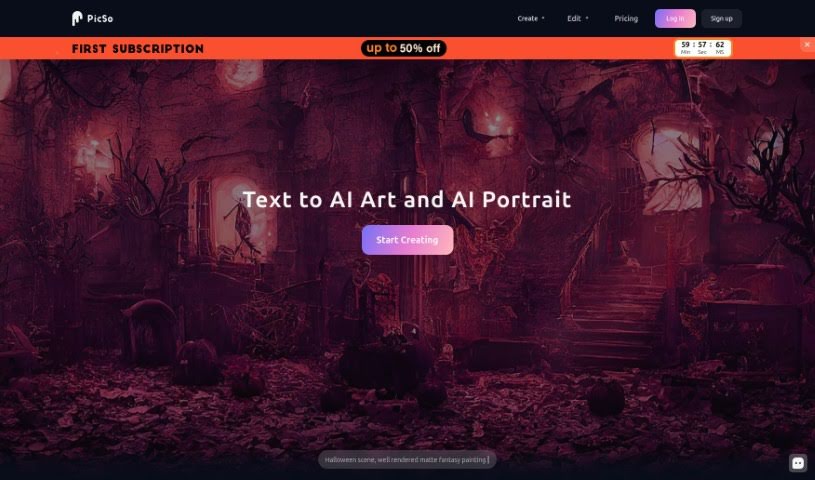
PicSo turns text prompts into AI-generated art on web and mobile, with pre-set styles, cloud storage, and a free trial.
PicSo is a mobile app that creates art from text descriptions. You type what you want to see, and the app generates images based on your prompt. It works on the web or via a downloadable client, and automatically saves your creations to the cloud. PicSo includes pre-set styles for when you’re unsure what to write, and it can generate several different images from the same prompt. Users value it for its ease of use and fast generation.
PicSo was started by a global digital marketer who needed a way to create eye-catching images without a large time investment. The founder remained closely involved, giving feedback to the development team. PicSo distinguishes itself through its mobile-first focus, independence from open-source code, and ongoing work to improve its algorithms and models.
A few practical details: prompts have a 300-character limit, generation is fast, and the “Discovery” section lets you browse what other users have created and share your own work. PicSo offers a free trial, so you can try it before committing.
Related
Discover more tools in similar categories
Weekly picks of the best AI tools we've researched and added — no spam, unsubscribe anytime.
Join 25,000+ AI enthusiasts. No spam, unsubscribe anytime.