Sifting through hours of raw audio files after a long recording session can turn podcasting into a grind. Between editing out mouth clicks, writing show notes, creating social clips, and transcribing interviews, post-production takes away the fun of hosting. When technical chores eat up your week, keeping up a consistent publishing schedule gets tough.
Think of the podcasting tools in this category as high-speed audio assistants. They clean up noisy tracks, write show notes, and edit episodes in seconds without replacing your personality or host presence.
Audio Cleanup, Instant Transcripts, and Social Clips
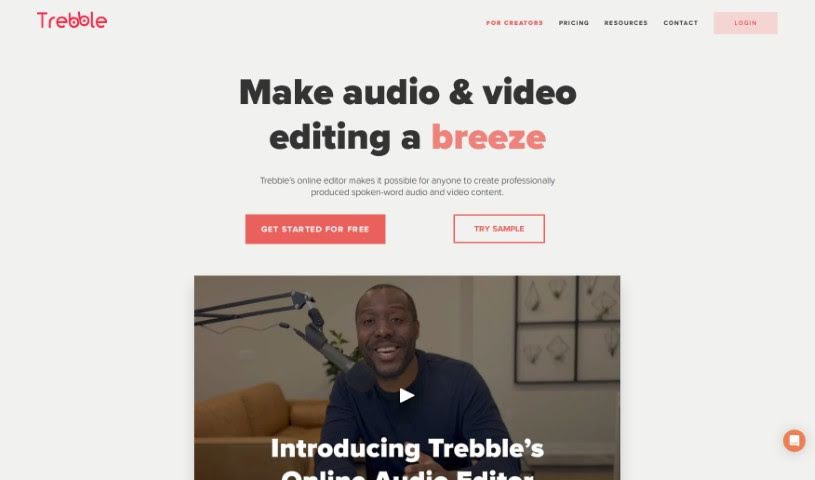
Cleaning up audio quality and cutting out dead air takes a fraction of the usual effort. Removing room echo, background hum, and volume imbalances used to require expensive plugins and precise manual editing. Intelligent audio cleanup tools fix vocal levels automatically, remove background noise, and strip out unwanted pauses without distorting your natural voice.
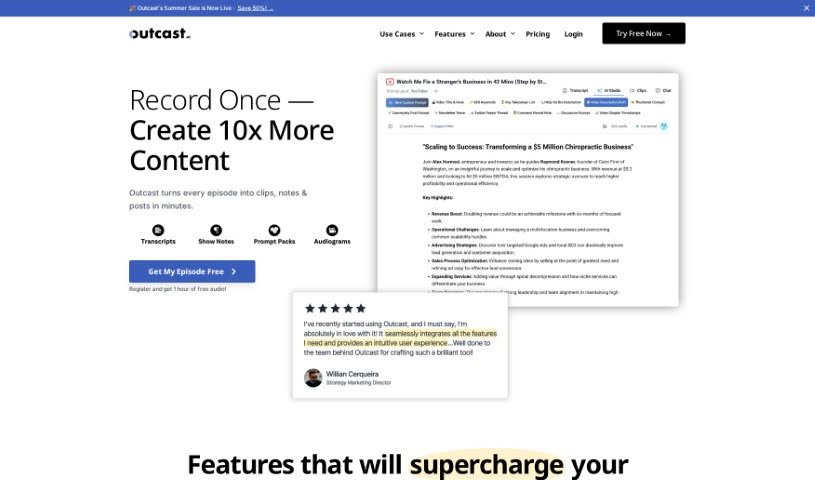
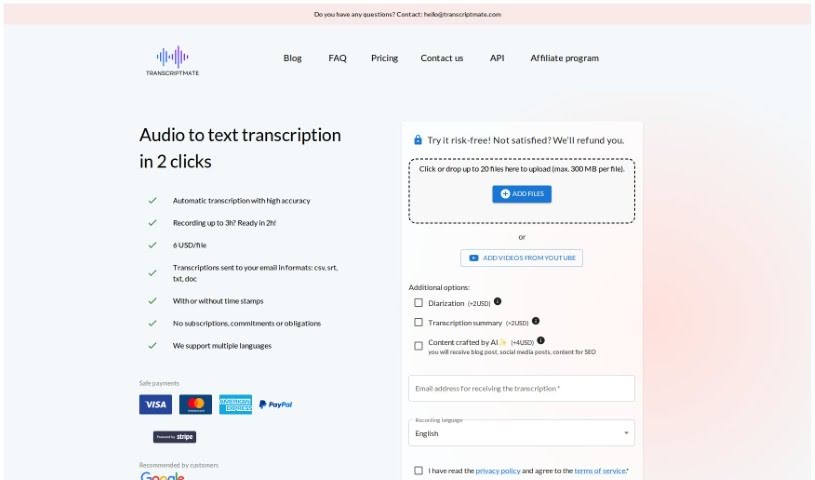
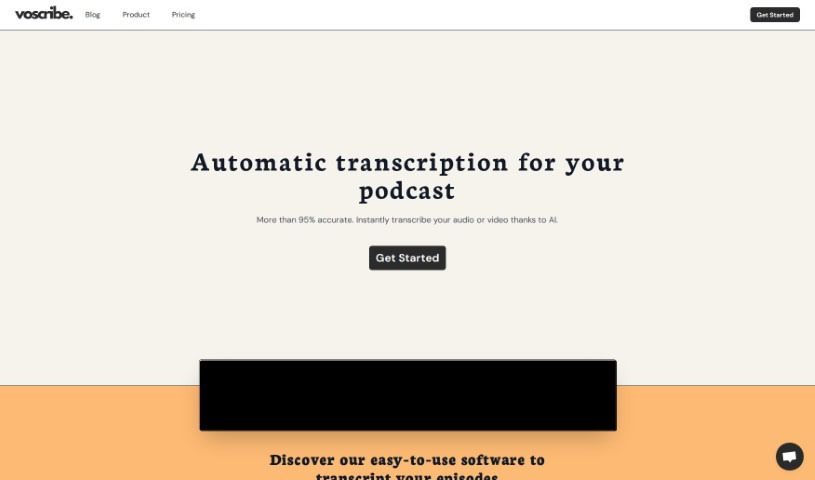
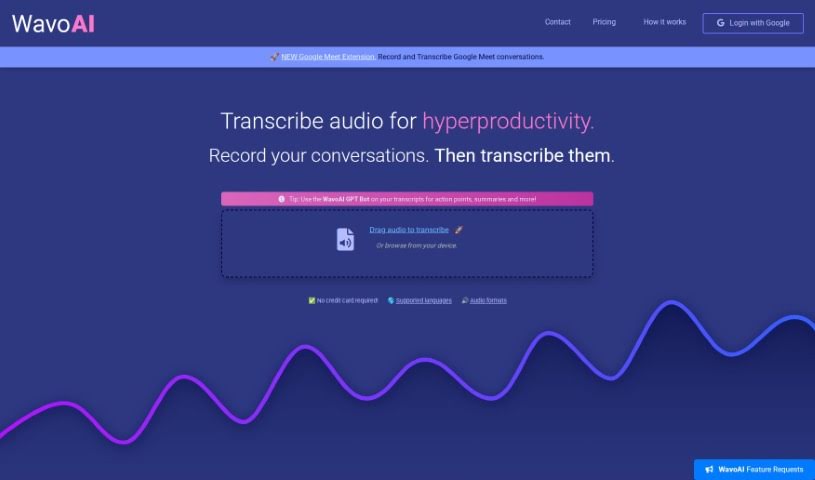
Generating transcripts, show notes, and chapter markers becomes instant instead of an all-evening job. Listening through an entire episode a second time just to write time-stamped summaries drains your energy. Smart podcast assistants generate word-for-word transcripts, write detailed episode summaries, and pull out key discussion points so your listeners can jump to their favorite segments easily.
Repurposing full episodes into short social clips and blog posts expands your reach quickly. Finding the most engaging thirty seconds of a long interview to post on social media takes time to scout manually. AI video and audio tools scan your episode, highlight the funniest or most insightful moments, and reframe vertical video clips with auto-captions ready for sharing.
Useful Features for Podcasters:
- Automated noise cleanup and leveling: Systems that eliminate background noise, room echo, and uneven vocal volume automatically.
- Filler word and silence removal: Features that detect and remove mouth clicks, hesitation words, and long awkward pauses with a single click.
- Show notes and chapter generation: Software that writes time-stamped episode summaries, bulleted takeaways, and chapter titles.
- Automated social clip creation: Tools that pull highlight clips from long recordings and add animated captions for social platforms.
- Multi-track speaker transcription: Applications that identify individual voices and generate accurate transcripts for interview shows.
Building a loyal listener base will always depend on your unique perspective, authentic voice, and great conversations. Software can clean up background hum, generate show notes, and trim audio clips, but sharing stories that move people requires your personal host presence.
Explore the podcast tools below to simplify your show production.
- Adobe Podcast: Makes spoken audio sound great, effortlessly.
- Eleven Labs Voice Cloning: Great for creating personalized podcast intros.
- Cleanvoice AI: Helps you easily streamline podcast editing tasks.
- Covers AI: Enhances podcasts with AI-generated voices.
- Listnr Ai: Streamlines how you generate podcast voices.
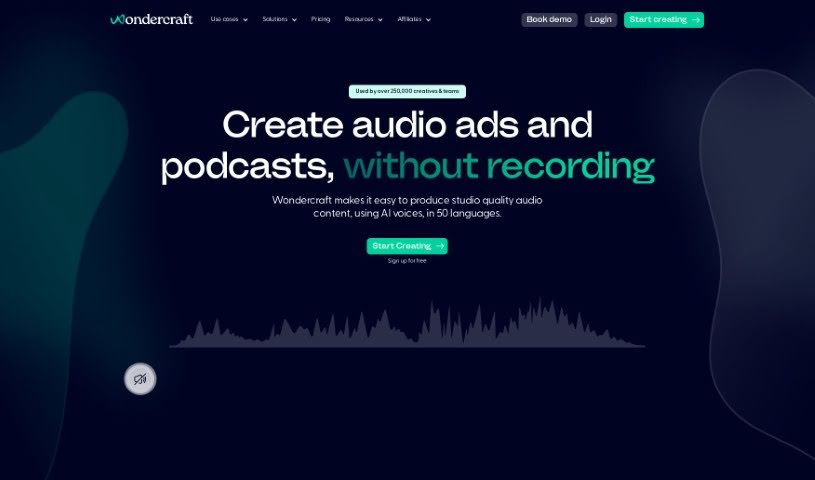
- Wondercraft AI: Offers an end-to-end podcast production studio.
- Kingshiper: Makes audio editing for podcasting simple.
- Alitu Showplanner: Takes a podcast from idea to launch, covering naming, planning and scripts.
- RadioGPT: Generates dynamic content for podcasts.
- Meta Audiobox: Helps you create engaging podcast intros and segments.
- Jellypod: Turns emails into engaging podcasts.
- Podsqueeze: Creates show notes and timestamps for you.
- Revocalize AI: Enhances vocals for clearer podcasting.
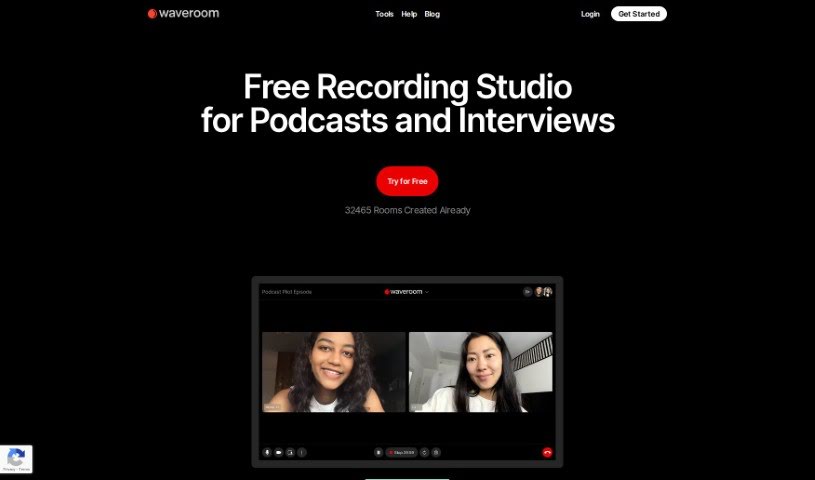
- Waveroom: Streamlines podcast guest interviews.
- Streamlabs: Simplifies podcast editing and transcription.