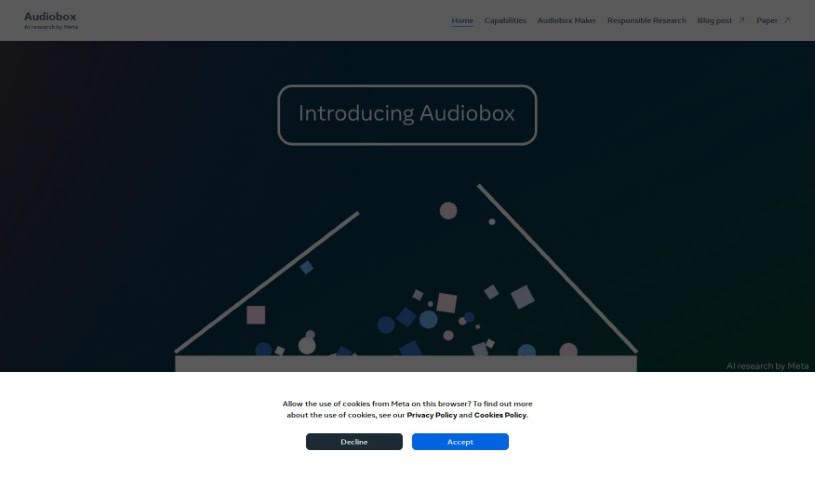
Screenshot of Meta Audiobox

Meta Audiobox

Discover Meta Audiobox in 2025! Learn what this AI research project from Meta is all about, explore its features, and find out how to use it effectively. We'll also see how it stacks up against other podcast tools.

Screenshot

What is Meta Audiobox?

Meta Audiobox is a fascinating AI research project from Meta, all about creating audio in a unified way using simple, natural language prompts. It is a tool that lets you generate audio content just by telling it what you want, which opens up a lot of possibilities for things like voice interactions and making new content. Meta’s Audiobox is a big step forward in how we synthesize and produce audio. It offers a smoother, more efficient method for creating high-quality sound, all powered by smart AI algorithms. The project even includes something called Audiobox Maker, letting you play around with generating all sorts of audio based on your prompts. It’s really changing the game for how we create and use audio.

Who created Meta Audiobox?

Meta created Meta Audiobox. They launched it on April 18, 2024. Meta is the company behind Audiobox, and they’re really focusing on AI research with this project.

What is Meta Audiobox used for?

  • You can create custom audio for all sorts of different uses.
  • It lets you generate voices and sound effects just by using your voice or typing natural language prompts.
  • It’s a great way to experiment with different capabilities, like making unique sound effects or synthesizing voices.
  • You can even make your own original audio stories.
  • There are interactive audio demos you can check out.
  • Meta is also focused on making sure AI is developed responsibly, with safety as a key priority.
  • It can turn your text prompts into rich audio, complete with voices and sound effects.
  • You can produce a wide variety of audio based on what you say or type.
  • It’s really helpful for applications that need custom voices and sound effects.
  • You can craft dynamic audio pieces and easily share them with others.

Who is Meta Audiobox for?

  • Content creators
  • Audio engineers
  • Podcasters
  • Voice actors
  • Musicians
  • Advertising professionals
  • Game developers
  • Educators
  • Film producers
  • Journalists

How to use Meta Audiobox?

Ready to dive in? Here’s how you can start using Meta Audiobox:

  1. Get to Meta Audiobox: Head over to the Meta Audiobox platform. You can usually find it through their website or a dedicated app.
  2. Log In or Sign Up: If you don’t have an account yet, you’ll need to sign up. If you do, just log in to access all the features.
  3. Find Audiobox Maker: Once you’re in, look for the section called Audiobox Maker. That’s where the magic happens.
  4. Start a New Project: To get started, create a new project. This is your blank canvas for audio generation.
  5. Give Your Commands: Now, enter the text or speak the voice commands you want to turn into audio. Just use natural language – it’s that simple.
  6. Pick Your Settings: You can choose specific settings for your audio, like the type of voice you want or the overall tone.
  7. Generate the Audio: Hit the generate button! The platform will convert your text or voice commands into audio.
  8. Listen and Tweak: Give the generated audio a listen. Does it sound right? If not, you can make any necessary edits or adjustments.
  9. Save or Share: Once you’re happy with it, you can download the audio to your device or share it directly from the platform.
  10. Keep It Safe: Don’t forget to save your project and the audio files. This way, you can come back to them later or do more editing.

Following these steps should help you make the most of Meta Audiobox for creating your audio content from text or voice commands.

Related AI Tools

Discover more tools in similar categories that might interest you

Stay Updated with AI Tools

Get weekly updates on the latest AI tools, trends, and insights delivered to your inbox

Join 25,000+ AI enthusiasts. No spam, unsubscribe anytime.