AI PDF Chat Tools: What They Are and How They Work

AI Tools for PDF Chat

Discover the best PDF Chat AI tools to enhance your productivity and creativity.

Page 4 of 4 • 46 total tools
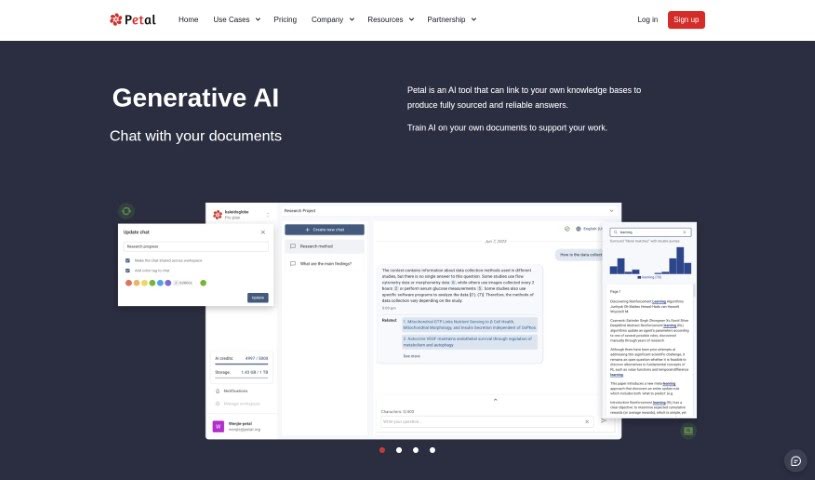
Screenshot of Petal

Petal

Freemium

Petal is an AI tool that turns your documents into expert insights. It uses what the company calls the world's first context-aware generative AI, delivering fully sourced answers quickly without requiring you to read through everything yourself. You can chat with Petal to extract insights from your own digital files, and you can train the AI on your specific documents to tailor it to your work.

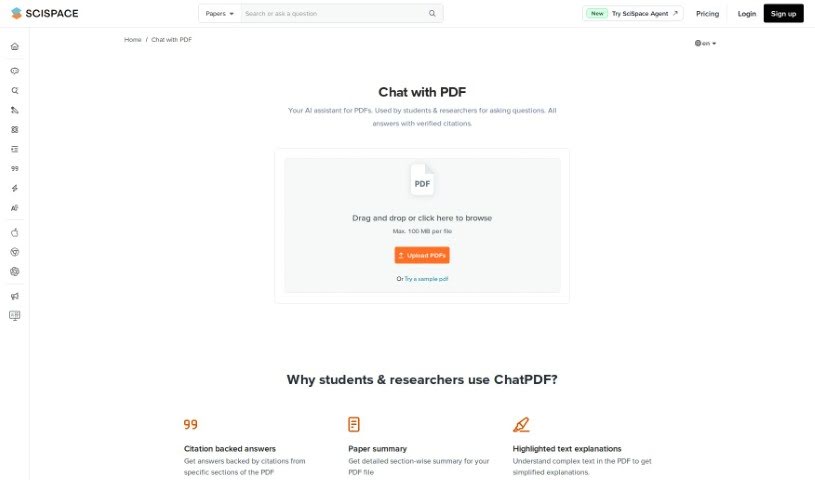
Screenshot of SciSpace AI Chat for scientific PDFs

SciSpace AI Chat for scientific PDFs

Freemium

SciSpace AI Chat is an AI assistant built for students and researchers who work with PDF documents. It makes interacting with complex research papers easier by providing answers backed by citations, so you can see where information comes from. You can chat with several PDFs at once, select text for quick summaries of specific parts, and adjust the length, tone, and format of answers.

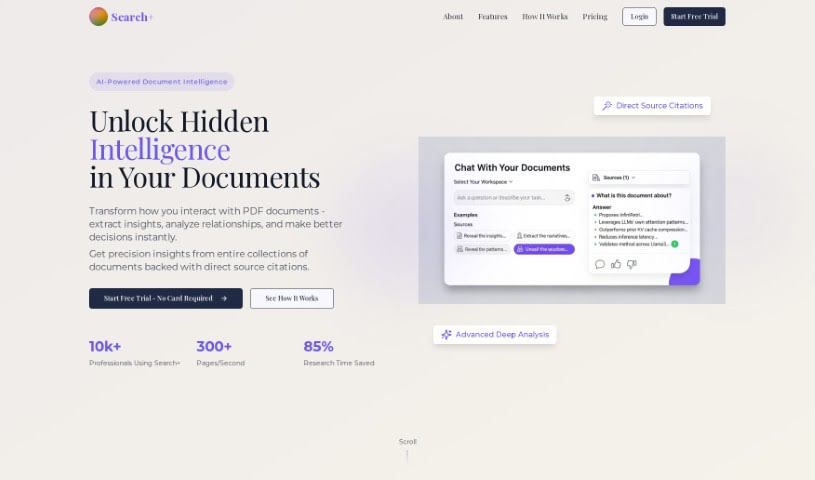
Screenshot of SearchPlus AI

SearchPlus AI

Freemium

SearchPlus AI lets you chat with your PDF documents. Ask questions about an uploaded file, and the tool pulls specific answers directly from its content, making it easier to find information and extract insights quickly.

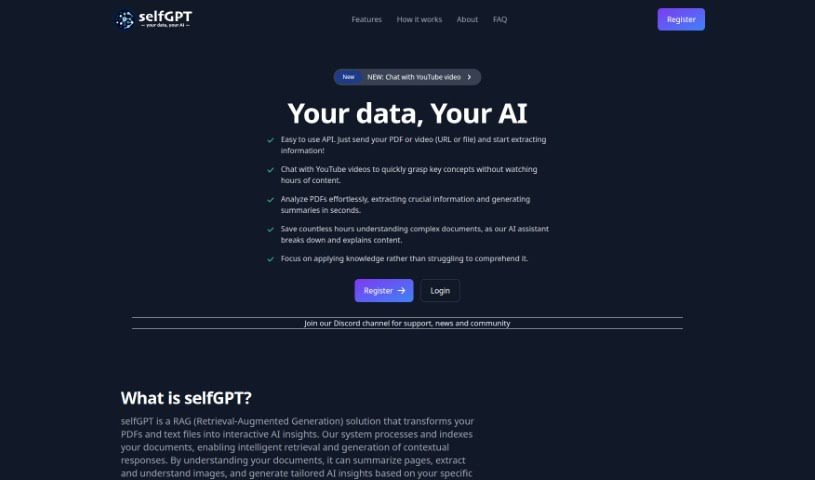
Screenshot of Selfgpt

Selfgpt

Freemium

SelfGPT is a platform that lets you chat with YouTube videos, so you can grasp the main ideas without watching hours of content. It also analyzes PDFs and text files, extracting key information and generating summaries in seconds. The AI assistant breaks down complex documents and explains them, turning your files into interactive AI insights. It can summarize pages, understand images within documents, and generate insights tailored to your content.

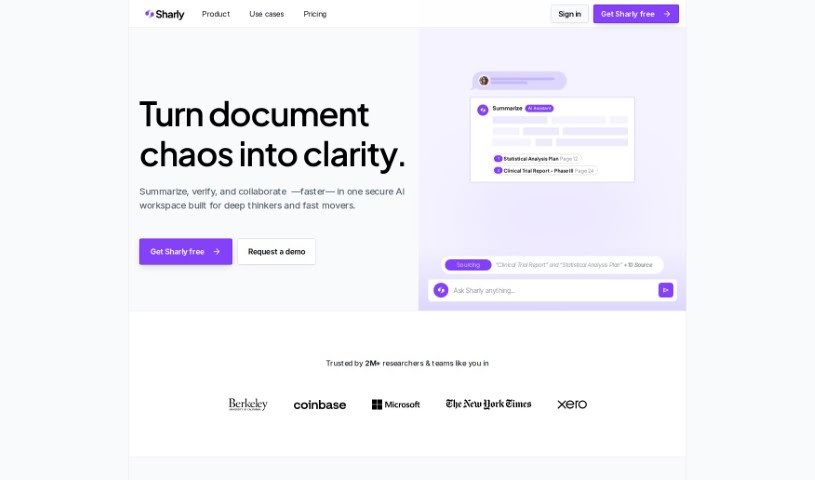
Screenshot of Sharly AI

Sharly AI

Freemium

Sharly AI is a tool built for researchers, especially those in academia and R&D. Its main job is to make it easier to work through and pull together large amounts of academic papers and information. It speeds up literature reviews, combines data from different sources, and supports collaboration, turning complex data into clear, usable insights.

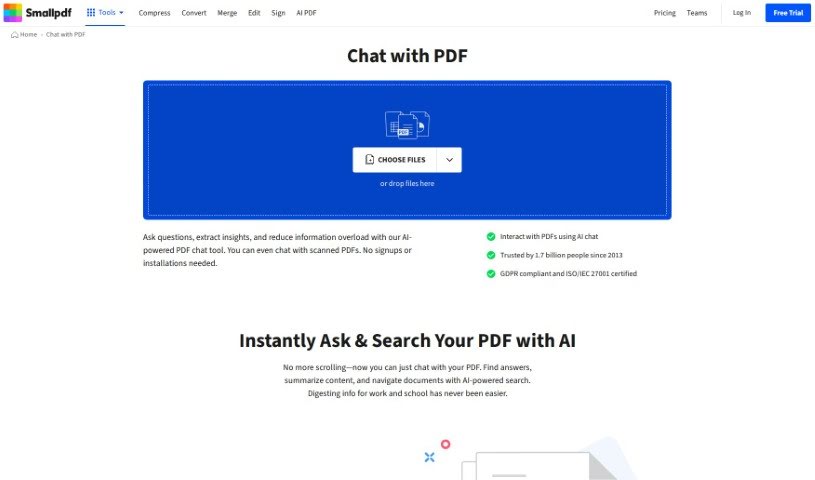
Screenshot of SmallPDF.com ChatPDF

SmallPDF.com ChatPDF

Freemium

SmallPDF.com ChatPDF is a feature on the SmallPDF website that lets you talk to your PDF documents. It supports conversation, sharing thoughts, and collaborating with others directly within PDF files, all on the SmallPDF platform. You can add comments, suggest edits, and review PDF content together in a shared online space, which helps with teamwork, feedback, and document management without needing extra software.

Screenshot of Summarizethis

Summarizethis

Freemium

SummarizeThis is a free AI tool that condenses text, PDFs, YouTube videos, Twitter threads, and web pages into short summaries. Paste text directly, drop in a YouTube video or Twitter thread URL, upload a PDF, or enter a page URL, and it returns a quick overview of the content.

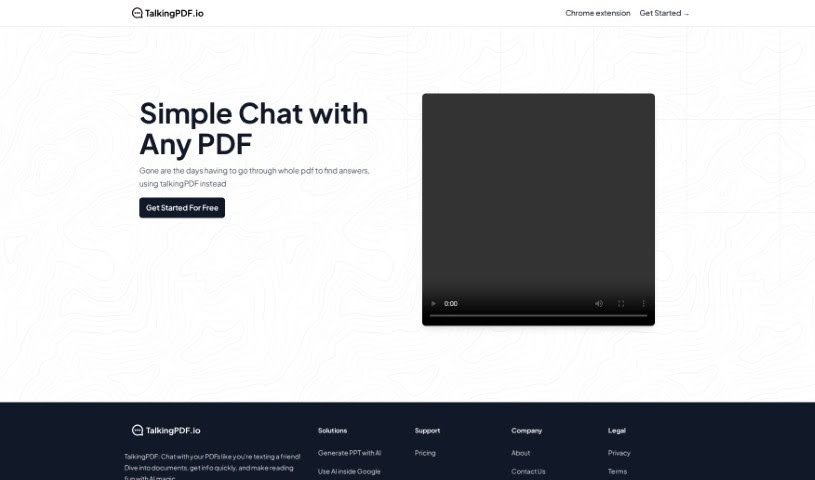
Screenshot of TalkingPDF

TalkingPDF

Freemium

TalkingPDF is a free online tool that lets you chat with any PDF document. Instead of scrolling through static pages, you type your questions or what you're looking for — a summary, specific details, or anything else — and the AI responds conversationally, making it easy to get the information you need.

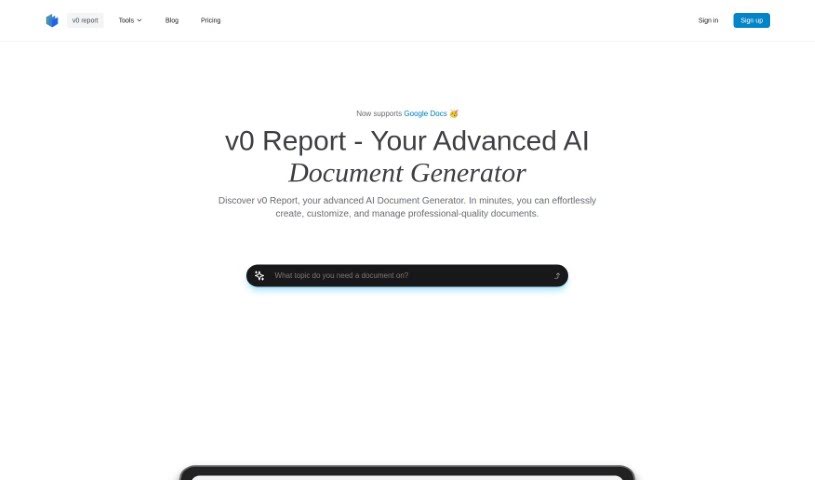
Screenshot of v0 report

v0 report

Freemium

v0 Report is an AI tool for creating reports and documents. It gathers information from various sources, lets you upload your own files for analysis, and generates reports automatically. It includes a Notion-style editor for easy customization and reads and summarizes PDFs quickly. Data is protected with strong encryption, and the tool works across industries including tech and retail. It is particularly useful for businesses analyzing customer behavior, technology adoption, and market trends.

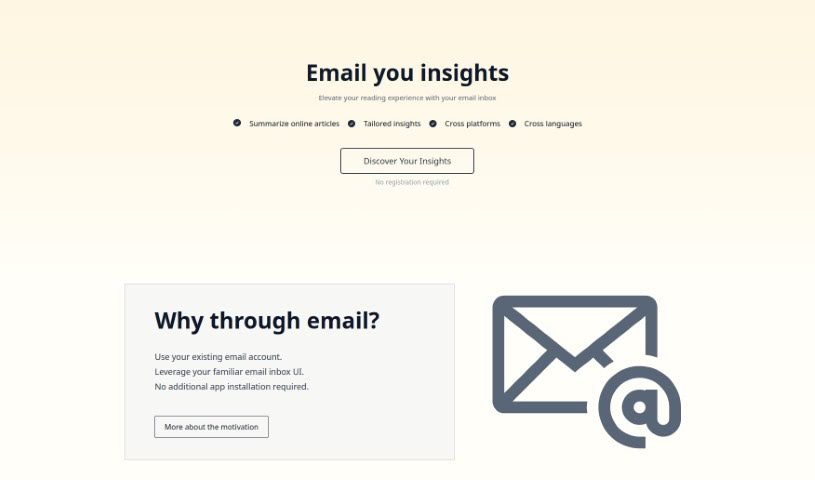
Screenshot of Wuko.ai

Wuko.ai

Freemium

Wuko.ai is an email-based reading tool, currently in beta. Send it a link and it returns a summary to your inbox, answers follow-up questions, and lets you share insights with others. No app installation is required — everything works through your existing email client, on any device.

Previous 4 of 4 Next

About PDF Chat tools

Going through a two-hundred-page research report or a dense financial document looking for a single statistic tests anyone’s patience. Between skimming endless pages, copying text into separate notes, and trying to cross-reference multiple files, extracting quick facts from static documents slows your work to a crawl.

Conversational search tools turn static files into interactive research workspaces. Instead of replacing thorough reading or critical analysis, they let you ask questions directly to your documents, extract key insights, and locate relevant sections in seconds.

Interactive Research, Document Comparisons, and Citations

Asking direct questions in natural language turns static files into interactive conversations. Rather than relying on rigid keyword searches that miss context, conversational document assistants read the full text and respond with specific answers. You can ask for a quick summary of a chapter, request an explanation of a complex table, or ask how two sections relate to each other without scrolling through pages of text.

Comparing information across multiple documents takes a fraction of the usual time. When you need to contrast three vendor contracts or compare annual financial statements side by side, switching between windows gets messy. Multi-document chat assistants scan several uploaded files at once, highlighting differences in terms, identifying trends across quarters, and synthesizing facts into a single clear answer.

Verifying facts and checking sources remains simple thanks to interactive citation links. Generative tools are only as helpful as their accuracy, which is why modern document platforms tie every answer directly back to the original text. Clicking a numbered citation jumps straight to the exact page and highlights the source paragraph, helping you verify facts quickly before using them in a report.

Useful Capabilities to Consider:

  • Source citation links: Systems that anchor every generated answer to exact page numbers and highlighted text inside your document.
  • Multi-file chat spaces: Features that allow you to upload and query multiple PDFs, spreadsheets, or slide decks within a single workspace.
  • Data and table extraction: Software capable of reading complex tables, financial charts, and embedded graphics to answer quantitative questions.
  • Privacy and data security controls: Platforms built with encryption standards that keep your documents secure and guarantee uploaded files aren’t used for training.
  • Export and annotation options: Applications that let you save chat summaries, export key notes to word processors, or add digital highlights directly onto the PDF.

Getting true value from complex documents will always depend on your analytical skills and critical thinking. Software can pull a quote, summarize a chapter, or compare terms across files, but interpreting what those facts mean for your project requires your judgment.

Explore the PDF chat tools below to speed up your document research.

The Best AI PDF Chat Tools

  1. ChatPDF: Great for quickly summarizing long documents.
  2. Humata: Offers instant PDF Q&A for fast knowledge access.
  3. Ask Your PDF: Perfect for interactive PDF Q&A sessions.
  4. Chat DOC: Provides instant insights from PDF documents.
  5. Note GPT AI Chat PDF: Ideal for interactive PDF question answering.
  6. Sharly AI: Good for interactive PDF document discussions.
  7. Sci Space AI Chat for scientific PDFs: Helps you quickly summarize research findings.
  8. Small PDF.com Chat PDF: Useful for interactive PDF content discussions.
  9. Docanalyzer.ai: Great for interactive document Q&A sessions.
  10. Gist Ai: Lets you quickly extract insights from PDF chats.
  11. PDFgpt.io: Makes Q&A on PDF content effortless.
  12. Search Plus AI: Offers interactive PDF Q&A sessions.
  13. Docalysis: Provides instant answers to your PDF inquiries.
  14. Petal: Good for interactive PDF discussions and feedback.
  15. Honeybear.ai: Delivers seamless PDF question and answer sessions.
New tools, in your inbox.

Weekly picks of the best AI tools we've researched and added — no spam, unsubscribe anytime.

Join 25,000+ AI enthusiasts. No spam, unsubscribe anytime.