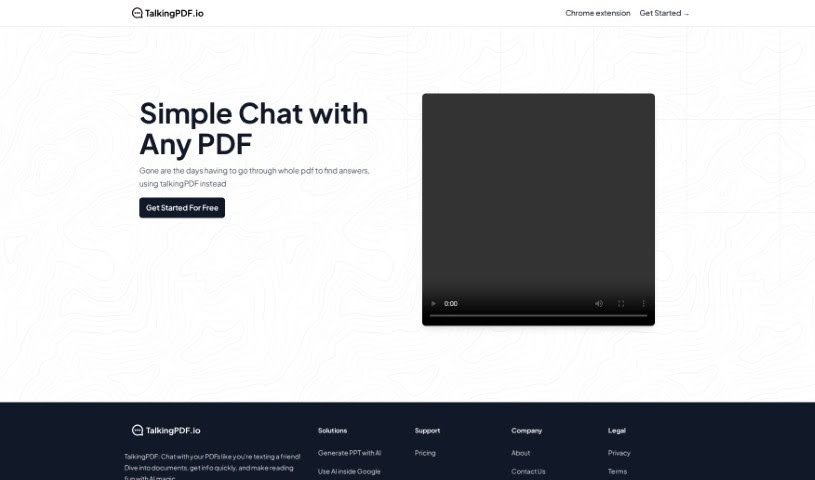
What is TalkingPDF?
TalkingPDF is a free online tool that lets you chat with any PDF document. Think of it like having a text conversation, but with your PDF! This AI-powered tool makes it easy to ask questions, get quick summaries, and find exactly what you’re looking for in a document. The whole idea behind TalkingPDF is to make working with PDFs more engaging and dynamic, moving beyond just static reading. Plus, they offer other handy tools like the MagicSlides App to create PowerPoint presentations from your PDFs and Sheetai.app to bring AI into your Google Sheets. They’ve got pricing info and contact details if you need them. IndianAppGuy Tech Pvt Ltd, a company focused on creating innovative AI solutions, developed this tool.
Who created TalkingPDF?
TalkingPDF first launched on October 14, 2023, and it comes from IndianAppGuy Tech Pvt Ltd. This company really specializes in building innovative AI-powered solutions, and TalkingPDF is one of their key products. Essentially, it’s a tool that lets you chat with your PDF documents, making the whole reading process more engaging and efficient thanks to AI.
What is TalkingPDF used for?
- Chatting and interacting with any PDF document you have.
- Asking questions and getting summaries of the content within your PDFs.
- Quickly locating specific pieces of information inside a PDF.
- Making the experience of reading PDFs much more engaging and dynamic with AI.
- Generating PowerPoint presentations easily using the MagicSlides App.
- Using AI capabilities directly within Google Sheets through Sheetai.app.
- Getting information fast in a way that feels more interactive and dynamic.
- Making your PDF reading experience more enjoyable with the help of AI.
- Simplifying and streamlining how you work with PDF documents.
- Ensuring you can access their privacy policy and terms of use to meet legal requirements.
- Asking questions and getting summaries from your PDF content.
- Enhancing how you read PDFs through an interactive chat interface.
- Finding pricing information and reaching out to the company for support.
- Meeting legal requirements by having a privacy policy and terms of use readily available.
- Diving into your PDF documents to quickly access the information you need.
- Making your reading experience more enjoyable with AI technology.
- Interacting and chatting with any PDF document.
- Asking questions and getting summaries from your PDF content.
- Quickly finding specific information within a PDF.
- Enhancing how you read PDFs through AI technology.
- Generating PowerPoint presentations with the MagicSlides App.
- Using AI capabilities within Google Sheets via Sheetai.app.
- Accessing pricing information and contacting the company for support.
- Adhering to legal requirements with a privacy policy and terms of use.
- Diving into PDF documents to access information quickly.
- Making your reading experience more enjoyable through AI magic.
Who is TalkingPDF for?
- Anyone who works with PDF documents regularly.
- Professionals who deal with lengthy PDF documents.
- People who need to find specific information within PDFs quickly.
- Students.
- Professionals in general.
- Researchers.
- Academics.
- Professionals across various fields.
- Anyone looking for a more efficient way to navigate PDF documents.
How to use TalkingPDF?
Using TalkingPDF is pretty straightforward. Here’s how you can get started:
- First, head over to TalkingPDF.io. It’s a free online tool that lets you chat with your PDF documents.
- Next, just type in your questions or what you’re looking for in the PDF. You can ask for summaries, specific details, or anything else you need.
- The AI tool will then give you responses in a conversational way, making it super easy to get the information you need.
- You’ll find it’s a much more dynamic and interactive experience, almost like texting a friend about your PDF content.
- Don’t forget to check out their other features too! You can generate PowerPoint presentations with the MagicSlides App and use AI in Google Sheets with Sheetai.app.
- If you need more info, you can find pricing, support, and contact details right on the TalkingPDF.io website.
- To make sure everything’s above board, you can review their privacy policy and terms of use on the platform.
- And finally, make your PDF reading experience better by using AI to quickly find the information you’re looking for.
By following these simple steps, you can really make the most of TalkingPDF’s AI technology. It’s a great way to improve how you interact with PDFs and get the information you need more effectively.