Top AI Tools You Can Use Without Coding

AI Tools for No Code

Discover the best No Code AI tools to enhance your productivity and creativity.

Page 4 of 7 • 73 total tools
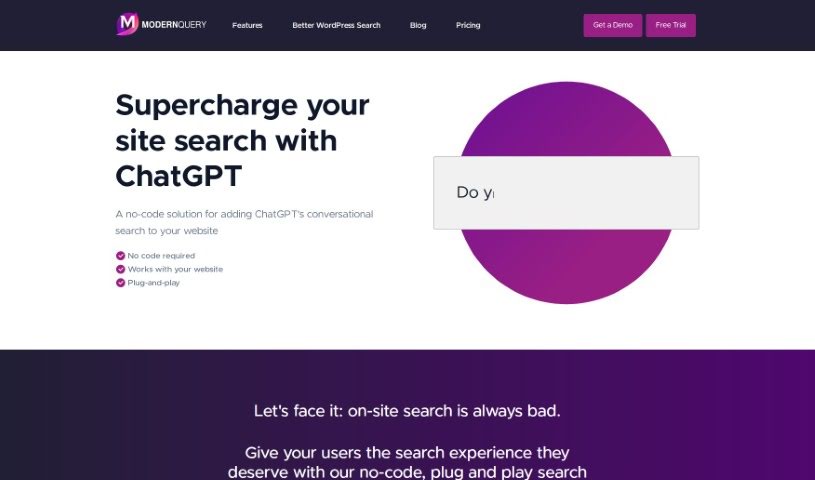
Screenshot of Modern Query

Modern Query

Freemium

ModernQuery is a no-code tool that improves website search using generative AI and conversational search, similar to chatting with ChatGPT. Search results can be adjusted through a point-and-click interface, and autocomplete suggestions help visitors find what they're looking for faster. It works for small business sites, personal blogs, and larger company websites.

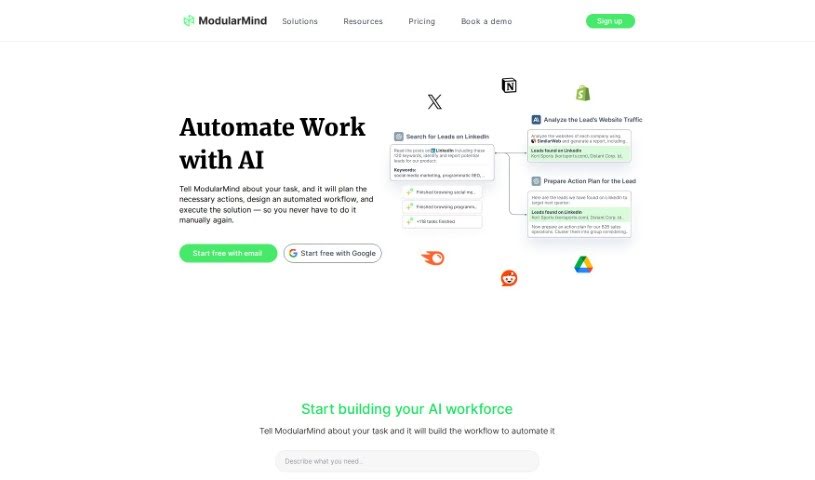
Screenshot of ModularMind

ModularMind

Freemium

ModularMind is a no-code AI builder for productivity workflows. It lets you automate repetitive tasks without starting from scratch each time, build workflows piece by piece, and connect with various AI models, including advanced machine learning models. No coding is required — the interface makes custom workflow building accessible, and pricing is budget-friendly.

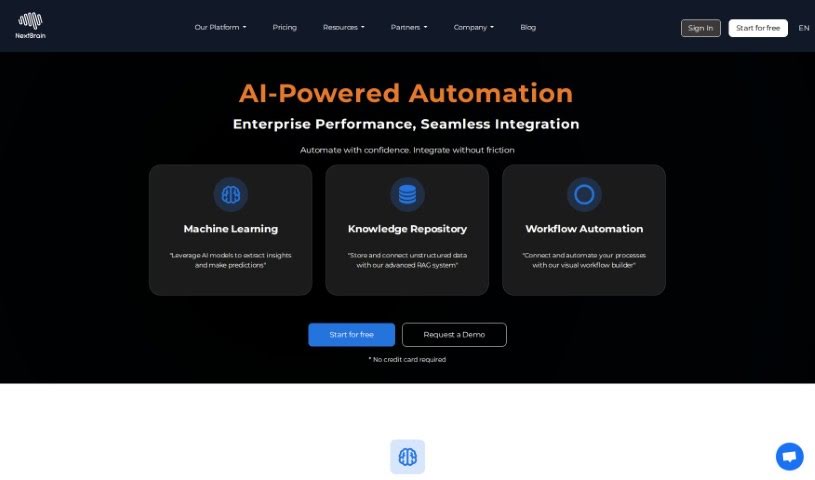
Screenshot of NextBrain AI

NextBrain AI

Freemium

NextBrain AI is a no-code platform that makes machine learning accessible to users without coding experience. It simplifies the machine learning process, explains how its models work, and delivers actionable insights so you can make informed business decisions. The platform connects to your existing data sources and applications, and includes a Generative AI Assistant, powered by Language Model technology, that lets you reshape data tables directly.

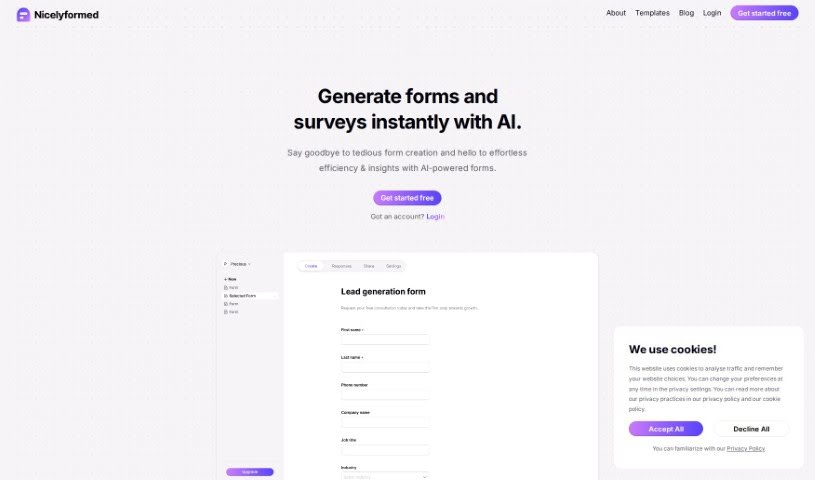
Screenshot of Nicelyformed

Nicelyformed

Freemium

Nicelyformed is an AI-powered form builder. You describe the form you want in plain English, and its natural language processing generates it — supporting input types that range from basic text fields to rating scales and file uploads. You can then tweak and customize the result freely. The tool aims to simplify data collection and organization, including generating actionable insights from the responses you collect.

Screenshot of Nocoai

Nocoai

Freemium

NocoAI is a no-code, serverless platform for deploying GPT-based applications. It lets you build custom models and API endpoints without coding expertise. You can define prompt templates using the Mustache template engine to personalize inputs, and manage OpenAI costs by setting request and user limits. The NocoAI team also assists with adding datasets for fine-tuning models.

Screenshot of One Connect Solution

One Connect Solution

Freemium

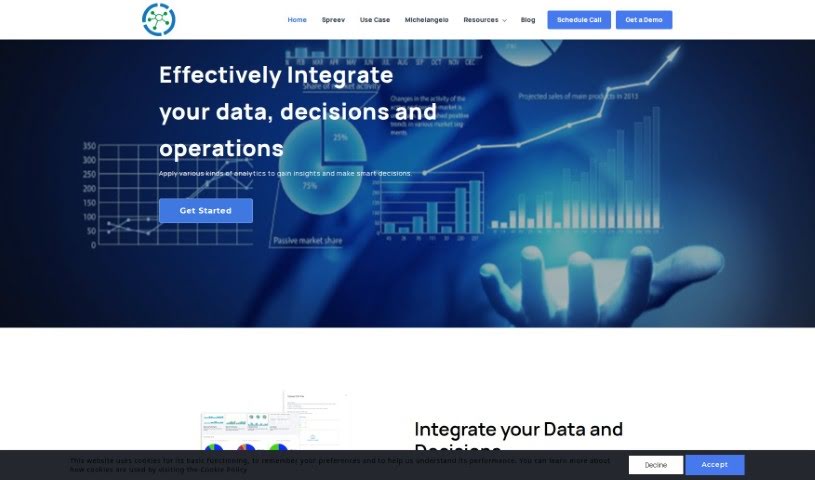
One Connect Solution is a data analytics platform developed by One Connect Solutions. It aims to improve the workplace experience using machine learning and customized setups. Key features include automated machine learning, no-code/low-code options for transforming data, and connections to a variety of data sources. The platform is designed to improve efficiency, increase productivity, maintain profit margins, and enhance products, processes, and decision-making across an organization.

Screenshot of Onu

Onu

Freemium

Onu is a platform for turning scripts into internal tools without any frontend coding. It converts scripts you already have into applications that are easy for people to use, cutting down on new coding and speeding up deployment.

Screenshot of Parallel GPT

Parallel GPT

Freemium

Parallel GPT is a platform for processing ChatGPT queries in bulk through a spreadsheet interface. It supports importing and exporting data in CSV or JSON formats, making it straightforward to work with large datasets.

Screenshot of Parsagon

Parsagon

Freemium

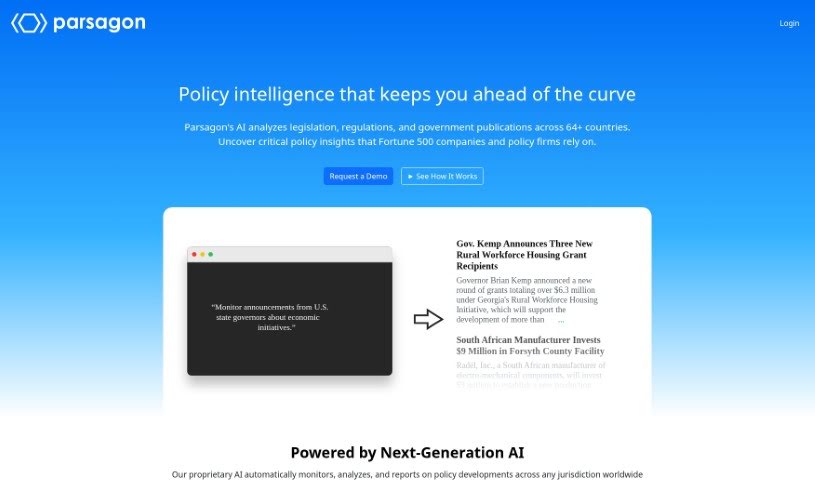
Parsagon is a browser automation platform that lets you create automations using plain English. Instead of writing code or dealing with technical setup, you describe what you want done in natural language, and the platform carries out the task. It can handle activities such as filling out forms, scraping data from websites, and handling repetitive browser tasks. It's designed to be accessible to beginners while still being useful for experienced users, and it aims to boost productivity for both individuals and businesses.

Screenshot of Plugbear

Plugbear

Freemium

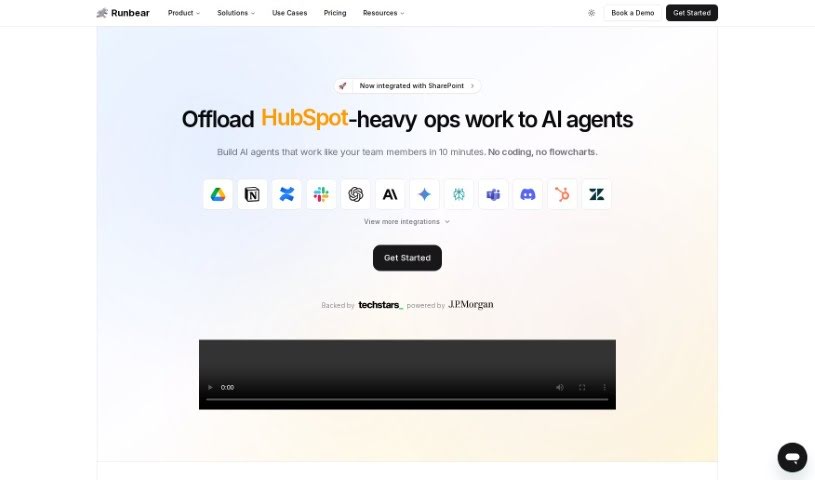
Plugbear is a platform for integrating custom AI models—such as ChatGPT, Claude, Gemini, and Assistants—directly into everyday communication tools like Slack, Microsoft Teams, Discord, HubSpot, Zendesk, and email. It requires no coding, so teams can deploy AI assistants into their existing workflows quickly. Plugbear supports a range of AI app builders and frameworks, including OpenAI's GPTs and LangChain, and lets you customize models with your own data and actions such as web browsing or API calls.

Screenshot of Promptitude.io

Promptitude.io

Freemium

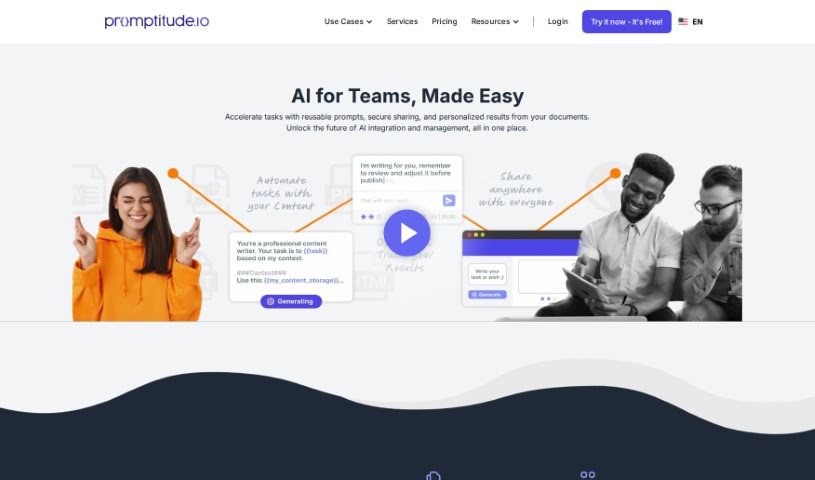
Promptitude.io is a platform that brings GPT prompt management, testing, and deployment into one place. It acts as a central hub for your AI prompts regardless of which AI provider or model you use, making it simpler to create and manage prompts through an easy-to-use interface. You can test and compare different AI models, gather user feedback to refine your prompts, and plug them into your existing tools and workflows.

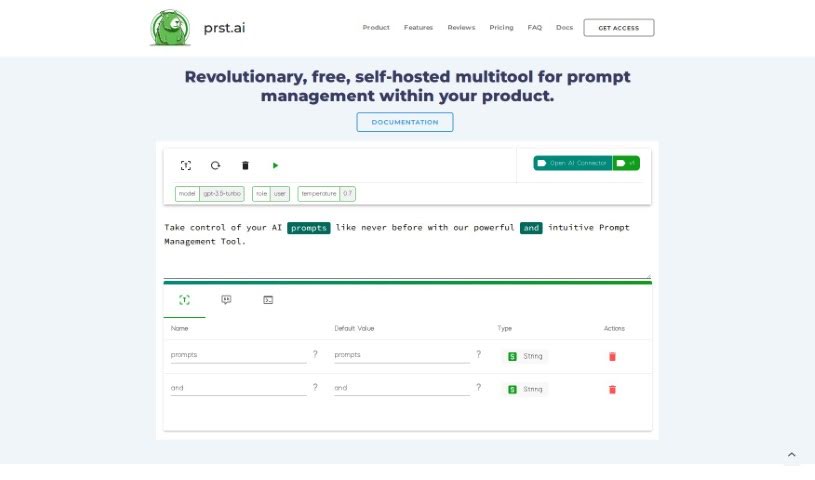
Screenshot of Prst.ai

Prst.ai

Freemium

Prst.ai is a self-hosted AI automation platform for managing and optimizing AI tools within your own products. It acts as a central hub for AI operations and uses a no-code approach to prompt management, so no coding expertise is required. You can create custom pricing rules, verify that prompt generations work as expected, and connect to a wide range of AI tools through its API and user interface.

About No Code tools

Turning a great business idea into a working web app, customer portal, or internal database used to require hiring a developer or spending months learning how to write code. Even with visual drag-and-drop platforms, setting up complex database permissions and multi-step logic can quickly stall your launch.

The platforms in this section act as digital architects for creators, entrepreneurs, and operations teams. They don’t replace creative problem solving or business strategy, but they construct database schemas, draft user interfaces, and build automated workflows straight from plain English instructions.

Building Apps with Natural Language

Generating functional prototypes from simple prompts turns concepts into usable software in minutes. Instead of building every screen, form, and table by hand, prompt-to-app tools let you describe what you need in plain text. The software generates the initial layout, sets up data tables, and configures basic navigation—giving you a working draft to refine with visual editors.

Setting up complex logic and multi-app automations gets much easier, too. Configuring conditional rules, API connections, and data transfers without code can feel intimidating when edge cases pop up. AI co-builders help map out multi-step workflows, connect external apps like Slack or Airtable, and suggest fixes when something breaks to keep your automations running smoothly.

You can also embed intelligent features directly into your end-user applications. Modern no-code tools let you add smart search assistants, automated text generators, and document processors directly into your client portals. Your users can ask questions about stored records or upload files for instant analysis without you needing custom backend code.

Key Capabilities to Consider:

  • Prompt-to-layout generation: Builders that convert text descriptions into working user interfaces, forms, and database schemas.
  • Native database and API connectivity: Connectors that link cleanly with spreadsheets, external databases, and SaaS tools without custom code.
  • Conversational workflow assistants: Tools that help you build, test, and debug multi-step automations using natural language commands.
  • Granular access and permission controls: Features that let you manage role-based views for clients, team members, and administrators.
  • Code export and platform flexibility: Options that allow you to export source code or connect with developer tools as your application scales.

Building successful digital products always depends on your vision, strategy, and understanding of user needs. Algorithms can generate page layouts and run automated workflows, but defining the real problem you’re solving requires human insight. Handing off routine visual setups and workflow logic gives you back the time needed to grow your product.

Explore the no-code tools below to bring your ideas to life.

The Best AI No Code Tools

  1. Softr: Build no-code apps easily.
  2. Lightning AI: Deploy AI models without coding skills.
  3. Universe Website Builder: Create a portfolio without coding skills.
  4. Scade.pro: Build AI chatbots without coding.
  5. Lutra AI: Create custom AI workflows without coding.
  6. Gigasheet: Get effortless data insights without coding.
  7. Promptitude.io: Streamline prompt creation without coding.
  8. Modern Query: Adds conversational search to any website without code.
  9. Airparser: Seamlessly extract data for your workflows.
  10. Liner.ai: Train ML models with no code.
  11. Autotab: Effortlessly automate browser tasks for everyone.
  12. GoLess: Automate workflows using visual interfaces.
  13. Cradl AI: Streamline workflows with drag-and-drop ease.
  14. Toolbuilder: Build apps without writing code.
  15. Aivia: Build AI solutions without coding skills.
New tools, in your inbox.

Weekly picks of the best AI tools we've researched and added — no spam, unsubscribe anytime.

Join 25,000+ AI enthusiasts. No spam, unsubscribe anytime.