Top AI Tools You Can Use Without Coding

AI Tools for No Code

Discover the best No Code AI tools to enhance your productivity and creativity.

Page 3 of 7 • 73 total tools
Screenshot of Gigasheet

Gigasheet

Freemium

Gigasheet is a no-code data analytics platform for working with large datasets. You can analyze billions of data points from a spreadsheet-like interface, without writing code. Its engine lets you manipulate, group, query, and analyze structured data entirely online.

Screenshot of GoLess

GoLess

Freemium

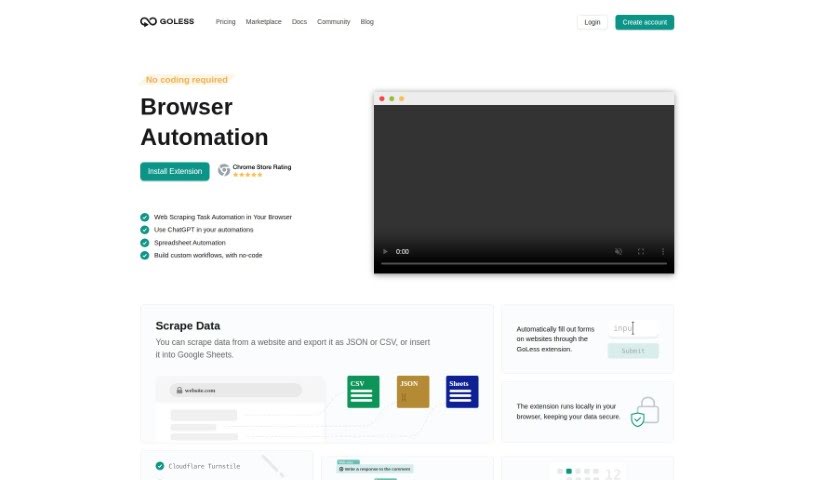
GoLess is a no-code web automation tool that handles repetitive browser tasks. Workflows are built with the GoLess Chrome extension — no coding required.

Screenshot of Heycloud

Heycloud

Freemium

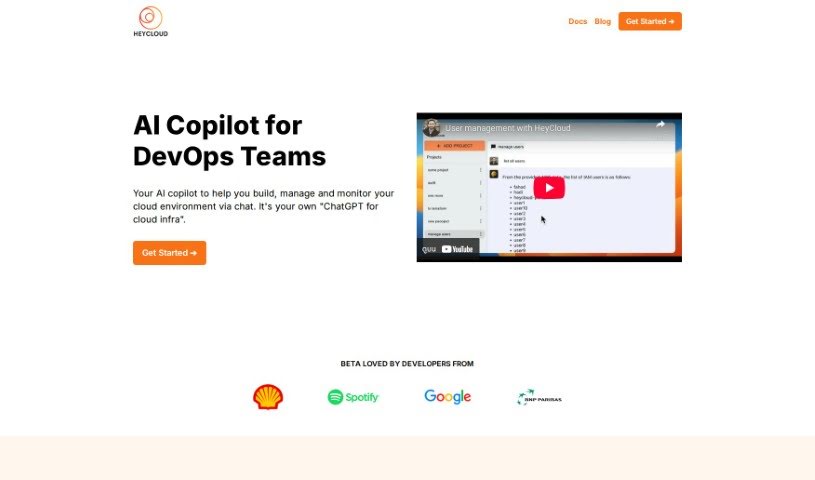
HeyCloud is an AI assistant for managing AWS accounts. You ask questions or give commands in plain English — general or specific — such as listing all your users, checking EC2 spending, or setting up a cluster. The goal is to simplify DevOps and cloud management: no coding required, a lower learning curve, and more efficient use of cloud resources.

Screenshot of Illusion AI

Illusion AI

Freemium

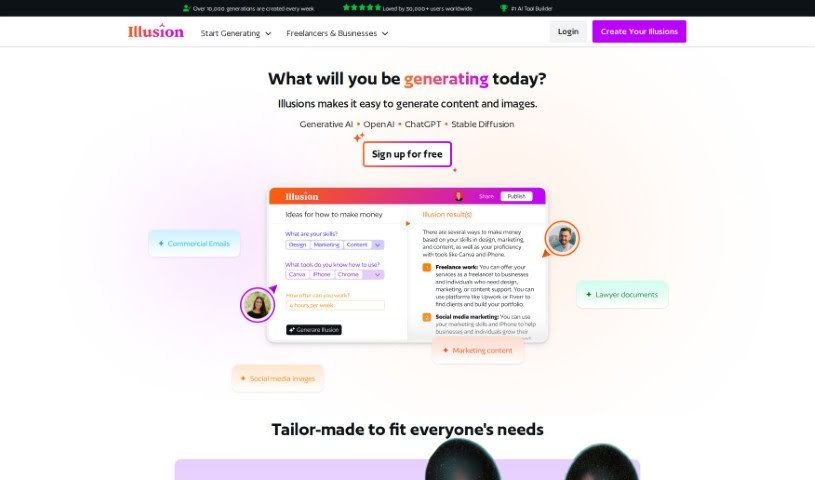
Illusion AI is a no-code platform that lets you build custom tools and applications with generative AI, without writing code. It supports both text and image generation and covers a wide range of fields, including architecture, gaming, marketing, and health and fitness. Signing up is free, so you can start creating content and visuals right away. Its key strengths are its no-code approach, generative AI capabilities, broad range of applications, and ability to produce both text and image content.

Screenshot of KonnectzIT

KonnectzIT

Freemium

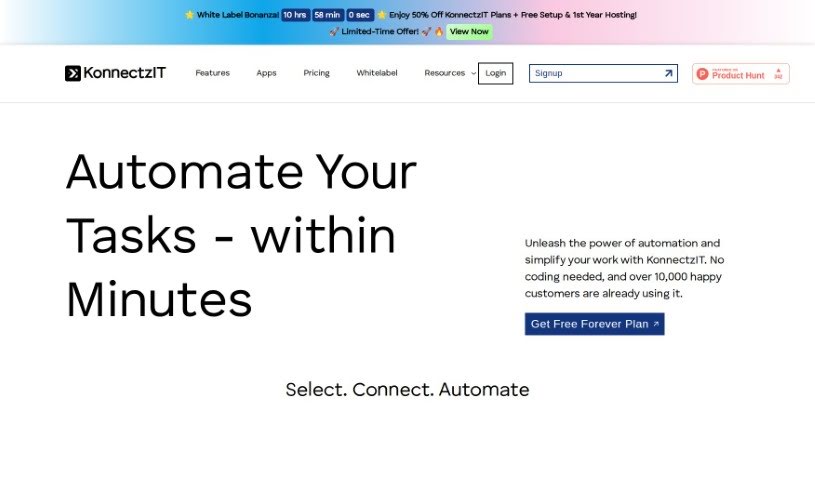
KonnectzIT is a no-code platform for connecting software applications and automating workflows. It uses a visual builder, connects to more than 1,000 apps, and supports conditional logic and webhooks. You can create unlimited workflows, and plans can be changed up or down as needed. A 14-day free trial is available for premium features.

Screenshot of Lemonado

Lemonado

Freemium

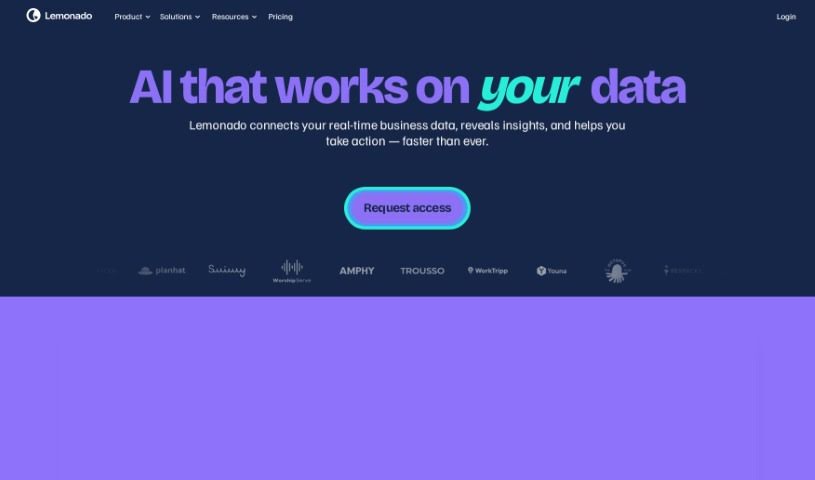
Lemonado is a no-code platform for building apps without coding expertise. It uses drag-and-drop tools and AI, letting people who know their business customize applications themselves. You can connect different data sources, automate tasks, collaborate in real time, and build apps from ready-made components. It also supports AI-assisted data analysis and shareable dashboards built directly from Google Sheets.

Screenshot of Lightning AI

Lightning AI

Freemium

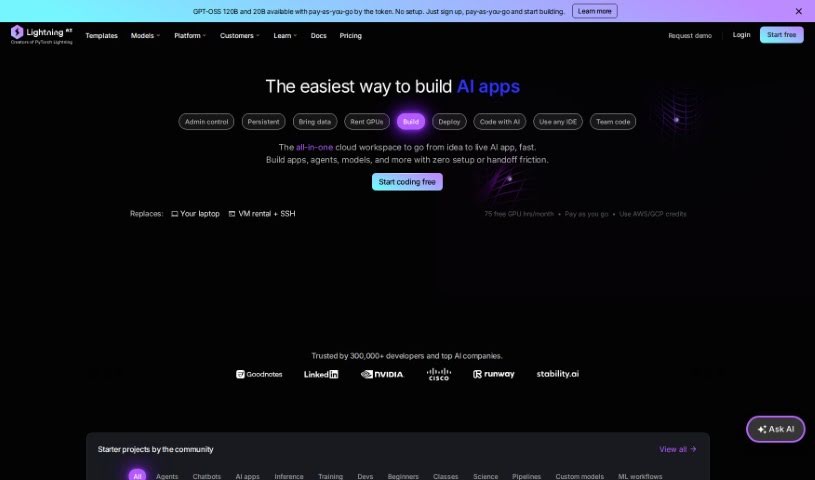
Lightning AI is an AI assistant for search engines that helps improve your website's SEO. It uses algorithms and data-driven strategies to help your site rank higher and attract more organic traffic. Core features include in-depth SEO analysis, keyword research and optimization, competitor insights, and customization options, all in an easy-to-use interface.

Screenshot of Liner.ai

Liner.ai

Freemium

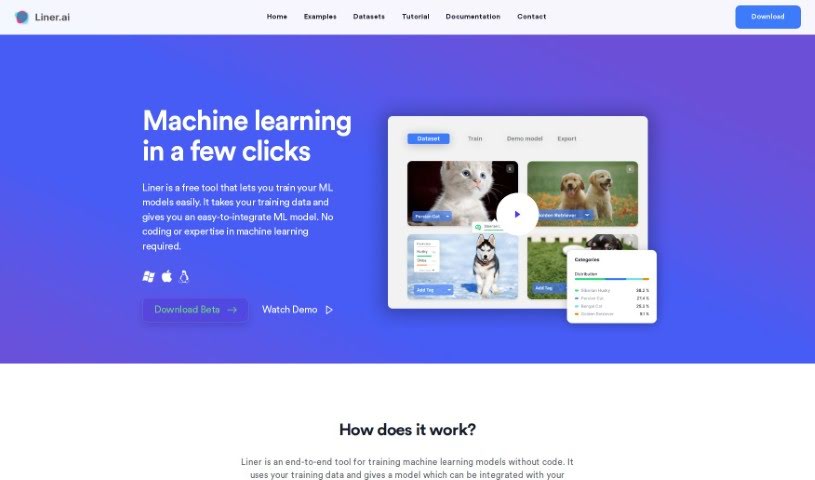
Liner.ai is a user-friendly machine learning tool that lets anyone build and deploy ML applications without coding or machine learning expertise. Its intuitive interface lets you train models with your own data or with datasets provided by Liner.ai, and it includes pre-trained models and algorithms to get projects started quickly.

Screenshot of Lutra AI

Lutra AI

Freemium

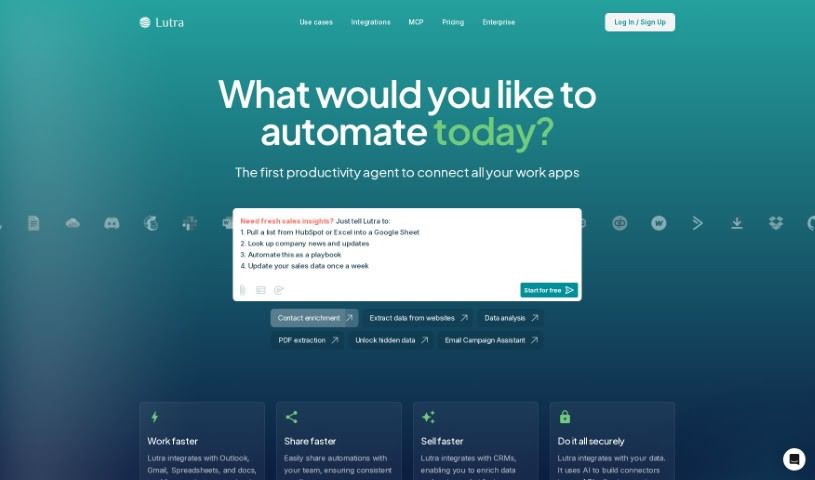
Lutra AI is a platform for building personal AI assistants and workflows without coding. You describe what you want in plain English, and Lutra generates the code needed to create custom AI workflows. The workflows are designed to be reliable, secure, and tailored to your tasks — like having a personal developer build and adjust automations on your behalf.

Screenshot of Magik Kraft

Magik Kraft

Freemium

MagikKraft is an AI-powered platform for personalizing how programmable devices—such as drones, smart appliances, and self-driving cars—perform sequences of actions. You create custom instructions called "interaction recipes," test them in a virtual environment, and then send them to your actual devices.

Screenshot of Magpai

Magpai

Freemium

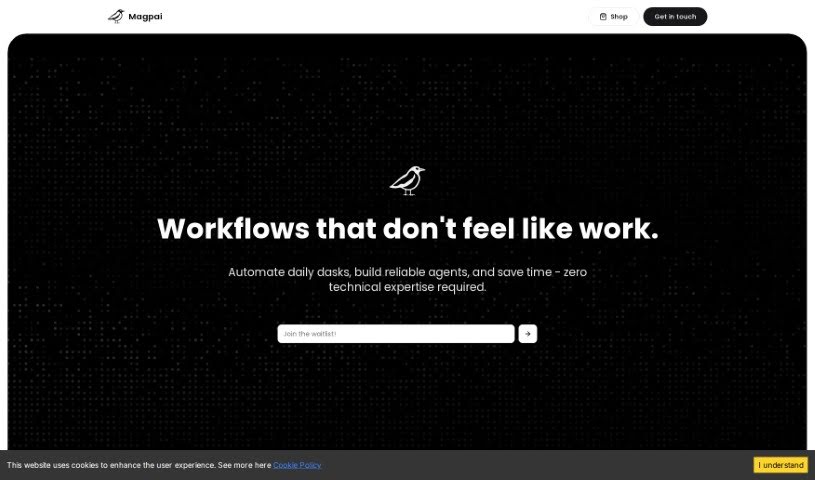
Magpai is a web-based tool for building AI workflows visually. It combines image and video editing tools with AI and machine learning, all running in the cloud. Features span presentation software, AI art generation, and graphic design in a single platform, and no technical expertise is required to create custom workflows. Workflows can be run online, on the go, or connected to other apps and platforms such as Canva, Figma, or GSuite. Magpai offers different subscription plans, each with its own features and credits for premium tools like Google Translate or AWS services. Its goal is to make content creation and automation simpler for individuals and businesses.

Screenshot of MakeForms AI Form Builder

MakeForms AI Form Builder

Freemium

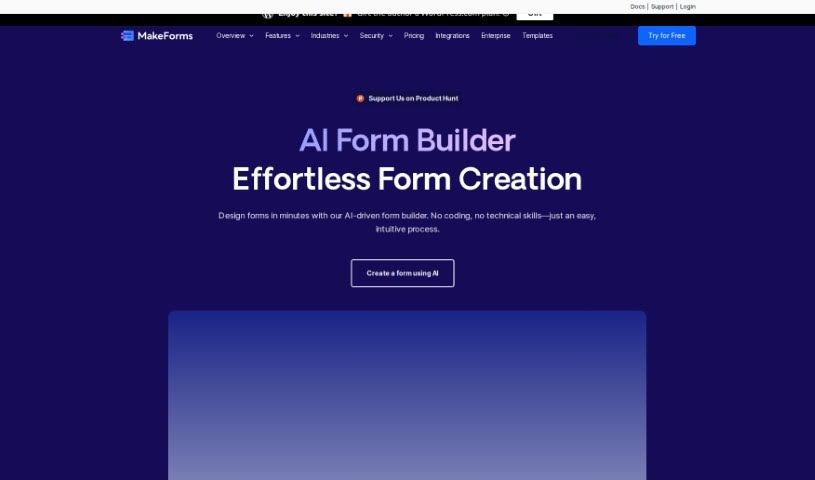
MakeForms is a platform for building forms without code. Its notable features include no-code AMP forms that work directly in email, over 160 templates, 100+ design themes, advanced integrations, and reporting tools. Enterprise accounts include 128-bit data encryption, and respondents can fill out and submit forms without leaving their inbox.

About No Code tools

Turning a great business idea into a working web app, customer portal, or internal database used to require hiring a developer or spending months learning how to write code. Even with visual drag-and-drop platforms, setting up complex database permissions and multi-step logic can quickly stall your launch.

The platforms in this section act as digital architects for creators, entrepreneurs, and operations teams. They don’t replace creative problem solving or business strategy, but they construct database schemas, draft user interfaces, and build automated workflows straight from plain English instructions.

Building Apps with Natural Language

Generating functional prototypes from simple prompts turns concepts into usable software in minutes. Instead of building every screen, form, and table by hand, prompt-to-app tools let you describe what you need in plain text. The software generates the initial layout, sets up data tables, and configures basic navigation—giving you a working draft to refine with visual editors.

Setting up complex logic and multi-app automations gets much easier, too. Configuring conditional rules, API connections, and data transfers without code can feel intimidating when edge cases pop up. AI co-builders help map out multi-step workflows, connect external apps like Slack or Airtable, and suggest fixes when something breaks to keep your automations running smoothly.

You can also embed intelligent features directly into your end-user applications. Modern no-code tools let you add smart search assistants, automated text generators, and document processors directly into your client portals. Your users can ask questions about stored records or upload files for instant analysis without you needing custom backend code.

Key Capabilities to Consider:

  • Prompt-to-layout generation: Builders that convert text descriptions into working user interfaces, forms, and database schemas.
  • Native database and API connectivity: Connectors that link cleanly with spreadsheets, external databases, and SaaS tools without custom code.
  • Conversational workflow assistants: Tools that help you build, test, and debug multi-step automations using natural language commands.
  • Granular access and permission controls: Features that let you manage role-based views for clients, team members, and administrators.
  • Code export and platform flexibility: Options that allow you to export source code or connect with developer tools as your application scales.

Building successful digital products always depends on your vision, strategy, and understanding of user needs. Algorithms can generate page layouts and run automated workflows, but defining the real problem you’re solving requires human insight. Handing off routine visual setups and workflow logic gives you back the time needed to grow your product.

Explore the no-code tools below to bring your ideas to life.

The Best AI No Code Tools

  1. Softr: Build no-code apps easily.
  2. Lightning AI: Deploy AI models without coding skills.
  3. Universe Website Builder: Create a portfolio without coding skills.
  4. Scade.pro: Build AI chatbots without coding.
  5. Lutra AI: Create custom AI workflows without coding.
  6. Gigasheet: Get effortless data insights without coding.
  7. Promptitude.io: Streamline prompt creation without coding.
  8. Modern Query: Adds conversational search to any website without code.
  9. Airparser: Seamlessly extract data for your workflows.
  10. Liner.ai: Train ML models with no code.
  11. Autotab: Effortlessly automate browser tasks for everyone.
  12. GoLess: Automate workflows using visual interfaces.
  13. Cradl AI: Streamline workflows with drag-and-drop ease.
  14. Toolbuilder: Build apps without writing code.
  15. Aivia: Build AI solutions without coding skills.

New tools, in your inbox.

Weekly picks of the best AI tools we've researched and added — no spam, unsubscribe anytime.

Join 25,000+ AI enthusiasts. No spam, unsubscribe anytime.