AI Interior Design Tools: Top Picks & Reviews

AI Tools for Interior Design

Discover the best Interior Design AI tools to enhance your productivity and creativity.

Page 4 of 7 • 74 total tools
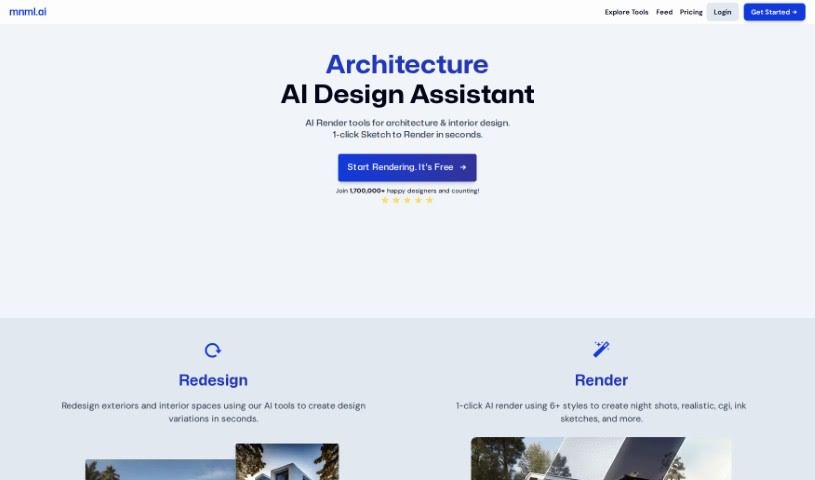
Screenshot of Mnml.AI

Mnml.AI

Freemium

Mnml.AI is an AI-powered platform built for architects and interior designers. It generates realistic renders and helps explore design options for both exterior and interior projects, producing visuals in seconds. The platform includes a suite of tools — Sketch to Image AI, Exterior AI, Canvas AI, Interior AI, Landscape AI, and a Concept Generator — designed to add flexibility and control to the design process. No special software or coding skills are required, and sketches can be turned into professional-looking architectural concepts. More than 75,000 designers use the platform in their architecture and interior design workflows.

Interior Design View Tool →
Screenshot of Myroomdesigner.ai

Myroomdesigner.ai

Freemium

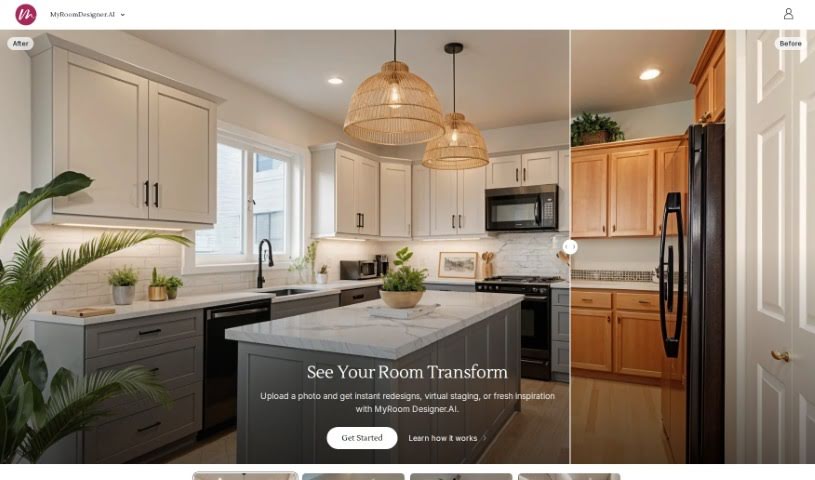
MyRoomDesigner.ai is an online AI interior design tool. Upload photos of your rooms and apply different design styles and themes — Farmhouse, Coastal, Modern, or Traditional — to refresh your living spaces. Photos aren't shared online or with third parties, and you can compare before-and-after views with a slider. All photos, design renders, and account details are managed within the app. Subscription plans unlock features like AI background removal, product importing, and a large database of design items.

Interior Design View Tool →
Screenshot of Neverscene

Neverscene

Freemium

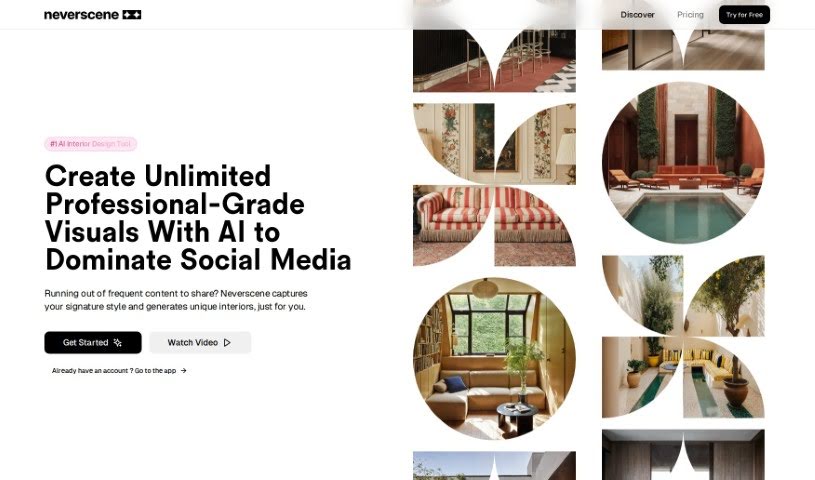
Neverscene is an AI tool built for interior designers. It generates realistic interior concepts from a moodboard you upload: the AI learns your personal style and produces fresh design ideas that match it. You can apply your style across different room types, design custom furniture, and you retain full ownership of everything you create. Work can be kept private or shared as you choose.

Interior Design View Tool →
Screenshot of Newroom

Newroom

Freemium

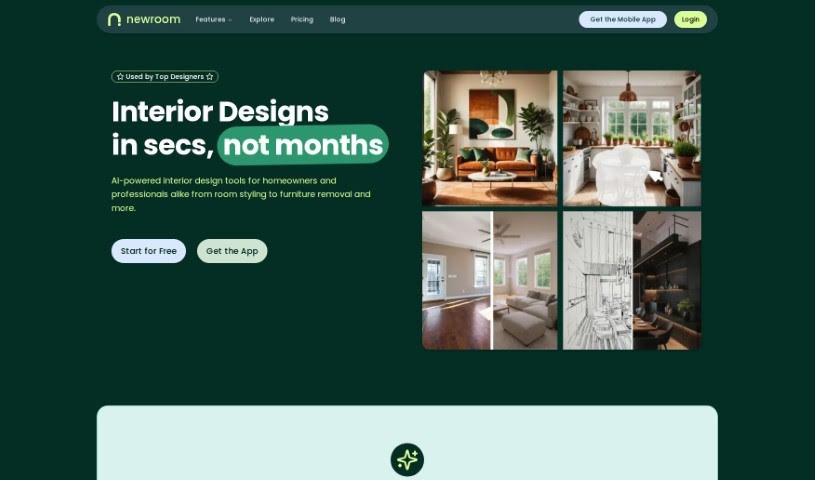
NewRoom is an AI-powered interior design tool that helps you design, furnish, and shop for a room in one place. You upload a photo of your current room, set your budget, and choose a design style. The AI then generates a visual of what your redesigned space could look like.

Interior Design View Tool →
Screenshot of Oda Studio

Oda Studio

Freemium

Oda Studio is an interior design platform founded by MIT graduates. It combines artificial intelligence with design tools to help users visualize and customize living spaces, offering virtual staging, digital asset management, and AI-powered personalized moodboards.

Interior Design View Tool →
Screenshot of Omnia

Omnia

Freemium

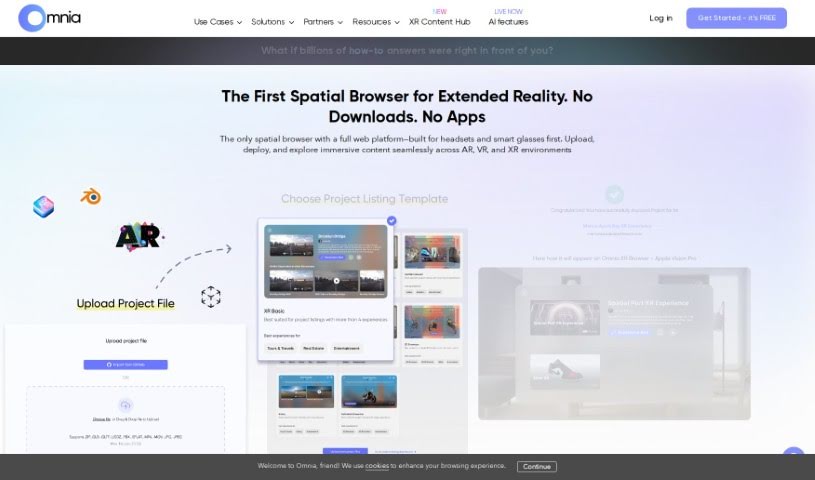
Omnia is an AI tool that generates 3D models from a text prompt or an uploaded image (.PNG or .JPG, up to 50 MB). It currently focuses on the furniture industry, with plans to expand into other sectors such as food. Omnia can also generate AR assets, so models can be visualized in augmented reality. More detailed inputs generally produce better results.

Interior Design View Tool →
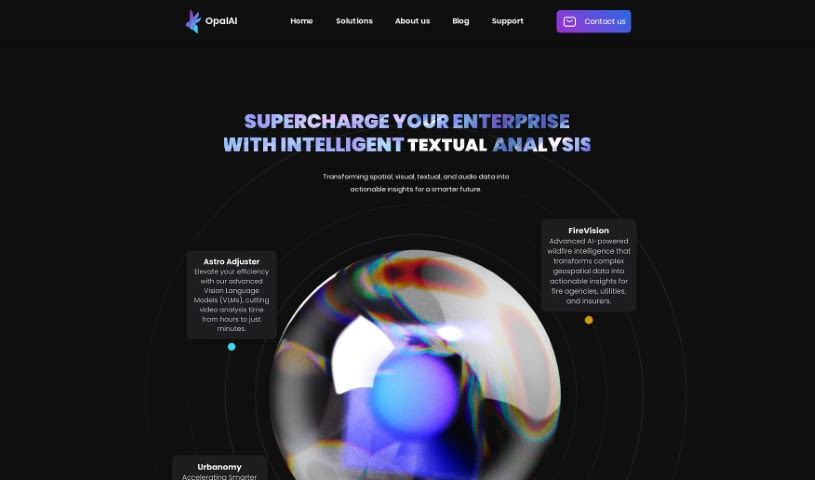
Screenshot of Opalai Scanto3D

Opalai Scanto3D

Freemium

Opalai Scanto3D is a mobile app from OpalAI for creating detailed 3D models of real estate properties. You capture spaces using your phone's LiDAR or a 360 camera, recording scans or video during a walkthrough. The app's AI then converts that data into full Building Information Models (BIMs) and can generate both 2D and 3D Computer-Aided Design (CAD) models.

Interior Design View Tool →
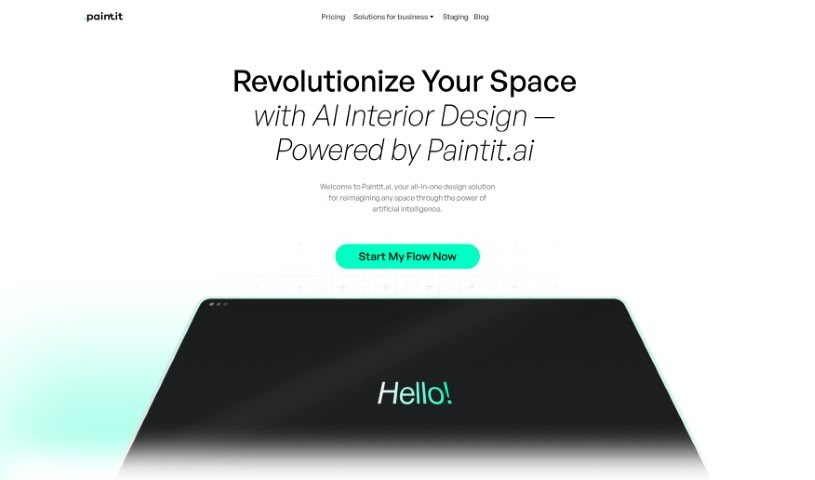
Screenshot of Paintit

Paintit

Freemium

Paintit is an AI-powered interior design service that generates personalized interior designs based on your style. You choose the type of space, select a preferred style, and upload photos. The AI analyzes them to produce initial design concepts, which you can then refine until they match your vision.

Interior Design View Tool →
Screenshot of Palazzo

Palazzo

Freemium

Palazzo is an AI-powered interior design tool built to make design more accessible and personal. It combines style quizzes, a "design DNA" analysis, style transfer, object segmentation, and a design community for home decor and DIY projects.

Interior Design View Tool →
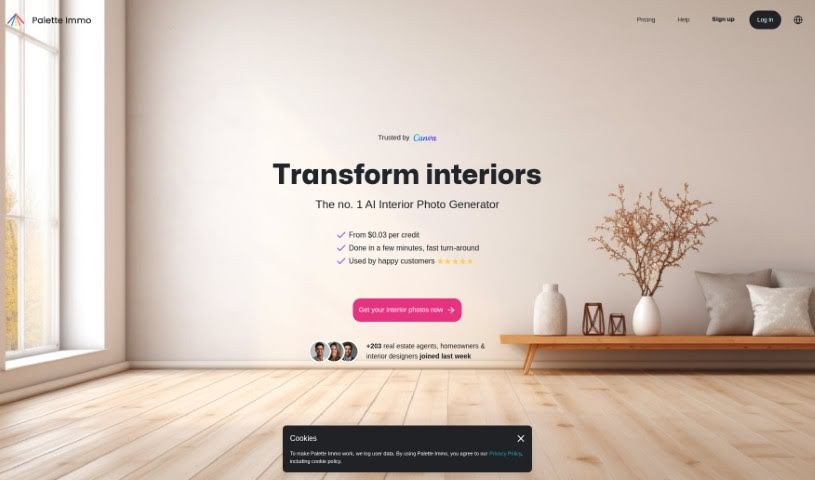
Screenshot of Palette Immo

Palette Immo

Freemium

Palette Immo is an interior design app that combines creativity and technology to help you transform your living spaces. It provides design ideas for inspiration and lets you preview changes through virtual staging before making them, using AI to simplify the process and support informed decisions about your space.

Interior Design View Tool →
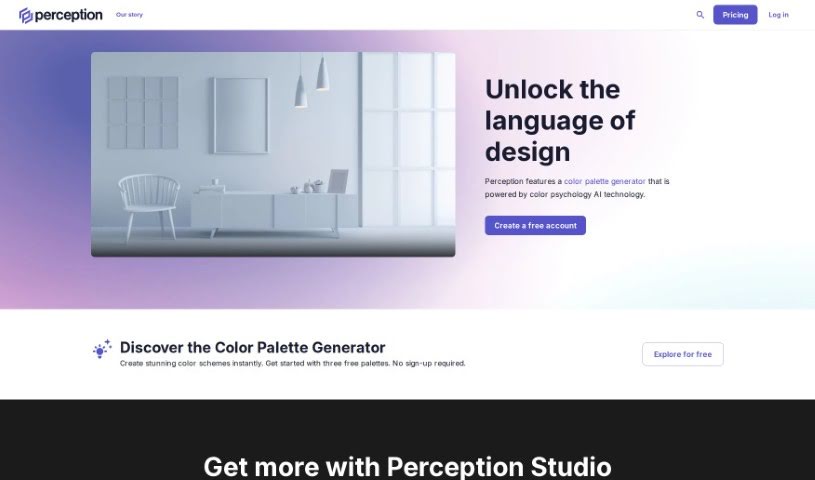
Screenshot of Perception.io

Perception.io

Freemium

Perception.io is a design intelligence platform that combines AI technology with color psychology research to help creative professionals make better design decisions. It offers three core tools: Palette Builder for creating custom color palettes, Palette Dictionary for exploring mood-based color schemes, and Palette Validator for checking that chosen colors evoke intended emotions. The platform also provides access to a library of over 50 million AI-generated color palettes.

Interior Design View Tool →
Screenshot of Pool Planner AI

Pool Planner AI

Freemium

Pool Planner AI is a tool that visualizes inground pool designs in your own backyard. Upload a high-quality photo of your yard, and it generates more than 90 HD images showing a variety of inground pool styles, so you can compare options before committing to a layout. Results arrive in about an hour, making the tool useful for homeowners planning a pool build and for pool companies that need visualizations for clients.

Interior Design View Tool →

About Interior Design tools

Reimagining a room or planning a full home redesign usually starts with excitement, but it can quickly turn into a frustrating chore. Between measuring tight corners, testing paint swatches, sourcing furniture, and building 3D mockups from scratch, design projects eat up hours. (I once spent a whole Saturday wondering if a navy velvet sofa would clash with warm hardwood floors.) When clients struggle to visualize a space from flat sketches, keeping decisions moving gets tough.

These visual platforms act as fast design partners for interior designers, home decorators, and real estate professionals. They won’t replace your spatial intuition or personal style, but they help you test concepts, generate virtual staging, and build mood boards in minutes.

Rethinking Visual Staging and Room Concepts

Instant room redesigns give you a head start during initial client meetings. Uploading a photo of an empty living room or an outdated kitchen lets you test different design aesthetics in seconds. Whether a client wants to see mid-century modern, minimalist, or industrial finishes, smart rendering engines swap out furniture, lighting, and wall textures on the fly. You get clear visual options to spark conversation before buying a single piece of furniture.

Virtual staging makes vacant properties look warm and inviting without physical staging fees. Moving actual sofas, tables, and artwork into an empty home for a photo shoot takes significant time and budget. AI staging software places styled furniture into property photos with realistic shadows and correct scale, helping buyers picture how the space functions.

Turning flat floor plans into interactive models becomes much easier as well. Converting a 2D sketch or CAD file into a 3D walkthrough used to demand complex software modeling. Modern interior design tools read wall dimensions, place doors and windows automatically, and render a walkable 3D preview that clients can explore on screen.

Useful Features for Designers:

  • Photo-to-render restyling: Systems that analyze an existing room photo and apply new decor styles, color palettes, or furniture layouts.
  • Real furniture catalog integration: Features that map generated visual concepts to real products with actual prices and dimensions.
  • Automated 3D floor plan conversion: Software that converts 2D sketches or floor plan PDFs into interactive 3D models.
  • Virtual staging controls: Tools built specifically for real estate listings, letting you furnish empty rooms virtually.
  • Lighting and texture controls: Settings that let you tweak daylight angles, ceiling fixtures, and surface materials across your renders.

A well-designed space will always depend on human scale, personal taste, and thoughtful spatial planning. Software can render 3D rooms and swap wall colors, but feeling how a space actually lives requires an artist’s eye.

Browse the interior design tools below to start testing new ideas.

The Best AI Interior Design Tools

  1. Luma AI: for 3D visualization and space planning.
  2. Coohom: for creating realistic interior design mock-ups.
  3. Homestyler: for making personalized room layouts.
  4. AI Interior Planner: Turns room photos and style preferences into furniture layouts and colour schemes.
  5. Room GPT: for virtually trying out new furniture.
  6. AI Interior Pro: Interior design ideas and tools with high-quality reference imagery.
  7. Collov AI: for virtual room redesign and visualization.
  8. Roomsgpt: for planning virtual room layouts.
  9. ReRoom AI: for quick room redesigns with style choices.
  10. Remodel AI: for optimizing room layouts.
  11. Interior AI: for generating photorealistic interior renders.
  12. AI Room Styles: Turns a room photo into designs with custom styles, colours and furniture.
  13. Get Floor Plan: for creating 3D room layouts more easily.
  14. Look X AI: for generating custom style images for interiors.
  15. Spacely AI: for virtual room layout and styling ideas.
New tools, in your inbox.

Weekly picks of the best AI tools we've researched and added — no spam, unsubscribe anytime.

Join 25,000+ AI enthusiasts. No spam, unsubscribe anytime.