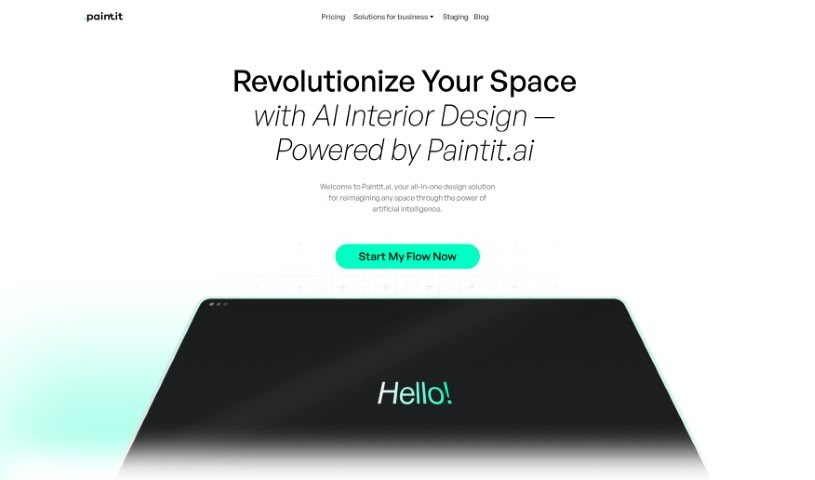
Screenshot of Paintit

Paintit

Discover what Paintit is and how to use it effectively in 2025. We'll explore its features and compare it to other interior design tools.

Screenshot

What is Paintit?

Paintit is an AI-powered interior design service designed to change how we approach space design. It offers personalized and innovative solutions, using advanced AI to create unique interior designs that match your personal style. You can choose from different subscription plans, including a free basic option, or go for more advanced ones like ‘Personal’ and ‘Pro’ if you have more specific design needs.

Here’s how it works: you pick the type of space you want to design, choose your preferred style, and upload photos. The AI then analyzes these to generate initial design concepts. You can then tweak these concepts until they perfectly match your vision and taste. This makes interior design much more accessible and affordable for everyone, whether you’re a homeowner, an interior designer, or a real estate agent.

Paintit.ai helps you visualize and customize your living spaces efficiently. For interior designers, it offers a wide range of design options and visualizations. Real estate agents can use it to showcase a property’s potential, and architects can easily integrate it into their workflows.

So, in short, Paintit.ai is an innovative platform that uses AI to create customized interior design solutions for both homes and businesses. It makes interior design personal and easy to access for people in many different fields.

Who created Paintit?

Paintit, the AI-driven interior design service, was developed by a forward-thinking team at PaintIt.ai. This company focuses on providing custom design solutions powered by artificial intelligence. Their goal is to make high-end interior design available to everyone, offering personalized and affordable options for homeowners, professional interior designers, and real estate agencies. The platform simplifies the redesign process, handling everything from the initial concept to the final execution, so users can easily transform their living spaces.

What is Paintit used for?

Paintit is a versatile tool used for a variety of design-related tasks:

  • Home Redecorating: Easily refresh your living spaces.
  • Interior Design: Create designs for both residential and commercial properties.
  • Personalized Solutions: Develop unique design concepts tailored to individual tastes.
  • Creative Projects: Undertake precise and imaginative design work.
  • Homeowners: Efficiently visualize and customize living spaces.
  • Interior Designers: Generate rapid, diverse design options and visualizations.
  • Real Estate Agents: Effectively showcase property potential to clients.
  • Architects: Seamlessly integrate design concepts into architectural workflows.
  • Space Planning: Plan layouts efficiently.
  • Aesthetic Enhancement: Improve the interior look of architectural designs.
  • Designer Assistance: Support interior designers in their creative process.
  • Agent Support: Aid real estate agents in presenting properties.
  • Customization: Personalize and tailor designs to individual tastes and visions.
  • AI-Powered Design: Revolutionize space design by leveraging AI technology.
  • Bespoke Creations: Create custom interior designs for residential and commercial spaces.
  • Concept Alignment: Tailor design concepts to match individual preferences.
  • Advanced Solutions: Offer advanced design solutions for personalized spaces.
  • Full Service: Provide comprehensive service from design concept to final execution.
  • Creative Process: Enhance the creative process for interior designers.
  • Property Showcasing: Help real estate agents showcase property potential.
  • Workflow Integration: Seamlessly integrate with architectural workflows.
  • Style Variety: Cater to different styles and layouts.
  • Visualization: Provide diverse design options and visualizations, helping you visualize renovations and improvements.

Who is Paintit for?

Paintit is designed for a range of professionals and individuals involved in design and real estate:

  • Architects
  • Interior designers
  • Real estate agents
  • Homeowners

How to use Paintit?

To get the most out of Paintit and create personalized interior designs, just follow these simple steps:

  1. Choose Your Plan: First, decide which plan best suits your needs and budget – Free, Personal, or Pro. Each plan offers different features and capabilities.
  2. Upload Photos: Start by selecting the type of space you want to design and your preferred style. Then, upload photos of the area you’re looking to transform.
  3. AI Analysis & Initial Concepts: Paintit’s AI technology will intelligently analyze your preferences and generate initial design concepts based on the space and style you’ve chosen. They are your starting point.
  4. Customize & Refine: Now, you can refine these initial concepts to perfectly match your personal taste and vision. Make them uniquely yours!
  5. Upgrade for More: If you’re using the Free plan, consider upgrading to Personal or Pro. You’ll get access to more advanced features like higher-quality results, private mode, unlimited commercial usage licenses, and even personalized AI designers.
  6. Finalize & Execute: Once you’re happy with your customized interior design, finalize the details and put your plan into action to bring your vision to life.
  7. Explore Styles: Use Paintit’s visual guides to explore different interior design styles, from Art Deco to Minimalist. This helps you find the perfect look for your space.
  8. Find Inspiration: Don’t forget to use the Inspiration feature to spark your creativity and discover new ideas for transforming your living spaces.

By following these steps, you can use Paintit’s AI capabilities to create unique and visually appealing interior designs that are perfectly tailored to your preferences and style. Start transforming your living space into a masterpiece with Paintit.ai!

Related AI Tools

Discover more tools in similar categories that might interest you

123RF AI Image Generator

Creative Image Generation
Learn More

Stay Updated with AI Tools

Get weekly updates on the latest AI tools, trends, and insights delivered to your inbox

Join 25,000+ AI enthusiasts. No spam, unsubscribe anytime.