AI Image Generation Tools

AI Tools for Image Generation

Discover the best Image Generation AI tools to enhance your productivity and creativity.

Page 2 of 33 • 392 total tools
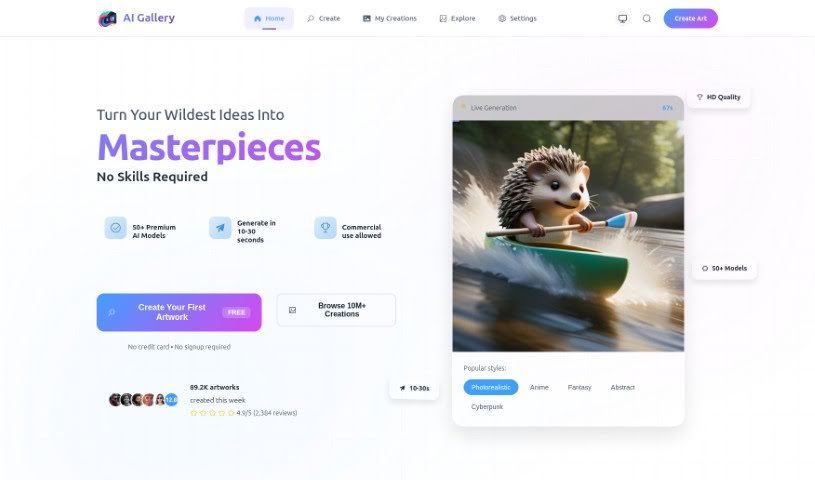
Screenshot of AI Gallery

AI Gallery

Freemium

AI Gallery is a platform for creating AI-generated art. It uses algorithms and machine learning to transform uploaded images into artwork, offering a range of styles and effects to experiment with — from abstract looks to more realistic results. The interface is designed to work for all skill levels, so no art or AI expertise is needed.

Image Generation View Tool →
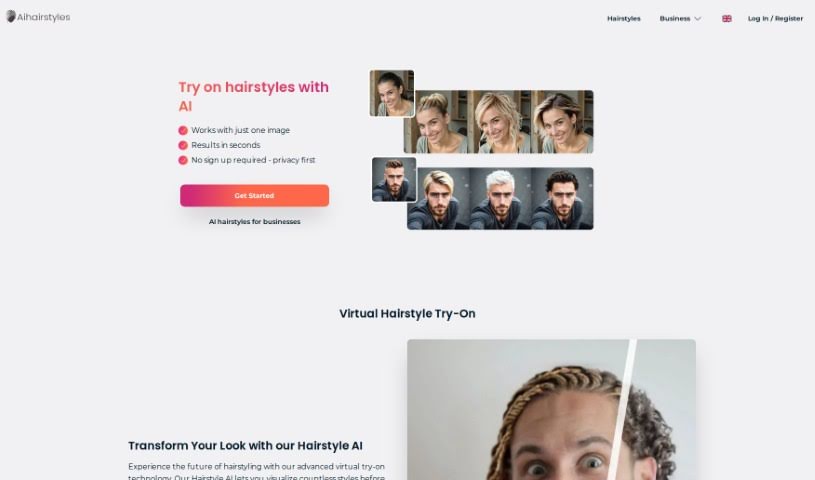
Screenshot of AI Hairstyles

AI Hairstyles

Freemium

AI Hairstyles is a web tool that lets you preview hairstyles and hair colors on your own photos. Upload a selfie — or up to four photos for different angles — and the AI masks your hair and face to generate realistic previews. Credits purchased for styles never expire, and you can delete all your data from your profile at any time. The platform emphasizes data privacy and inclusivity across styles, ethnicities, and races.

Image Generation View Tool →
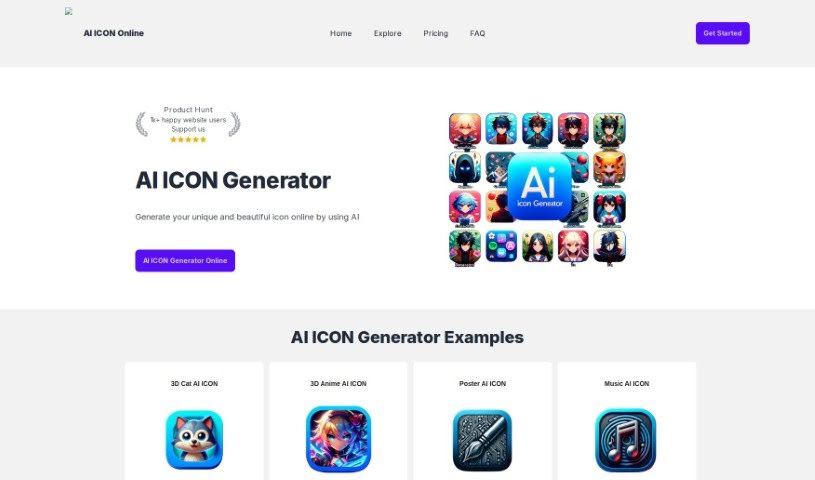
Screenshot of AI Icon Online

AI Icon Online

Freemium

AI Icon Online is an AI-powered icon generator that produces high-quality icons in minutes from text prompts. It requires no design experience and is designed to save time and money on icon design. Typical uses include UI design, web design, branding, and custom iconography, making it useful for designers and developers.

Image Generation View Tool →
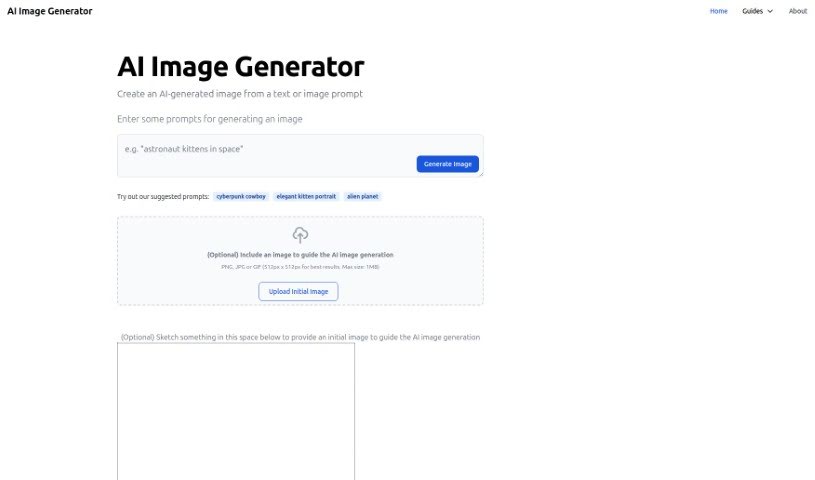
Screenshot of AI Image Generator

AI Image Generator

Freemium

An AI image generator creates pictures from text descriptions. You describe an idea in words, and the AI turns it into visual art. This tool offers several styles, including realistic, anime, and 3D anime, and you can try it free online at aiimagegenerator.is.

Image Generation View Tool →
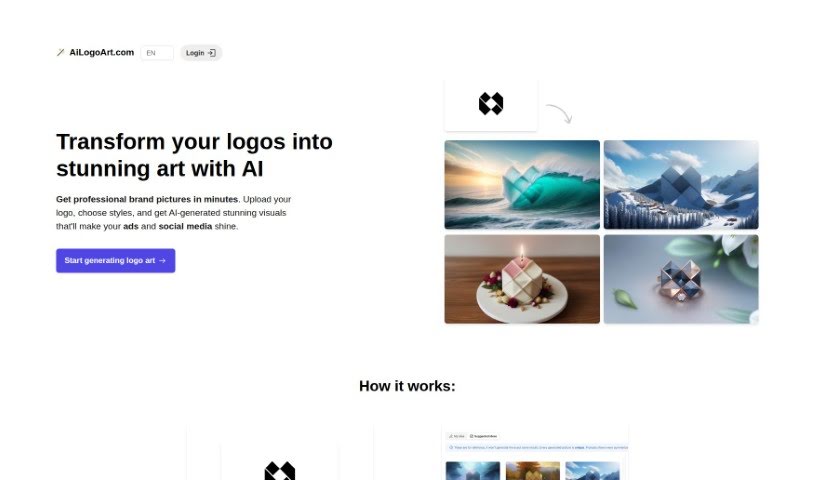
Screenshot of AI Logo Art

AI Logo Art

Freemium

AI Logo Art takes an existing logo and uses AI to create professional brand images. You upload a simple version of your logo, choose from AI-suggested ideas or write your own concept, and the AI generates artistic visuals based on that input. Outputs are high-resolution and suitable for websites, social media, and advertising.

Image Generation View Tool →
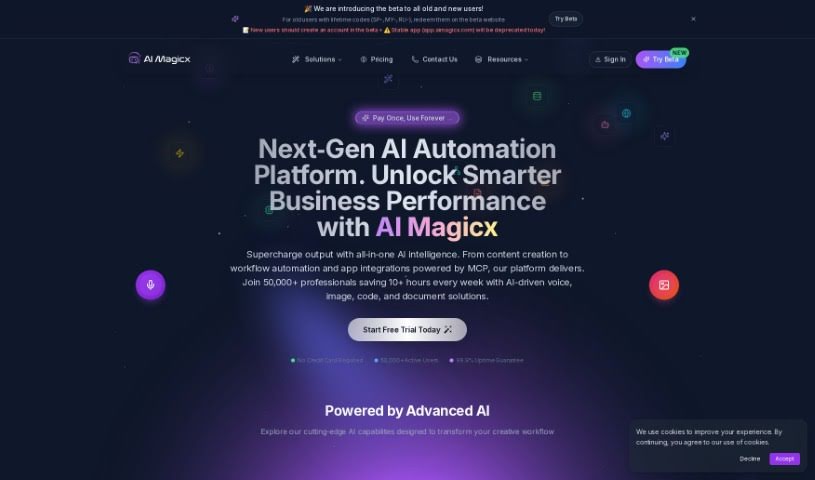
Screenshot of AI Magicx

AI Magicx

Freemium

AI Magicx is a creative toolkit that combines several AI-powered tools in one platform: an AI Logo Designer, an AI Image Generator, an AI Story Creator, an AI Library of templates, AI Chatbots, and AI Magicx Coder. Its writing features are powered by GPT-4 & Claude v2, and its image generation produces visuals such as logos and book covers. The platform is designed to streamline content creation for people who need brand assets without switching between tools.

Image Generation View Tool →
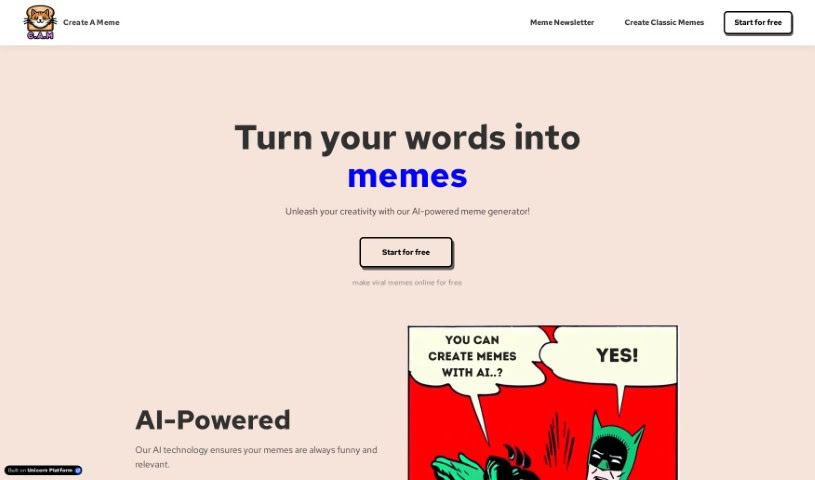
Screenshot of AI Meme Creator

AI Meme Creator

Freemium

AI Meme Creator is a platform for making memes with AI. It offers three core tools: Meme Creator Original, which includes popular meme templates; Meme Creator Custom, which generates captions for your own images; and Meme Creator Magic, which uses DALLE3 to create original images from text descriptions. The platform targets casual meme fans as well as professionals who want to connect with an audience through humor. It is mobile-friendly and lets users customize fonts and colors. AI Meme Creator was developed by a company focused on AI-powered meme creation; specific founder details are not available.

Image Generation View Tool →
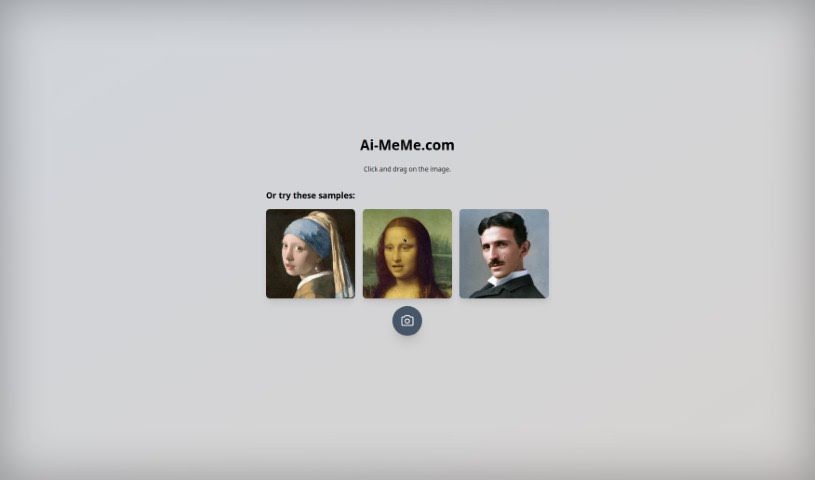
Screenshot of AI Memes Generator

AI Memes Generator

Freemium

AI Memes Generator is a browser-based tool for creating memes with the GPT-4 Vision Model. Take a new picture or upload an existing one, generate a meme, and edit it until it's ready to share. It works on desktop and mobile and requires no technical skills, making it accessible to users of all skill levels.

Image Generation View Tool →
Screenshot of AI Pet Avatar

AI Pet Avatar

Freemium

AI Pet Avatar turns a pet's photo into a custom avatar. Upload a picture, choose a transformation, and receive the generated image in seconds. It works for any pet—dogs, cats, chinchillas, and more. The service costs $2.99, down from the original price of $5. Customer satisfaction is guaranteed, and while the AI can occasionally make mistakes, the service fixes them quickly.

Image Generation View Tool →
Screenshot of AI Prompt Generator

AI Prompt Generator

Freemium

The AI Prompt Generator – Notion Template helps users create detailed, natural-sounding prompts for AI image generation software. Instead of typing directly into an AI tool, you build prompts through a structured interface. It includes adjustable parameters, tutorial videos, and lifetime updates, and works with popular image generators like Midjourney and DALL-E.

Image Generation View Tool →
Screenshot of AI Yearbook Art

AI Yearbook Art

Freemium

AI Yearbook Art, also known as the AI Yearbook Generator, transforms current photos into yearbook-style images from different eras. It blends AI with historical aesthetics to capture the look and feel of various time periods and styles. The interface is straightforward, and free credits let you start creating right away; additional credits can be purchased.

Image Generation View Tool →
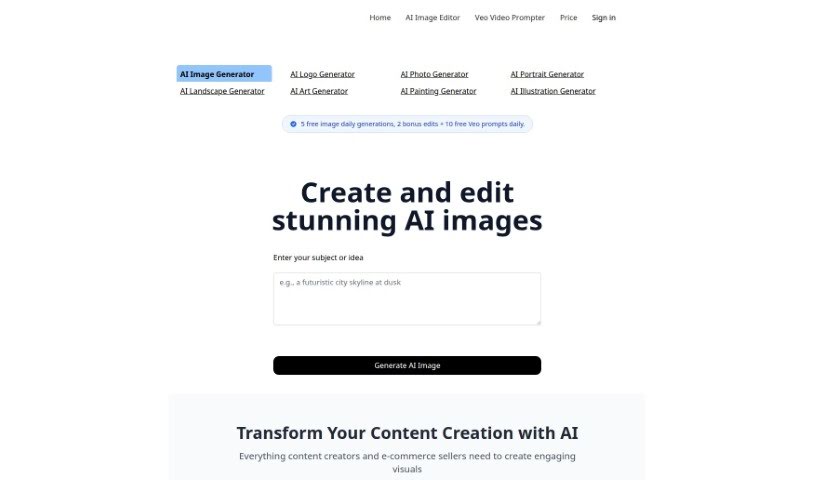
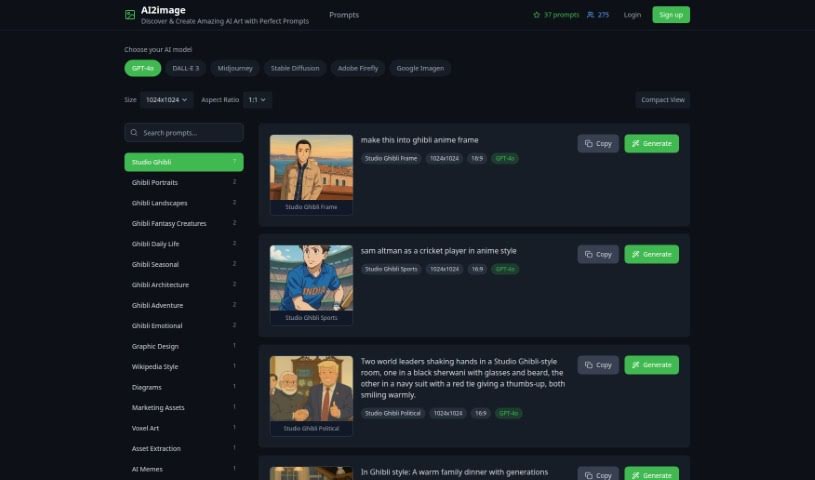
Screenshot of Ai2Image

Ai2Image

Freemium

Ai2Image is an AI tool that turns text descriptions into images. Built on deep learning, it interprets written prompts and generates pictures that match them, reducing the time needed to produce visuals for content projects.

Image Generation View Tool →

About Image Generation tools

Turning visual ideas into reality can be a frustrating bottleneck. Whether you need custom hero graphics for a website, concept art for a project, or unique social media assets, you often spend hours searching stock libraries for an image that never quite fits. Arranging custom photoshoots or rendering 3D scenes from scratch takes even longer, driving up creative budgets and pushing back launch dates.

The image generators in this section act as high-speed creative partners. They don’t replace genuine human taste or artistic direction, but they convert text prompts, rough sketches, and reference images into high-resolution visuals in seconds.

Testing Concepts and Creating Custom Visuals

Rapid visual concepting is where these platforms save serious time. When you start a new project, translating abstract ideas into a clear visual direction takes time. Modern image tools let you test dozens of artistic styles, color schemes, and lighting setups in a single sitting. You can build mood boards, visual options, and storyboards instantly, helping your team agree on a creative path before spending money on full production.

Creating tailored marketing visuals gets much easier, too. Relying on stock photography means risking a brand identity that looks identical to hundreds of other companies using the same popular images. Image generation tools help you produce original stock-style photos, digital illustrations, and eye-catching backgrounds built around your exact product specs and color palettes.

Editing and canvas expansion have also improved drastically. Getting an image that’s almost perfect used to mean starting over from scratch. Modern inpainting and outpainting features let you select specific regions of a generated image to swap elements, extend canvas borders for different aspect ratios, or refine small details without losing the rest of your composition.

Key Capabilities to Consider:

  • Prompt accuracy: Tools that reliably interpret detailed text instructions and render clear compositions without distortion.
  • Inpainting and canvas expansion: Features that let you edit specific regions of an image, insert objects, or extend backgrounds cleanly.
  • Custom style references: Systems that allow you to upload style reference photos to keep visual consistency across a campaign.
  • High-resolution exports: File outputs suitable for web design, print materials, social media, and presentation decks.
  • Commercial licensing: Clear licensing terms regarding commercial usage rights and copyright considerations for generated assets.

Great visual art will always depend on human perspective, artistic direction, and emotional resonance. Software can follow style guidelines and arrange pixels, but knowing which visual tells the right story still requires your creative eye.

Browse the options below to find the right image generator for your workspace.

The Best AI Image Generators

  1. Leonardo AI: Perfect for custom artwork for product listings.
  2. Photoroom: Great for creating unique branding backgrounds.
  3. Pixlr: Ideal for making unique visuals for marketing.
  4. Midjourney: Excellent for artistic concept visualization.
  5. Tensor.art: Use it for unique artwork creation from sketches.
  6. PixAI: Best for creating custom anime characters.
  7. Freepik Pikaso: Transforms sketches into art in real-time.
  8. Adobe Firefly: Use it for custom social media graphics.
  9. Luma AI: Craft 3D imagery with dynamic effects.
  10. Recraft: Easily generate brand-consistent visuals.
  11. Microsoft Designer: Create unique visuals for your projects.
  12. Artguru AI: Turn selfies into anime art.
  13. 123RF AI Image Generator: Creates custom images from text prompts with commercial-use licensing.
  14. Topaz Labs: Enhance AI-generated images for better clarity.
  15. Freepik AI Image Generator: Make custom illustrations for marketing content.
New tools, in your inbox.

Weekly picks of the best AI tools we've researched and added — no spam, unsubscribe anytime.

Join 25,000+ AI enthusiasts. No spam, unsubscribe anytime.