AI Tools for Image Generation

Discover the best Image Generation AI tools to enhance your productivity and creativity.

Page 3 of 36 • 429 total tools

In the fast-paced world of digital creativity, AI image generators have become real game-changers. You no longer need advanced skills or expensive software to create amazing visuals. Now, with just a few clicks, you can conjure breathtaking artwork, realistic portraits, or imaginative landscapes using simple text prompts.

This technology has really grown in sophistication. It’s gone from being just simple tools to powerful creative partners. What started as a novelty is now an essential asset for artists, marketers, and anyone looking to improve their visual storytelling.

I’ve spent time exploring various AI image generators to see which ones really stand out in a crowded market. Whether you need something that excels in realism or something that plays with abstraction, there’s a tool for every creative need.

If you’re looking to elevate your visuals and make your design process smoother, let’s dive into the top AI image generators making waves right now. Your next masterpiece might just be a prompt away.

The Best AI Image Generators

  1. Leonardo AI: Perfect for custom artwork for product listings.
  2. Photoroom: Great for creating unique branding backgrounds.
  3. Pixlr: Ideal for making unique visuals for marketing.
  4. Midjourney: Excellent for artistic concept visualization.
  5. Tensor.art: Use it for unique artwork creation from sketches.
  6. PixAI: Best for creating custom anime characters.
  7. Freepik Pikaso: Transforms sketches into art in real-time.
  8. Adobe Firefly: Use it for custom social media graphics.
  9. Luma AI: Craft 3D imagery with dynamic effects.
  10. Recraft: Easily generate brand-consistent visuals.
  11. Microsoft Designer: Create unique visuals for your projects.
  12. Artguru AI: Turn selfies into anime art.
  13. Deep AI Text to Image: Visualize concepts artistically.
  14. Topaz Labs: Enhance AI-generated images for better clarity.
  15. Freepik AI Image Generator: Make custom illustrations for marketing content.

How Do AI Image Generators Work?

When you search online for AI image generators, you’ll find tons of tools, and many claim to do similar things. This often happens because they use the same core models, like diffusion models or generative adversarial networks (GANs). Most tools simply act as user-friendly interfaces for these complex algorithms, adding helpful features while often hiding the technical details behind marketing language.

At their heart, AI image generators work with detailed prompts that users provide. Once you enter a prompt, the model processes it and generates images. It does this by predicting pixel values based on patterns it learned from massive datasets. These datasets usually include millions of images, covering all sorts of styles, subjects, and artistic influences. This allows the models to produce very varied and detailed results.

Training an image generation model involves analyzing countless images and their text descriptions. This helps the models understand how words relate to visual features. The outcome is a sophisticated network that can create visually coherent images reflecting the nuances of your prompt, whether you’re aiming for a realistic scene or an abstract idea.

Many popular applications now include these image generation capabilities, improving creative tools like Adobe Photoshop and Canva. These companies often partner with major AI developers, using powerful existing models instead of building their own. This means users can easily create custom visuals without needing deep technical knowledge.

If you’re keen to experiment yourself, various platforms offer intuitive interfaces for crafting unique images. Some even let you adjust the style and content, giving artistically inclined individuals the freedom to innovate without starting from scratch.

So, in short, AI image generators combine advanced algorithms with huge datasets to turn text prompts into compelling visuals. As these technologies keep developing, their ability to produce impressive artwork only grows, encouraging both creativity and exploration in digital art.

Our Best AI Image Generators at a Glance

RankNameBest ForPlans and PricingRating
1Leonardo AICustom artwork for product listingsPaid plans start at $9/month.4.73 (11 reviews)
2PhotoroomCreating unique branding backgroundsPaid plans start at $7.50/month.4.74 (38 reviews)
3PixlrCreating unique visuals for marketing.Paid plans start at $0.99/month.4.73 (11 reviews)
4MidjourneyArtistic concept visualizationN/A4.73 (11 reviews)
5Tensor.artUnique artwork creation from sketches.N/A4.78 (23 reviews)
6PixAICreating custom anime charactersN/A4.80 (5 reviews)
7Freepik PikasoReal-time art transformation from sketches.N/A4.67 (21 reviews)
8Adobe FireflyCustom social media graphicsN/A4.67 (6 reviews)
9Luma AICrafting 3D imagery with dynamic effectsN/A4.76 (25 reviews)
10RecraftGenerate brand-consistent visuals easily.N/A4.67 (3 reviews)
11Microsoft DesignerGenerate unique visuals for projects.N/A4.64 (11 reviews)
12Artguru AITransform selfies into anime artN/A4.58 (12 reviews)
13Deep AI AI Text to ImageArtistic visualization of concepts.N/A4.82 (11 reviews)
14Topaz LabsEnhance AI-generated images for clarityN/A4.70 (10 reviews)
15Freepik AI Image GeneratorCustom illustrations for marketing contentN/A4.55 (11 reviews)
Screenshot of AI Yearbook Art

AI Yearbook Art

Freemium

The AI Yearbook Art tool, also known as the AI Yearbook Generator, is designed to help you connect with the past in a whole new way. Whether you're a fan of nostalgia, a digital explorer, or just curious, this tool lets you transform your current photos into yearbook-style images from different eras. It cleverly blends advanced AI with historical aesthetics, so the results really capture the feel of various time periods and styles. It's a unique way to revisit and reimagine your personal history.

Screenshot of Ai2Image

Ai2Image

Freemium

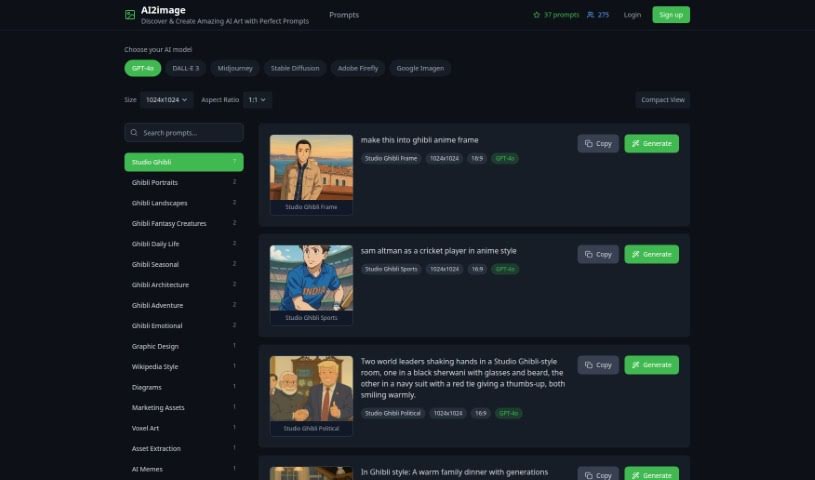
Ai2Image is a really smart tool that uses Artificial Intelligence (AI) to turn your text descriptions into colorful, vibrant images. It's built on deep learning, which means it's great at understanding what you write and then creating pictures that really capture the essence of your text. It is a bridge between words and visuals. This technology can save you a ton of time and effort, and it opens up exciting new ways to create content, tell stories visually, or even make data easier to understand. Ai2Image really shows off how AI can help us connect text and images, offering a fantastic solution for all sorts of projects.

Screenshot of Aiartgenerator.net

Aiartgenerator.net

Freemium

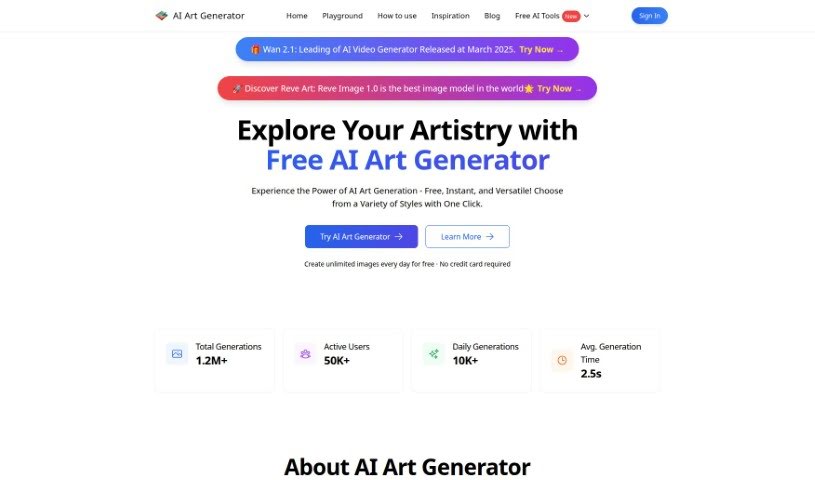
Aiartgenerator.net is a really user-friendly AI tool, perfect for artists, graphic designers, and anyone who loves to create. It lets you generate stunning visuals just by typing in a text description. You can even fine-tune colors and apply different artistic styles to get exactly the look you want. The best part? It's completely free to use, and you don't need a powerful graphics card to run it. Plus, you own all the artwork you create, so feel free to use it for whatever you like, personally or commercially. Just remember to keep your creations legal and respectful, avoiding anything adult or offensive.

Screenshot of AiBlocks

AiBlocks

Freemium

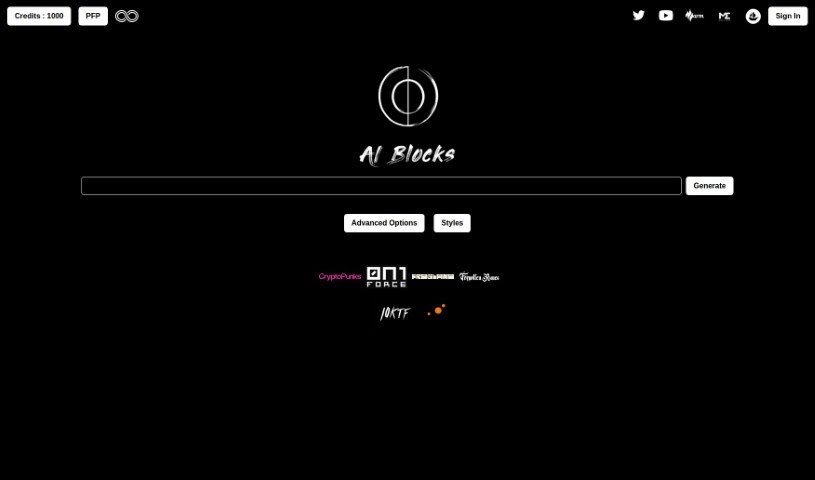
AiBlocks is a free platform that uses AI and blockchain technology to help communities create premium images. It is a Web3 AI image generator. It gives you tools to make high-quality pictures, offering advanced options like cinematic shots, pencil sketches, and even a tuxedo style. Plus, it’s built with community empowerment and digital rights in mind, all while keeping your data private thanks to blockchain.

Screenshot of Aicartoongenerator

Aicartoongenerator

Freemium

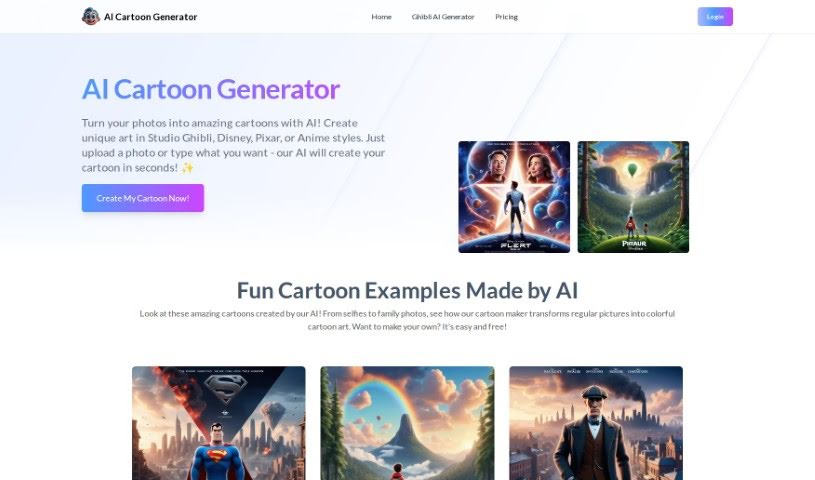
Aicartoongenerator is a really neat tool that uses artificial intelligence to turn your written ideas into unique cartoon images. You don't need to be an artist or know anything about design to use it – it's made for everyone! This generator taps into the latest AI tech, specifically the SDXL model, which means you get high-quality, varied, and truly original cartoons. All you have to do is type in a creative description, tweak some settings like the art style or colors, and then let it create the cartoon for you. It supports all sorts of styles, from classic anime looks to more modern, chic designs, and you can even customize characters. While you can't upload your own pictures to work with, it's super fast at generating images, and you can easily download and save whatever you create.

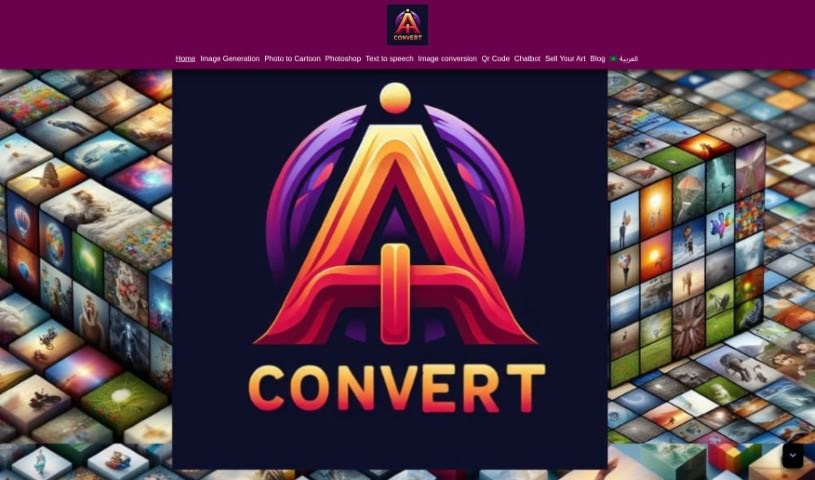
Screenshot of Aiconvert Online

Aiconvert Online

Freemium

Aiconvert Online is a fantastic platform packed with a variety of AI tools and services, all available for free! Think of it as your go-to spot for things like turning text into images, editing photos, and even creating AI characters. You can jump right in and use tools for text-to-image conversion, applying different image styles, using image filters, and downloading your creations instantly – no sign-up needed. Beyond that, Aiconvert Online also offers ways to create realistic photos, generate AI characters, do Photoshop-like edits with AI, and a whole host of other image processing tools.

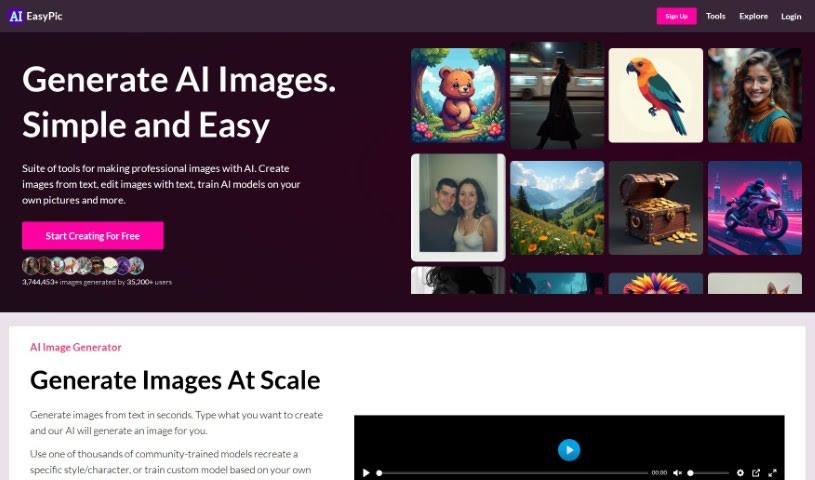
Screenshot of AIEasyPic

AIEasyPic

Freemium

AIEasyPic is a really user-friendly tool that connects with the latest AI image technology. It makes it super simple for you to process and create all sorts of images. You can generate things like Instagram-ready models, classic black and white photos, professional headshots, or even fun selfies with famous landmarks, like posing in front of the Eiffel Tower. It's also great for crafting unique dating profile pictures. The process is straightforward: you upload your own images, tweak the settings to get exactly what you want, and you can easily look back at anything you've made before in the 'RECENT CREATIONS' section. Just a heads-up, you'll need to sign in to use AIEasyPic, and generating images uses credits. It offers a good range of ways to customize your prompts and the final look of your images, and it handles different image sizes well. Plus, there's a handy drag-and-drop feature and an interactive way to select your prompts. On the flip side, you do need to sign in, the exact number of images you get and how much they cost aren't always clear, customization has its limits, and you can't use it offline or integrate it with other tools via an API.

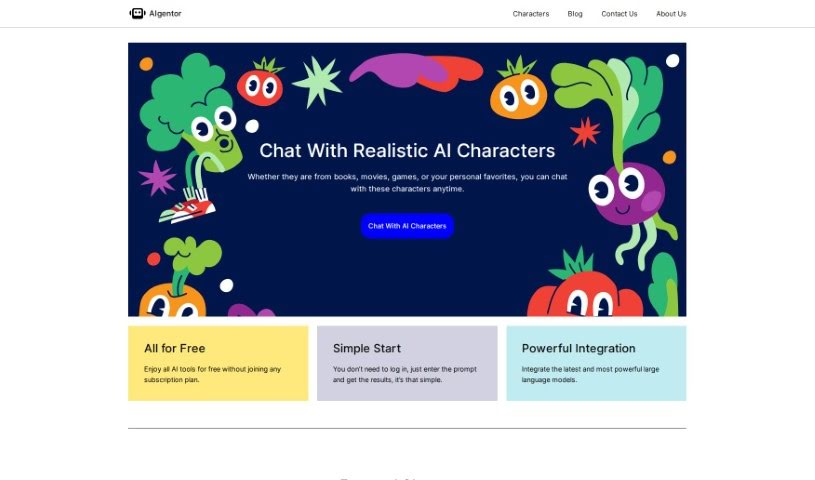
Screenshot of AIgentor

AIgentor

Freemium

AIgentor is a platform packed with a variety of free AI tools and resources. One of its standout features is an AI image generator, letting you create unique visuals completely free of charge. Beyond that, AIgentor offers AI characters you can chat with for in-depth conversations, giving you a really advanced AI interaction experience. The whole idea behind AIgentor is to be helpful for both folks just starting out and seasoned pros who want to explore what AI can do for creative content and coming up with new ideas. You'll find the site easy to navigate, with lots of different generators to try and helpful learning materials right there. Essentially, AIgentor's all about encouraging you to experiment and learn about AI by giving you access to great technology without any cost.

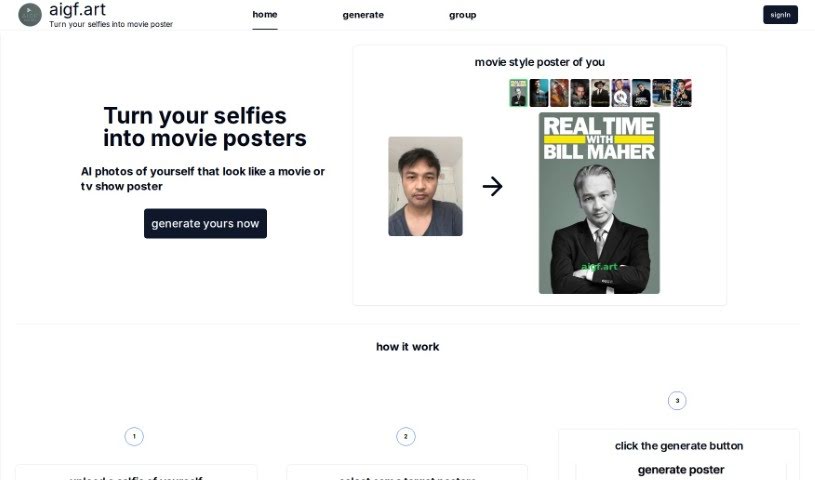
Screenshot of Aigf

Aigf

Freemium

Aigf is a neat AI tool that lets you turn your selfies into movie posters. It uses smart artificial intelligence to make your uploaded selfies look like they were designed by professionals for movie or TV show posters. You just upload your selfie, pick the poster style you like, hit 'Generate,' and then download your cool new image. It's a fun way to make your everyday selfies look like eye-catching movie posters. Aigf aims for realistic results that really capture that movie poster vibe, and it's super easy to use – you can create awesome movie-style posters in just a few clicks.

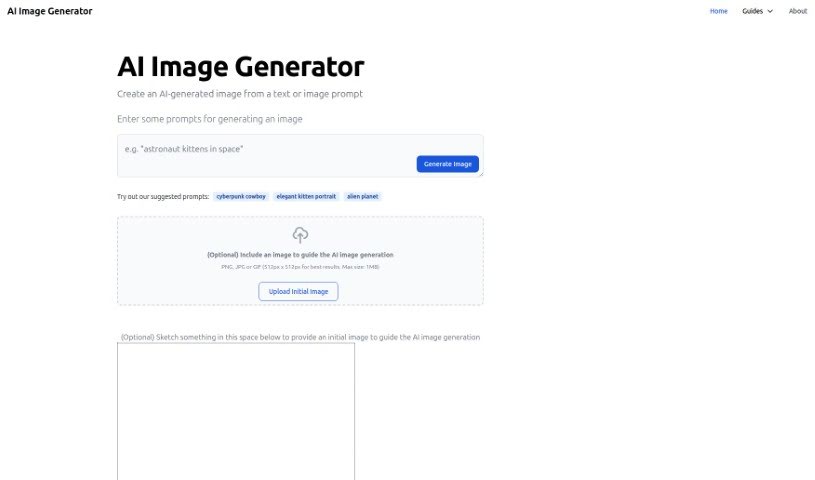
Screenshot of Aiimagegenerator

Aiimagegenerator

Freemium

AI Image Generator is a handy online tool that uses artificial intelligence to create unique, artistic images. You simply give it a text description or even an image, and the AI brings your ideas to life. It's pretty neat because you can upload your own pictures or sketches to give the AI a starting point, helping it understand exactly what you're going for.

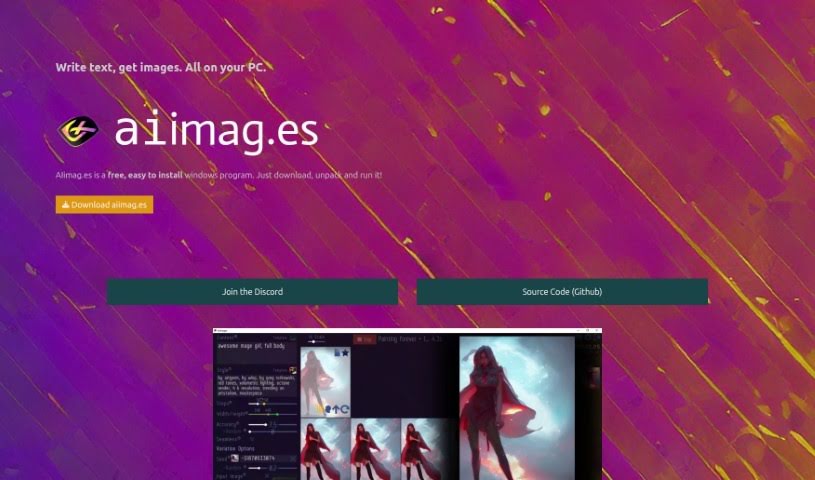
Screenshot of AIimages

AIimages

Freemium

AIimag.es is a really user-friendly, free program for Windows that's changing how we create images from text right on our PCs using AI. You can easily turn your words into pictures in just seconds, and guess what? No coding or complicated software needed! This tool is built on Stable Diffusion AI technology, which means you can quickly try out different ideas to refine your images. It's perfect for both personal projects and commercial work.

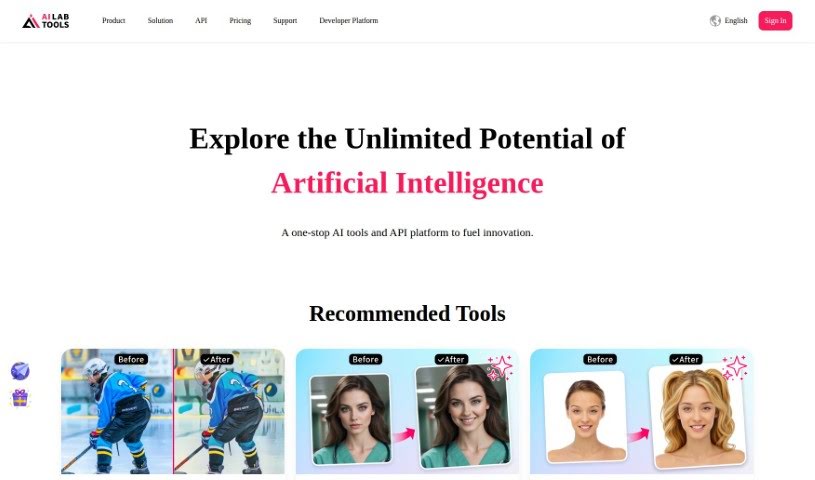
Screenshot of AILab Tools

AILab Tools

Freemium

AILab Tools is a really versatile platform packed with image editing features. You can do things like remove backgrounds, clear up hazy images, restore old photos, turn pictures into paintings, retouch portraits, enhance faces, and even erase parts of an image – the list goes on! It's designed for everyone, whether you're just editing personal photos or working on professional projects. It offers a whole suite of tools to make your images look better and do more with them. For developers, there's also an API that lets you build your own custom image processing tools, integrating AI capabilities right into your own apps. Plus, it has some neat portrait editing options: you can change facial expressions, swap hairstyles, adjust age and gender, and even transform portraits into cartoons with a variety of artistic styles to pick from.

Stay Updated with AI Tools

Get weekly updates on the latest AI tools, trends, and insights delivered to your inbox

Join 25,000+ AI enthusiasts. No spam, unsubscribe anytime.