AI Employee Tools: Top Picks & Honest Reviews

AI Tools for Employees

Discover the best Employees AI tools to enhance your productivity and creativity.

Page 2 of 4 • 40 total tools
Screenshot of Gaspar AI Xence

Gaspar AI Xence

Freemium

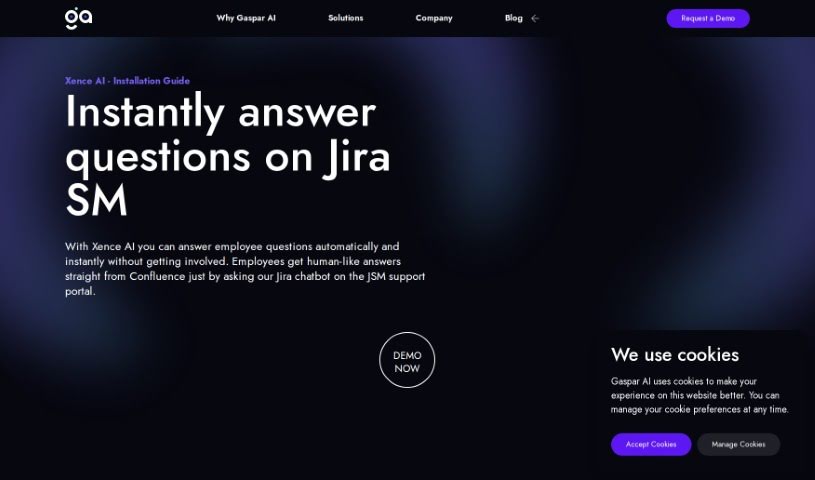
Xence, by Gaspar AI, is a chatbot built to instantly handle about half of your employees' questions on Jira Service Management (JSM) without human involvement. It is the first and only bot specifically built for JSM that pulls accurate information from your Confluence knowledge base and delivers human-like answers.

Employees View Tool →
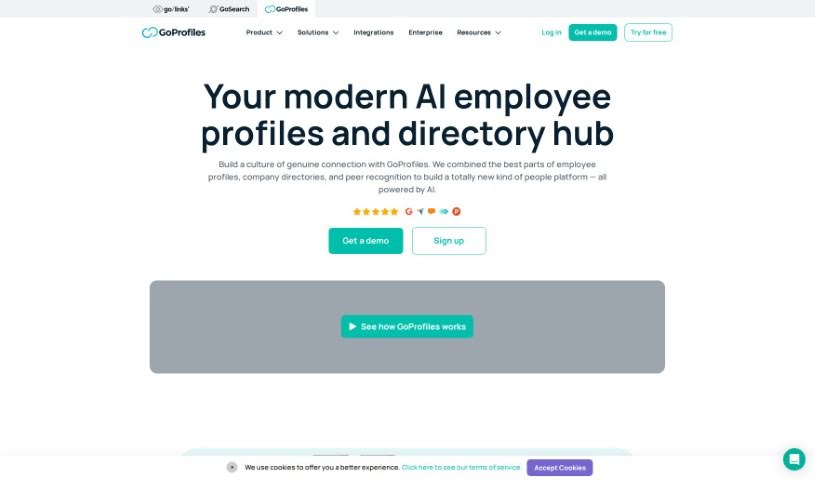
Screenshot of GoProfiles

GoProfiles

Freemium

GoProfiles is an employee directory and peer recognition platform built for companies with remote or hybrid teams. It combines detailed employee profiles with tools for recognition and collaboration, helping colleagues connect and understand who's who in the organization. Features include an interactive org chart, a world map showing where colleagues are located, and AI-powered search for finding information quickly.

Employees View Tool →
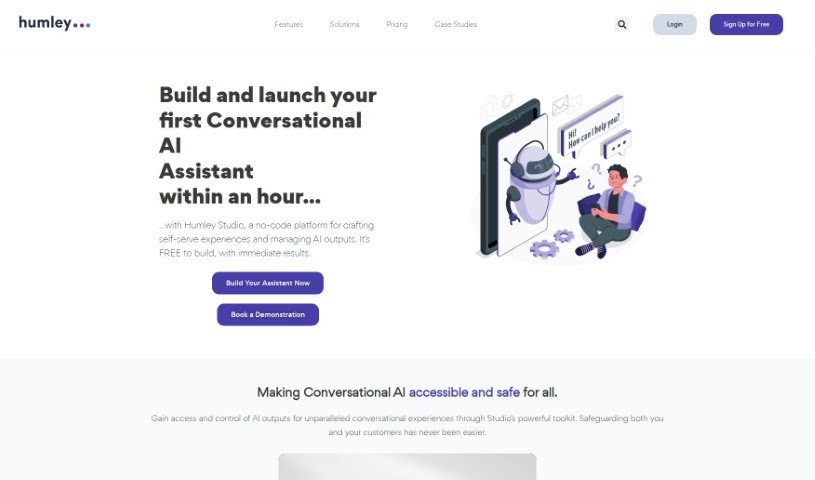
Screenshot of Humley

Humley

Freemium

Humley is a UK-based Conversational AI company founded in 2017. Its platform enables large businesses to quickly set up AI-powered chat assistants for departments such as sales, customer service, HR, finance, and IT. The goal is to help companies operate more efficiently and improve experiences for both employees and customers, with an AI assistant available 24/7.

Employees View Tool →
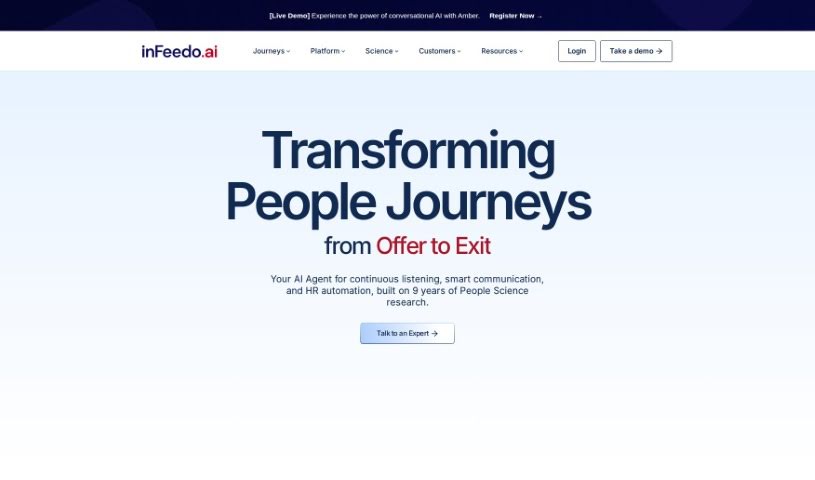
Screenshot of inFeedo

inFeedo

Freemium

inFeedo's flagship product, Amber, is a conversational AI bot that chats with employees to surface signs of disengagement or dissatisfaction and predict who might be considering leaving. Using machine learning and natural language processing, it gathers feedback, analyzes sentiment, and routes complex inquiries to the right people.

Employees View Tool →
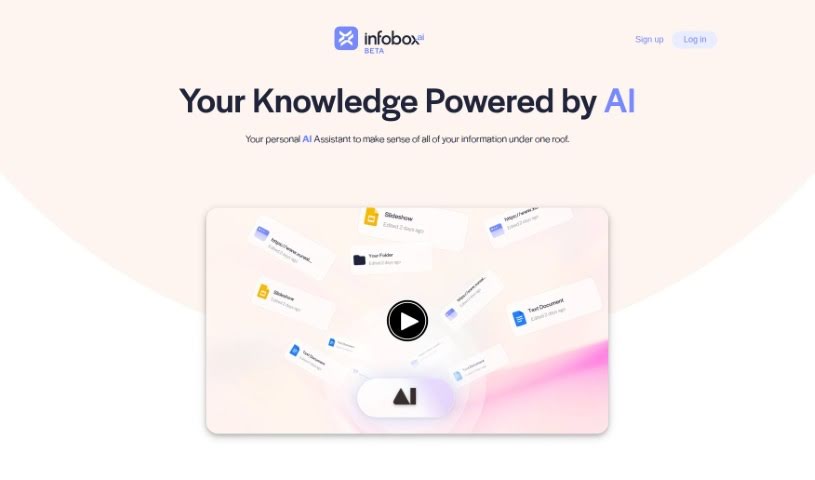
Screenshot of Infoboxai

Infoboxai

Freemium

Infobox.ai is a platform built by Xureal that provides an AI assistant for managing and accessing your digital information. The assistant learns from a variety of sources — web links, uploaded files, or apps you already use such as Google Drive. You remain in full control of the information: you can add, change, or remove content at any time, keeping your data private and yours.

Employees View Tool →
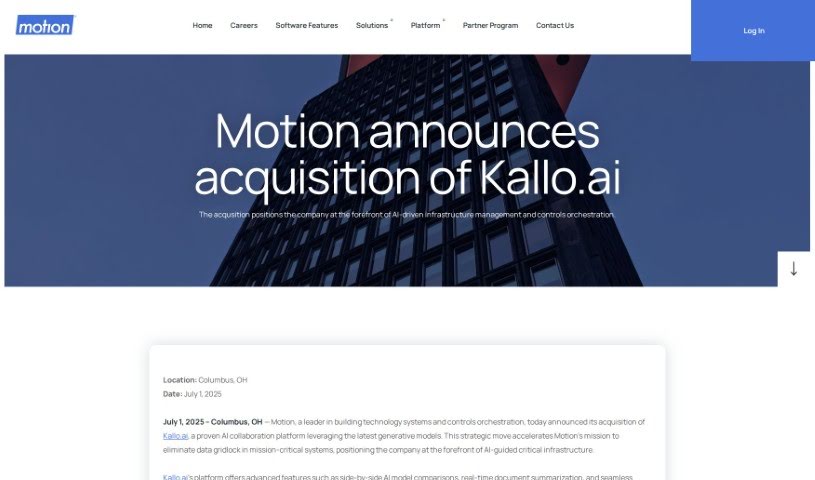
Screenshot of Kallo

Kallo

Freemium

Kallo is an AI platform that provides access to top AI models from leading companies like OpenAI, Google, and Anthropic in a single user experience. It supports working with multiple AI models, sharing conversations and sources with others, scanning text from images, and generating quick summaries of files. Kallo states that it does not use any information you share to train its AI models. The platform is built for enterprise collaboration, with infrastructure that includes backup systems and features for comparing different AI models.

Employees View Tool →
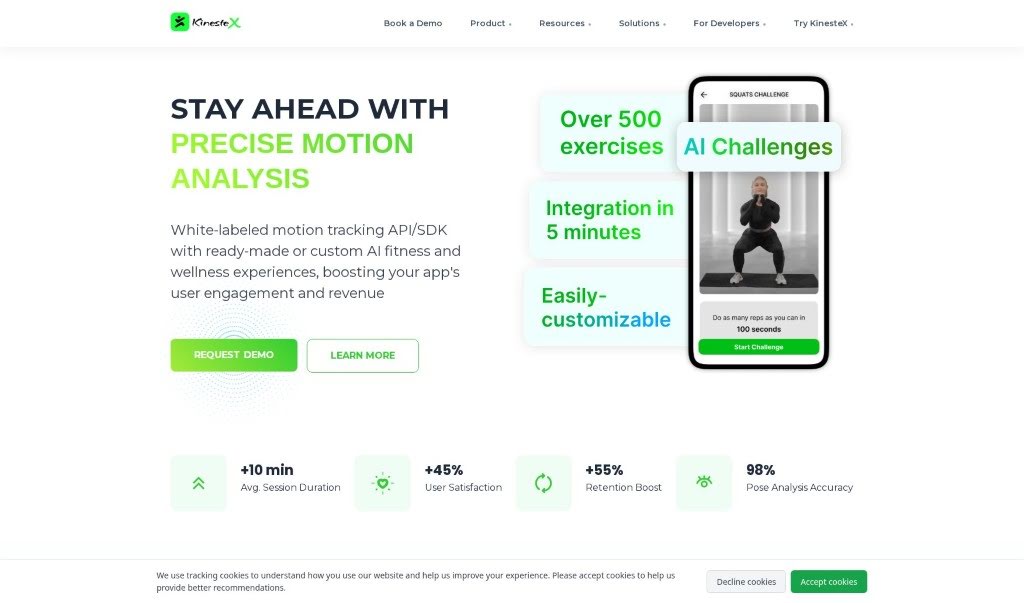
Screenshot of KinesteX

KinesteX

Freemium

KinesteX AI is a platform for personalized fitness and physiotherapy. It uses computer vision to observe your movements, providing instant feedback on workouts, creating custom routines, and tracking progress. Whether your goal is weight loss, muscle building, or general health, KinesteX builds routines around your goals. It is positioned as an affordable option for people who prefer working out at home, and for businesses that want to offer AI-powered fitness and wellness programs.

Employees View Tool →
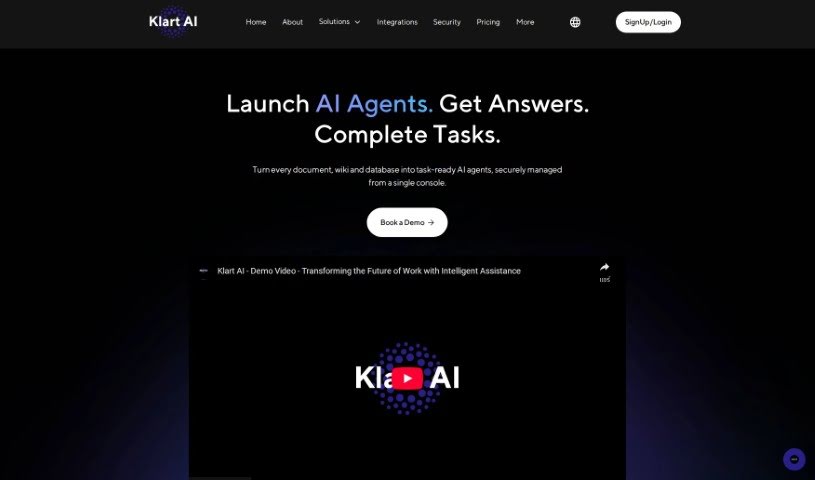
Screenshot of Klart AI

Klart AI

Freemium

Klart AI is an AI-powered assistant built to boost productivity and streamline teamwork. It connects with different platforms, links to your databases, keeps your data private, and offers real-time AI support. A built-in Fact Checking System ensures answers are accurate, secure, and private, and the infrastructure scales as your needs grow.

Employees View Tool →
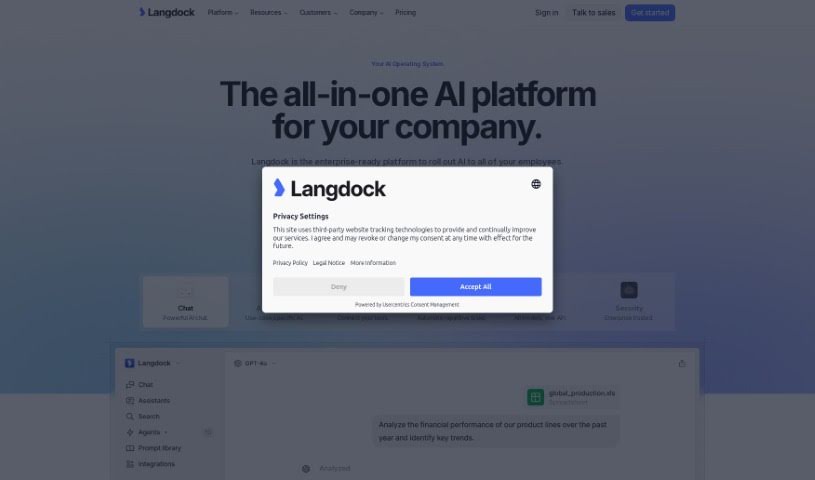
Screenshot of Langdock

Langdock

Freemium

Langdock is a platform for automating language operations. It helps companies manage content in multiple languages by translating text automatically, managing terminology for consistency, and checking content for linguistic quality. It connects with existing content management systems so teams can build workflows for handling multilingual content, with the goal of improving productivity and accuracy for businesses operating globally.

Employees View Tool →
Screenshot of Leania

Leania

Freemium

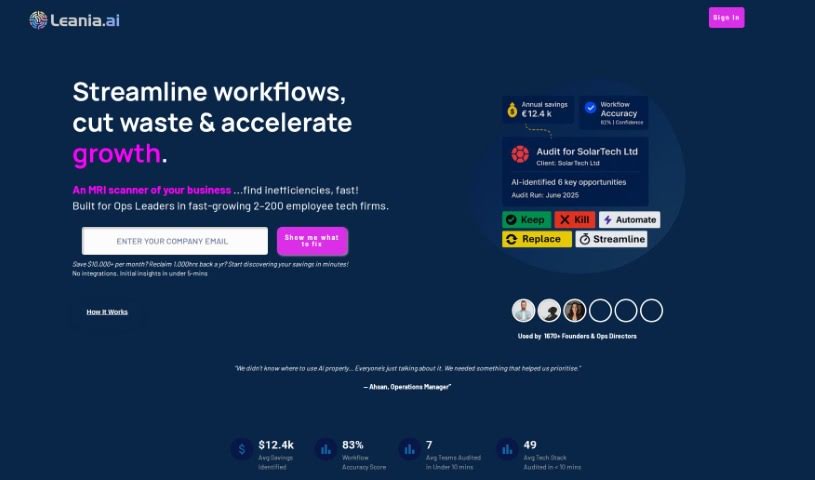
Leania.ai is an AI consultant tool that helps businesses analyze and improve their processes for better efficiency and growth. It takes data from your company's LinkedIn page or an organizational chart, builds a digital map of your company's structure, works out what staff are doing, and suggests where AI and automation could make operations run more smoothly. You get insights into business activities, potential cost savings, whether your current technology is fully utilized, and how ready your organization is to adopt AI.

Employees View Tool →
Screenshot of Litespace

Litespace

Freemium

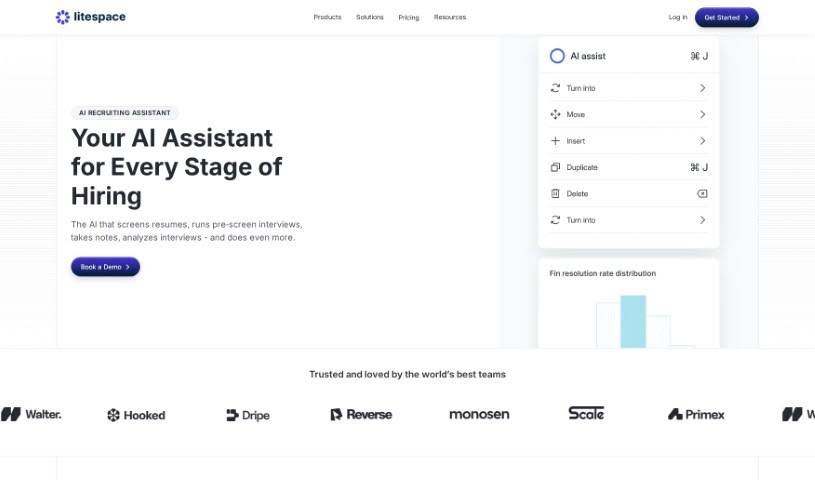
Litespace is a platform built to create a more connected and inclusive workplace. It helps employees build relationships, feel a stronger sense of belonging, and connect over shared interests. Features include a social feed, collaboration spaces, and peer recognition for celebrating wins. The platform is designed to support employee retention and company culture, automate tasks for efficiency, apply an employee-first approach to workplace strategies, use AI for smart recommendations, and provide round-the-clock support. Overall, it aims to make team collaboration smoother, simplify scheduling, and give a clear picture of team dynamics and culture growth.

Employees View Tool →
Screenshot of Mentalport

Mentalport

Freemium

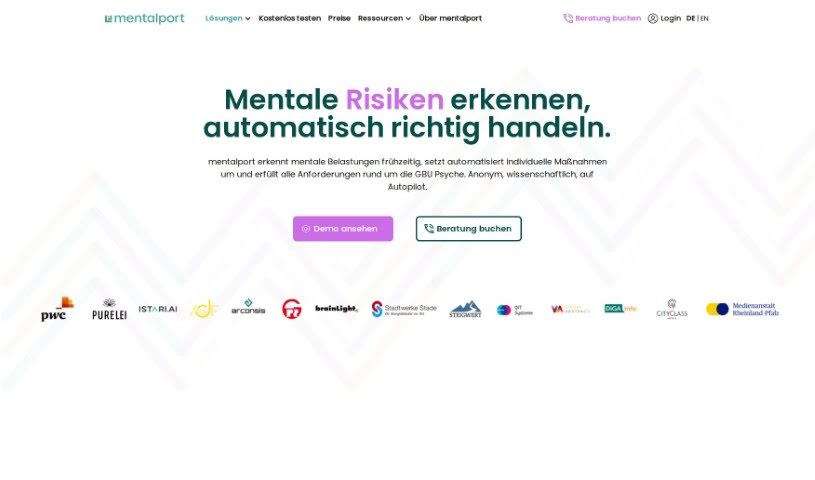
Mentalport is a platform that helps companies address workplace mental health challenges. It combines coaching, AI, and biofeedback to deliver proactive, personalized support to employees, aiming to reduce missed workdays and improve productivity.

Employees View Tool →

About Employees tools

Daily work often comes with a mountain of small administrative tasks. Between drafting status updates, clearing out flooded inboxes, scheduling meetings, and hunting for scattered project files, it’s easy to spend half your day just preparing to work. When routine busywork fills your calendar, finding focus time for important projects becomes a constant struggle.

These personal workplace assistants handle routine admin chores, help organize your daily schedule, and give you time back to focus on meaningful work.

Reclaiming Time in Your Workday

Tackling inbox overload and routine communication is one of the quickest ways to save time. Writing project updates, drafting polite replies, and organizing email chains can eat up hours each week. Smart workplace assistants turn rough notes into clean drafts, summarize long email threads, and extract clear action items so you can keep communication moving without getting stuck in your inbox.

Meetings become far easier to manage when you don’t have to write down every detail by hand. Trying to take accurate notes while staying active in a group discussion is tough. AI meeting tools join video calls, transcribe conversations, and generate structured summaries with key decisions and assigned tasks. You can stay focused on the discussion, while teammates who missed the call get a quick recap in seconds.

Finding internal information across scattered folders, chat channels, and documents gets much faster, too. Searching through multiple apps for a company policy, project brief, or past presentation wastes valuable momentum. AI knowledge assistants index your workplace tools, letting you ask simple questions and receive direct answers backed by source links.

Key Capabilities for Everyday Work:

  • In-app drafting assistants: Extensions that help you compose emails, reports, and status updates directly inside your daily apps.
  • Automated meeting summaries: Systems that record video calls, transcribe discussions, and highlight key action items for your team.
  • Internal knowledge search: Tools that connect to company documents and chat apps to answer work questions in plain English.
  • Task and schedule management: Features that analyze your workload, block focus time on your calendar, and organize daily priorities.
  • Data privacy safeguards: Enterprise workplace tools built to protect sensitive company information and comply with internal data policies.

Career growth, genuine teamwork, and creative problem-solving will always depend on human insight, trust, and initiative. Software can’t replace your professional experience or build strong working relationships. But clearing away daily administrative friction gives you the breathing room needed to do your best work.

Check out the workplace assistants below to streamline your workday.

The Best AI Employees Tools

  1. **Langdock for making team communication and training smoother
  2. **Moveworks for simplifying employee onboarding
  3. Andeavour: Organizational intelligence covering cybersecurity, HR churn and compliance.
  4. Bunch: Leadership coaching delivered in two-minute daily lessons.
  5. **Aissist for simplifying internal communication tasks
  6. Capably: Builds autonomous GPT-4 agents without coding.
  7. **BlueGPT for team collaboration and managing tasks
  8. **ONVY for boosting employee wellness and productivity.
  9. **inFeedo for tracking employee feedback in real-time
  10. **Beyond for smart collaboration tools for teams
  11. **GoProfiles for easily simplifying peer recognition processes.
  12. **wAnywhere for streamlined team collaboration tools
  13. Chatocr: AI agents and virtual employees that automate routine tasks.
  14. **Klart AI for automating HR queries through self-service
  15. **Swif for streamlined tools that integrate HR systems
New tools, in your inbox.

Weekly picks of the best AI tools we've researched and added — no spam, unsubscribe anytime.

Join 25,000+ AI enthusiasts. No spam, unsubscribe anytime.