AI Education Tools

AI Tools for Education

Discover the best Education AI tools to enhance your productivity and creativity.

Page 9 of 59 • 703 total tools
Screenshot of ChaturGPT

ChaturGPT

Freemium

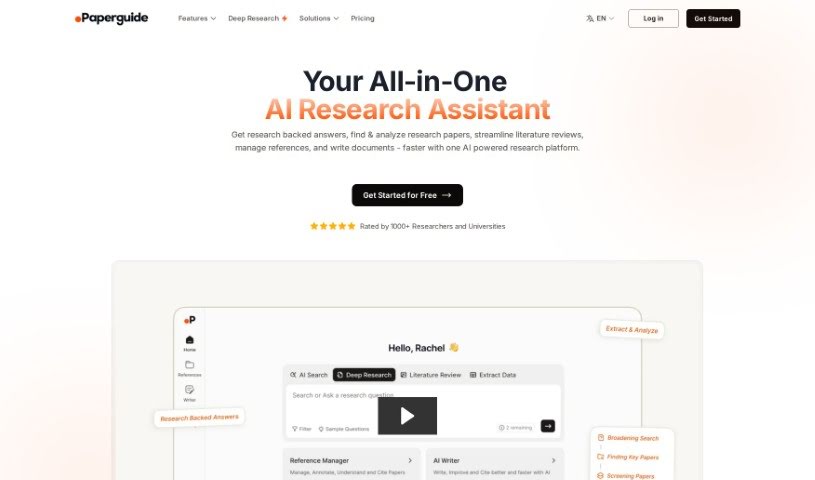
ChaturGPT is an AI-powered document reader developed by Mystic Labs. Upload a PDF — whether it's a textbook, research paper, legal document, or tax report — and ask questions about its content to get instant answers. The AI is built to understand complex documents and extract the information you need quickly. It can also produce summaries and adapts how it presents answers so they're easy to follow regardless of the original format.

Education View Tool →
Screenshot of ChatwithPDF

ChatwithPDF

Freemium

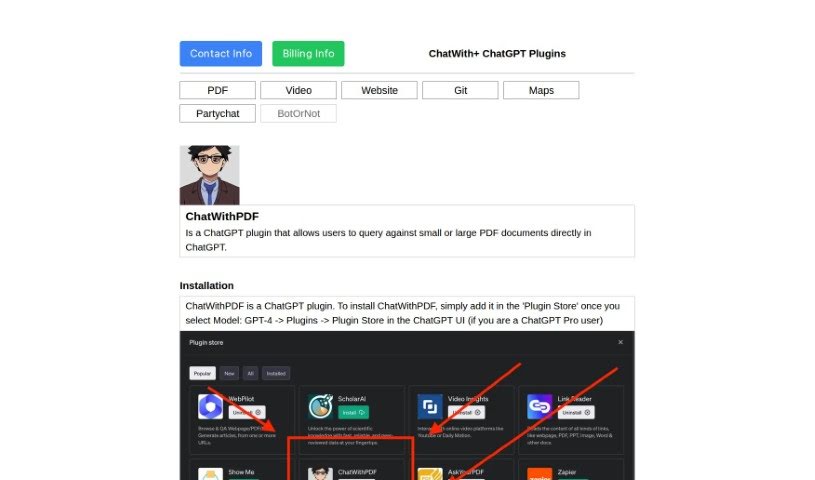
ChatwithPDF is a ChatGPT plugin that lets you load a PDF and ask questions about its contents. You share a temporary web link to the file, and the plugin fetches it and extracts the relevant content — no installation required. You add it through the ChatGPT Plugin Store, where it appears as an unverified plugin, and can start using it right away.

Education View Tool →
Screenshot of ChatwithPDFai

ChatwithPDFai

Freemium

ChatwithPDFai is an AI tool that extracts text from PDF files. Built on natural language processing and optical character recognition (OCR), it reads and understands your PDFs, then converts them into editable text. This makes the information inside PDF documents easier to access, change, and work with.

Education View Tool →
Screenshot of Cheatgpt

Cheatgpt

Freemium

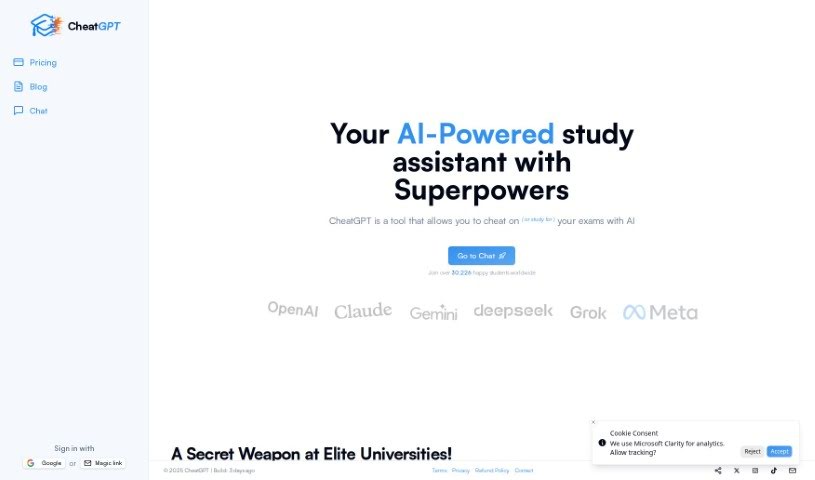
CheatGPT is an AI-powered study assistant built by a team of developers. It runs on GPT-4 and is designed to handle a range of academic tasks: quick answers to questions, personalized tutoring across 14 subjects, translation into multiple languages, and grammar fixes. It also includes GPT-4 Vision, which lets you ask questions about images.

Education View Tool →
Screenshot of Check Typo

Check Typo

Freemium

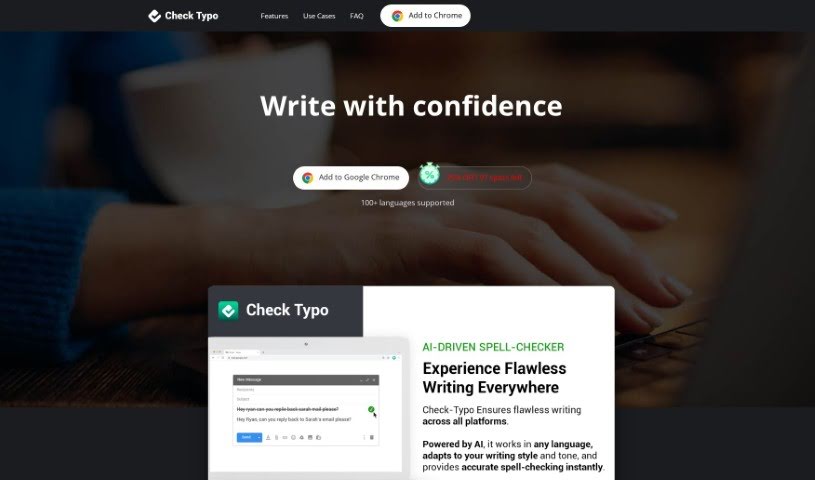
Check Typo is a Chrome extension that fixes typos instantly and improves your writing. It catches spelling mistakes, runs grammar checks, and works across many languages. The tool also learns your personal writing style and offers tailored advice.

Education View Tool →
Screenshot of CheckforAi

CheckforAi

Freemium

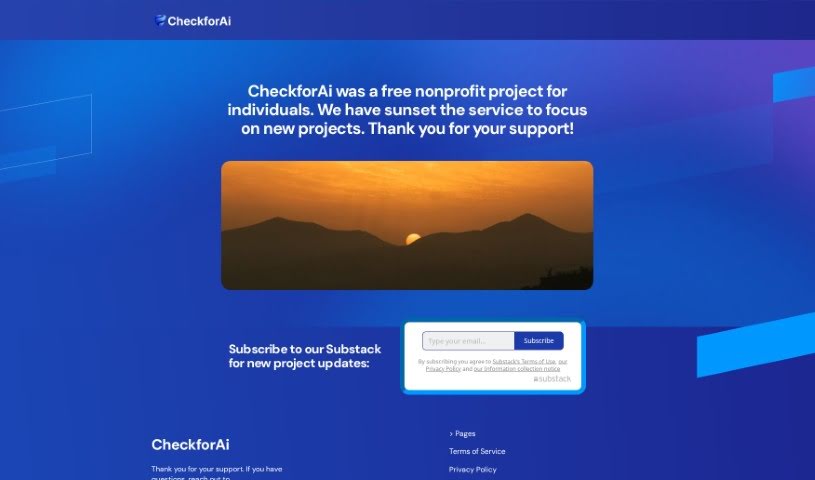
CheckforAi was a free AI detection tool built to identify text generated by AI, particularly content produced by GPT models. It combined OpenAI's Roberta-base model with its own proprietary models to detect AI-written text and verify authorship across texts, files, and documents. At its peak, the service claimed 95% detection accuracy and offered user support.

Education View Tool →
Screenshot of Chegg

Chegg

Freemium

Chegg is an education platform whose AI learning system, CheggMate, combines GPT-4, Chegg's extensive content library, and input from subject matter experts to deliver a personalized, adaptive learning experience. It works like a personal tutor, offering custom assessments, practice tests, adaptive tutoring, instant feedback, expert Q&A, textbook problem solutions, a math solver, citation help, a plagiarism checker, a grammar checker, and professional proofreading.

Education View Tool →
Screenshot of ClassPoint AI AI Quiz Generator

ClassPoint AI AI Quiz Generator

Freemium

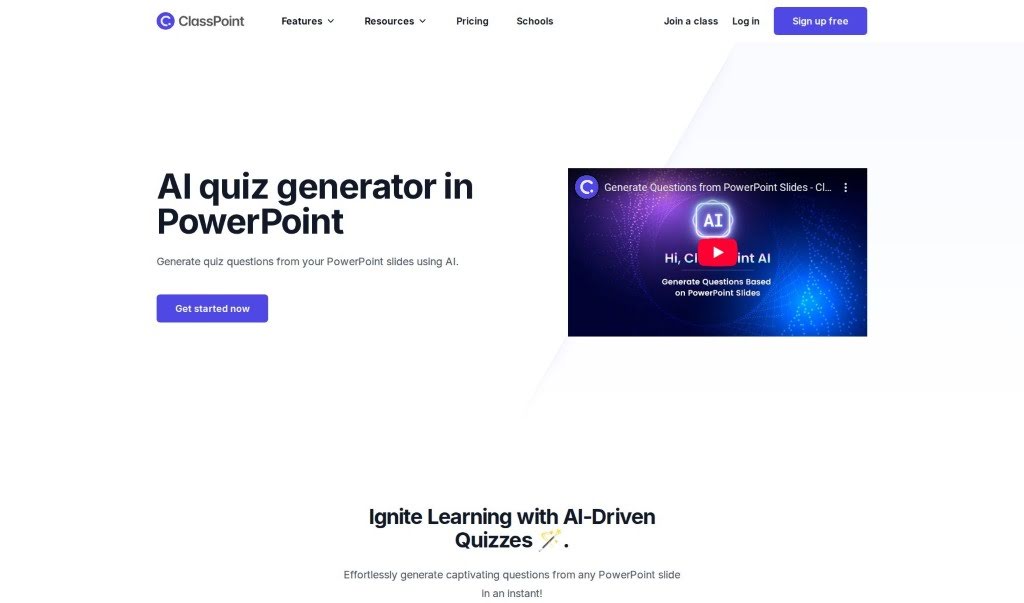
The AI Quiz Generator is built into PowerPoint and creates quiz questions directly from your presentation slides. Upload your slides, and within seconds you have questions ready to go. For teachers and presenters who want to add interactive assessments to lessons, it offers a straightforward way to turn presentation material into quiz content.

Education View Tool →
Screenshot of Clipnote

Clipnote

Freemium

Clipnote is an AI tool that summarizes YouTube videos. It condenses a video's main points and key takeaways into a concise summary, which is especially useful for educational, technology, and business content. Instead of watching a full video, you can quickly grasp the core ideas and share them with friends or colleagues. Typical uses include condensing long videos into easier-to-digest content and saving time when learning something new. Clipnote currently focuses on YouTube videos in English.

Education View Tool →
Screenshot of Clozemaster

Clozemaster

Freemium

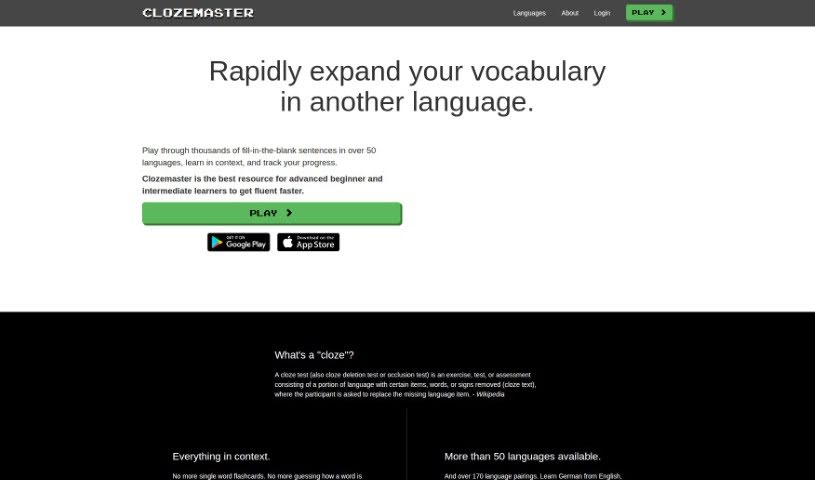
Clozemaster is a language learning game designed to help you practice vocabulary in over 50 languages. It uses AI and machine learning to make learning feel more like playing. The core idea is simple: a word is removed from a sentence, and your job is to figure out the correct missing word. The sentences come from quality data sources, chosen for each language and fine-tuned by the AI.

Education View Tool →
Screenshot of Codeamigo

Codeamigo

Freemium

Codeamigo is an AI coding coach that helps you learn coding the way modern developers do. It offers interactive tutorials powered by AI, with a simple interface and bite-sized lessons designed to make learning to code accessible and engaging.

Education View Tool →
Screenshot of Codebay

Codebay

Freemium

Codebay is a user-friendly app designed for people just starting out with Python. It works on smartphones and iPads, offering interactive lessons that guide you through learning Python, along with an AI assistant to help you along the way. The goal is to make learning to code effective and enjoyable, wherever you are.

Education View Tool →

About Education tools

Teaching and studying both come with heavy workloads. Teachers spend weekends building lesson plans, writing rubrics, and grading stacks of essays, leaving little energy for interactive classroom time. At the same time, students easily fall behind when they hit a difficult concept and lack access to immediate guidance. Balancing administrative demands with individual learning needs is a constant struggle.

The educational tools in this category act as supportive teaching and study assistants. They handle routine formatting, generate fresh practice materials, and adapt to different learning paces without replacing passionate educators or the genuine effort required for real learning.

Supporting Teachers and Empowering Students

Lesson planning and curriculum design get a major speed boost. Coming up with engaging classroom activities, differentiated reading materials, and custom quizzes for varied skill levels usually takes hours of prep work. Smart lesson assistants help teachers generate targeted exercises, discussion prompts, and grading rubrics in minutes—providing a solid draft you can tweak to match your specific curriculum standards.

Personalized tutoring gives students extra support whenever they get stuck on homework. When working through complex math equations or studying historical events, learners often need concepts explained in fresh ways. Intelligent study platforms act as patient tutors, breaking down difficult topics step by step, answering questions, and generating practice problems tailored to a student’s current understanding.

Grading and feedback workflows become far more manageable, too. Reviewing dozens of student essays to offer detailed commentary takes immense time. AI feedback tools scan drafts for grammar, structure, and clarity, offering quick initial notes so students can revise their work before final submission. Teachers get to spend less time marking paper and more time guiding students directly.

Key Capabilities for Classrooms & Study:

  • Automated quiz and worksheet builders: Tools that turn text passages or lesson notes into custom practice quizzes and flashcard decks instantly.
  • Adaptive learning paths: Systems that adjust exercise difficulty based on student performance to keep learning engaging and manageable.
  • Differentiated instruction tools: Features that rewrite reading material across multiple grade levels while preserving core lesson concepts.
  • Academic integrity checkers: Software that scans submitted work for potential plagiarism and uncredited sources to support honest academic work.
  • LMS platform integration: Connectors that sync directly with systems like Google Classroom or Canvas to keep assignment tracking smooth.

Great education will always depend on human mentorship, encouragement, and curiosity. Software can’t inspire a struggling student or replace the warmth of a dedicated teacher. But letting smart tools handle lesson drafts, basic grading, and study exercises gives both educators and students the breathing room needed to focus on meaningful learning.

Browse the educational tools below to improve your classroom or study routine.

The Best AI Education Tools

  1. Grammarly: Helps monitor grammar in student essays.
  2. Duolingo: Offers a personalized language learning experience.
  3. Quill Bot: Aids in paraphrasing for better understanding.
  4. 777ccc.com: Summarizes YouTube videos, pulling the key points from long content.
  5. Duplichecker: Checks student papers for originality.
  6. NotebookLM: Acts as a smart study companion for students.
  7. Turnitin: Helps verify academic integrity.
  8. Chegg: Offers homework help and study resources.
  9. GPTZero: Ensures authenticity in student submissions.
  10. Grammarly AI Plagiarism Checker: Helps maintain academic integrity in assignments.
  11. LanguageTool: Enhances student writing skills.
  12. QuillBot Paraphrasing Tool: Effectively rephrases study materials.
  13. Gauth: Provides STEM-focused live tutoring support.
  14. NoteGPT: Creates flashcards from study materials.
  15. Undetectable AI: Helps create personalized learning resources.

New tools, in your inbox.

Weekly picks of the best AI tools we've researched and added — no spam, unsubscribe anytime.

Join 25,000+ AI enthusiasts. No spam, unsubscribe anytime.