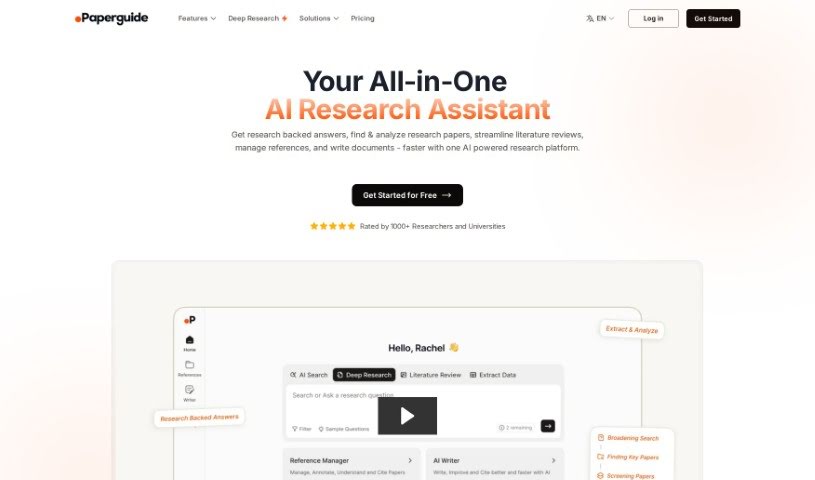
Screenshot of ChatwithPDFai

ChatwithPDFai

Discover what ChatwithPDFai is and how to use it in 2025. We'll cover its features, compare it to other academic research tools, and show you exactly how to get the most out of it.

Screenshot

What is ChatwithPDFai?

ChatwithPDFai is a smart tool that uses artificial intelligence to help you get text out of PDF files. It is a digital assistant that can accurately read and understand your PDFs, then turn them into editable text. It’s built using natural language processing and optical character recognition (OCR) tech, which means it’s really good at pulling out text precisely and efficiently. This makes working with PDFs much simpler, letting you easily access and change the information inside. Essentially, ChatwithPDFai is a great way to boost your productivity when you’re dealing with PDF documents.

Who created ChatwithPDFai?

ChatwithPDFai first appeared on July 19, 2023. The specific creator or company behind ChatwithPDFai isn’t mentioned in the information we have.

What is ChatwithPDFai used for?

ChatwithPDFai is super handy for a bunch of things:

  • Making tough content easier to grasp: It can simplify complex documents like contracts and agreements, helping you understand them better.
  • Research help: Researchers can use it to pull out data and uncover valuable insights.
  • Student support: Students can get quick, easy-to-understand answers to help with their studies.
  • Business clarity: Professionals can get a clearer understanding of contracts.
  • Data extraction: It lets you pull out key information from any PDF document.
  • Quick summaries: You can get a text-based summary of your PDFs.
  • Better studying: It makes studying easier by giving you concise answers.
  • Interactive PDFs: You can have a back-and-forth conversation with your PDF documents.
  • Broad PDF support: It works with a wide variety of PDF types.
  • Smart answers: It uses advanced AI to provide accurate and relevant responses.

Who is ChatwithPDFai for?

This tool is a great fit for:

  • Researchers
  • Students
  • Editors
  • Legal Professionals
  • Data Analysts
  • Content Creators
  • Business Professionals
  • Historians
  • Journalists
  • Librarians

How to use ChatwithPDFai?

Using ChatwithPDFai is pretty straightforward. Just follow these simple steps:

  1. Upload Your Paper: First, you’ll need to upload your document into the ChatwithPDFai tool. It’s the starting point for everything.
  2. Ask Your Questions: Once your document is safely uploaded, you can begin asking questions or just start chatting with the AI assistant about the content.
  3. Get Instant Answers: The tool uses AI to give you answers right away. You can quickly get a handle on complex topics and find clear, useful insights.
  4. Utilize Instant Summaries: ChatwithPDFai can also take long documents and turn them into easy-to-understand summaries. This really helps you get the main points without reading everything.

By doing these things, you can really make the most of ChatwithPDFai to pull out the essential information from your documents fast and effectively.

Related AI Tools

Discover more tools in similar categories that might interest you

Academic Help Free Essay Generator

Education Academic Writing
Learn More

Stay Updated with AI Tools

Get weekly updates on the latest AI tools, trends, and insights delivered to your inbox

Join 25,000+ AI enthusiasts. No spam, unsubscribe anytime.