AI Education Tools

AI Tools for Education

Discover the best Education AI tools to enhance your productivity and creativity.

Page 34 of 59 • 703 total tools
Screenshot of PapersOwl

PapersOwl

Freemium

PapersOwl is an online service that helps students with academic writing. It offers custom essays, research papers, dissertations, term papers, and theses. The process is straightforward: you place an order for the paper you need, then choose a writer based on their qualifications and bid. PapersOwl also provides free tools like a plagiarism checker and a citation generator, along with 24/7 support.

Education View Tool →
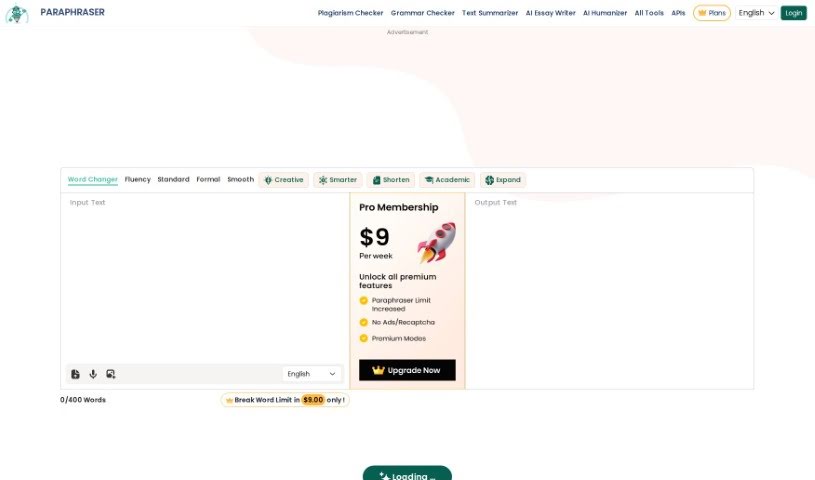
Screenshot of Paraphraser

Paraphraser

Freemium

Paraphraser is an AI assistant that rephrases sentences, paragraphs, and entire essays. It uses GPT-3 and Natural Language Processing (NLP) to rewrite text so the output reads naturally while keeping the original meaning intact and plagiarism-free.

Education View Tool →
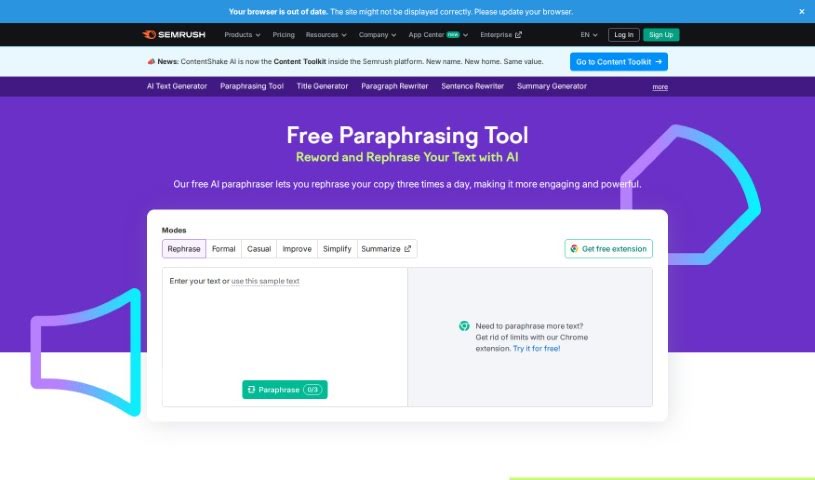
Screenshot of Paraphrasing Too l Semrush

Paraphrasing Too l Semrush

Freemium

The Paraphrasing Tool from Semrush is a platform for rewriting content while keeping the original meaning intact. It uses algorithms to produce paraphrases that fit the context, which helps with avoiding plagiarism and improving existing content. Features include synonym suggestions and sentence rephrasing, making rewriting faster for content creators while keeping text clear and natural-sounding.

Education View Tool →
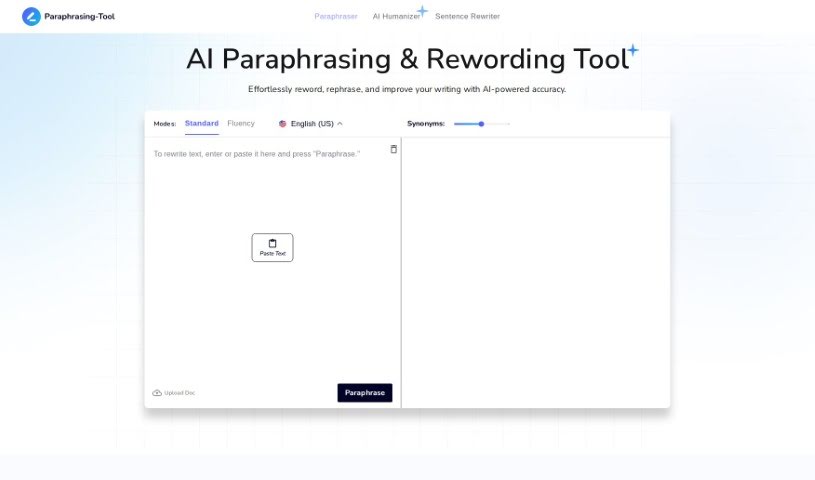
Screenshot of paraphrasing-tool.com

paraphrasing-tool.com

Freemium

paraphrasing-tool.com is an online suite of writing tools focused on rephrasing and rewriting text. It includes a main Paraphrasing tool plus specialized options: a Paragraph Rewriter, Sentence Rewriter, Essay Rewriter, Phrase Rewriter, ChatGPT Rewriter, and Article Rewriter. The site's goal is to help users create fresh, unique content free of plagiarism.

Education View Tool →
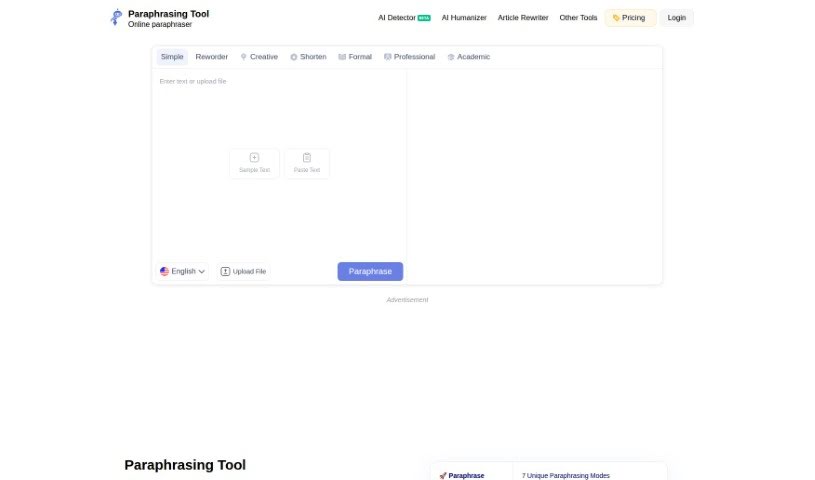
Screenshot of Paraphrasing.io

Paraphrasing.io

Freemium

Paraphrasing.io is an online tool that rewrites content using fresh wording, with the goal of making your writing unique and helping you avoid plagiarism. It analyzes your text and offers several rewriting modes: Regular, Formal, Text Improver, Smarter, Creative, and AI Paraphrase. It uses AI algorithms to keep content clear, unique, and creative, and supports multiple languages. Students, content writers, copywriters, and SEO professionals use it to improve clarity, uniqueness, and readability.

Education View Tool →
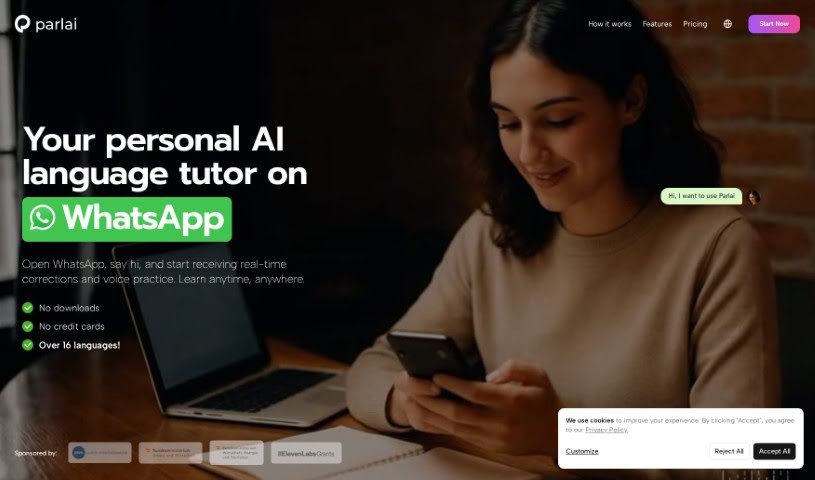
Screenshot of Parlai

Parlai

Freemium

Parlai is a language learning app that works inside WhatsApp, acting as a personal AI language tutor. You chat with Parlai to practice different languages, and it uses AI to give personalized feedback and varied practice options. Conversations feel natural, with spontaneous messages, voice notes, vocabulary help, and cultural insights through memes and recommendations. Parlai aims to make learning a new language enjoyable and efficient by mimicking real-life chats and adapting to your interests and weaknesses.

Education View Tool →
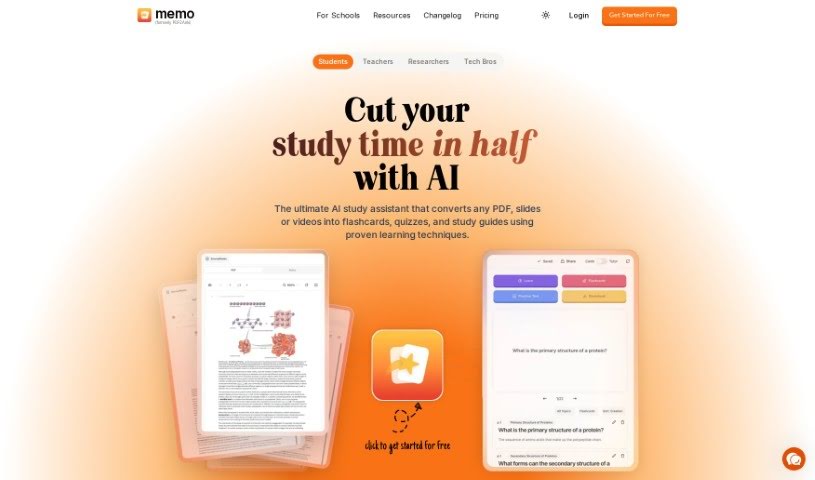
Screenshot of PDF2Anki

PDF2Anki

Freemium

PDF2Anki is a study tool built by two medical students who wanted to make learning more efficient and accessible. It uses AI to convert PDF files—lecture slides, notes, or presentations—into text and Anki-ready flashcards, eliminating the manual work of writing flashcards by hand.

Education View Tool →
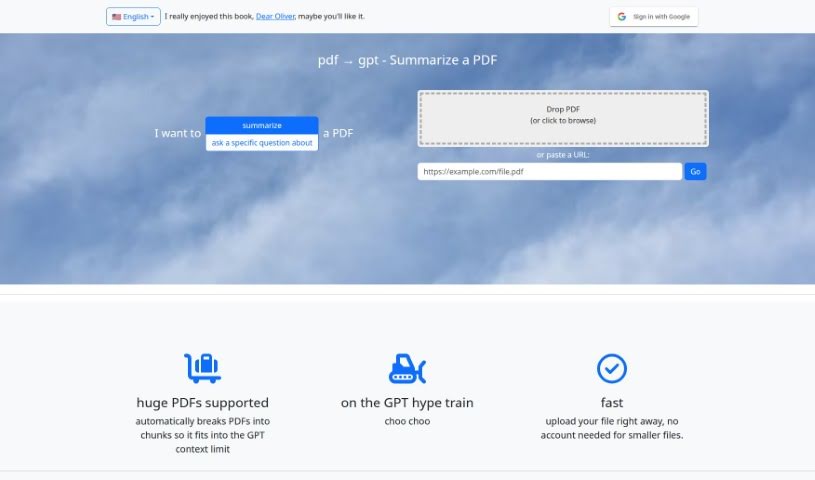
Screenshot of PDF2Gpt

PDF2Gpt

Freemium

PDF2Gpt is an AI tool that summarizes long PDF documents using GPT models. It splits a PDF into smaller chunks, then produces an overall summary along with detailed summaries of each section, preserving the original context. You can also ask specific questions about the content, and the tool generates a summary that directly answers your query.

Education View Tool →
Screenshot of PDFConvo

PDFConvo

Freemium

PDFConvo is an AI assistant for PDF documents that lets you hold a conversation with your files. Ask questions and get answers drawn from the document's own content. It handles summaries, specific detail lookups, and key insight extraction.

Education View Tool →
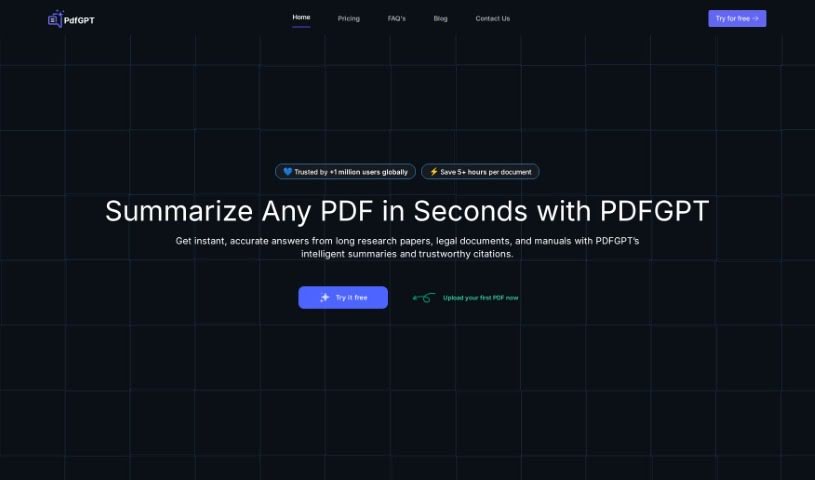
Screenshot of PDFgpt.io

PDFgpt.io

Freemium

PDFgpt.io is an AI tool for summarizing and querying PDF documents. Upload a PDF, then chat with its content: ask questions, pull out key information, and generate summaries. It supports use cases including research, document management, customer support, and data extraction, with built-in security features to keep data safe and compliant.

Education View Tool →
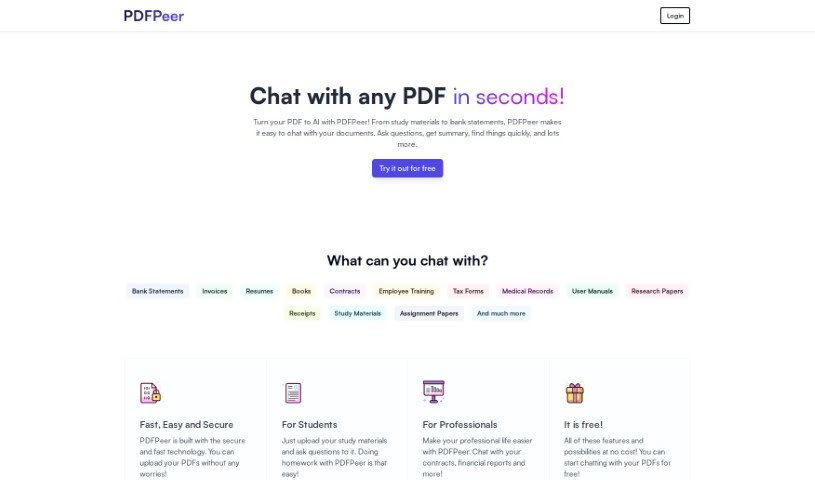
Screenshot of PDFPeer

PDFPeer

Freemium

PDFPeer is a free AI tool that lets you chat with any PDF document. Instead of reading through an entire file, you upload it and interact with it through a chat interface — asking questions, requesting summaries, or locating specific information. The tool converts your PDF into an AI-friendly format so you can work with it conversationally, and no technical skills are required.

Education View Tool →
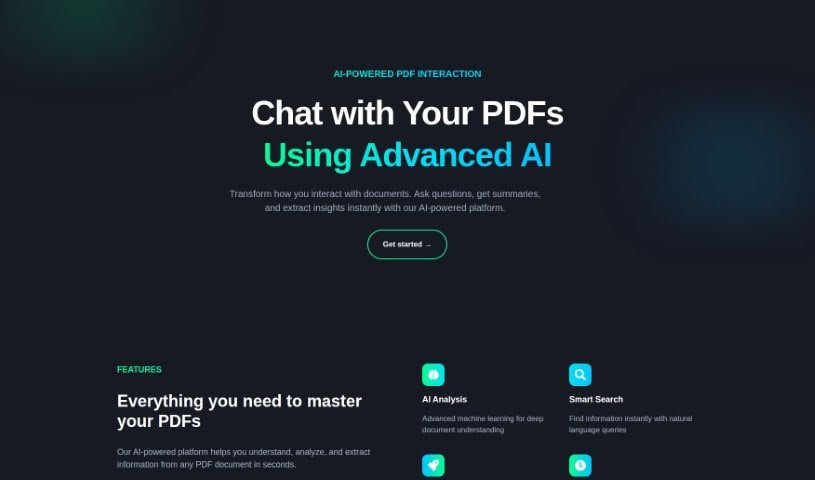
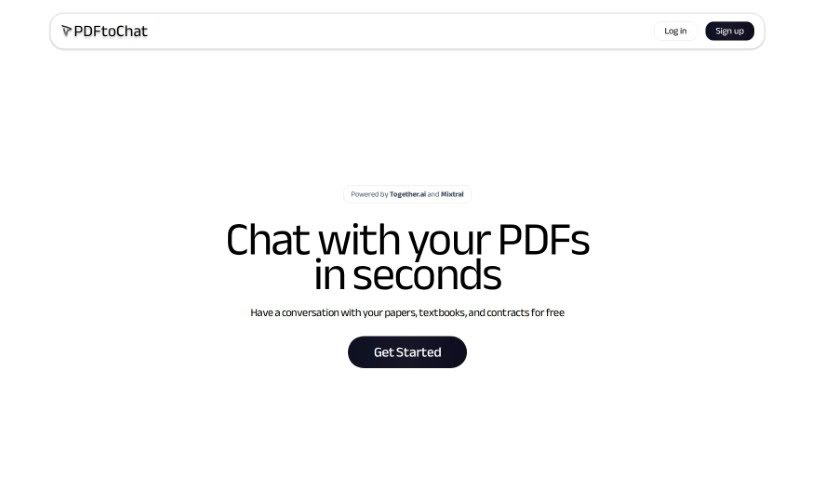
Screenshot of PDFtochat

PDFtochat

Freemium

PDFtoChat is an AI tool that lets you chat with your PDFs. Instead of reading through dense material like academic papers, legal contracts, or textbooks, you can ask questions and get answers drawn directly from the document's content.

Education View Tool →

About Education tools

Teaching and studying both come with heavy workloads. Teachers spend weekends building lesson plans, writing rubrics, and grading stacks of essays, leaving little energy for interactive classroom time. At the same time, students easily fall behind when they hit a difficult concept and lack access to immediate guidance. Balancing administrative demands with individual learning needs is a constant struggle.

The educational tools in this category act as supportive teaching and study assistants. They handle routine formatting, generate fresh practice materials, and adapt to different learning paces without replacing passionate educators or the genuine effort required for real learning.

Supporting Teachers and Empowering Students

Lesson planning and curriculum design get a major speed boost. Coming up with engaging classroom activities, differentiated reading materials, and custom quizzes for varied skill levels usually takes hours of prep work. Smart lesson assistants help teachers generate targeted exercises, discussion prompts, and grading rubrics in minutes—providing a solid draft you can tweak to match your specific curriculum standards.

Personalized tutoring gives students extra support whenever they get stuck on homework. When working through complex math equations or studying historical events, learners often need concepts explained in fresh ways. Intelligent study platforms act as patient tutors, breaking down difficult topics step by step, answering questions, and generating practice problems tailored to a student’s current understanding.

Grading and feedback workflows become far more manageable, too. Reviewing dozens of student essays to offer detailed commentary takes immense time. AI feedback tools scan drafts for grammar, structure, and clarity, offering quick initial notes so students can revise their work before final submission. Teachers get to spend less time marking paper and more time guiding students directly.

Key Capabilities for Classrooms & Study:

  • Automated quiz and worksheet builders: Tools that turn text passages or lesson notes into custom practice quizzes and flashcard decks instantly.
  • Adaptive learning paths: Systems that adjust exercise difficulty based on student performance to keep learning engaging and manageable.
  • Differentiated instruction tools: Features that rewrite reading material across multiple grade levels while preserving core lesson concepts.
  • Academic integrity checkers: Software that scans submitted work for potential plagiarism and uncredited sources to support honest academic work.
  • LMS platform integration: Connectors that sync directly with systems like Google Classroom or Canvas to keep assignment tracking smooth.

Great education will always depend on human mentorship, encouragement, and curiosity. Software can’t inspire a struggling student or replace the warmth of a dedicated teacher. But letting smart tools handle lesson drafts, basic grading, and study exercises gives both educators and students the breathing room needed to focus on meaningful learning.

Browse the educational tools below to improve your classroom or study routine.

The Best AI Education Tools

  1. Grammarly: Helps monitor grammar in student essays.
  2. Duolingo: Offers a personalized language learning experience.
  3. Quill Bot: Aids in paraphrasing for better understanding.
  4. 777ccc.com: Summarizes YouTube videos, pulling the key points from long content.
  5. Duplichecker: Checks student papers for originality.
  6. NotebookLM: Acts as a smart study companion for students.
  7. Turnitin: Helps verify academic integrity.
  8. Chegg: Offers homework help and study resources.
  9. GPTZero: Ensures authenticity in student submissions.
  10. Grammarly AI Plagiarism Checker: Helps maintain academic integrity in assignments.
  11. LanguageTool: Enhances student writing skills.
  12. QuillBot Paraphrasing Tool: Effectively rephrases study materials.
  13. Gauth: Provides STEM-focused live tutoring support.
  14. NoteGPT: Creates flashcards from study materials.
  15. Undetectable AI: Helps create personalized learning resources.

New tools, in your inbox.

Weekly picks of the best AI tools we've researched and added — no spam, unsubscribe anytime.

Join 25,000+ AI enthusiasts. No spam, unsubscribe anytime.