AI Data Visualization Tools

AI Tools for Data Visualization

Discover the best Data Visualization AI tools to enhance your productivity and creativity.

Page 6 of 14 • 166 total tools
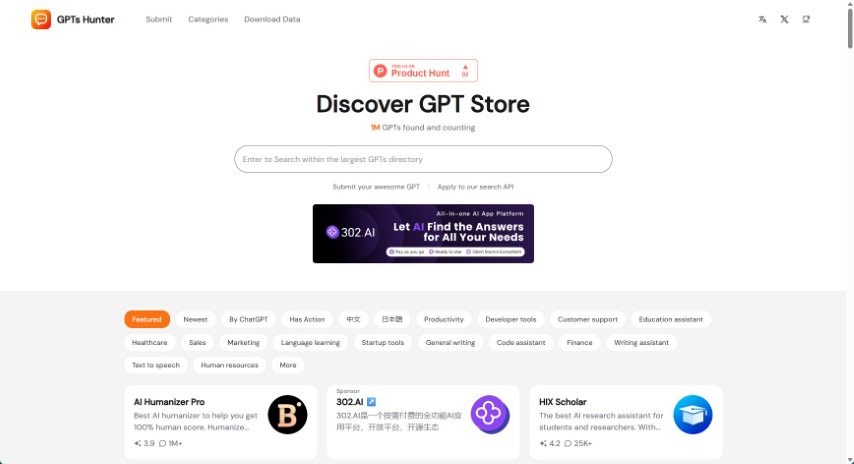
Screenshot of GPTs Hunter

GPTs Hunter

Freemium

GPTsHunter is a platform where people can share, rate, and discuss GPT prompts. It makes it easier to find quality GPTs in the GPT Store that can boost productivity, and it offers reviews and guides for these GPTs, useful for exploring plugins and improving your experience with GPTs.

Data Visualization View Tool →
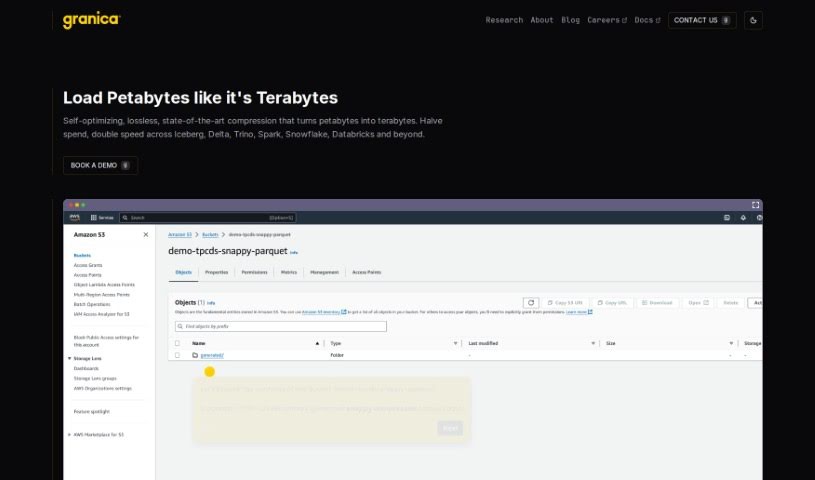
Screenshot of Granica AI

Granica AI

Freemium

Granica AI is a training data platform for AI teams. Its products — Granica Crunch, Screen, and Chronicle AI — are designed to improve model performance, control costs, and protect data privacy. The platform reduces storage and access costs, de-identifies sensitive data for safe use, and enables data exploration through natural language processing.

Data Visualization View Tool →
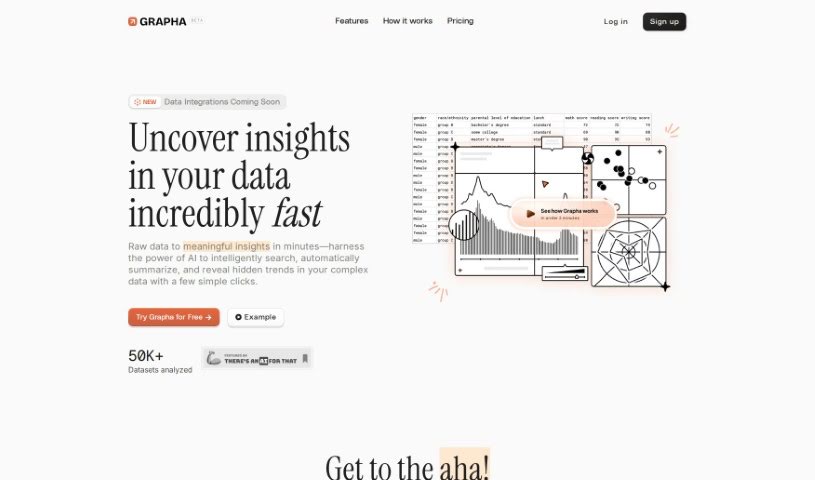
Screenshot of Grapha Ai

Grapha Ai

Freemium

Grapha AI is a data analytics tool that uses AI to uncover trends and patterns in your data. It turns complex data into clear insights with a few clicks, offering AI-assisted storytelling and visualizations while keeping you in control of data privacy and ownership.

Data Visualization View Tool →
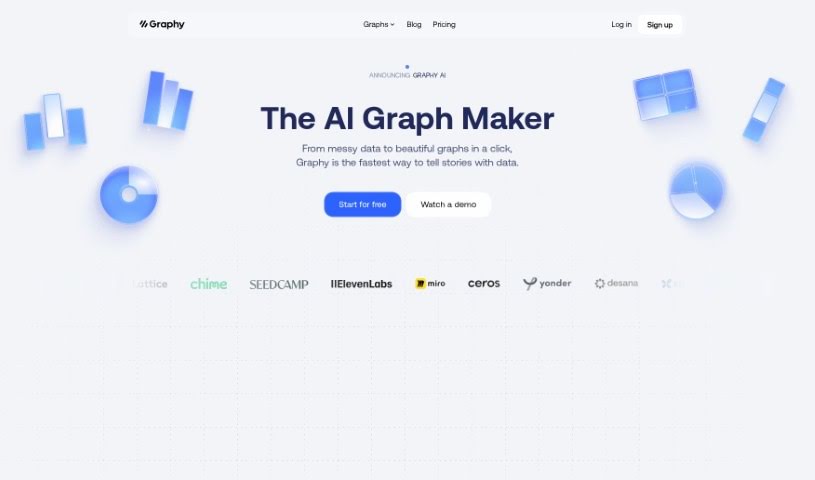
Screenshot of Graphy App

Graphy App

Freemium

Graphy is a free, AI-powered chart maker that creates interactive data visualizations. It offers a range of chart types, generates charts quickly with AI, and includes a table view for inspecting the underlying data. Finished charts can be embedded directly into platforms like Notion.

Data Visualization View Tool →
Screenshot of Happyrobot

Happyrobot

Freemium

HappyRobot is an AI tool designed to extract specific, measurable data from images of the Earth — satellite, drone, or aerial shots. You can upload your own images or use ones from their partners. You describe what you're looking for in plain English, and HappyRobot finds it, turning the information into structured data for decision-making. Data can be exported via Email, PDF, ArcGis, or an API. Leading data teams use HappyRobot for tasks like urban planning and environmental monitoring.

Data Visualization View Tool →
Screenshot of Helicone

Helicone

Freemium

Helicone is a platform for monitoring language model usage and costs. It provides analytics tools that help you understand model performance and utilization, tracking metrics such as usage volume, response times, and associated costs in a central dashboard. The interface is designed to be accessible to developers, data scientists, and product managers alike. Helicone also supports customization, automated alerts, integration with development tools, and compatibility with popular frameworks. As a ready-made analytics solution, it saves the time and resources you'd otherwise spend building your own tracking infrastructure, letting you focus on building products and iterating on ideas.

Data Visualization View Tool →
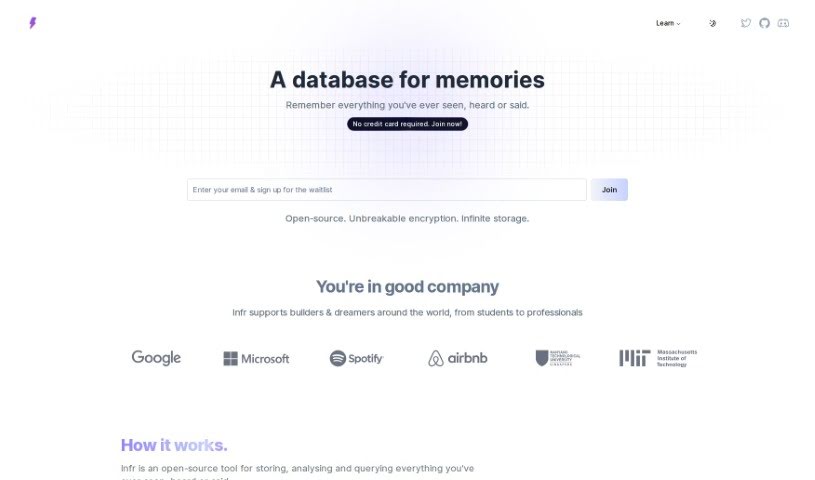
Screenshot of Infr

Infr

Freemium

Infr is an open-source tool that records your personal experiences. It stores, analyzes, and lets you search everything you've seen, heard, or said, organizing it in a machine-readable format — a searchable catalog of your digital life.

Data Visualization View Tool →
Screenshot of InfraNodus

InfraNodus

Freemium

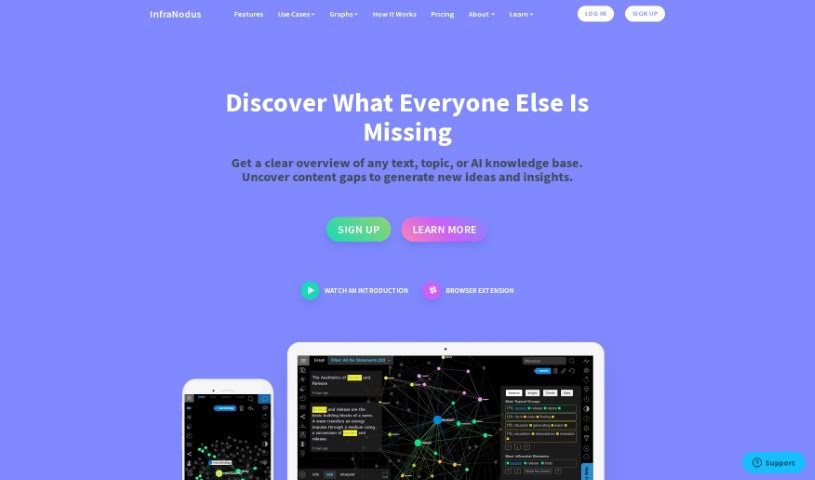
InfraNodus is a tool that visualizes text as a network. Developed by Nodus Labs, it has existed in various forms since 2011, with the current version running since 2018. It is built on the NestJs Node.Js framework, Prisma, and PostgreSQL, and uses Sigma.Js for graph visualizations. For analysis, it draws on libraries and algorithms such as Textexture (for text network analysis), Cytoscape, and Graphology.

Data Visualization View Tool →
Screenshot of Insightjini

Insightjini

Freemium

InsightJini is an analytics tool for exploring Excel and CSV data. It surfaces insights, identifies trends, and spots patterns in spreadsheets to speed up business analysis, with no coding required.

Data Visualization View Tool →
Screenshot of Instachart

Instachart

Freemium

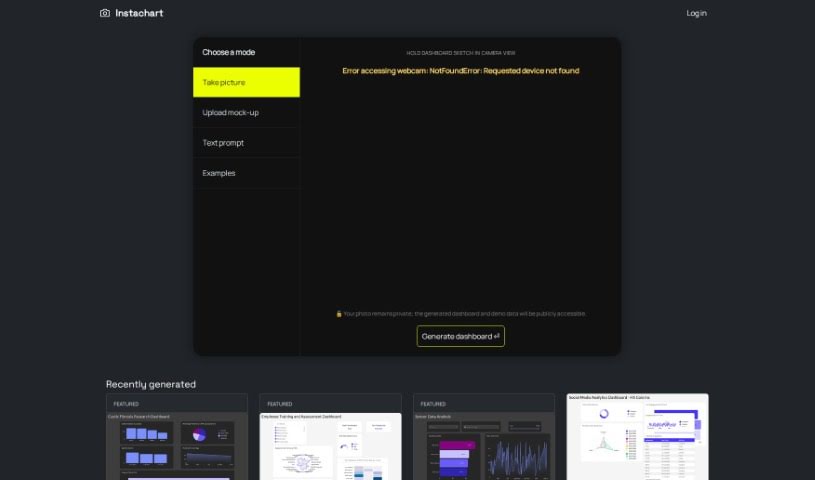
Instachart turns sketches, mockups, and screenshots into interactive dashboards, specifically for Luzmo. You can upload visuals directly on the website or capture them with your device's camera. It is designed to be easy to use, with a straightforward sign-up process and feature-rich, interactive dashboards.

Data Visualization View Tool →
Screenshot of InstaGraph

InstaGraph

Freemium

InstaGraph is a web service that converts natural language prompts into visual knowledge graphs (text2graph). You enter a topic or question — such as "Solar System" or "Queen and its ten popular songs" — and GPT generates the corresponding graph, which you can then share with others. Access requires signing in with a Google account.

Data Visualization View Tool →
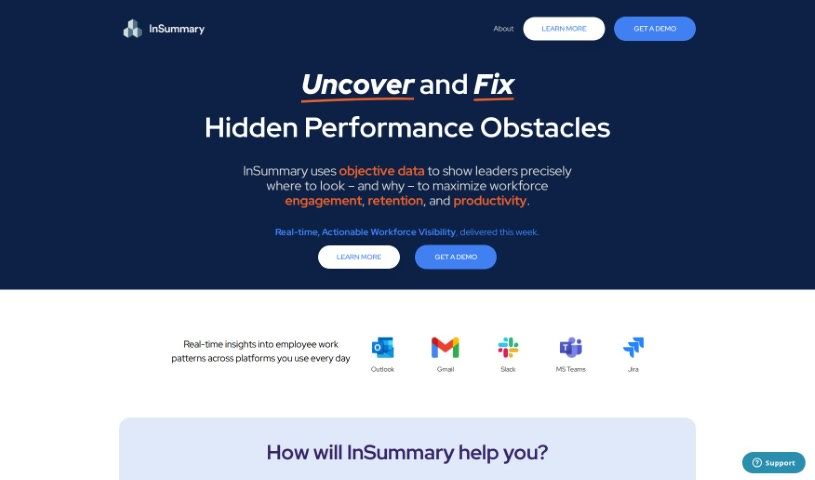
Screenshot of Insummary – Intelligent Status Reports

Insummary – Intelligent Status Reports

Freemium

InSummary is an AI assistant that automatically creates status reports from your calendar events. You control which information is included and how much detail each report contains. Beyond text, it uses visuals like charts and graphs to help you spot trends and make decisions. It also integrates with project management tools such as Trello, Asana, and Jira, so tasks and projects can sync with your reports. The tool is designed for professionals across many industries who want better visibility into tasks, clearer communication, and time savings.

Data Visualization View Tool →

About Data Visualization tools

Turning raw spreadsheets into clean, compelling graphics can easily feel like a slog. You spend hours adjusting chart axes, picking color palettes, and wrestling with dashboard settings just to present last week’s performance numbers. By the time you fix the legend formatting, your presentation deadline is minutes away.

These visual platforms convert complex datasets into presentation-ready charts and dynamic dashboards without the usual design friction.

Building Visuals Without the Formatting Headache

Setting up custom dashboards traditionally meant learning complex business intelligence software or sitting through endless drag-and-drop steps. Modern visualization tools skip that hassle with simple prompt-based controls. Upload a dataset, type a request like “plot monthly recurring revenue by region,” and the system selects an effective visual layout to render an interactive chart instantly.

Selecting the wrong chart format is an easy trap (like using a crowded pie chart for time-series data). Smart visualization engines evaluate your underlying metrics and recommend the most readable layout—whether your data calls for a stacked bar chart, a scatter plot, or a heatmap.

Graphics also become easier to present because these platforms generate written narrative summaries alongside your charts. They highlight key percentage shifts, call out anomalies, and point out trends directly on the screen, saving you from typing up explanatory slides for every team review.

Features Worth Looking For

  • Natural language chart creation: Tools that let you type plain-text prompts to generate custom charts instantly.
  • Automated chart selection: Software that analyzes your dataset structure to recommend the clearest visual layout.
  • Written narrative generation: Features that provide concise text summaries and key takeaways alongside your graphics.
  • Interactive dashboard controls: Platforms that convert static charts into dynamic visual boards viewers can filter on the fly.
  • Custom brand styling: Settings that apply your company colors, typography, and logos across every generated visual.

A polished visual means very little if the underlying numbers are flawed. While algorithms format charts and suggest color scales, verifying data accuracy and framing the narrative for your audience still rests on your shoulders.

Check out the tools below to turn your raw data into clear visual stories.

The Best AI Data Visualization Tools

  1. Databricks: Great for interactive dashboards that give you sales insights.
  2. Visme: Helps you turn data into stunning visuals.
  3. Julius AI: Lets you craft dynamic graphs for clear insights.
  4. Scale AI: Useful for visualizing security threat patterns efficiently.
  5. Text Cortex: Streamlines creating visuals for reports, effortlessly.
  6. Dataminr: Offers visual analytics tools for crisis response.
  7. Rapidminer: Provides interactive dashboards for sales performance.
  8. KNIME: Offers interactive dashboards for sales analysis.
  9. Kanaries: Delivers streamlined visual insights for data trends.
  10. Piktochart AI Infographic Maker: Perfect for data dashboard infographics.
  11. Strawpoll: Lets you create engaging visual reports from polls.
  12. Powerdrill: Helps with dynamic data dashboard creation.
  13. Quadratic: Ideal for visualizing quadratic regression trends.
  14. Insightjini: Generates dynamic charts from your datasets.
  15. Aitable: Transforms data into insightful charts.
New tools, in your inbox.

Weekly picks of the best AI tools we've researched and added — no spam, unsubscribe anytime.

Join 25,000+ AI enthusiasts. No spam, unsubscribe anytime.