AI Data Visualization Tools

AI Tools for Data Visualization

Discover the best Data Visualization AI tools to enhance your productivity and creativity.

Page 2 of 14 • 166 total tools
Screenshot of Brewit

Brewit

Freemium

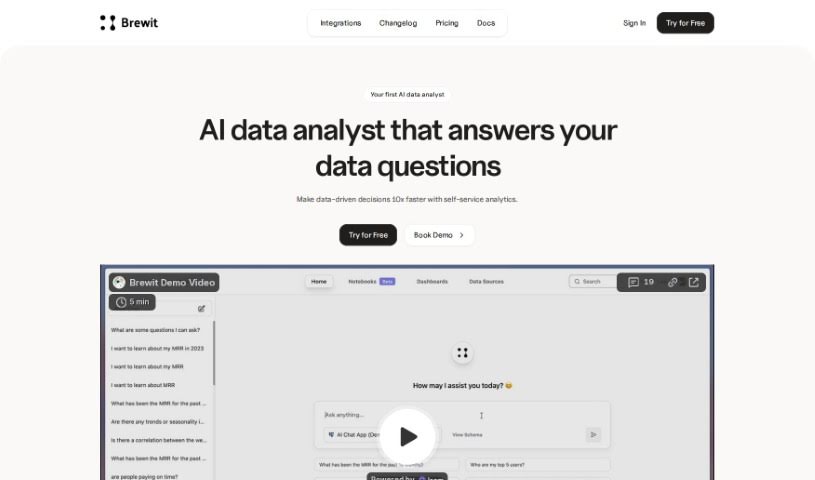
Brewit is an AI-powered data analytics tool developed by Hubit. It provides an intelligent semantic layer, a data review workflow, and role-specific AI agents. It supports collaborative decision-making, real-time insights, and drag-and-drop dashboards for data visualization.

Data Visualization View Tool →
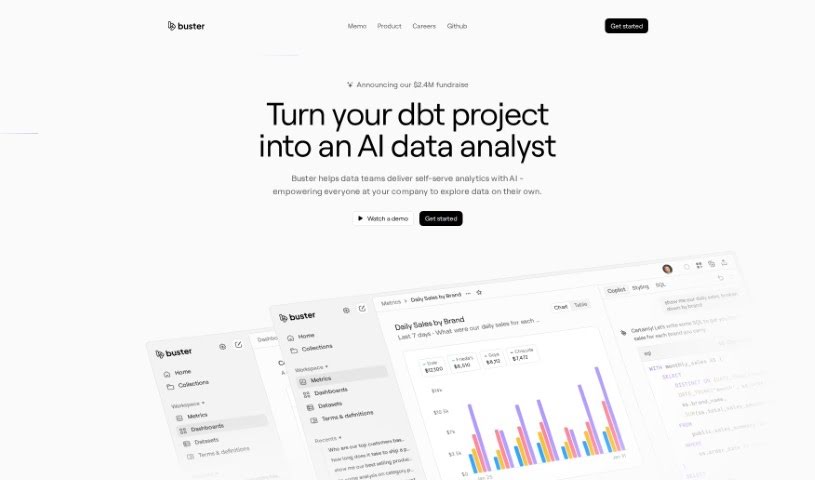
Screenshot of Buster.so

Buster.so

Freemium

Buster.so is an AI-powered data analytics tool that brings data insights into web applications. You can build dashboards by typing what you're looking for in plain language. It includes a no-code builder for custom UI components, API access for turning text into SQL queries, and connections to major databases and data warehouses. Buster's AI-driven reporting supports dashboard creation and data visualization with quick setup. The system improves model accuracy over time through continuous learning and monitors performance to spot and fix quality issues. You can customize colors, fonts, charts, and other interface elements without coding, and Buster can learn to write optimized queries based on your preferences.

Data Visualization View Tool →
Screenshot of Byterat

Byterat

Freemium

Byterat is a platform that uses machine learning to predict battery performance. Its algorithms analyze battery data to provide insights into lifespan, capacity, and overall health, helping users make informed decisions about how they use, maintain, and replace batteries. The platform offers real-time analysis for continuous performance monitoring and early issue detection, along with tools for optimizing battery usage and making more sustainable choices. It serves both large industries and individual users.

Data Visualization View Tool →
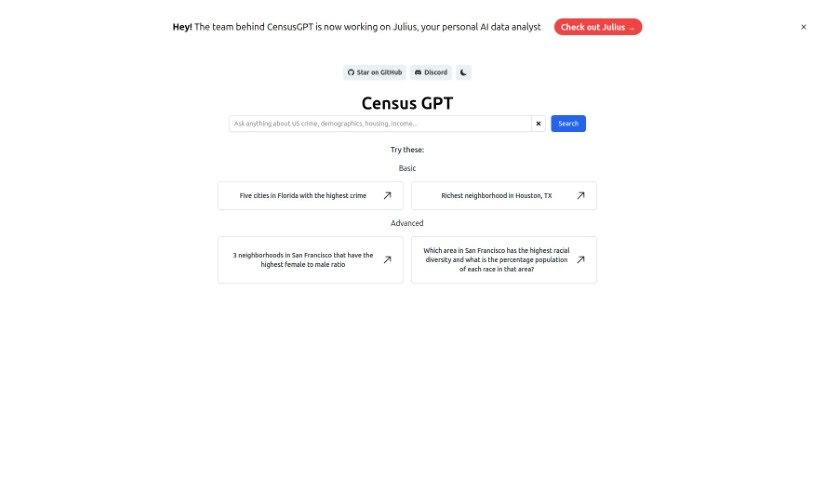
Screenshot of Census GPT

Census GPT

Freemium

Census GPT is an AI-powered platform for data analysis and reporting, aimed at data scientists, market analysts, and anyone who needs reliable data interpretation. It provides real-time analytics driven by advanced algorithms, turning raw data into detailed, understandable reports through a user-friendly interface. The platform is also optimized for search engines, making it easy to find for those looking for data processing tools.

Data Visualization View Tool →
Screenshot of Cerebri AI

Cerebri AI

Freemium

Cerebri AI Inc. is a data science and AI company offering analytics tools, with a focus on helping businesses optimize travel and meetings. Its Cerebri AIQ platform, built on data engineering and AI modeling, provides near real-time data and analytics to help business managers make informed decisions. The company combines human expertise, big data, and machine learning to turn complex data into actionable knowledge across marketing, sales, travel, finance, and ESG data management.

Data Visualization View Tool →
Screenshot of ChainFuse

ChainFuse

Freemium

ChainFuse is an AI tool built for community and product managers. Its core purpose is to organize user feedback, strengthen feature requests, and support better product decisions. It processes large volumes of unstructured user data from multiple sources, automatically sorting and categorizing feedback, generating AI-powered reports, collecting data in real time, and offering Clair AI for conversational data analysis.

Data Visualization View Tool →
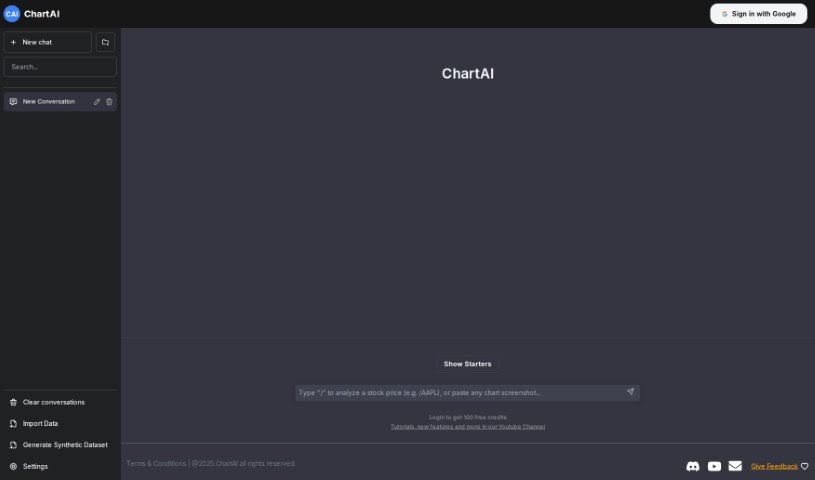
Screenshot of ChartAI

ChartAI

Freemium

ChartAI is an AI tool built specifically for making charts and diagrams. You input your data, pick a chart style, and ChartAI generates accurate charts that you can tweak to fit your needs.

Data Visualization View Tool →
Screenshot of Chartpixel

Chartpixel

Freemium

ChartPixel is a data analysis and visualization tool that turns raw data, spreadsheets, or tables from websites into interactive charts and insights. It handles data cleaning, chart selection, trend spotting, and statistically backed insights. The tool automatically picks appropriate chart types, writes out what the data means, and offers forecasts. It uses a guided approach to exploring data and lets you export charts and insights directly into PowerPoint for presentations.

Data Visualization View Tool →
Screenshot of CHAT WITH DATA

CHAT WITH DATA

Freemium

ChatwithData.ai works with a variety of data file types: PDFs, spreadsheets (XLSX), Word documents (DOCX), CSV files, and SQL databases. You type questions in plain language, and the tool searches your data sets for answers — whether you're reviewing financial statements, company procedures, mailing lists, or inventory databases.

Data Visualization View Tool →
Screenshot of Chat2CSV

Chat2CSV

Freemium

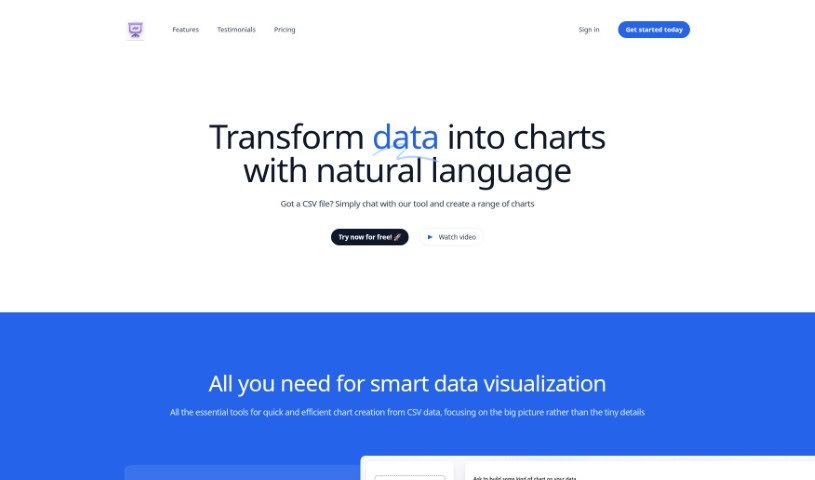
Chat2CSV is a platform that turns CSV data into charts using plain English commands. You can create pie charts, scatter plots, line graphs, and bar charts without any coding or scripting. The built-in AI suggests the best chart types for your specific data, helping you get better insights.

Data Visualization View Tool →
Screenshot of ChatDB

ChatDB

Freemium

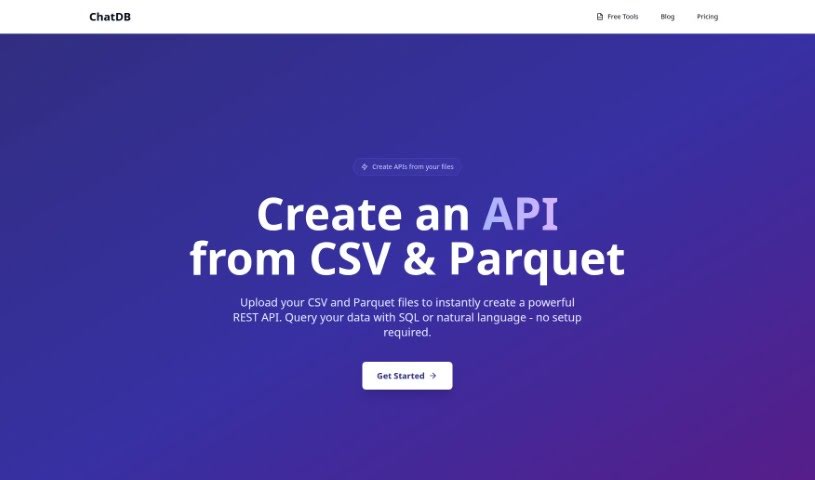
ChatDB is an AI-powered assistant for working with databases. Ask questions in plain English and it writes the SQL, builds charts, and assembles dashboards — all through a chat interface. This makes database interaction practical for people without deep SQL knowledge. Visual layouts, multi-table support, and a spreadsheet-style data view make complex data relationships easier to explore, and a built-in assistant helps debug queries.

Data Visualization View Tool →
Screenshot of Chattermill

Chattermill

Freemium

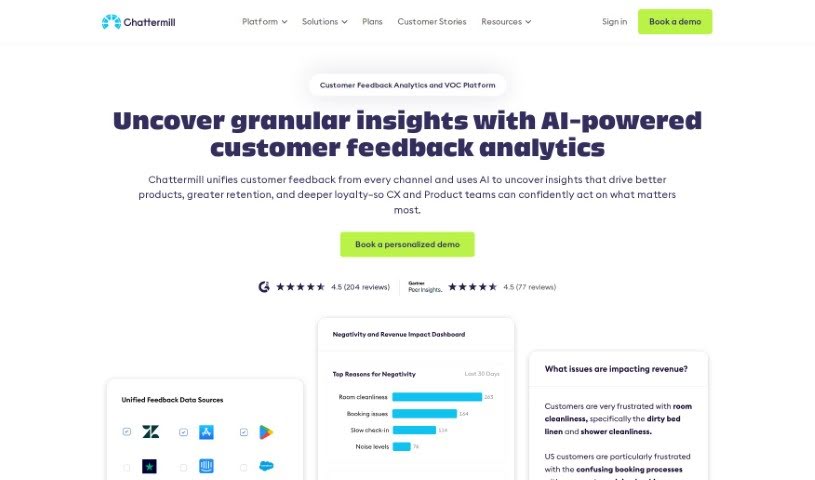
Chattermill is a platform that helps businesses understand their customers by consolidating and analyzing customer feedback from multiple sources. It uses deep learning to quickly extract useful insights from feedback data, showing companies what customers care about so they can focus their efforts there.

Data Visualization View Tool →

About Data Visualization tools

Turning raw spreadsheets into clean, compelling graphics can easily feel like a slog. You spend hours adjusting chart axes, picking color palettes, and wrestling with dashboard settings just to present last week’s performance numbers. By the time you fix the legend formatting, your presentation deadline is minutes away.

These visual platforms convert complex datasets into presentation-ready charts and dynamic dashboards without the usual design friction.

Building Visuals Without the Formatting Headache

Setting up custom dashboards traditionally meant learning complex business intelligence software or sitting through endless drag-and-drop steps. Modern visualization tools skip that hassle with simple prompt-based controls. Upload a dataset, type a request like “plot monthly recurring revenue by region,” and the system selects an effective visual layout to render an interactive chart instantly.

Selecting the wrong chart format is an easy trap (like using a crowded pie chart for time-series data). Smart visualization engines evaluate your underlying metrics and recommend the most readable layout—whether your data calls for a stacked bar chart, a scatter plot, or a heatmap.

Graphics also become easier to present because these platforms generate written narrative summaries alongside your charts. They highlight key percentage shifts, call out anomalies, and point out trends directly on the screen, saving you from typing up explanatory slides for every team review.

Features Worth Looking For

  • Natural language chart creation: Tools that let you type plain-text prompts to generate custom charts instantly.
  • Automated chart selection: Software that analyzes your dataset structure to recommend the clearest visual layout.
  • Written narrative generation: Features that provide concise text summaries and key takeaways alongside your graphics.
  • Interactive dashboard controls: Platforms that convert static charts into dynamic visual boards viewers can filter on the fly.
  • Custom brand styling: Settings that apply your company colors, typography, and logos across every generated visual.

A polished visual means very little if the underlying numbers are flawed. While algorithms format charts and suggest color scales, verifying data accuracy and framing the narrative for your audience still rests on your shoulders.

Check out the tools below to turn your raw data into clear visual stories.

The Best AI Data Visualization Tools

  1. Databricks: Great for interactive dashboards that give you sales insights.
  2. Visme: Helps you turn data into stunning visuals.
  3. Julius AI: Lets you craft dynamic graphs for clear insights.
  4. Scale AI: Useful for visualizing security threat patterns efficiently.
  5. Text Cortex: Streamlines creating visuals for reports, effortlessly.
  6. Dataminr: Offers visual analytics tools for crisis response.
  7. Rapidminer: Provides interactive dashboards for sales performance.
  8. KNIME: Offers interactive dashboards for sales analysis.
  9. Kanaries: Delivers streamlined visual insights for data trends.
  10. Piktochart AI Infographic Maker: Perfect for data dashboard infographics.
  11. Strawpoll: Lets you create engaging visual reports from polls.
  12. Powerdrill: Helps with dynamic data dashboard creation.
  13. Quadratic: Ideal for visualizing quadratic regression trends.
  14. Insightjini: Generates dynamic charts from your datasets.
  15. Aitable: Transforms data into insightful charts.
New tools, in your inbox.

Weekly picks of the best AI tools we've researched and added — no spam, unsubscribe anytime.

Join 25,000+ AI enthusiasts. No spam, unsubscribe anytime.