AI Data Visualization Tools

AI Tools for Data Visualization

Discover the best Data Visualization AI tools to enhance your productivity and creativity.

Page 11 of 14 • 166 total tools
Screenshot of Renumics

Renumics

Freemium

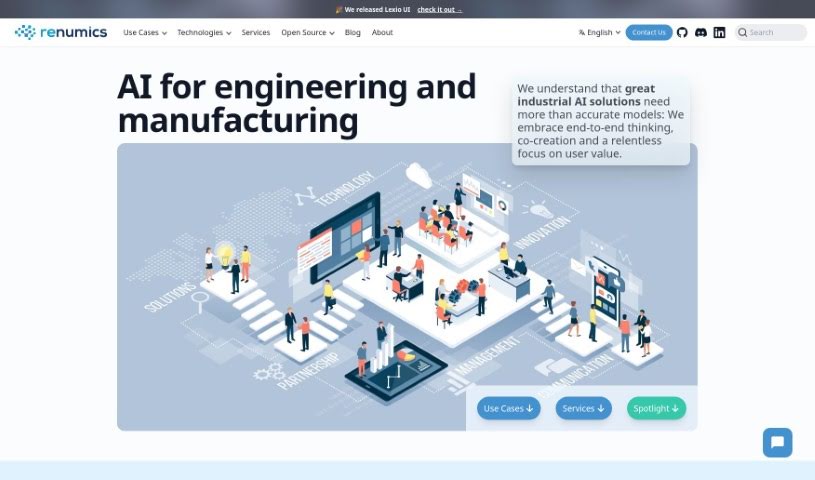
Renumics is a company specializing in Machine Learning (ML) solutions for the engineering world. They build custom AI solutions designed to analyze test and simulation data. Their approach integrates AI early in the process, incorporates domain knowledge, and embraces open-source development — all aimed at building reliable, trustworthy AI systems. Renumics offers services ranging from data assessment and proof-of-concept projects to complete AI systems tailored to specific industries. They have also developed an open-source tool called Spotlight, which improves machine learning models by making it easier for domain experts and data professionals to collaborate.

Data Visualization View Tool →
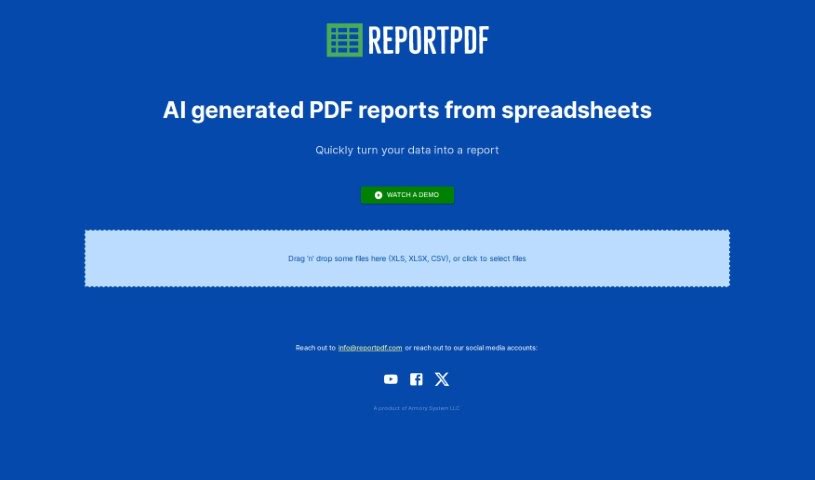
Screenshot of ReportPDF

ReportPDF

Freemium

ReportPDF is a tool from Armory System LLC that converts data files into clear, comprehensive PDF reports. You drag and drop a CSV, XLS, or XLSX file into the interface, review an AI-generated visualization of your data, and then generate the finished PDF. The visualization step lets you see your data in visual form before the report is finalized, and AI assistance helps you interpret what the data means. Armory System LLC develops and maintains the tool, building it around ease of use: drag-and-drop uploading, data visualization, and AI-assisted interpretation. If you need help, customer support is available via email at [[email protected]](/cdn-cgi/l/email-protection#b2c1d7c0c4dbd1d7f2c0d7c2ddc0c6c2d6d49cd1dddf).

Data Visualization View Tool →
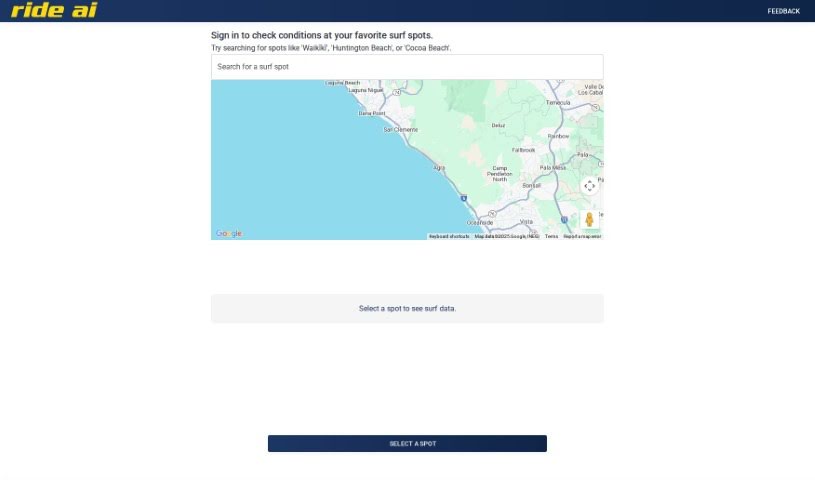
Screenshot of Rideai

Rideai

Freemium

RideAI is an AI-powered surf tool that shows current conditions at spots such as Waikīkī, Huntington Beach, and Cocoa Beach. It combines AI with mapping technology to help surfers plan sessions, making it useful for anyone who wants a quick conditions check before heading out.

Data Visualization View Tool →
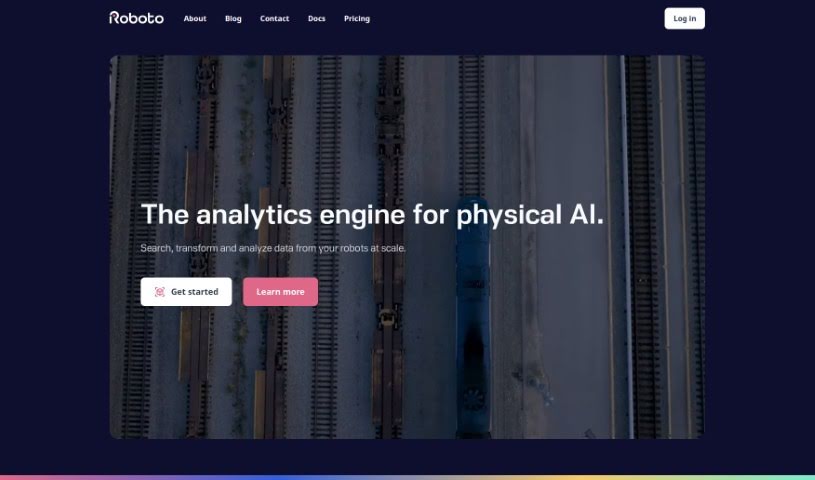
Screenshot of Roboto AI

Roboto AI

Freemium

Roboto AI is an AI-powered engine built for robotics data. Teams use it to search, analyze, and organize multi-modal log data from devices such as robots and drones, including raw sensor data and imagery. It works with common formats, including data from the Robot Operating System (ROS) and the PX4 autopilot system.

Data Visualization View Tool →
Screenshot of Roe AI

Roe AI

Freemium

Roe AI is a platform for managing unstructured data. It serves as a central hub where you can store data in any format from different sources, eliminating data silos. Its GEN AI technology processes this data and extracts useful insights.

Data Visualization View Tool →
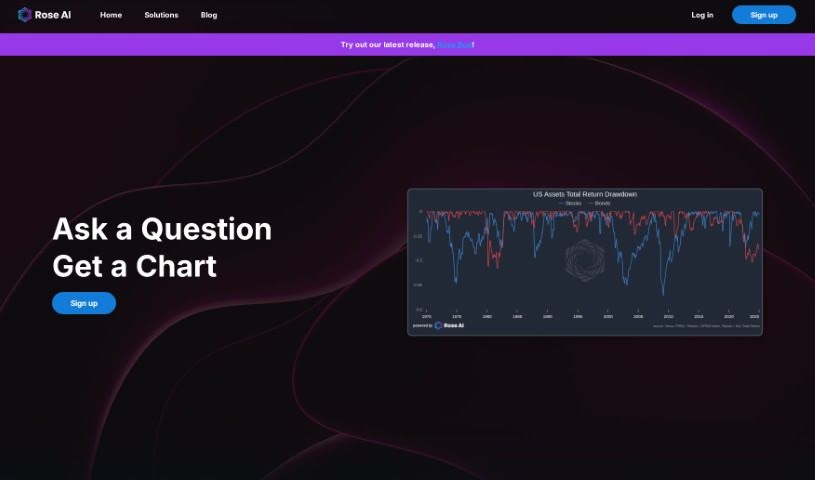
Screenshot of Rose AI

Rose AI

Freemium

Rose.AI is a data research platform designed to simplify how you find, clean, visualize, and transform data — all in one place. It uses open-source Language Model Models (LLMs) and natural language processing, so you can ask questions in plain English and the platform parses the information you need. It is particularly aimed at data analysts in finance.

Data Visualization View Tool →
Screenshot of Safewaters

Safewaters

Freemium

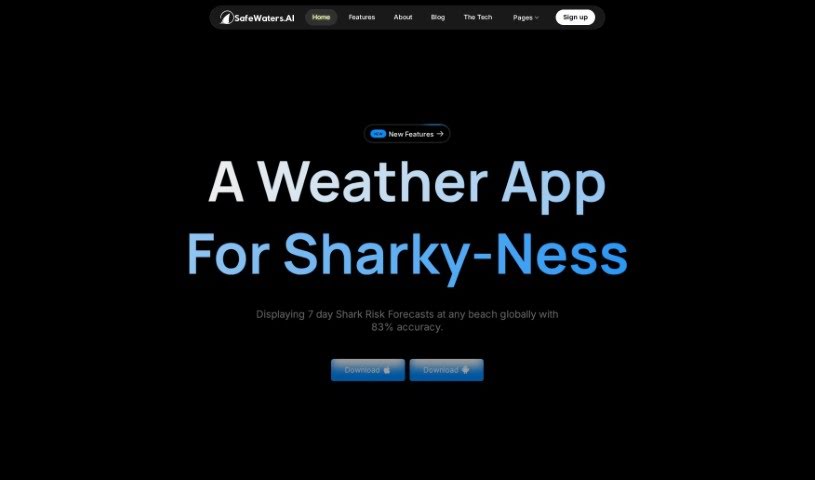
SafeWatersAI is an app that uses artificial intelligence and deep learning to predict the likelihood of shark attacks. It's designed for swimmers, surfers, and anyone heading to the beach who wants to make informed decisions about entering the water.

Data Visualization View Tool →
Screenshot of Saydata

Saydata

Freemium

SayData is an AI-powered, customer-facing analytics solution built by Bitscale. It lets you explore data, create visualizations, and pull out insights using plain English. The goal is to make products smarter and more competitive by embedding AI-driven analytics directly into them.

Data Visualization View Tool →
Screenshot of Scale AI

Scale AI

Freemium

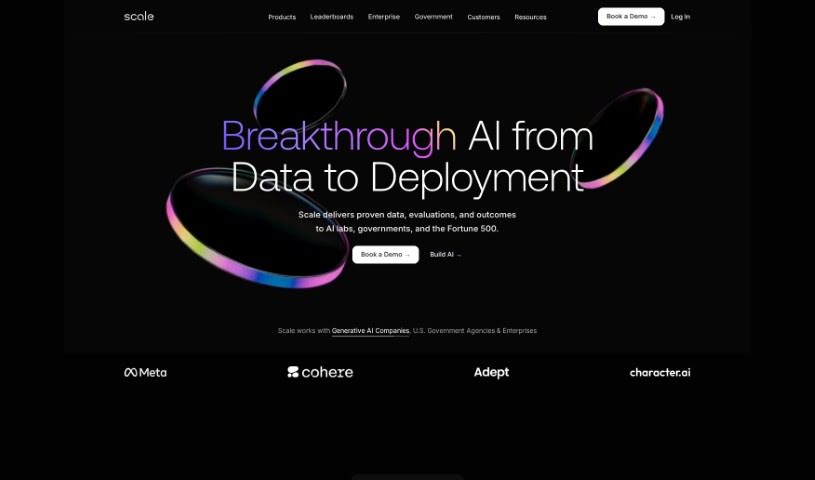
Scale AI specializes in data labeling for machine learning. It provides high-quality training data for industries including autonomous vehicles, e-commerce, and robotics. The company combines AI with human annotators to ensure accurate, reliable labels on images, videos, and text. With a large labeling workforce, Scale AI can handle projects of varying size and complexity, helping companies build and launch AI applications backed by well-annotated data.

Data Visualization View Tool →
Screenshot of Scios

Scios

Freemium

Scios is a Strategic Decision Intelligence platform built for consumer markets. It applies predictive and prescriptive analytics grounded in behavioral economics, centered on "digital consumer twins" — virtual replicas of your customers that feed its decision-making systems.

Data Visualization View Tool →
Screenshot of SDF Labs

SDF Labs

Freemium

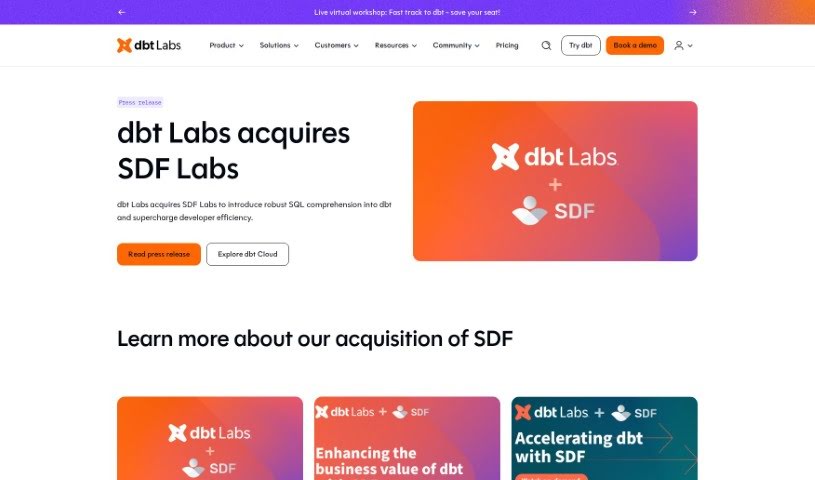
SDF is a developer platform for data, designed to help organizations scale their understanding and use of SQL. It is a single command-line package that combines a multi-dialect SQL compiler, a transformation framework, and an analytical database engine. What sets SDF apart is its ability to deeply extract SQL compilers from cloud environments, meaning it can run proprietary SQL dialects, like the ones used by Snowflake.

Data Visualization View Tool →
Screenshot of Seek AI

Seek AI

Freemium

Seek AI is a conversational AI tool built for data analysis. You can ask questions in everyday language instead of working with traditional data analysis software, and insights come back in real time through a user-friendly interface. The platform integrates with popular messaging apps like Slack and Teams, so you can query data where you already work.

Data Visualization View Tool →

About Data Visualization tools

Turning raw spreadsheets into clean, compelling graphics can easily feel like a slog. You spend hours adjusting chart axes, picking color palettes, and wrestling with dashboard settings just to present last week’s performance numbers. By the time you fix the legend formatting, your presentation deadline is minutes away.

These visual platforms convert complex datasets into presentation-ready charts and dynamic dashboards without the usual design friction.

Building Visuals Without the Formatting Headache

Setting up custom dashboards traditionally meant learning complex business intelligence software or sitting through endless drag-and-drop steps. Modern visualization tools skip that hassle with simple prompt-based controls. Upload a dataset, type a request like “plot monthly recurring revenue by region,” and the system selects an effective visual layout to render an interactive chart instantly.

Selecting the wrong chart format is an easy trap (like using a crowded pie chart for time-series data). Smart visualization engines evaluate your underlying metrics and recommend the most readable layout—whether your data calls for a stacked bar chart, a scatter plot, or a heatmap.

Graphics also become easier to present because these platforms generate written narrative summaries alongside your charts. They highlight key percentage shifts, call out anomalies, and point out trends directly on the screen, saving you from typing up explanatory slides for every team review.

Features Worth Looking For

  • Natural language chart creation: Tools that let you type plain-text prompts to generate custom charts instantly.
  • Automated chart selection: Software that analyzes your dataset structure to recommend the clearest visual layout.
  • Written narrative generation: Features that provide concise text summaries and key takeaways alongside your graphics.
  • Interactive dashboard controls: Platforms that convert static charts into dynamic visual boards viewers can filter on the fly.
  • Custom brand styling: Settings that apply your company colors, typography, and logos across every generated visual.

A polished visual means very little if the underlying numbers are flawed. While algorithms format charts and suggest color scales, verifying data accuracy and framing the narrative for your audience still rests on your shoulders.

Check out the tools below to turn your raw data into clear visual stories.

The Best AI Data Visualization Tools

  1. Databricks: Great for interactive dashboards that give you sales insights.
  2. Visme: Helps you turn data into stunning visuals.
  3. Julius AI: Lets you craft dynamic graphs for clear insights.
  4. Scale AI: Useful for visualizing security threat patterns efficiently.
  5. Text Cortex: Streamlines creating visuals for reports, effortlessly.
  6. Dataminr: Offers visual analytics tools for crisis response.
  7. Rapidminer: Provides interactive dashboards for sales performance.
  8. KNIME: Offers interactive dashboards for sales analysis.
  9. Kanaries: Delivers streamlined visual insights for data trends.
  10. Piktochart AI Infographic Maker: Perfect for data dashboard infographics.
  11. Strawpoll: Lets you create engaging visual reports from polls.
  12. Powerdrill: Helps with dynamic data dashboard creation.
  13. Quadratic: Ideal for visualizing quadratic regression trends.
  14. Insightjini: Generates dynamic charts from your datasets.
  15. Aitable: Transforms data into insightful charts.
New tools, in your inbox.

Weekly picks of the best AI tools we've researched and added — no spam, unsubscribe anytime.

Join 25,000+ AI enthusiasts. No spam, unsubscribe anytime.