AI Data Analytics Tools

AI Tools for Data Analytics

Discover the best Data Analytics AI tools to enhance your productivity and creativity.

Page 4 of 28 • 334 total tools
Screenshot of Calorieasy

Calorieasy

Freemium

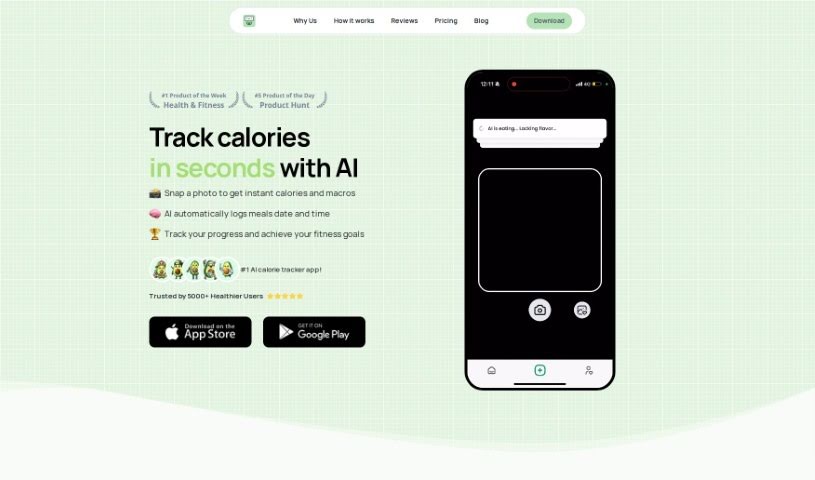
Calorieasy is an AI-powered calorie tracking app. Instead of typing in what you eat, you snap a photo of your meal and the app logs it. It provides quick food tracking with timestamps, detailed calorie information, and personalized daily calorie goals based on your lifestyle and fitness objectives. Its main differentiator is AI-powered photo logging, which removes the need for manual entry.

Data Analytics View Tool →
Screenshot of Capgo

Capgo

Freemium

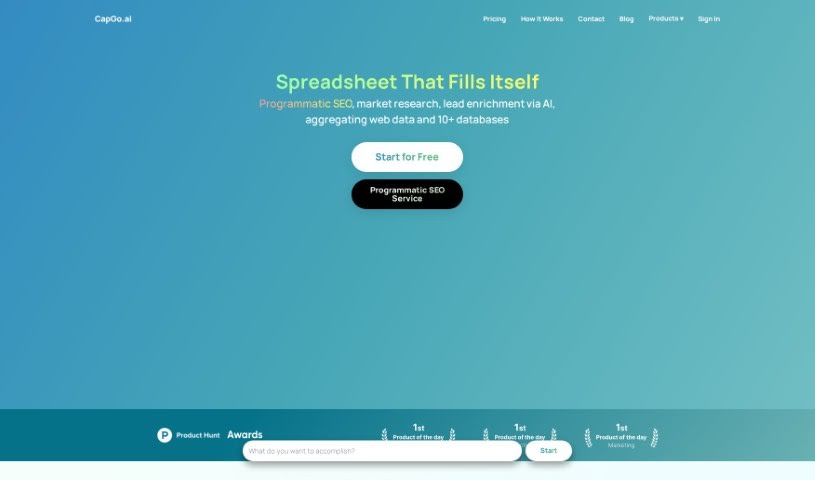
Capgo is a spreadsheet integration tool that populates spreadsheets with data in a single click. It pulls live data directly from Google, keeping entries accurate and current while cutting down on manual data entry. Setup is minimal, and the tool is built to simplify tasks such as market research.

Data Analytics View Tool →
Screenshot of Census GPT

Census GPT

Freemium

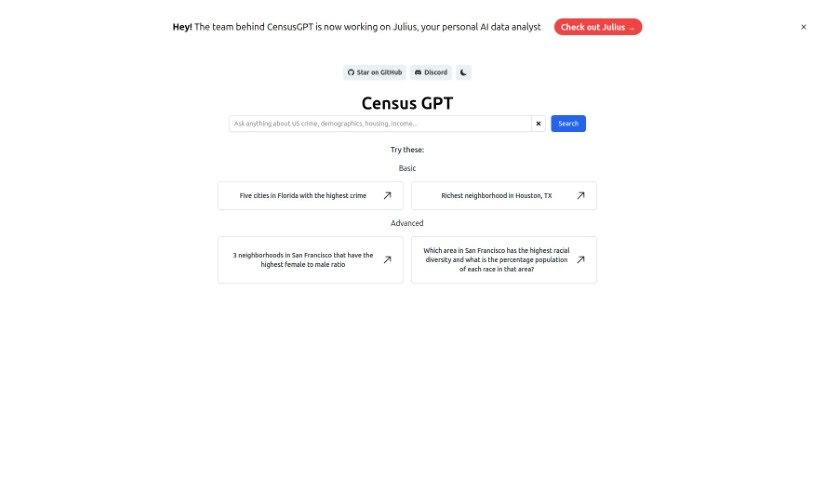
Census GPT is an AI-powered platform for data analysis and reporting, aimed at data scientists, market analysts, and anyone who needs reliable data interpretation. It provides real-time analytics driven by advanced algorithms, turning raw data into detailed, understandable reports through a user-friendly interface. The platform is also optimized for search engines, making it easy to find for those looking for data processing tools.

Data Analytics View Tool →
Screenshot of Cerebri AI

Cerebri AI

Freemium

Cerebri AI Inc. is a data science and AI company offering analytics tools, with a focus on helping businesses optimize travel and meetings. Its Cerebri AIQ platform, built on data engineering and AI modeling, provides near real-time data and analytics to help business managers make informed decisions. The company combines human expertise, big data, and machine learning to turn complex data into actionable knowledge across marketing, sales, travel, finance, and ESG data management.

Data Analytics View Tool →
Screenshot of ChainFuse

ChainFuse

Freemium

ChainFuse is an AI tool built for community and product managers. Its core purpose is to organize user feedback, strengthen feature requests, and support better product decisions. It processes large volumes of unstructured user data from multiple sources, automatically sorting and categorizing feedback, generating AI-powered reports, collecting data in real time, and offering Clair AI for conversational data analysis.

Data Analytics View Tool →
Screenshot of Chartpixel

Chartpixel

Freemium

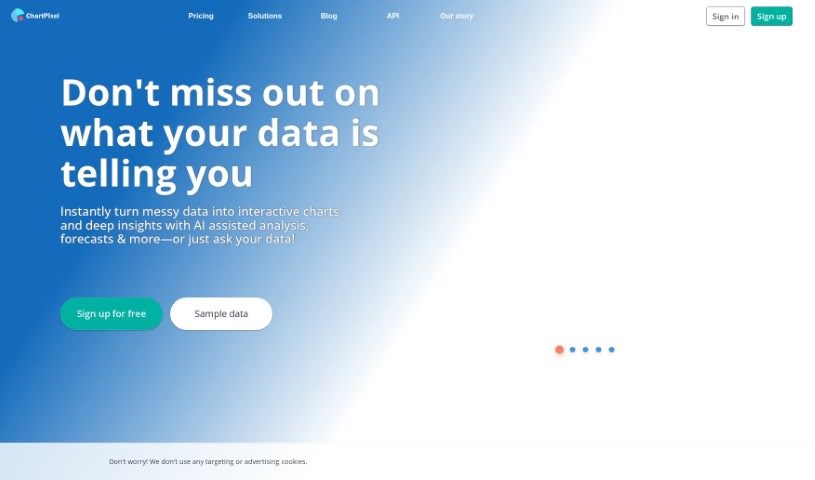
ChartPixel is a data analysis and visualization tool that turns raw data, spreadsheets, or tables from websites into interactive charts and insights. It handles data cleaning, chart selection, trend spotting, and statistically backed insights. The tool automatically picks appropriate chart types, writes out what the data means, and offers forecasts. It uses a guided approach to exploring data and lets you export charts and insights directly into PowerPoint for presentations.

Data Analytics View Tool →
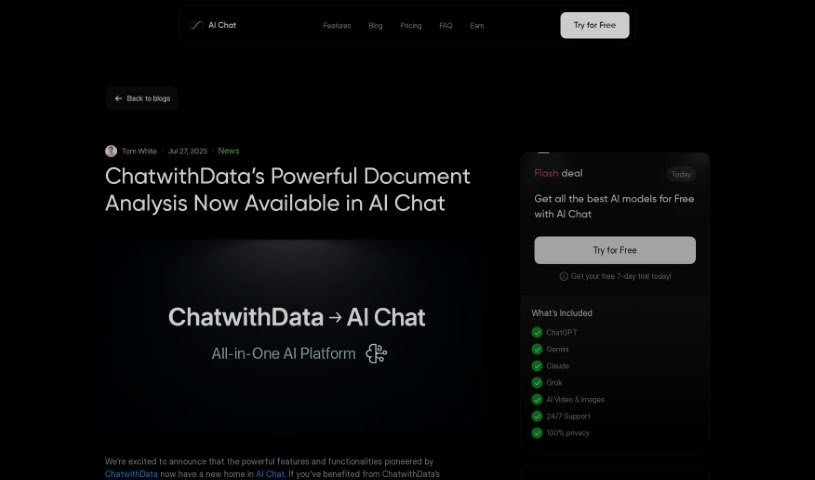
Screenshot of CHAT WITH DATA

CHAT WITH DATA

Freemium

ChatwithData.ai works with a variety of data file types: PDFs, spreadsheets (XLSX), Word documents (DOCX), CSV files, and SQL databases. You type questions in plain language, and the tool searches your data sets for answers — whether you're reviewing financial statements, company procedures, mailing lists, or inventory databases.

Data Analytics View Tool →
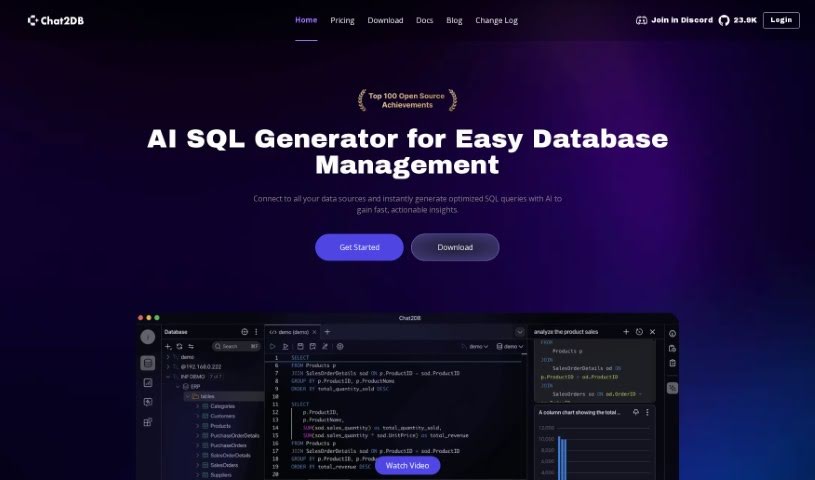
Screenshot of Chat2Db

Chat2Db

Freemium

Chat2Db is an all-in-one database management platform with AI built in, developed by a team focused on building an AI platform for data development and analysis. It lets you query data in everyday language, write SQL with AI assistance, and generate reports that support faster decisions. It connects to many database types, so you can manage them all from one place.

Data Analytics View Tool →
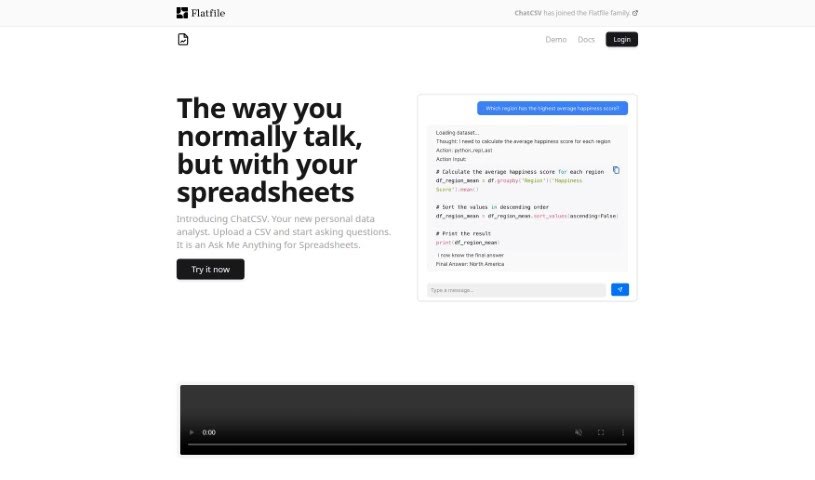
Screenshot of ChatCSV

ChatCSV

Freemium

ChatCSV is a personal data analysis tool that lets you chat with your spreadsheets. Instead of writing SQL or learning analytics software, you ask questions about your CSV data in plain English and get insights back—often as charts.

Data Analytics View Tool →
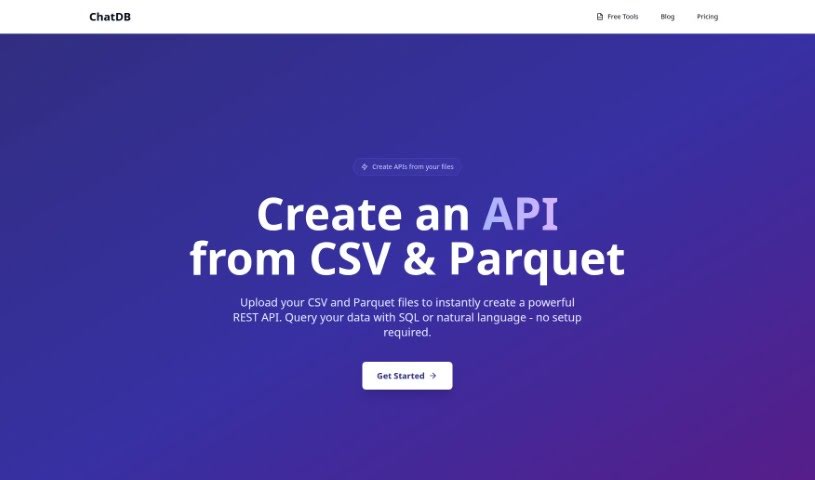
Screenshot of ChatDB

ChatDB

Freemium

ChatDB is an AI-powered assistant for working with databases. Ask questions in plain English and it writes the SQL, builds charts, and assembles dashboards — all through a chat interface. This makes database interaction practical for people without deep SQL knowledge. Visual layouts, multi-table support, and a spreadsheet-style data view make complex data relationships easier to explore, and a built-in assistant helps debug queries.

Data Analytics View Tool →
Screenshot of Chatgpt In Google Sheets

Chatgpt In Google Sheets

Freemium

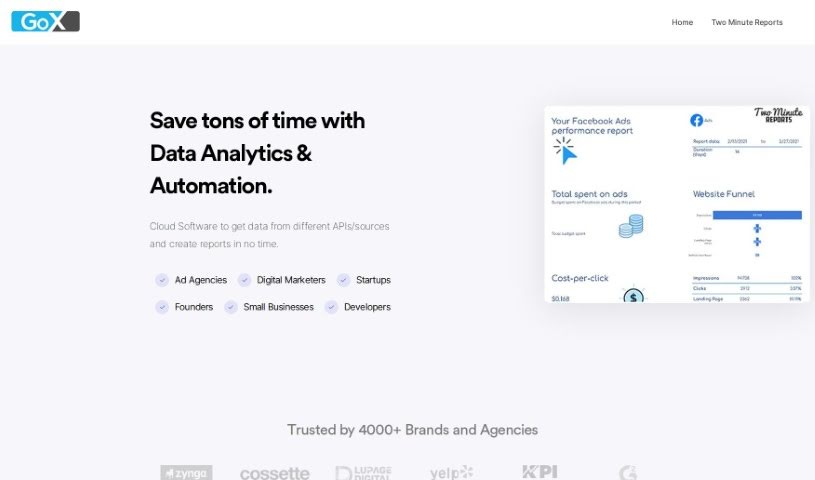
ChatGPT in Google Sheets is a feature of Two Minute Reports that brings ChatGPT (versions 3 and 4) directly into Google Sheets. It speeds up data analysis and reporting by generating insights inside your spreadsheets. The platform also integrates with sources like Facebook Ads, Google Analytics 4, and Google Ads, making it easier to build custom dashboards and pull actionable performance insights.

Data Analytics View Tool →
Screenshot of Chattermill

Chattermill

Freemium

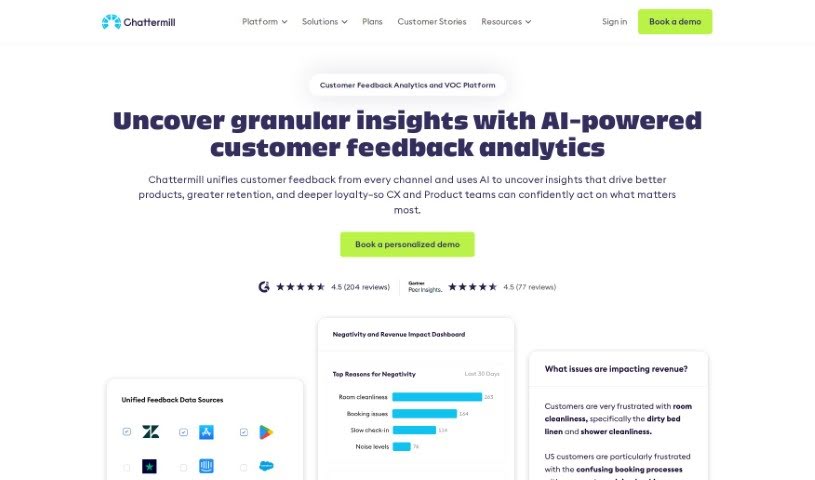
Chattermill is a platform that helps businesses understand their customers by consolidating and analyzing customer feedback from multiple sources. It uses deep learning to quickly extract useful insights from feedback data, showing companies what customers care about so they can focus their efforts there.

Data Analytics View Tool →

About Data Analytics tools

Pulling actionable insights from raw spreadsheets often feels like hunting for a needle in a digital haystack. You spend hours writing complex SQL queries, cleaning messy rows, and wrestling with dashboard settings just to answer a simple business question. By the time you finally build a clear chart, the data is already outdated and the meeting is over.

The tools in this category act like high-powered analytical assistants. They handle tedious data cleaning, spot hidden trends, and convert messy datasets into clear visual reports in seconds.

Asking Questions and Finding Patterns Faster

Querying databases in plain English is one of the biggest leaps in modern analytics. Instead of waiting on a specialized data team to pull a custom report, non-technical team members can type questions like “Which product category had the highest refund rate last quarter?” The software scans connected tables, writes the necessary SQL behind the scenes, and hands back a clean chart alongside a concise text summary.

Data cleaning gets much easier, too. Raw files rarely arrive neatly formatted; they’re usually packed with duplicate rows, inconsistent date formats, and missing values. Smart analytics engines spot these flaws right away, offering quick fixes to clean up messy tables before you even start analyzing. You spend less time fixing broken formulas and more time studying actual business metrics.

Machine learning models also help flag unexpected anomalies and forecast future trends. Rather than just showing what happened last month, these tools scan millions of data points to highlight emerging buyer habits and project revenue shifts—helping you adapt before competitors notice.

Practical Capabilities to Consider

  • Natural language querying: Systems that let you ask questions in plain English and deliver instant charts, tables, or SQL code.
  • Automated data preparation: Features that identify missing values, reformat inconsistent columns, and strip out duplicate entries automatically.
  • Predictive forecasting: Algorithms that analyze historical trends to project future sales, customer churn, and demand shifts.
  • Custom dashboard creation: Tools that convert raw numbers into interactive, shareable visual reports with minimal setup.
  • Enterprise data security: Platforms that connect directly to your data warehouse while enforcing strict access controls.

Software can run statistical correlations and render clean charts, but deciding what those numbers actually mean for your business still requires human judgment and domain context. Handing off routine data parsing simply gives you the clarity to make better decisions.

Explore the analytics platforms below to speed up your reporting.

The Best AI Data Analytics Tools

  1. Tableau: Great for visualizing insights to guide strategic decisions.
  2. DataCamp: Helps you get better insights through data visualization.
  3. 5-Out: Sales forecasting for restaurants, covering purchasing, staffing and profitability.
  4. Databricks: Offers real-time insights into business performance.
  5. Kaiber: Creates visualizations for insightful analysis.
  6. Scale AI: Provides real-time analytics for threat detection.
  7. Text Cortex: Simplifies the process of generating reports.
  8. Football Predictions AI: Analyzes match outcomes and makes predictions.
  9. Labelbox: Offers insights into data quality using its tools.
  10. Meta Gen AI: Helps analyze data trends with AI assistance.
  11. HubSpot Chatspot: Uncovers trends using visual data insights.
  12. Tomorrow.io: Enhances decision-making with data insights.
  13. Metaphor: Visualizes complex data relationships.
  14. Dimensions AI: Streamlines research data analysis processes.
  15. Dataminr: Identifies market trends for businesses.
New tools, in your inbox.

Weekly picks of the best AI tools we've researched and added — no spam, unsubscribe anytime.

Join 25,000+ AI enthusiasts. No spam, unsubscribe anytime.