AI Tools for Creative

Discover the best Creative AI tools to enhance your productivity and creativity.

Page 76 of 114 • 1360 total tools

Creativity today is changing fast, and AI is becoming a super helpful partner. Whether it’s creating amazing visuals or writing music, AI creative tools are making the art process more accessible and exciting. But with so many options out there, finding the right one for your creative needs can feel a bit overwhelming.

Things have really changed in just a few years. AI tools aren’t just for special uses anymore; they’re smoothly fitting into our everyday creative work. These new technologies can make your projects better, save you time, and even lead you to explore artistic ideas you hadn’t considered before.

I’ve spent a good amount of time exploring the world of AI creative tools, looking into everything from graphic design apps to music software. Since I love seeing how technology and creativity come together, I wanted to share what I found about the best tools available right now.

So, whether you want to make eye-catching visuals or come up with fresh concepts, there’s a tool out there just for you. Let’s dive into the best AI creative tools that can take your artistic projects to the next level and change how you create.

The best AI Creative Tools

  1. Canva for designing social media posts
  2. Character AI for brainstorming story ideas and concepts.
  3. Janitor AI for quickly crafting unique story ideas.
  4. Remove.bg for instantly removing backgrounds from design projects
  5. Leonardo AI for generating dynamic artwork for designers
  6. Photopea for designing stunning graphics and illustrations.
  7. Photoroom for improving photos for creative projects
  8. Pixelcut for designing eye-catching product ads
  9. Pixlr for designing great graphics with ease
  10. Midjourney for visual storytelling through art prompts.
  11. AI Face Swap for creating unique memes for social media.
  12. Cutout.pro for creating dynamic backgrounds for art
  13. Remaker for AI-powered image creation for unique designs.
  14. Ideogram for logo design and customization.
  15. Openart for experimenting with unique artistic styles
How do AI creative tools work?

AI creative tools work by using advanced algorithms that learn from all sorts of data. They look at patterns in creative works—like art, music, or writing—which helps them copy styles and create new, original pieces. It’s a bit like how human artists get inspired by different things they see or hear.

At their core, these tools often use neural networks. These are specially built to understand and interpret human creativity. The networks are trained on huge amounts of data, including works from many different styles and formats, so they can learn and adapt to various approaches.

When you give a prompt—like a topic for a story, a theme for a painting, or a music genre—these AI tools use the patterns they’ve learned to generate fitting responses. They essentially guess which elements should go together to make content that feels cohesive and engaging.

What’s really interesting is that AI creative tools don’t just repeat what they’ve learned; they can actually be innovative. By blending styles or drawing from less common influences, they can produce work that surprises and inspires, offering a fresh take even on familiar subjects.

As technology keeps advancing, these creative tools are getting more capable. This means we can have richer interactions, with users and AI working together more smoothly. Often, this leads to amazing artistic creations that combine human ideas with computer power.

If you’re curious about the technical side of these tools, looking into neural networks and creative AI applications can offer more insight into how they bring artistic ideas to life.

Our best AI creative tools at a glance

RankNameBest forPlans and PricingRating
1CanvaSocial media post designN/A4.73 (11 reviews)
2Character AIGBrainstorming story ideas and concepts.N/A4.64 (11 reviews)
3JanitorAICrafting unique story ideas quickly.N/A0.00 (11 reviews)
4Remove.bgInstant background removal for design projectsPaid plans start at $0.2/image.4.82 (11 reviews)
5Leonardo AIDynamic artwork generation for designersPaid plans start at $9/month.4.73 (11 reviews)
6PhotopeaDesign stunning graphics and illustrations.N/A4.67 (12 reviews)
7PhotoroomEnhancing creative project photosPaid plans start at $7.50/month.4.74 (38 reviews)
8PixelcutDesigning eye-catching product adsN/A4.64 (11 reviews)
9PixlrDesigning stunning graphics effortlesslyPaid plans start at $0.99/month.4.73 (11 reviews)
10MidjourneyVisual storytelling through art prompts.N/A4.73 (11 reviews)
11AI Face SwapCrafting unique memes for social media.N/A4.70 (10 reviews)
12Cutout.proDynamic background creation for artistryN/A4.46 (13 reviews)
13RemakerAI-powered image creation for unique designs.N/A4.69 (13 reviews)
14IdeogramLogo design and customization.N/A4.85 (26 reviews)
15OpenartExperiment with unique artistic stylesPaid plans start at $84/year.4.25 (8 reviews)
Screenshot of Photoroom

Photoroom

Freemium

Photoroom offers a really neat tool that lets you create an endless supply of unique image backgrounds. It uses stable diffusion, meaning you can describe exactly what you want, and it'll generate backgrounds that match your vision perfectly. It is having a personal background artist on demand!

Screenshot of Photoroom AI Background Remover

Photoroom AI Background Remover

Freemium

Photoroom's AI Background Remover is a handy tool that uses artificial intelligence to automatically cut out the background from your photos. It is a digital magic wand for your images! You can simply upload a picture, and Photoroom's AI technology takes care of removing the background for you, making it super easy to customize and edit your photos. Best of all, it's free to use. This tool is a real lifesaver for anyone working with visuals, whether you're managing social media, creating marketing materials, or just working on personal projects. It offers a really convenient way to make your images look great, whether for business or just for fun.

Screenshot of PhotoScissors

PhotoScissors

Freemium

PhotoScissors is a smart, AI-powered tool that's really good at removing or swapping out backgrounds in your photos. It is your go-to for cleaning up images, whether you need to get rid of unwanted stuff, get product photos ready for online shops, or even spruce up your profile pictures for job hunting or dating sites. It uses deep neural networks to automatically detect and remove backgrounds, and you can easily replace them with a transparent background, a solid color, or even another picture. What's particularly neat is its ability to handle tricky semi-transparent areas, like wisps of hair, making those tasks much simpler. Plus, there's a handy 'group by color' feature that lets you quickly remove backgrounds by grouping similar colors, which is way easier than fiddling with traditional graphic editors.

Screenshot of PhotoShed

PhotoShed

Freemium

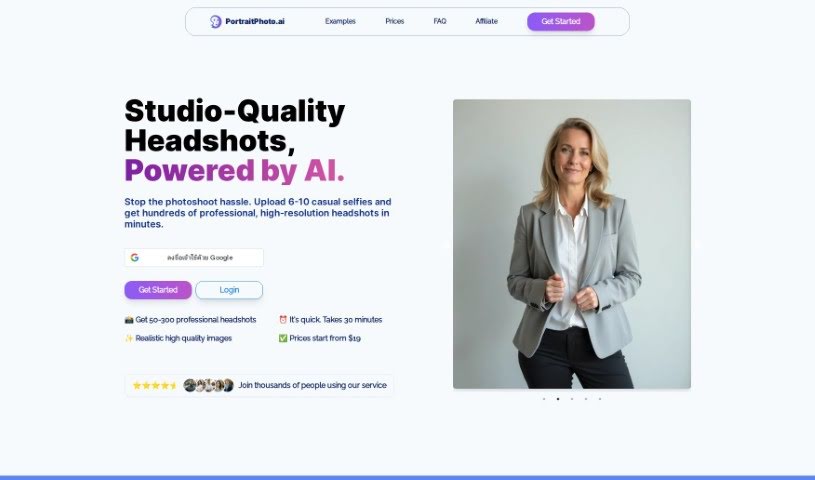
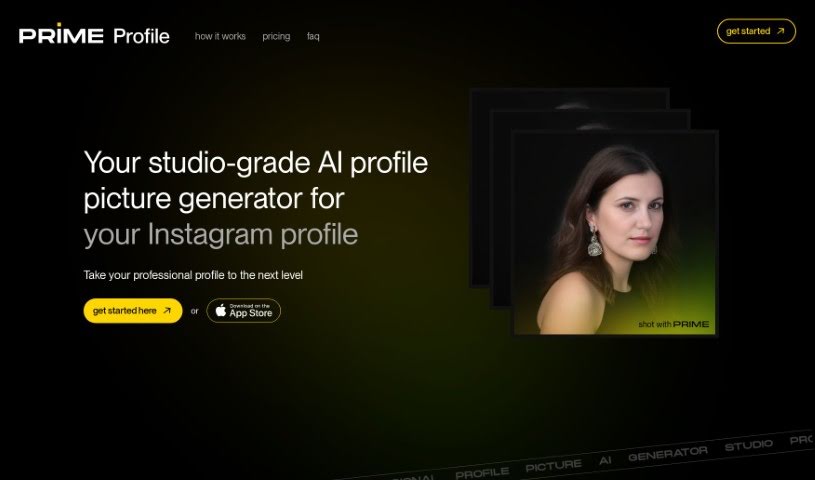
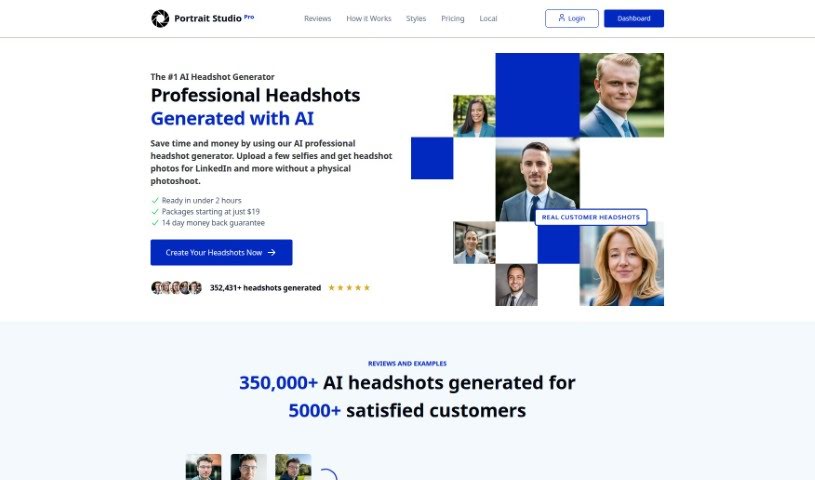
PhotoShed is essentially a virtual photo studio combined with an AI modeling agency. It uses advanced AI technology to help you get professional-quality photos without ever leaving your home. It is a super-smart AI photo booth. You can take pictures of yourself, and the AI will create a virtual twin, an avatar that looks just like you. The process is pretty straightforward: you upload your photos, let the AI work its magic, and then you can generate as many photos of your virtual twin as you like. It's a really neat way to get photos for social media, your website, business cards, or just personal profiles – a fresh take on photography and virtual modeling.

Screenshot of Photoshot

Photoshot

Freemium

Photoshot is an online service that lets you create your own AI avatars. You just upload photos of yourself from different angles, and the platform uses advanced Dreambooth and Stable Diffusion technology to generate unique avatars that really capture your personal style. Think of it like building a personalized AI studio based on your own photos. You can then craft the perfect prompt to design your ideal AI avatar. While creating a custom AI model takes resources and isn't free, you can buy your own studio. This includes 100 high-quality 4K avatars, helpful AI prompt suggestions, and even a way to support development by sponsoring. Photoshot's standout features include its Dreambooth and Stable Diffusion technology, its ability to capture your personal style, customizable prompts, high-quality 4K avatars, and studio and shot bundle options. You can start creating your custom AI avatar for just $12 per studio, which comes with 100 avatars and other great features.

Screenshot of Phraser

Phraser

Freemium

Phraser is your go-to creative assistant for digital content. It's a tool designed to help you whip up all sorts of visuals, whether you need a cool album cover, eye-catching social media images, or even a professional-looking video cover. Essentially, Phraser aims to make generating visually appealing content for any purpose a breeze.

Screenshot of Phygital+

Phygital+

Freemium

Phygital+ is a platform built with the idea of smoothly bringing together the digital and physical worlds. The goal? To create a user experience that feels completely connected and natural. It really puts the user first, using a full-screen myIframe layout. This means no distracting elements, just pure, focused engagement with the digital content. Here’s a quick look at what makes Phygital+ stand out:

Screenshot of Pic A Pet Name

Pic A Pet Name

Freemium

Pic A Pet Name is a neat online tool designed to help pet parents find just the right name for their furry, feathered, or scaly friends. It uses some pretty advanced AI to look at a photo you upload of your pet. Based on how they look and what vibe they give off, the system suggests a list of names that might be a perfect fit. Whether you have a dog, cat, bird, or even a reptile, this platform can help. Plus, once you pick a name, you can even get a special certificate featuring your pet and their new name!

Screenshot of Pic Craft AI

Pic Craft AI

Freemium

Pic Craft AI is a really neat platform that uses artificial intelligence to give users powerful image editing tools. It is an AI helper for your photos! It's packed with features to make your images look better and totally transform them, and it's surprisingly easy to use. You can do things like remove backgrounds, add cool filters, tweak colors, and a whole lot more to make your photos uniquely yours. What sets Pic Craft AI apart is its super simple interface; it makes even tricky editing tasks feel straightforward, whether you're a beginner or have been editing for ages. Because it uses smart AI technology, Pic Craft AI really speeds up the editing process, helping you get professional-looking results without a fuss. It’s a great, convenient way to make your images look sharp and creative, no matter if you're editing for fun or for work.

Screenshot of Pica AI

Pica AI

Freemium

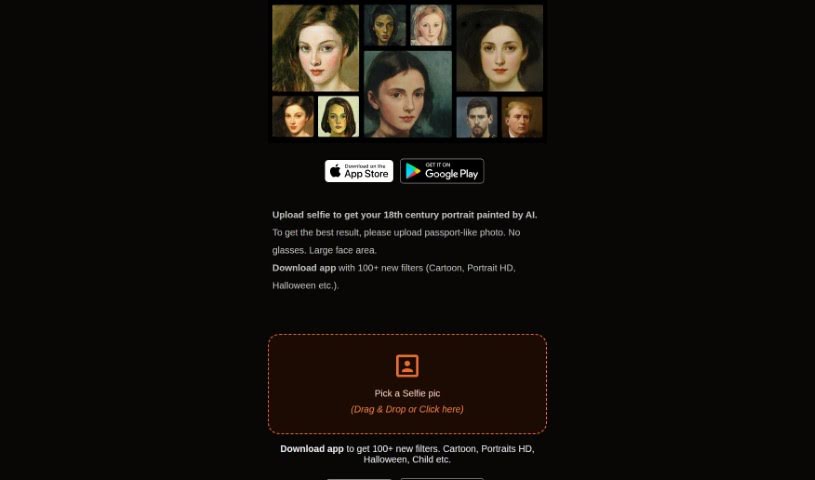
Pica AI offers a fantastic Anime Generator that lets you easily turn your creative anime ideas into amazing digital art. It's a great tool for artists, anime fans, or anyone curious about anime, offering a range of styles from classic Japanese anime to modern 3D cartoons. Plus, Pica AI's image enhancer is really good at boosting image quality. This makes it perfect for touching up old family photos, landscapes, portraits, or even those grainy, low-resolution pictures. You can conveniently use Pica AI's online photo enhancer or grab the app to improve your images with just one click. You'll see automatic, noticeable improvements in quality and detail.

Screenshot of Picfinder.ai

Picfinder.ai

Freemium

PicFinder.ai is a really neat online tool that completely changes how we search for and identify images. It uses smart AI technology to help you find and recognize images based on what's actually in them. You can search for specific things, faces, landmarks, or even colors, and PicFinder.AI will give you accurate, relevant results. It's great for things like finding products for e-commerce, looking up travel spots, or even for social media and security uses thanks to its facial recognition. Designers and artists can also use its color search to find inspiration. What makes PicFinder.AI stand out is how easy it is to use, combined with powerful AI that really nails the search results you need.

Screenshot of Picma Photo Enhancer

Picma Photo Enhancer

Freemium

PicMa Photo Enhancer is a really neat AI tool designed to make your photos look their best. It's great for boosting photo resolution, fixing blurry pictures, bringing old or damaged photos back to life, and even adding color to black and white shots. What's cool is that it's super easy to use, speaks multiple languages, and even has its own apps for both iOS and Android. Plus, if you're a developer, you can integrate its power into your own projects with their API services. They've also packed it with helpful support features, are really serious about your privacy, and offer some nice membership perks. You can enhance photos with just one click, or even do a bunch at once. It also helps remove that grainy noise from photos and makes them sharper. Just a heads-up, though: you can't process multiple photos at once in the same way as some other tools, it only supports a few file types, you need to be online to use it, there's a limit to how big your uploaded images can be, and restoring really old photos has some limits.

Stay Updated with AI Tools

Get weekly updates on the latest AI tools, trends, and insights delivered to your inbox

Join 25,000+ AI enthusiasts. No spam, unsubscribe anytime.