M
Myth AI
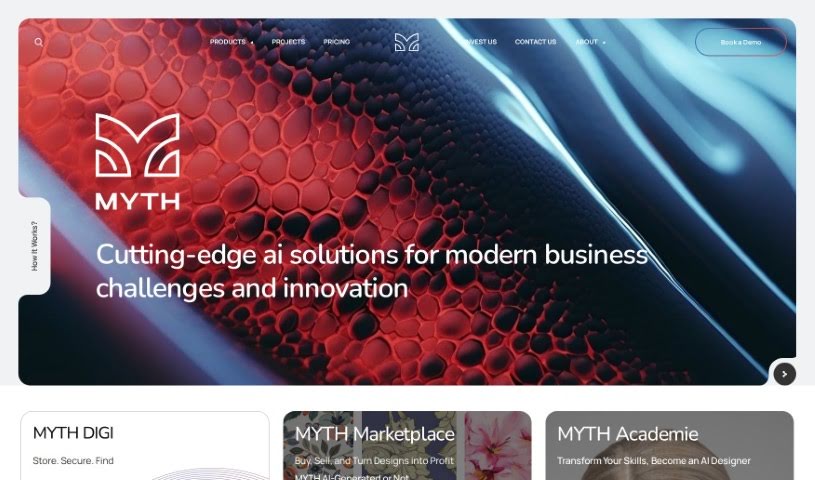
FreemiumMYTH is an AI tool for pattern creation, built to change how designs are made using advanced technology within a model focused on zero waste and circular design.
Creative
View Tool →
Discover the best Creative AI tools to enhance your productivity and creativity.
MYTH is an AI tool for pattern creation, built to change how designs are made using advanced technology within a model focused on zero waste and circular design.
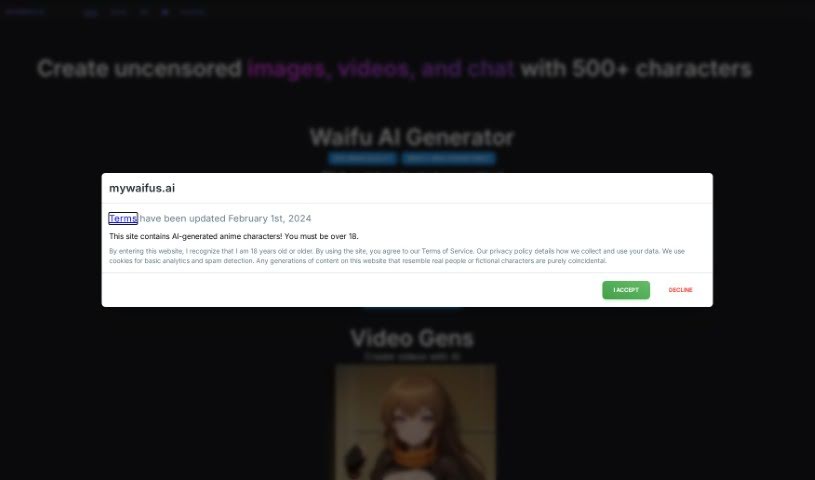
MyWaifus AI is a platform for exploring and creating SFW (Safe For Work) waifu characters using artificial intelligence. New characters are added every week, and the platform supports both anime and realistic styles. You can start generating by clicking on an image, or use "Edit Mode" to upload and modify your own photos. A live feed shows what other users are creating, which is useful for inspiration. The platform is backed by over 300 Patreon supporters, a library of 300K images, and a Discord community of 7K members. Details about the founder are not publicly shared.
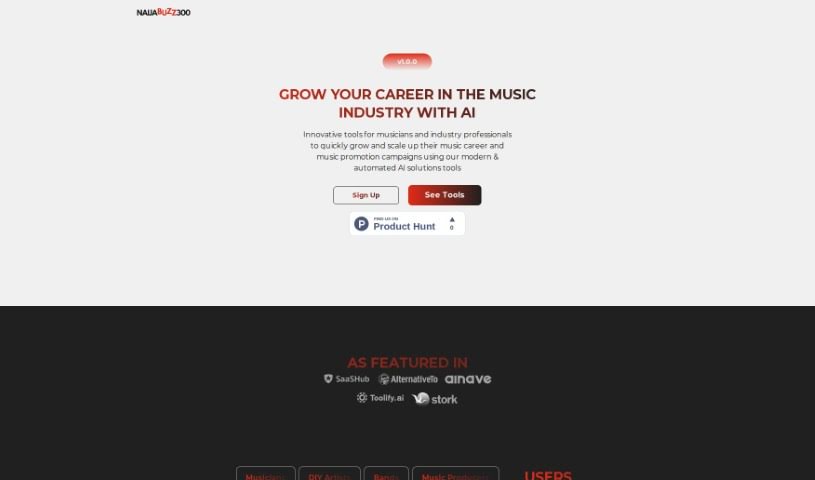
NaijaBuzz300 is a platform for creative collaboration, offering a central space where like-minded individuals can team up on projects. It provides tools and resources to help creative ideas develop through teamwork, giving creatives a place to connect and bring collective visions to life.
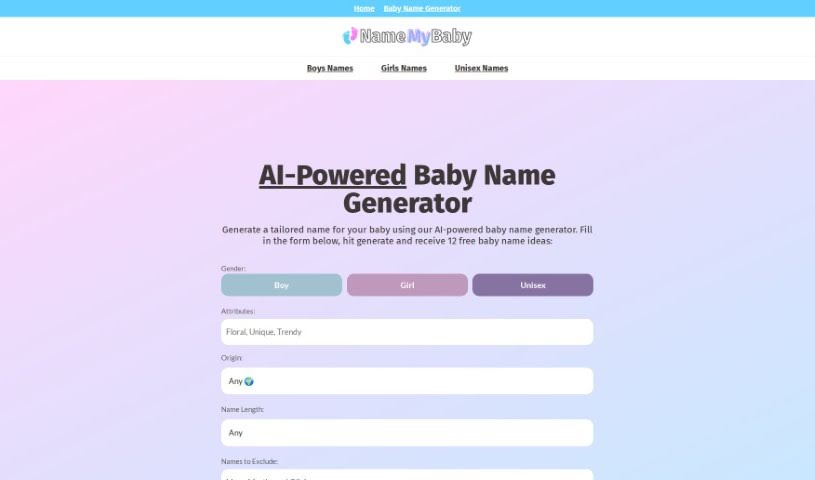
Name My Baby is a free AI tool for finding baby names. You specify what you're looking for — gender, origin, meaning, starting letter, and name length — and it generates ten unique suggestions each time. It works in any web or mobile browser, requires no sign-up, and stores no user data.
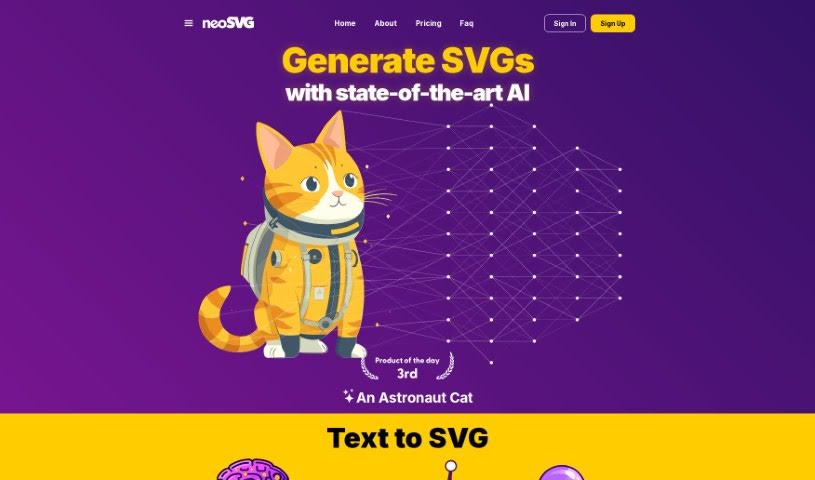
neoSVG is a SaaS text-to-SVG platform that uses AI to turn text prompts into customizable vector graphics. Its core purpose is to simplify SVG creation, making design accessible regardless of skill level.
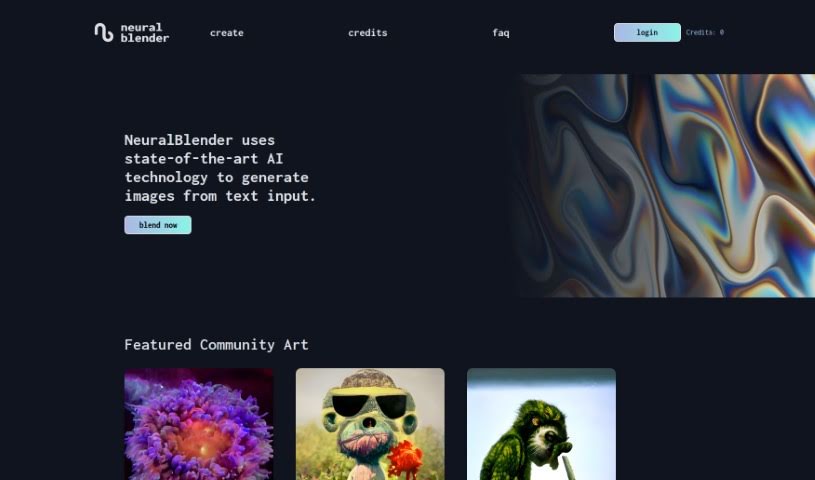
NeuralBlender is a platform that combines your creativity with AI to generate images from text. You type in a description of what you imagine, and the AI produces visuals based on it. Beyond image generation, it's designed as a space to explore artistic ideas and connect with others: you can share your creations, see what other users are making, and express yourself visually. The platform emphasizes secure transactions and transparency around its copyright rules.
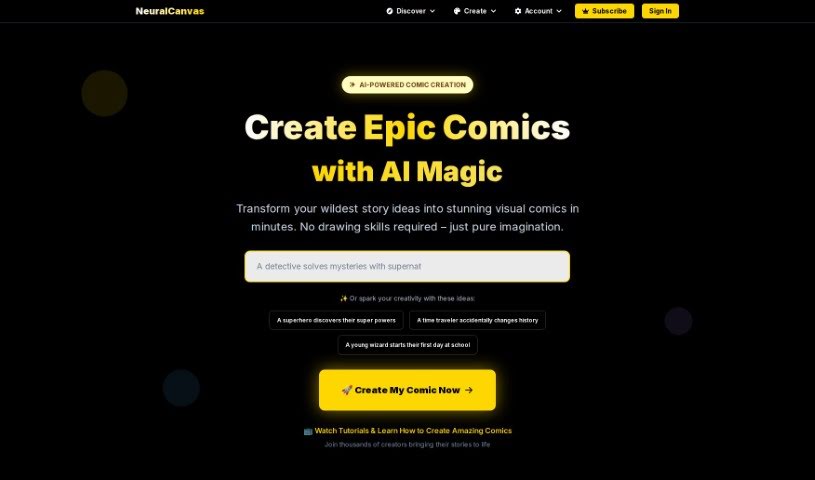
Neural Canvas is an AI-powered platform that helps artists, writers, and creators turn their ideas into comics. You provide a storyline, characters, and settings, and the AI generates visuals to match. It also acts as a creative assistant, offering inspiration and suggestions as you work, along with insights to help tighten your narrative — covering elements like plot twists and pacing. The platform supports both beginners and experienced creators and includes a community of artists and storytellers.
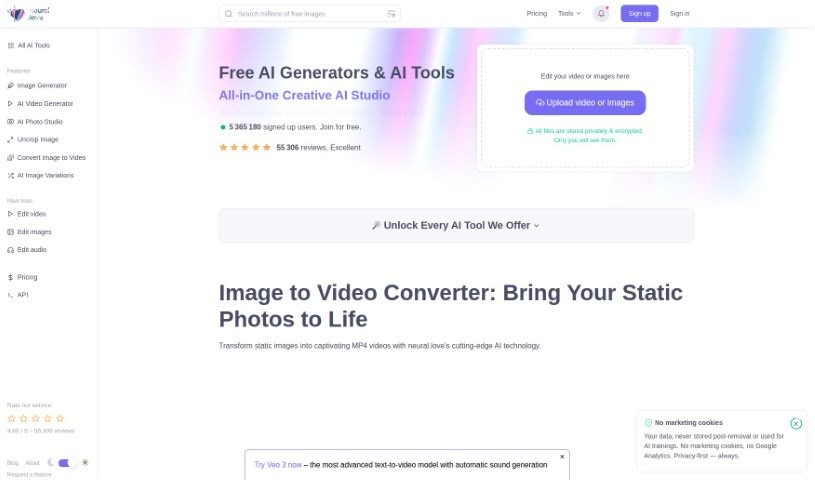
Neural.love's AI Art Generator helps artists, designers, and hobbyists create art with AI. It offers a wide variety of artistic styles and a straightforward interface, and its creative features are free to use.
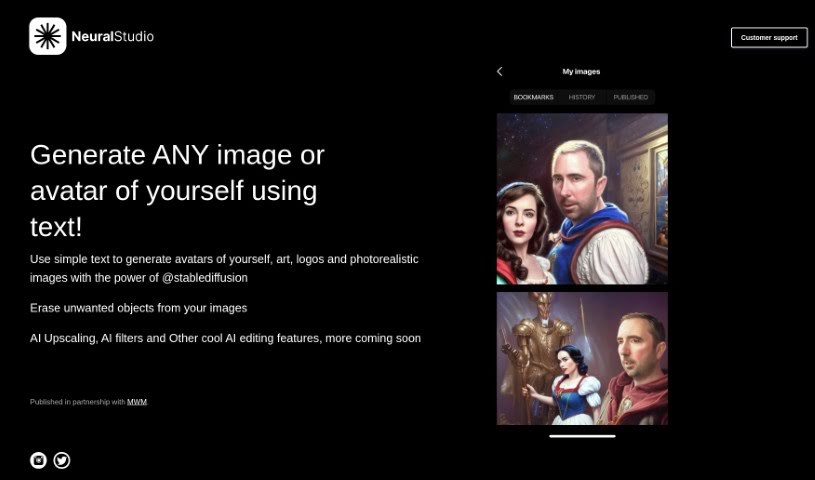
NeuralStudio is a platform focused on smart camera apps with AI-powered image processing. It generates a wide range of visuals — avatars, digital art, logos, and realistic images — from simple text prompts. Beyond generation, it offers tools for removing unwanted objects, AI upscaling to boost image quality, and various AI filters, with more AI editing tools planned. A companion app, NeuralBox, includes a "Remember Anything" feature designed to help you keep track of information.
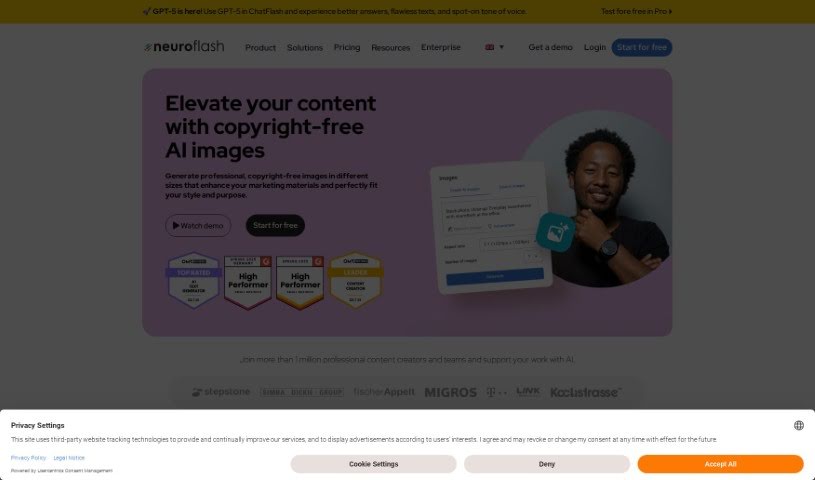
Neuroflash's AI Image Generator is an AI content creation tool built for marketers and communication professionals. Key features include:
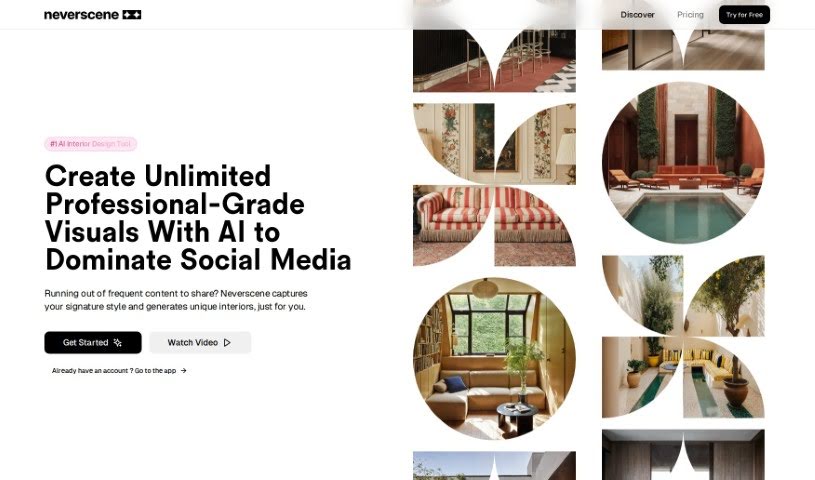
Neverscene is an AI tool built for interior designers. It generates realistic interior concepts from a moodboard you upload: the AI learns your personal style and produces fresh design ideas that match it. You can apply your style across different room types, design custom furniture, and you retain full ownership of everything you create. Work can be kept private or shared as you choose.
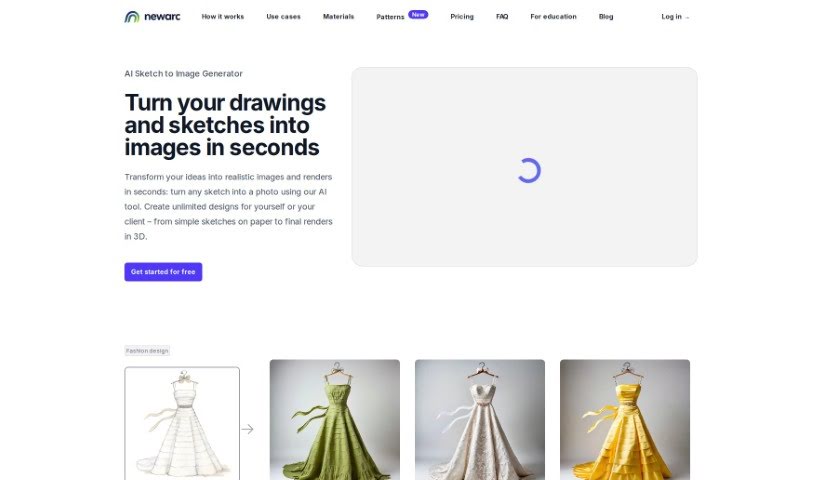
NewArc.ai is an AI tool that generates design ideas across fashion, footwear, bags, industrial products, interiors, and architecture. Upload an image, sketch, or drawing to show your vision and composition, describe what you want to create, and the tool generates multiple unique design options — useful for kickstarting brainstorming and making early design decisions.
Bringing a creative vision to life takes stamina. Whether you’re working on visual art, video projects, sound design, or written work, the gap between a great idea and a finished piece is usually filled with hours of tedious setup. You spend time masking image layers, cutting out filler words from audio, or wrestling with software settings when you’d rather be making art.
The tools in this category handle repetitive technical tasks so you can keep your focus where it belongs: on creative direction and artistic choice.
Testing visual concepts gets much faster when you can prototype ideas instantly. Instead of spending hours building manual moodboards or sketching rough wireframes by hand, generative tools let you test lighting styles, color palettes, and compositions in seconds. You can explore dozens of creative paths before committing to a full production shoot or detailed illustration.
In video and audio editing, smart software handles the tedious mechanics. Automatically generating precise closed captions, reframing shots for vertical video formats, or isolating vocal tracks from ambient background noise used to take complex plugins and hours of manual editing. Modern creative tools process those heavy tasks in minutes, giving you back time to polish the story itself.
Maintaining visual consistency across large projects gets a major upgrade, too. Managing design elements, color palettes, and character references across a long series or multi-asset campaign often leads to small visual errors. Creative AI tools help enforce visual rules and match styles automatically, keeping your artwork, video sequences, or digital assets aligned from start to finish.
Key Capabilities for Creators:
- Style and reference matching: Systems that analyze an artistic style or reference image and apply it across new graphic assets.
- Generative canvas expansion: Tools that expand image borders, fill in background details, or remove unwanted objects cleanly.
- Text-to-media rendering: Software that converts written prompts into high-resolution images, video clips, or sound textures for fast prototyping.
- Non-destructive asset editing: Applications that adjust lighting, color tones, and individual layers without destroying original files.
- Cross-format conversion: Features that automatically reformat visual assets and video projects for desktop, mobile, and print.
Technology can generate pixels and format files, but true artistic judgment, taste, and emotional expression still belong to you. Handing off routine file conversions, background cleanup, and quick concept testing simply gives you the freedom to focus on your craft.
Explore the tools below to upgrade your creative workspace.
Weekly picks of the best AI tools we've researched and added — no spam, unsubscribe anytime.
Join 25,000+ AI enthusiasts. No spam, unsubscribe anytime.