L
LTX Studio
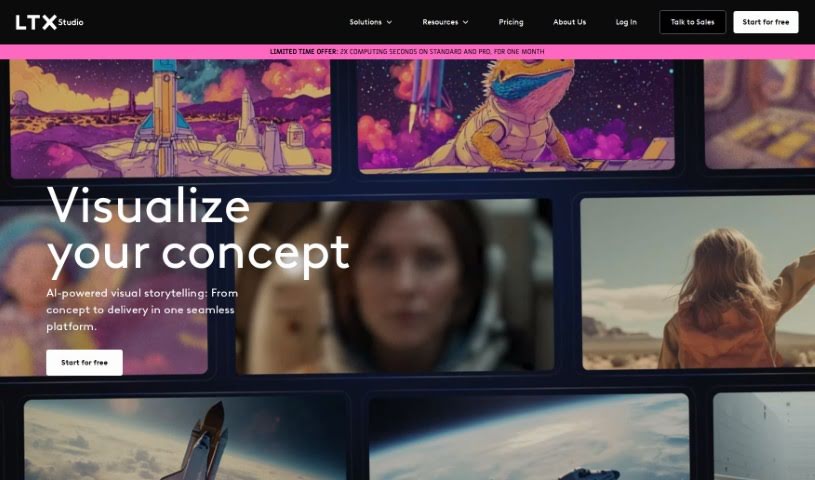
FreemiumLTX Studio is an AI filmmaking platform that covers every stage of film production, from initial idea to final edit. Its core tools include:
Creative
View Tool →
Discover the best Creative AI tools to enhance your productivity and creativity.
LTX Studio is an AI filmmaking platform that covers every stage of film production, from initial idea to final edit. Its core tools include:
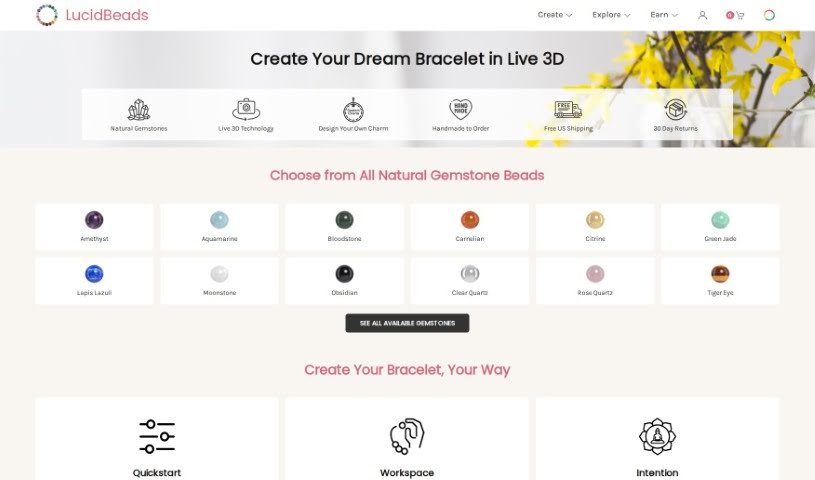
Lucid Beads is a platform for designing custom gemstone bracelets. It pairs a real-time 3D design tool with an AI Assistant that helps turn your ideas into wearable art. The company uses high-quality, all-natural gemstones and skin-friendly materials, and it rewards users when other people buy the designs they create.
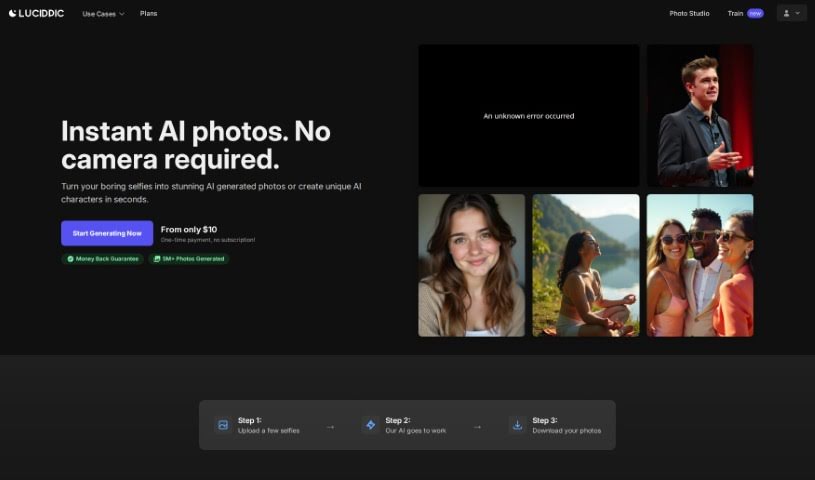
Lucidpic is an AI Person Generator that creates high-quality, AI-generated images of people. It uses machine learning to produce realistic human images, taking into account age, gender, ethnicity, and facial features.
Genie, from Luma AI, is a research preview of Luma's generative 3D foundation model. It lets you build 3D content directly on the platform, with controls for background elements such as intensity, blurriness, and fog, along with animations, materials, physics, and visual effects.

Lumiere3D is an AI platform for creating 3D product videos. Its editor lets you build product animation videos in a few clicks, and a 3D scanning app turns everyday objects into 3D models you can continue working on in a web-based app. Videos can include dynamic camera moves, custom effects, and unique transitions, and a 3D environment lets you build product scenes. Pricing plans include a free demo, a starter plan, and a pro plan, with varying features such as daily scribes, render resolutions, and storage.
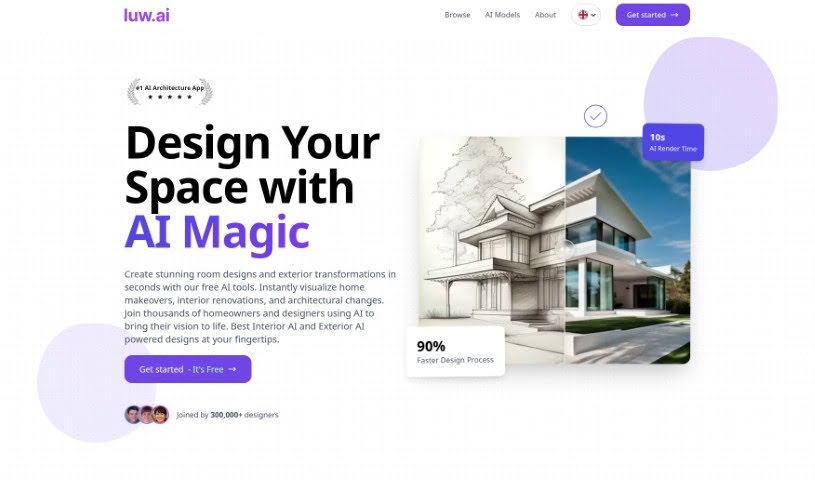
Luw.ai is an online tool that uses AI to create personalized room plans and virtual home designs tailored to your interior and exterior style preferences. You can create a unique AI persona to guide the design process so results match your taste. Key features include the Magic Wand for easy modifications, HD Exports for high-quality images, Live Design, AI Rendering, 3D to Image rendering, and a library of over 55 design styles.

Luxand.cloud is a platform offering facial recognition solutions through a cloud-based API. It lets you add facial recognition to websites, apps, or software to recognize and compare human faces, spot tagged people in photos, and detect age, gender, and emotions in images. The platform provides ready-made solutions for industries like gambling, finance, healthcare, and transportation. It emphasizes secure cloud storage, supports many programming languages, offers high performance, and is cost-effective. Scalable on-premise facial recognition is also available through FaceSDK, and there is an affiliate program for earning referral commissions.
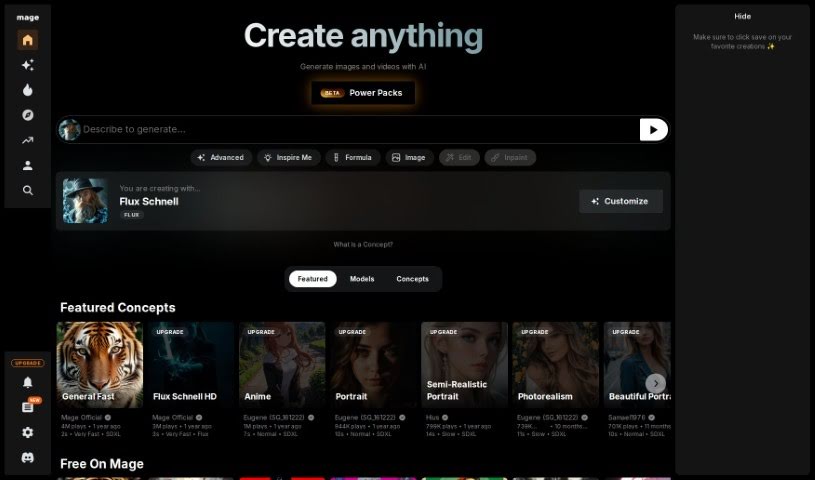
Mage is a free platform for creating images and videos using Stable Diffusion. It offers a straightforward interface with adjustable settings for generating a range of visual styles, including art, photorealism, and anime. A 'Create Privately' feature keeps your creations confidential, and you can adjust control nets, aspect ratios, and other parameters to fine-tune results. There are no limits on how much content you can generate.
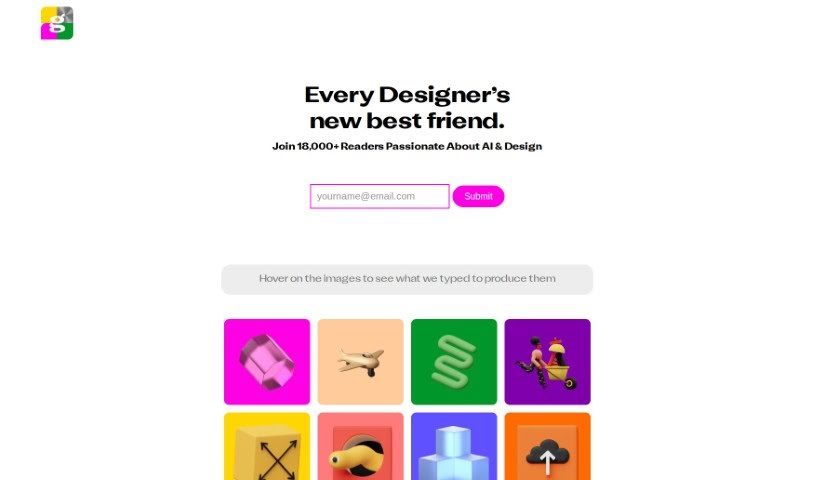
Magestic is an AI tool that turns text into images. It also offers a collection of high-quality, unique icon sets that come pre-assembled, and you can generate graphics and icons directly inside Figma. It fits into the Image Generation category, requires a paid subscription, and is often tagged with AI Art, UI/UX Design, and AI Icons. The site is built using Webflow technology.
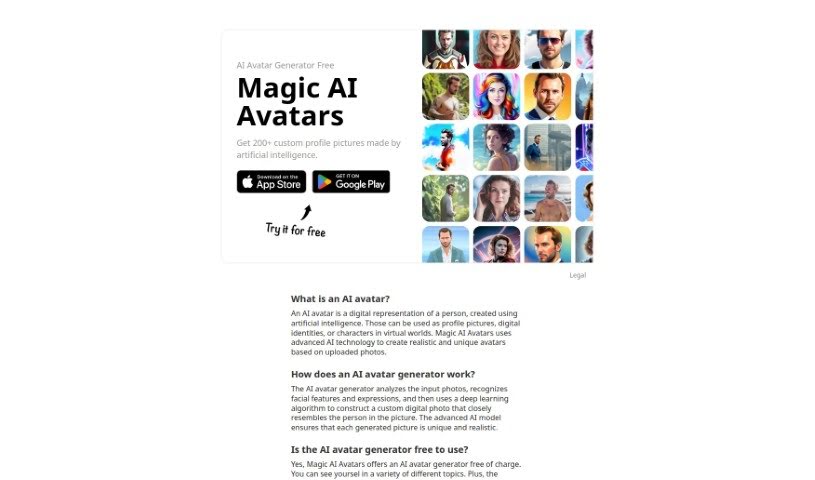
Magic AI Avatars is a platform that uses AI to turn your photos into personalized avatars. You can create over 200 unique avatars in a variety of styles, and you don't need an account to do it. The tool is designed to make creating custom avatars easy and secure, whether you want a new profile picture for social media or a digital self for virtual reality.
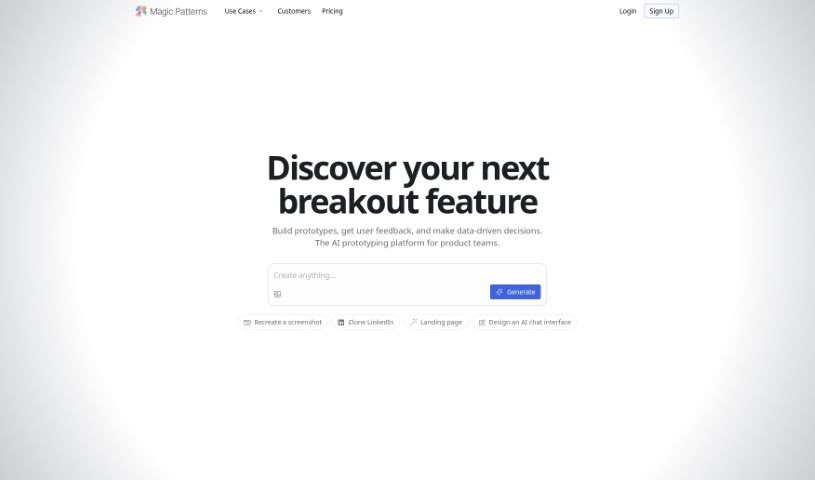
Magic Patterns is a generative UI tool for creating components for your design systems. It acts as a frontend assistant, making it easier to find the right component for whatever you're building. It works with popular frameworks and libraries, including Radix Themes, Mantine, Shadcn, Chakra UI, plain HTML, Tailwind, and Inline CSS. You can browse over 10,000 community-created patterns, each with a preview so you can see how it looks in action. The team also maintains a presence on Twitter, GitHub, and a Slack channel, and welcomes feedback through a submission form.
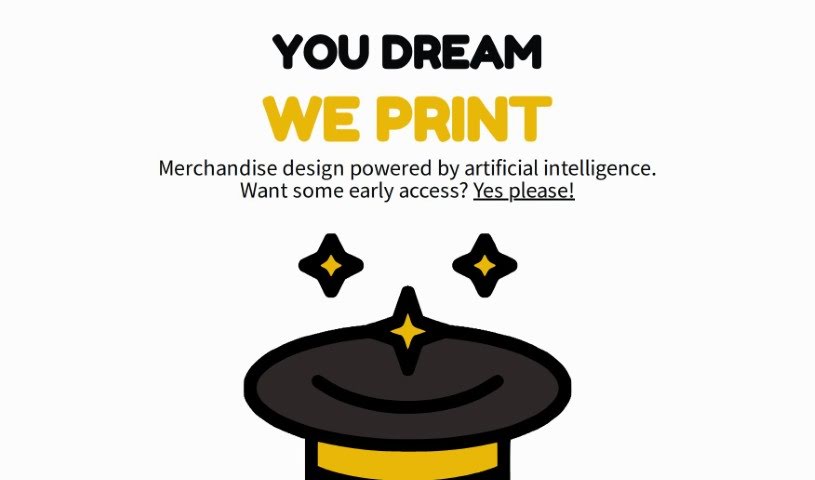
Magic Prints is a service that uses artificial intelligence to create custom merchandise designs. It lets you bring your ideas to life on a variety of products, whether you're a business owner wanting branded items, an artist looking to put your work on different materials, or someone who loves personalized, one-of-a-kind things. Features include AI-generated designs, extensive customization options, early access through a waitlist, printing on multiple item types, and new printing techniques.
Bringing a creative vision to life takes stamina. Whether you’re working on visual art, video projects, sound design, or written work, the gap between a great idea and a finished piece is usually filled with hours of tedious setup. You spend time masking image layers, cutting out filler words from audio, or wrestling with software settings when you’d rather be making art.
The tools in this category handle repetitive technical tasks so you can keep your focus where it belongs: on creative direction and artistic choice.
Testing visual concepts gets much faster when you can prototype ideas instantly. Instead of spending hours building manual moodboards or sketching rough wireframes by hand, generative tools let you test lighting styles, color palettes, and compositions in seconds. You can explore dozens of creative paths before committing to a full production shoot or detailed illustration.
In video and audio editing, smart software handles the tedious mechanics. Automatically generating precise closed captions, reframing shots for vertical video formats, or isolating vocal tracks from ambient background noise used to take complex plugins and hours of manual editing. Modern creative tools process those heavy tasks in minutes, giving you back time to polish the story itself.
Maintaining visual consistency across large projects gets a major upgrade, too. Managing design elements, color palettes, and character references across a long series or multi-asset campaign often leads to small visual errors. Creative AI tools help enforce visual rules and match styles automatically, keeping your artwork, video sequences, or digital assets aligned from start to finish.
Key Capabilities for Creators:
- Style and reference matching: Systems that analyze an artistic style or reference image and apply it across new graphic assets.
- Generative canvas expansion: Tools that expand image borders, fill in background details, or remove unwanted objects cleanly.
- Text-to-media rendering: Software that converts written prompts into high-resolution images, video clips, or sound textures for fast prototyping.
- Non-destructive asset editing: Applications that adjust lighting, color tones, and individual layers without destroying original files.
- Cross-format conversion: Features that automatically reformat visual assets and video projects for desktop, mobile, and print.
Technology can generate pixels and format files, but true artistic judgment, taste, and emotional expression still belong to you. Handing off routine file conversions, background cleanup, and quick concept testing simply gives you the freedom to focus on your craft.
Explore the tools below to upgrade your creative workspace.
Weekly picks of the best AI tools we've researched and added — no spam, unsubscribe anytime.
Join 25,000+ AI enthusiasts. No spam, unsubscribe anytime.