AI Creative Tools

AI Tools for Creative

Discover the best Creative AI tools to enhance your productivity and creativity.

Page 52 of 107 • 1276 total tools
Screenshot of Ip Adapter Faceid

Ip Adapter Faceid

Freemium

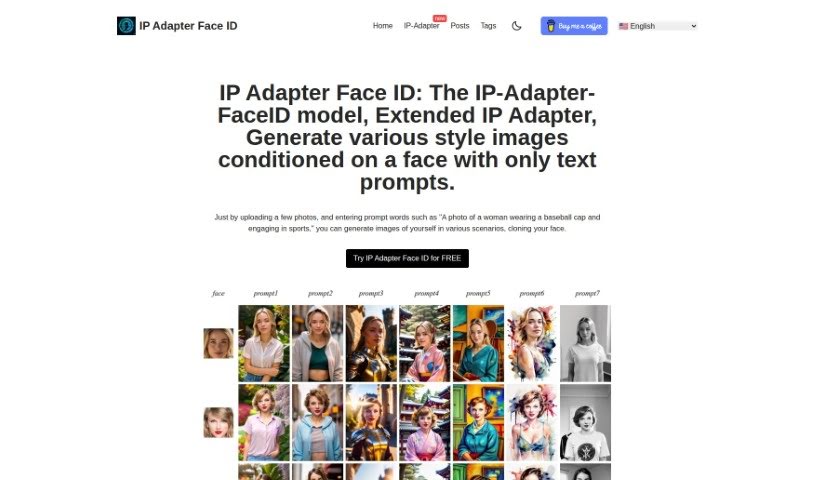
IP Adapter Face ID is a model that generates images in various styles based on a provided facial image and text prompts. Users upload photos and add descriptions to produce images showing their face in new situations. The tool supports multiple styles, role changes for the subject, and generates several variations for each result.

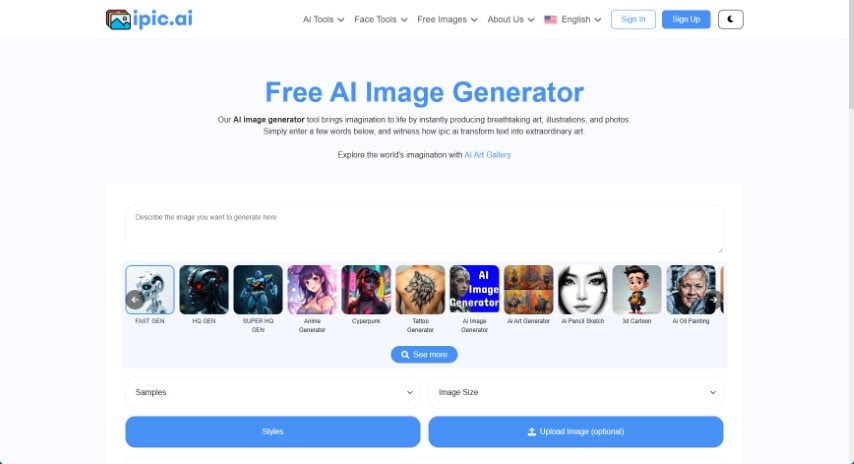
Screenshot of Ipic.ai

Ipic.ai

Freemium

iPic.ai is an AI image generator that uses deep learning to create unique images. It's built for producing visuals for marketing campaigns, website banners, and social media posts. The system works with two components: a generator that creates new images from random data or learned patterns, and a discriminator that distinguishes real images from generated ones. Using the tool also contributes to growing its image library. It's designed to be easy to use, with options to customize images to your preferences.

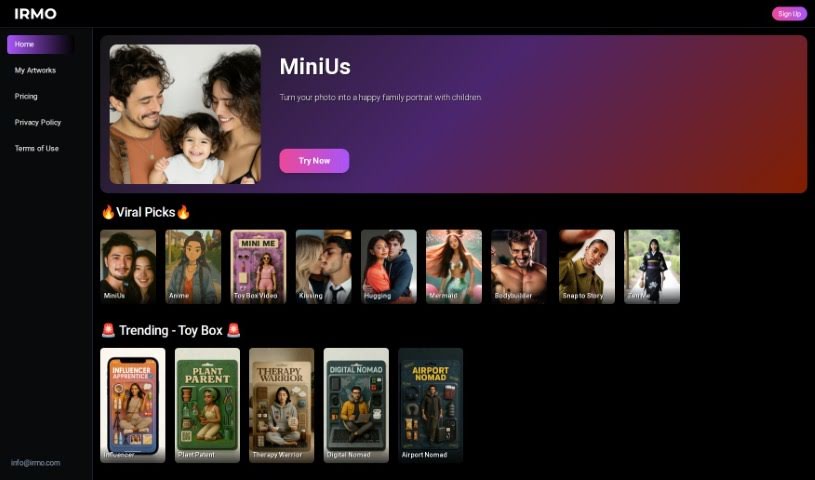
Screenshot of Irmo

Irmo

Freemium

Irmo is a platform offering a suite of AI tools for creative projects. It covers design, data analysis, and content creation, with an emphasis on AI image generation. The site is built to be easy to use, and Irmo emphasizes privacy and security, with accessible links to its Privacy Policy, Terms & Conditions, and EULA.

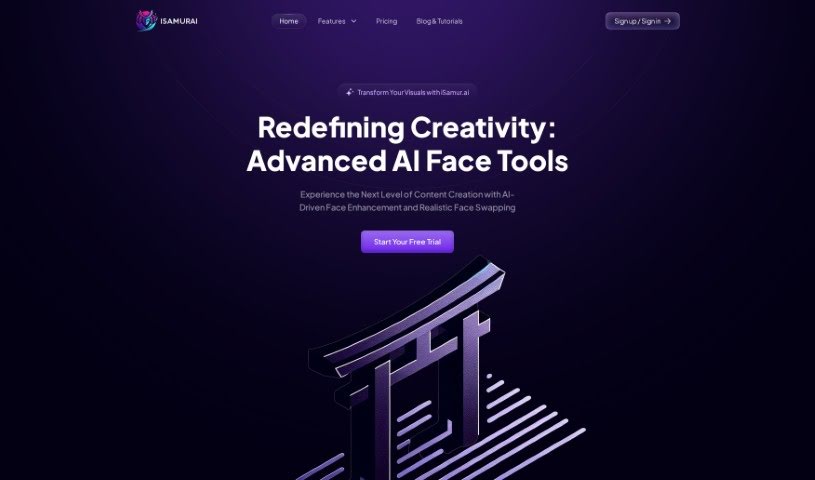
Screenshot of Isamur

Isamur

Freemium

Isamur.ai is an AI platform for digital content creation, focused on face-related tasks. It covers deep face swapping, AI face enhancement, image editing, speech-to-text and text-to-speech conversion, and multimedia format conversion. It imposes no limits on video length or quality, making it suitable for large projects requiring high-resolution output. It also includes productivity tools and competitively priced plans.

Screenshot of JanitorAI

JanitorAI

Freemium

Janitor AI is a platform for creating and chatting with custom AI chatbots. Its bots are built to hold natural, human-like conversations, powered by natural language processing (NLP) that lets them understand input and generate fitting responses.

Screenshot of Japplis

Japplis

Freemium

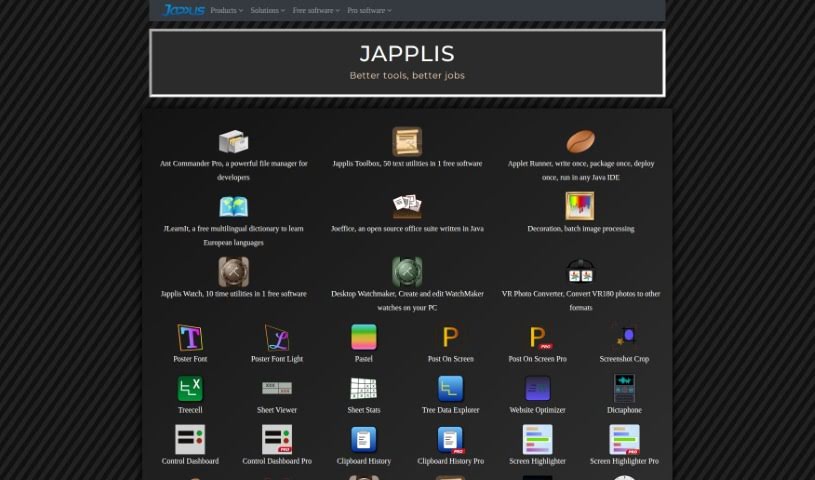
Japplis is desktop software for selecting and cleaning up photos. Its Directory Crop tool makes it quick to delete unwanted pictures or precisely select parts of an image, especially AI-generated ones. You can delete bad photos with a single click, remove unwanted elements like extra hands or arms, pick the best shots from a batch, and choose the right section of a generated image. It installs on Windows, MacOS, and Linux, requires no login, and keeps your images private on your computer.

Screenshot of Jina AI BestBanner

Jina AI BestBanner

Freemium

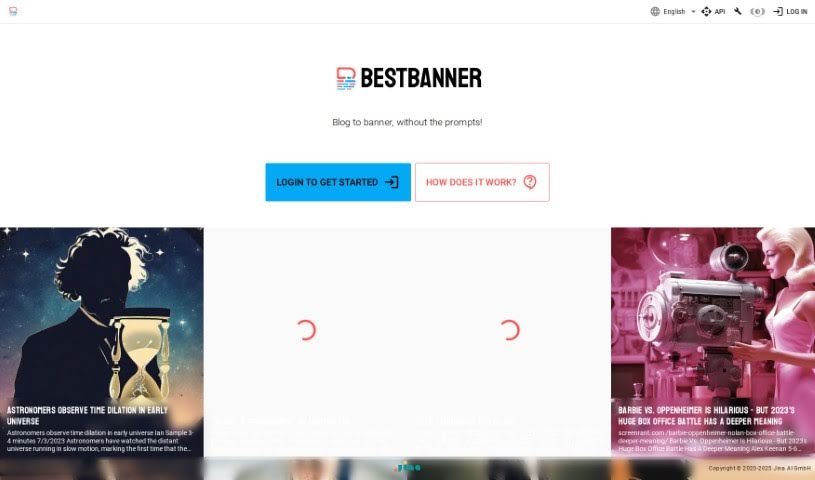
BestBanner is a tool for creating banners from text, aimed at publishers, bloggers, and content creators. You paste in the text from your article, and its multimodal AI generates visuals that match the content. No design experience is required, and results are produced instantly.

Screenshot of Jocondeai

Jocondeai

Freemium

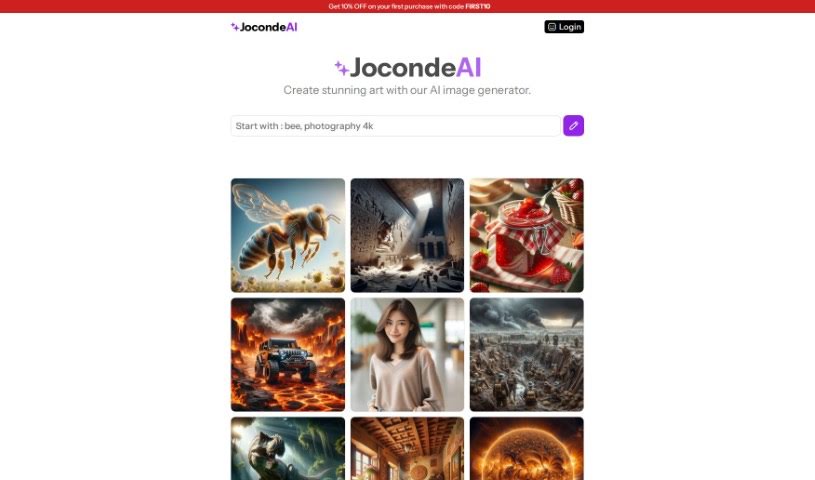
JocondeAI is an AI art generator that creates images at a fixed 1024x1024 pixel resolution. You guide it with prompts describing specific themes, and the generated images can be used for both personal and commercial projects. You keep full rights to every image you create.

Screenshot of Journey Art AI

Journey Art AI

Freemium

Journey Art AI is a tool for creating AI art from simple text descriptions. It uses the Midjourney API to generate high-quality images and supports the latest Midjourney V5 and Niji models. Unlike Midjourney itself, it works entirely through a web interface — no Discord required.

Screenshot of Journey Mixer

Journey Mixer

Freemium

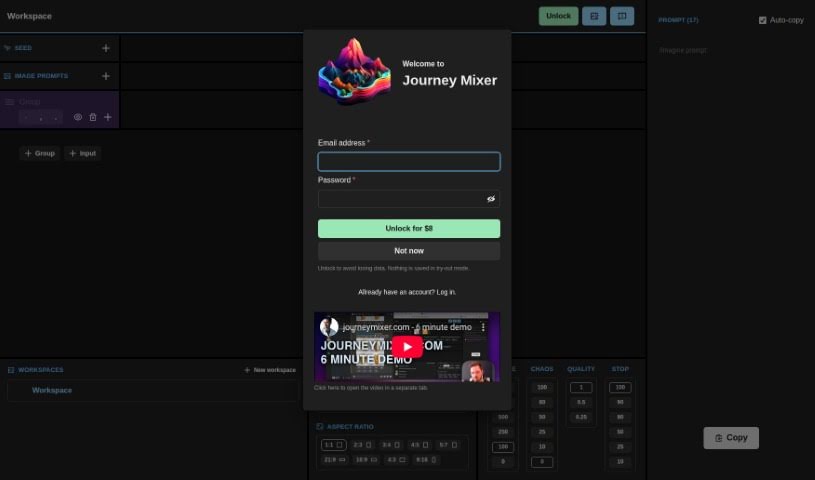
Journey Mixer is a tool for creating and remixing prompts for Midjourney. It offers an easy-to-use graphical interface designed so that anyone, regardless of experience level, can jump in and use it effectively. You can tweak and combine different parts of prompts, which speeds up prompt generation and makes your creative work more efficient. The platform is flexible enough to handle a wide variety of inputs, giving you the control needed to create high-quality prompts that get the results you want in Midjourney.

Screenshot of Joyland

Joyland

Freemium

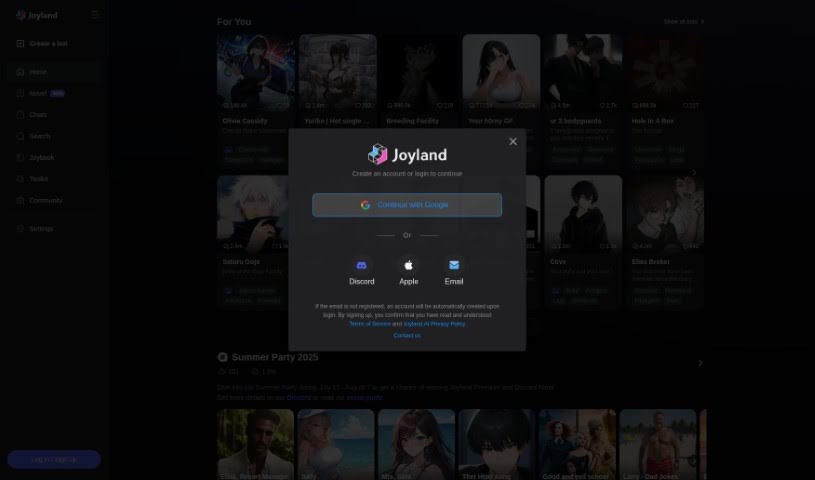
Joyland is an AI chatbot platform built for deep, character-driven conversations and story creation. Rather than a standard chatbot service, it's designed as a creative space where you can build your own bots, join existing chats, or browse the Joybook for inspiration. Whether you want an interactive adventure or a break from the everyday, Joyland provides the tools and community support to craft your own story.

Screenshot of jpgHD

jpgHD

Freemium

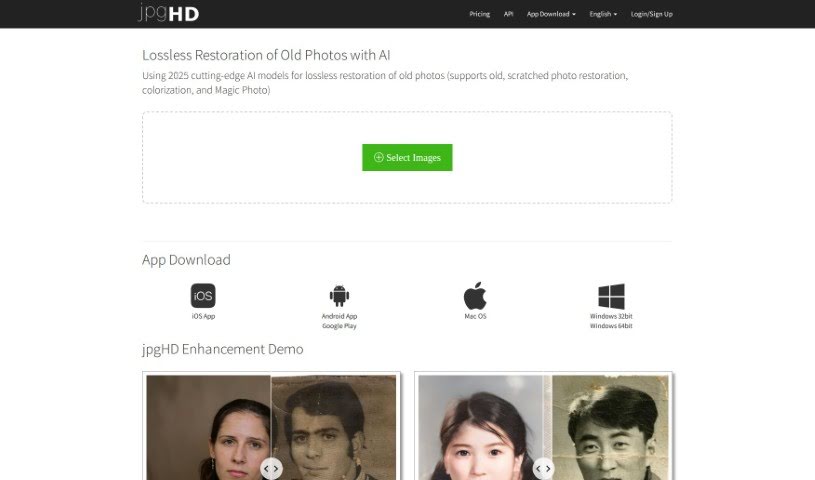
jpgHD is an AI platform for restoring old and damaged photos. It uses AI image super-resolution models and deep learning to repair noisy, scratched, or faded images, with features including lossless restoration, colorization of black and white photos, scratch repair, and Magic Photo, which turns still portraits into animated ones.

About Creative tools

Bringing a creative vision to life takes stamina. Whether you’re working on visual art, video projects, sound design, or written work, the gap between a great idea and a finished piece is usually filled with hours of tedious setup. You spend time masking image layers, cutting out filler words from audio, or wrestling with software settings when you’d rather be making art.

The tools in this category handle repetitive technical tasks so you can keep your focus where it belongs: on creative direction and artistic choice.

Offloading Technical Setup to Focus on Art

Testing visual concepts gets much faster when you can prototype ideas instantly. Instead of spending hours building manual moodboards or sketching rough wireframes by hand, generative tools let you test lighting styles, color palettes, and compositions in seconds. You can explore dozens of creative paths before committing to a full production shoot or detailed illustration.

In video and audio editing, smart software handles the tedious mechanics. Automatically generating precise closed captions, reframing shots for vertical video formats, or isolating vocal tracks from ambient background noise used to take complex plugins and hours of manual editing. Modern creative tools process those heavy tasks in minutes, giving you back time to polish the story itself.

Maintaining visual consistency across large projects gets a major upgrade, too. Managing design elements, color palettes, and character references across a long series or multi-asset campaign often leads to small visual errors. Creative AI tools help enforce visual rules and match styles automatically, keeping your artwork, video sequences, or digital assets aligned from start to finish.

Key Capabilities for Creators:

  • Style and reference matching: Systems that analyze an artistic style or reference image and apply it across new graphic assets.
  • Generative canvas expansion: Tools that expand image borders, fill in background details, or remove unwanted objects cleanly.
  • Text-to-media rendering: Software that converts written prompts into high-resolution images, video clips, or sound textures for fast prototyping.
  • Non-destructive asset editing: Applications that adjust lighting, color tones, and individual layers without destroying original files.
  • Cross-format conversion: Features that automatically reformat visual assets and video projects for desktop, mobile, and print.

Technology can generate pixels and format files, but true artistic judgment, taste, and emotional expression still belong to you. Handing off routine file conversions, background cleanup, and quick concept testing simply gives you the freedom to focus on your craft.

Explore the tools below to upgrade your creative workspace.

The Best AI Creative Tools

  1. Canva: for designing social media posts
  2. Character AI: for brainstorming story ideas and concepts.
  3. Janitor AI: for quickly crafting unique story ideas.
  4. Remove.bg: for instantly removing backgrounds from design projects
  5. Leonardo AI: for generating dynamic artwork for designers
  6. Photopea: for designing stunning graphics and illustrations.
  7. Photoroom: for improving photos for creative projects
  8. Pixelcut: for designing eye-catching product ads
  9. Pixlr: for designing great graphics with ease
  10. Midjourney: for visual storytelling through art prompts.
  11. AI Face Swap: for creating unique memes for social media.
  12. Cutout.pro: for creating dynamic backgrounds for art
  13. Remaker: for AI-powered image creation for unique designs.
  14. Ideogram: for logo design and customization.
  15. Openart: for experimenting with unique artistic styles
New tools, in your inbox.

Weekly picks of the best AI tools we've researched and added — no spam, unsubscribe anytime.

Join 25,000+ AI enthusiasts. No spam, unsubscribe anytime.