Top AI Chatbots

AI Tools for Chatbots

Discover the best Chatbots AI tools to enhance your productivity and creativity.

Page 27 of 35 • 414 total tools
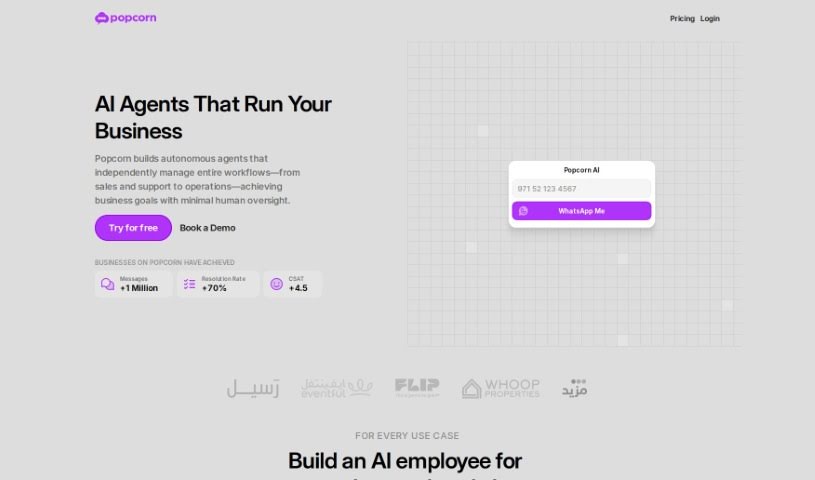
Screenshot of Popcorn

Popcorn

Freemium

Popcorn is a movie and series recommendation tool built on the GPT (Generative Pre-trained Transformer) framework. It works like a personal film curator, using ChatGPT's ability to interpret what you're asking for — whether that's a specific genre, a certain era, or something new. Recommendations range from blockbusters and recent releases to highly-rated TV shows and lesser-known titles. A ChatGPT Plus subscription is required to use it.

Screenshot of Poppylist

Poppylist

Freemium

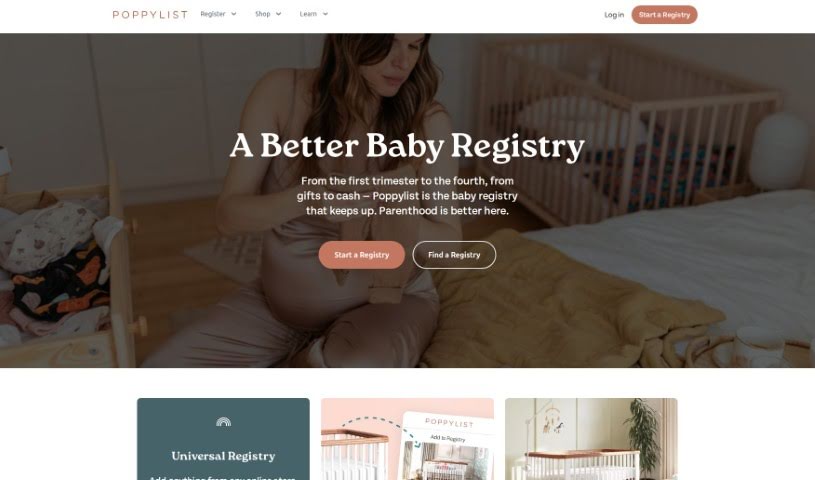
Ask Poppy, by Poppylist, is an AI-powered parenting assistant. It provides advice and support tailored to your family, responding instantly via text on topics like sleep training, tantrums, breastfeeding, and discipline. Ask Poppy uses natural language processing to hold empathetic, conversational exchanges rather than delivering generic answers.

Screenshot of Powerbrain AI

Powerbrain AI

Freemium

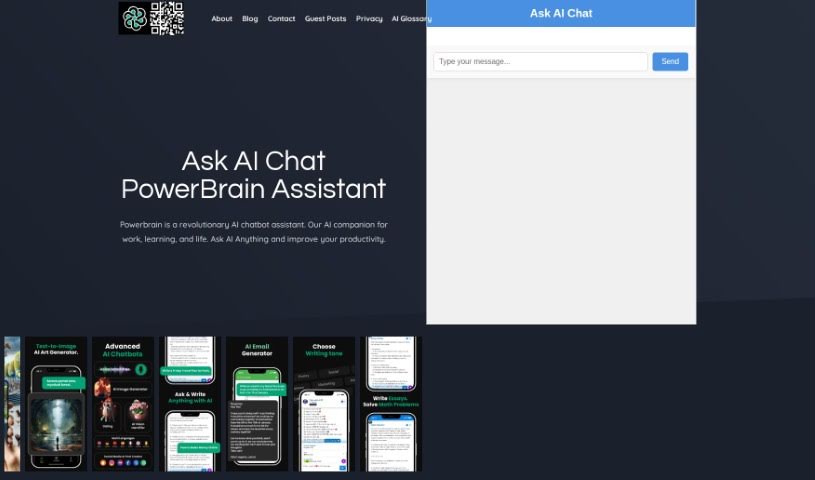
PowerBrain AI is a chat app for iOS and Android. Built on the ChatGPT and GPT-4 API using natural language processing, it acts as a virtual assistant that understands and responds conversationally. You can chat naturally, get quick answers, and automate tasks — from generating writing ideas and brainstorming business concepts to managing social media. It also includes an AI Vision feature that can recognize images.

Screenshot of Practicetalking

Practicetalking

Freemium

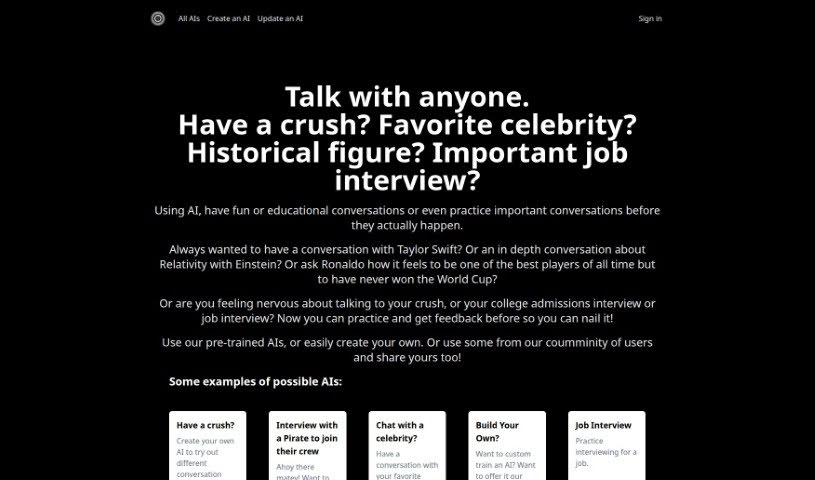
PracticeTalking is an AI tool for practicing conversations and interviews. You can chat with pre-trained bots on a range of topics or create your own AI characters for specific scenarios. The tool focuses on improving communication through conversation practice, instant feedback, and repeated sessions.

Screenshot of Private AI

Private AI

Freemium

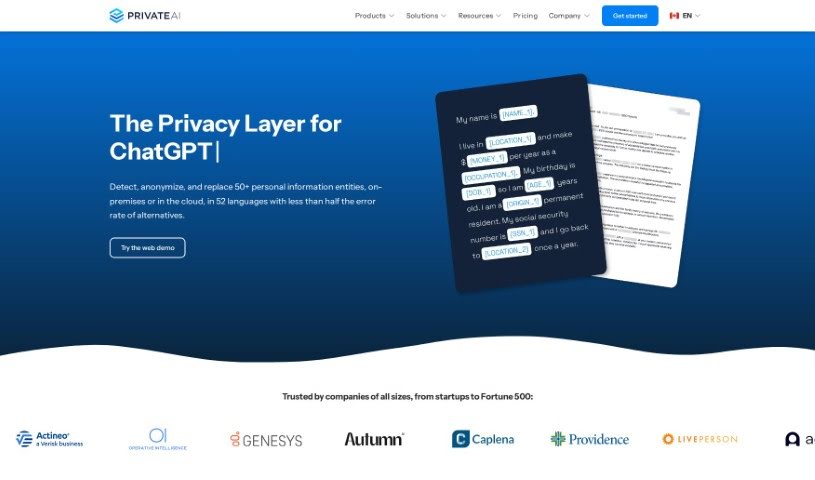
PrivateGPT is a privacy layer for online chats. It automatically detects and removes sensitive details from conversations and anonymizes all conversation information. Unlike standard chat tools, it does not store or collect your data, so businesses and individuals can use ChatGPT-style capabilities without risking exposure of sensitive information.

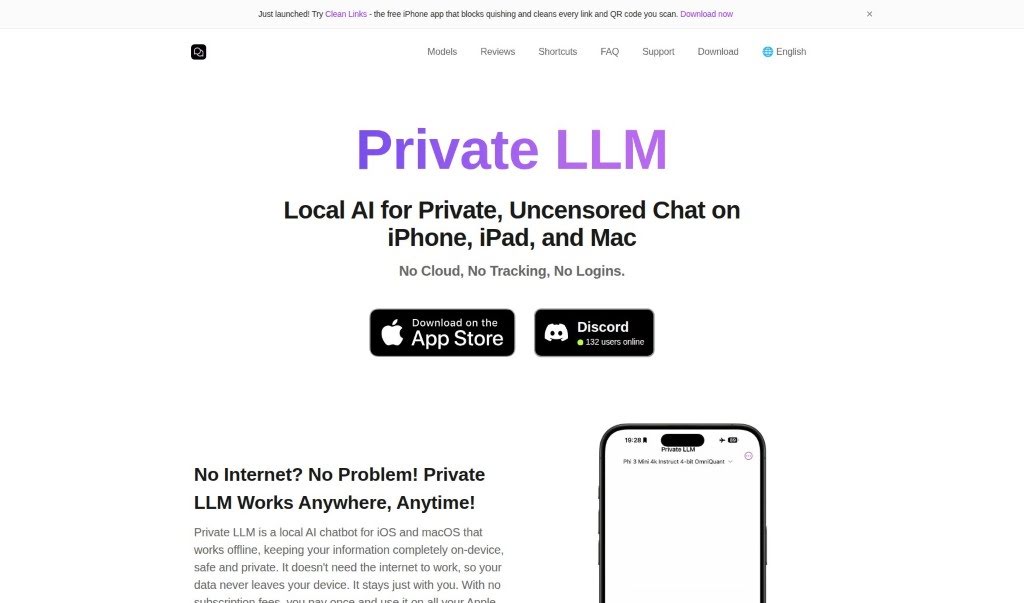
Screenshot of Private LLM

Private LLM

Freemium

Private LLM is an AI chatbot built for privacy and convenience. It runs completely offline, so every feature works without an internet connection and your data stays secure and confidential. A one-time purchase provides unlimited access across iPhone, iPad, and Mac (iOS and macOS), with no subscription fees.

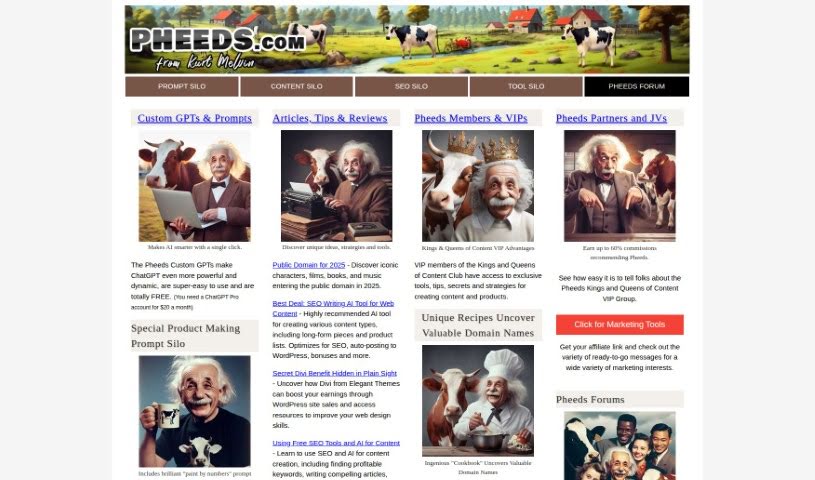
Screenshot of Prompt Silo

Prompt Silo

Freemium

Prompt Silo is a tool from [Pheeds](https://pheeds.com/) designed to extend ChatGPT's abilities. It provides Custom GPTs and prompts that make the AI more capable and adaptable. The enhancements themselves are free to use, though they require a ChatGPT Pro account, which costs $20 per month.

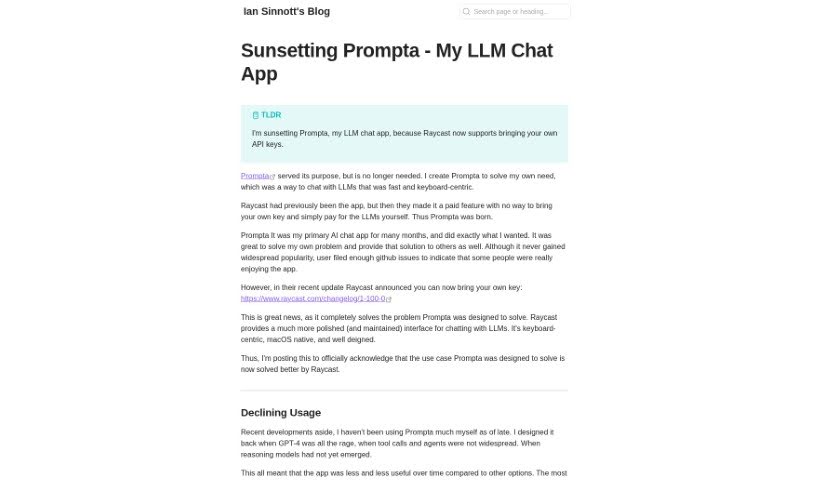
Screenshot of Prompta

Prompta

Freemium

Prompta is an open-source client for ChatGPT, created by Ian Sinnott. It provides a streamlined way to chat with AI models, including GPT-4, with a strong focus on privacy and user experience. All chats are stored locally, so you can access them even when offline, and conversations sync across devices. Prompta also supports using your own API key and is designed to be operated primarily with your keyboard.

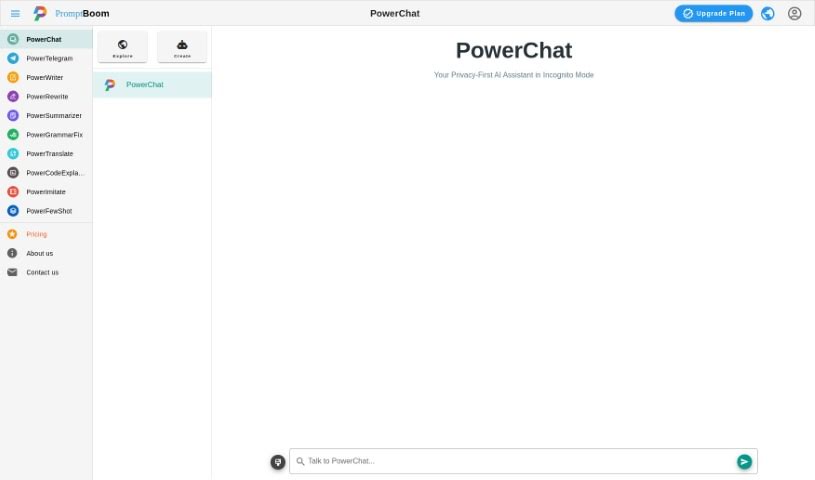
Screenshot of PromptBoom PowerChatTalk

PromptBoom PowerChatTalk

Freemium

PowerChat is an AI chat tool built into the PromptBoom platform. It uses AI models to facilitate back-and-forth communication, enabling smoother user interactions and natural conversation flow within the PromptBoom environment.

Screenshot of QueryPal

QueryPal

Freemium

QueryPal is an AI chatbot that connects to your company's internal knowledge bases and answers questions from both employees and customers. It can be shared as a standalone web link, embedded on your website as a widget, or used as a Slackbot for internal teams.

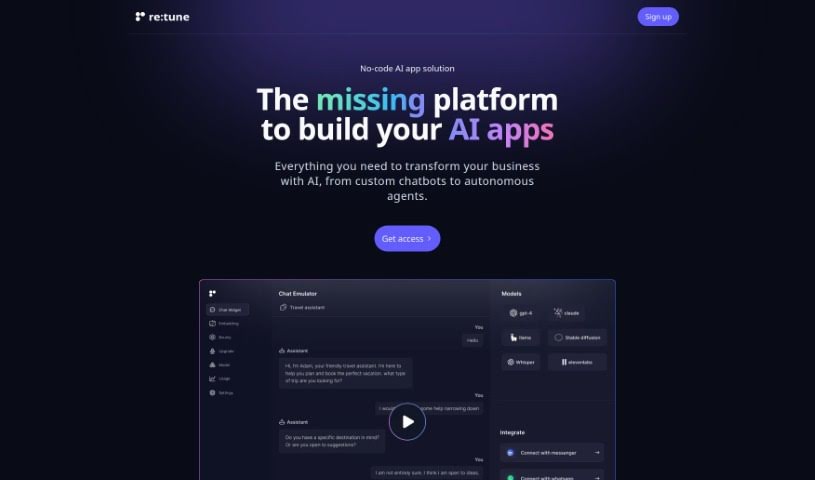
Screenshot of re:tune

re:tune

Freemium

Re:tune is a really neat no-code solution for building your own AI apps, specifically designed to meet business needs. It is a platform where you can create and customize your very own ChatGPT for all sorts of things – like handling customer support or boosting sales. What's great is that you can train these chatbots using all kinds of data, whether it's from your website or even super specific customer information. Plus, re:tune makes it easy to weave AI into your existing tools and platforms, offering a complete way to bring AI into your business operations.

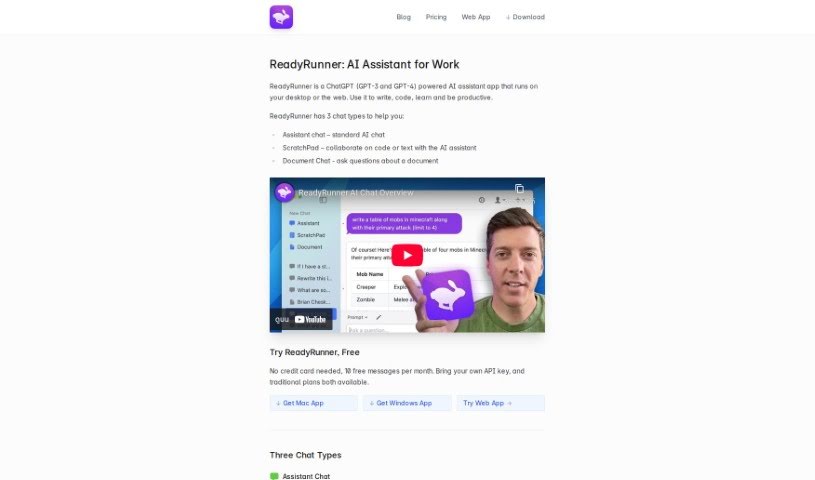
Screenshot of ReadyRunner

ReadyRunner

Freemium

ReadyRunner is a desktop application that puts OpenAI's GPT models on your computer. It works as a personal AI assistant for writing, editing, and brainstorming — drafting emails, polishing documents, fixing grammar, generating ideas, and handling technical work like writing and debugging code. It's available on Web, Mac, and Windows, with a clean interface and a built-in prompt library for tailoring AI responses.

About Chatbots tools

We’ve all wrestled with clunky, old-school website chat widgets. You ask a simple question about a return policy, and the bot links to an irrelevant help article or gets stuck in an infinite loop asking for your email address. It often feels more like dealing with an automated phone tree than getting real help.

Modern AI chatbot platforms fix that frustration. Moving far beyond rigid decision trees, these assistants absorb your actual documentation, understand customer questions in plain English, and provide helpful answers around the clock.

How Intelligent Chatbots Upgrade Customer Support

The biggest shift in modern chatbots is how they learn. Older platforms required manually building complex flowcharts for every hypothetical question. AI chatbots connect directly to your website, help desk files, or product catalogs—absorbing that information in minutes so they can answer unpredictable questions naturally.

For e-commerce stores and SaaS companies, these assistants do far more than answer basic FAQs. If a shopper hesitates on a product page, a chatbot can recommend matching items based on their cart or check real-time stock levels. On B2B websites, these tools can qualify sales leads, answer pricing questions, and book product demos directly onto your sales team’s calendar while buyer intent is high.

Handling high ticket volumes without losing response quality is another major advantage. During product launches or sales events, smart chatbots resolve repetitive requests like password resets, order tracking, and account updates instantly.

When a situation requires human judgment or a customer is frustrated, modern platforms manage the transition seamlessly. The chatbot routes the conversation straight to a live support agent, passing along the full transcript so the user never has to repeat themselves.

Useful Capabilities to Consider:

  • Knowledge base integration: Systems that train on your existing web pages, help docs, and PDFs without manual entry.
  • Smooth live agent handoff: Features that transfer complex conversations to your team along with full context and chat history.
  • Multilingual translation: Software that detects a visitor’s native language and translates conversations in real time.
  • Omnichannel support: Tools that run across your website, social messaging apps, and email from a single dashboard.
  • System actions: Chatbots capable of executing tasks like updating CRM records, checking stock levels, or processing refunds.

Smart software handles the initial greetings, routine tracking requests, and basic questions, giving your support team the time they need to handle high-value conversations with real human empathy.

Explore the chatbot tools below to upgrade your website’s support experience.

The Best AI Chatbots

  1. ChatGPT: for real-time travel help
  2. DeepSeek: for smart customer support chats.
  3. Gemini: for engaging customer support conversations
  4. Claude: for integrating customer support chatbots
  5. Grok: for smart FAQ answers for users.
  6. Microsoft Copilot: for resolving customer support questions.
  7. DeepAI: for creating images for chatbot avatars
  8. Meta AI: for conversational customer support agents
  9. Chat Blackbox: for improving user support with automated chatbots
  10. Monica: for smart customer query handling
  11. CHAI: for interactive customer support chatbots
  12. Yeschat: for interactive customer support chats
  13. You.com: for conversational support for user questions
  14. Popai: for creating and managing chatbot content
  15. MaxAI.me: for customer support automation tools.
New tools, in your inbox.

Weekly picks of the best AI tools we've researched and added — no spam, unsubscribe anytime.

Join 25,000+ AI enthusiasts. No spam, unsubscribe anytime.