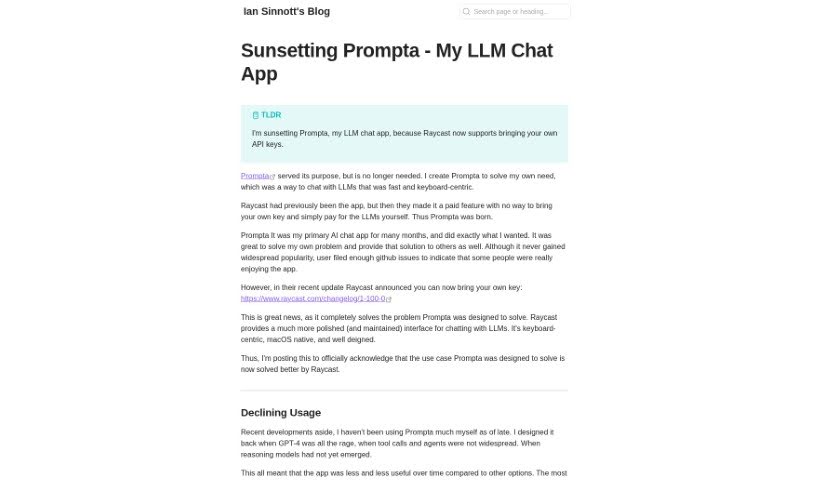
Screenshot of Prompta

Prompta

Discover what Prompta is and how to make the most of it in 2025. We'll dive into its features, compare it to other chatbots, and show you exactly how to get started.

Screenshot

What Exactly is Prompta?

Prompta is an open-source client for ChatGPT, created by Ian Sinnott. It is a really user-friendly way to chat with AI models, including the latest GPT-4. It’s built to make interacting with these powerful AI tools feel smooth and natural. One of its best features is that it stores all your chats locally. This means you can access them even when you’re offline, and it makes syncing your conversations across different devices a breeze. Prompta really focuses on privacy and making the user experience top-notch. You get features like local chat storage, seamless cross-device syncing, the ability to search your chats offline, integration with your own API keys for more control, and it’s designed to be operated primarily with your keyboard.

Who’s Behind Prompta?

Ian Sinnott is the creator of Prompta. As the founder, he developed this open-source ChatGPT client specifically to offer a more integrated and private way to interact with AI conversational models like GPT-4. You’ll find that Prompta includes handy features such as storing chats locally, syncing them across your devices, letting you search conversations even without an internet connection, allowing you to use your own API key for a more personalized experience, and a design that really favors keyboard-based navigation. Ian Sinnott’s commitment to privacy and a great user experience is really clear in how Prompta is built to be both efficient and easy to use.

What Can You Do with Prompta?

Prompta offers a range of useful features:

  • Local Chat Storage: Keep all your conversations right on your device for easy access and safekeeping.
  • Cross-Device Synchronization: Your chats stay up-to-date across all your devices, so you never miss a beat.
  • Offline Chat Search: Need to find something specific? You can search through all your past conversations, even when you’re not connected to the internet.
  • Own API Key Integration: Bring your own API key to connect with ChatGPT and GPT-4. This gives you more control over your usage and personalization.
  • Keyboard-Focused Operation: Designed for speed and efficiency, you can navigate and interact with Prompta using just your keyboard.

These features combine to offer a really streamlined and private way to engage with AI.

Who Should Use Prompta?

Prompta is particularly well-suited for:

  • Developers: Who can appreciate the open-source nature and keyboard-centric design for efficient workflow.
  • Enthusiasts: Anyone excited about AI and looking for a more private, controlled, and user-friendly way to interact with models like ChatGPT.

How Do I Get Started with Prompta?

Using Prompta is pretty straightforward. Here’s a quick rundown of the steps:

  1. Installation: First, you’ll want to download Prompta. You can find it on the official GitHub page, which Ian Sinnott maintains.
  2. Set Up Your API Key: To get the most out of Prompta, you’ll need to provide your own API key. This allows for personalized access to ChatGPT and GPT-4.
  3. Explore the Interface: You’ll notice Prompta has a really snappy, keyboard-focused interface. It’s designed to make interacting with the AI quick and efficient.
  4. Utilize Local Chat Storage: Take advantage of storing all your chats locally. This makes them easy to find and search through later.
  5. Sync Across Devices: Keep your conversations perfectly synchronized across all your devices without any hassle.
  6. Search Offline: Need to recall a past conversation? You can search your chats even when you’re offline, finding what you need instantly.
  7. Enjoy the Flexibility: Because Prompta is open-source, you have the freedom to customize it and maintain control over your experience.

By following these simple steps, you’ll be able to interact with ChatGPT and GPT-4 through Prompta smoothly and efficiently, no matter which device you’re using.

Related AI Tools

Discover more tools in similar categories that might interest you

Stay Updated with AI Tools

Get weekly updates on the latest AI tools, trends, and insights delivered to your inbox

Join 25,000+ AI enthusiasts. No spam, unsubscribe anytime.