AI Automation Tools: Top Picks & How They Work

AI Tools for Automation

Discover the best Automation AI tools to enhance your productivity and creativity.

Page 3 of 39 • 461 total tools
Screenshot of Amazon Comprehend

Amazon Comprehend

Freemium

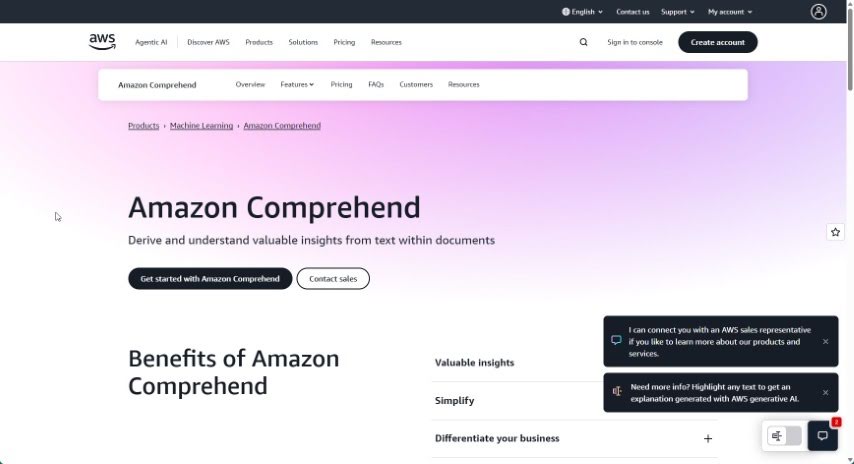
Amazon Comprehend is an Amazon Web Services (AWS) service that uses natural language processing (NLP) and machine learning to extract insights from unstructured text. It analyzes sentence structure, identifies entities such as names, places, and organizations, and detects sentiment (positive, negative, or neutral). It supports content sorting, trend spotting, and processing customer feedback at scale. Because it runs on AWS infrastructure, it handles large volumes of text efficiently and reduces manual analysis work.

Automation View Tool →
Screenshot of Amy Pro

Amy Pro

Freemium

Amy Pro is a conversational AI assistant that automates everyday work tasks: scheduling, to-do lists, HR duties, website updates, recruitment, and project tracking. It connects to the workspace apps teams already use for file sharing, chat, and video calls. The platform is PCI DSS compliant and stores data in U.S.-based data centers.

Automation View Tool →
Screenshot of And Gpt

And Gpt

Freemium

And-GPT is an AI agent for Android that uses GPT-4 to automate tasks on your phone. You state a goal, and the tool works out the steps, opens the relevant apps, and manages them automatically — no manual typing, searching, or navigating required.

Automation View Tool →
Screenshot of Antispace

Antispace

Freemium

Antispace is an Independent Research Lab building what it describes as the first AIOS, or Artificial Intelligence Operating System. The product acts as a digital brainstorming partner: you can break problems into parts, develop solutions, and turn those ideas into actions. At its core is a central command center for controlling Mail, Calendar, Notes, Slack, and GitHub, with the goal of making digital navigation simpler through more automation, speed, and straightforwardness. More information is available at antispace.sh.

Automation View Tool →
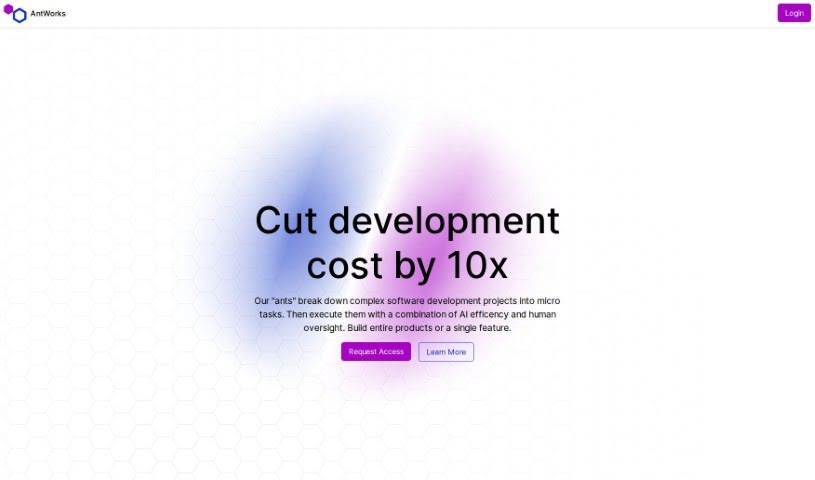
Screenshot of Antworks

Antworks

Freemium

Antworks is an AI-powered product development platform that breaks complex software projects into microtasks, combining AI automation with human review. You describe your idea through a chat interface, and Antworks turns that description into a project plan with progress tracking. The plan is split into microtasks that you review and approve — you only pay for approved work, with pricing that adjusts based on task complexity.

Automation View Tool →
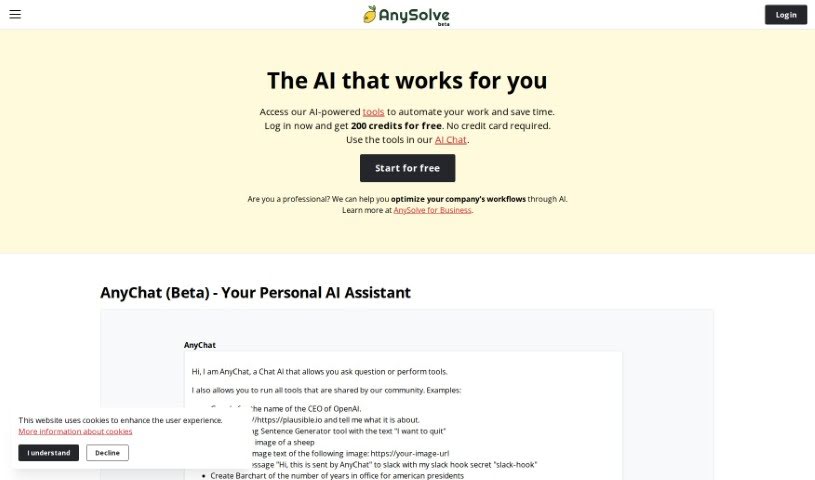
Screenshot of Anysolve AI

Anysolve AI

Freemium

Anysolve is a platform that brings together dozens of AI tools in a central hub for automating tasks. Users can create custom AI tools, share them with others, and execute tasks through a REST interface or a Python library. Outputs can include PDFs, charts, and images. New users receive free credits upon registration to start running tasks.

Automation View Tool →
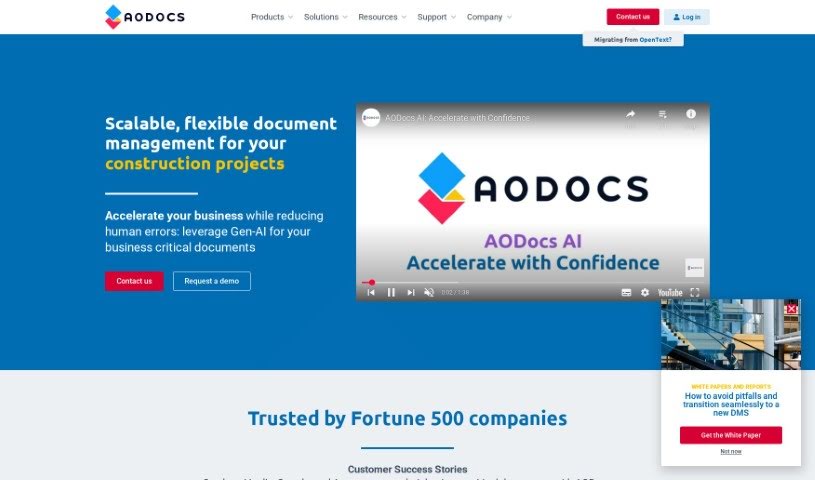
Screenshot of AODocs

AODocs

Freemium

AODocs is a content services platform that uses AI to automate document workflows and manage content processes. Built to be flexible and scalable, it helps companies keep documents controlled, processes managed, and data structured. The platform offers tailored solutions for different industries and departments, along with integrations, pricing guides, customer success stories, and a resource library.

Automation View Tool →
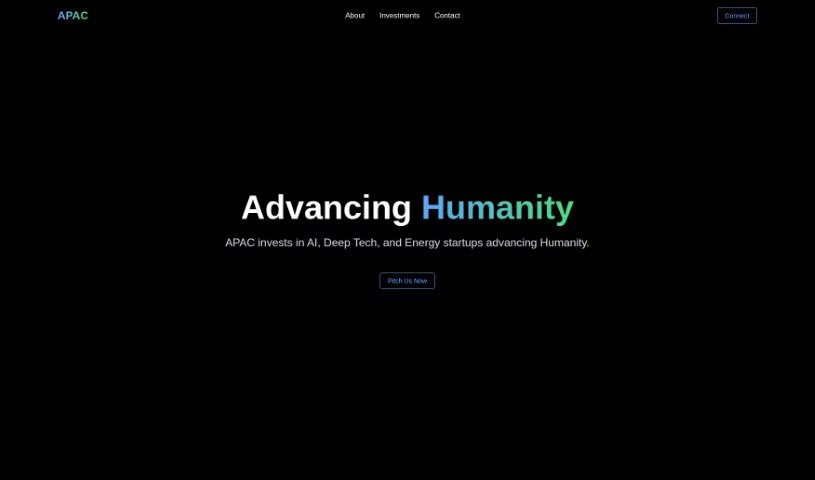
Screenshot of APAC AI

APAC AI

Freemium

APAC AI is a platform focused on multi-modality AI. Its tools automate tasks through plain-language instructions: the Athena Writer Extension, the Athena Browser Workflow Automator, and Athena Search, which returns fast results with reliable citations. The platform also offers advanced AI models and agents called Andromeda and Swarms, and runs Agora, a research organization with more than 2,000 members centered on advancing humanity through AI. The Creator's List provides lessons on using AI automation for creative, efficient work.

Automation View Tool →
Screenshot of Apera AI

Apera AI

Freemium

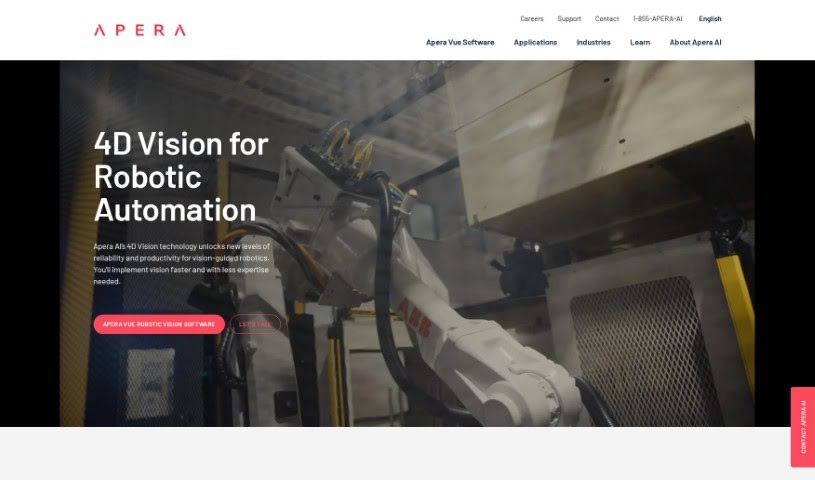
Apera AI is an industrial automation solution built around 4D Vision technology and Vue Robotic Vision Software. It is designed to make vision-guided robots more reliable and efficient, with applications in automotive, manufacturing, and logistics. The system is positioned as easy to set up, so teams can get it running faster with less need for specialized expertise. Its vision capabilities support high-speed sorting, picking in challenging lighting, and handling clear objects.

Automation View Tool →
Screenshot of Appgen

Appgen

Freemium

Appgen is an AI assistant for creating sales documentation, specifically Statements of Work (SOWs) and Job Orders (JOs). It automates and simplifies the documentation process, reducing a task that once took hours to about 10 minutes. The goal is to help sales teams close deals faster.

Automation View Tool →
Screenshot of Appointeze

Appointeze

Freemium

Appointeze is a cloud-based appointment management system built for small and medium-sized businesses. It lets users share availability, book meetings, and automate the booking process. Users cite its simplicity, flexibility, and time savings.

Automation View Tool →
Screenshot of Ardor Fitness

Ardor Fitness

Freemium

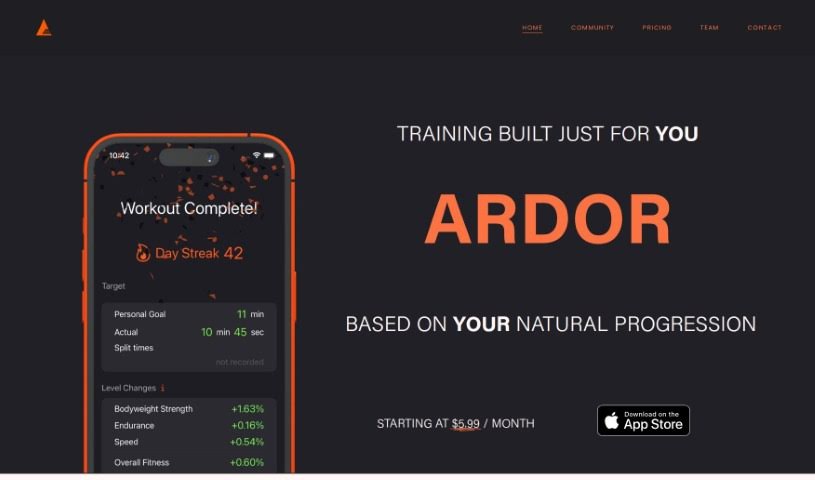
Ardor Fitness is an AI-powered personal training tool that builds daily workouts around your schedule, equipment, interests, abilities, and goals. It predicts what you'll be capable of in each session, then adjusts the next workout based on your performance and energy levels. Progress is tracked over time, and evolving daily challenges let you compete with yourself. The team's goal is to make fitness accessible and enjoyable through machine learning combined with expert input.

Automation View Tool →

About Automation tools

We’ve all got daily chores that make us feel like human copy-paste machines. Transferring numbers from a PDF invoice into a spreadsheet, sending repetitive follow-up emails, or copying lead details from a web form into a database can eat up half your workday. It’s boring work, and one tiny distraction means you accidentally paste the wrong phone number into the wrong field.

Smart automation platforms go far beyond traditional software rules that only follow rigid “if this happens, then do that” triggers. Instead, AI tools can read unstructured information, understand what needs to happen next, and execute multi-step tasks across all your favorite applications.

Building Smarter Workflows

Older automation tools required every single step to be perfectly predictable. If an incoming email didn’t match an exact format, the whole system broke down. AI tools change that by understanding context. For instance, if a customer emails your support team with a mixed request about a delayed shipment and a billing question, an AI assistant can read the message, extract the order number, categorize the issue, and open the correct ticket in your help desk automatically.

Data entry and document cleanup get a massive speed boost, too. Instead of spending hours typing details from receipts, contracts, or paper forms into your system, intelligent scanning software extracts names, dates, and line items instantly. It structures messy text, flags unusual errors for your review, and pushes clean information straight into your accounting software.

Connecting different applications is another major time saver. Rather than jumping across ten browser tabs to update project statuses, send team messages, and reschedule calendar invites, you can build smooth pipelines. When a new sales lead books a meeting, the system can automatically create a client record, generate a custom proposal draft, and set a reminder for your sales rep.

Key Features to Look For:

  • Natural language workflow builders: Systems that let you describe an automated sequence in plain English rather than building complex logic chains.
  • Unstructured data extraction: Software capable of reading receipts, PDFs, and casual emails to pull out accurate numbers and details.
  • Multi-app connectivity: Tools that link smoothly with your existing stack, from spreadsheets and email to project boards and CRMs.
  • Conditional decision making: Engines that evaluate incoming information and choose the best next step based on custom rules.
  • Human-in-the-loop checks: Safety features that pause an automated task to request your approval before taking major actions, like sending an external email or processing a payment.

While smart software handles routine mechanics, human oversight and strategy still matter most. Automation takes care of the background work so you can give your full attention to solving real problems and serving your clients.

Check out the selection below to find the right automation setup for your daily routine.

The Best AI Automation Tools

  1. Databricks: Great for automating data pipeline workflows.
  2. Cal.ai: Makes scheduling tasks easy.
  3. UiPath: Automates invoice processing.
  4. Glean: Automates insights with custom AI bots.
  5. Kaiber: Streamlines video editing.
  6. Text Blaze: Helps you breeze through repetitive tasks.
  7. Phantom Buster: Automates LinkedIn outreach campaigns.
  8. God of Prompt: Streamlines repetitive tasks effectively.
  9. MyMind: Automates capturing and organizing notes.
  10. SlidesGPT.com: Automates presentation creation.
  11. Carepatron: Streamlines medical documentation.
  12. HiPDF: Automates splitting PDFs by page ranges.
  13. HARPA AI: Automates email replies and notifications.
  14. Fibery: Streamlines task workflows efficiently.
  15. Addoobot: Hub for robot comparisons, job listings and community events.
New tools, in your inbox.

Weekly picks of the best AI tools we've researched and added — no spam, unsubscribe anytime.

Join 25,000+ AI enthusiasts. No spam, unsubscribe anytime.