AI Automation Tools: Top Picks & How They Work

AI Tools for Automation

Discover the best Automation AI tools to enhance your productivity and creativity.

Page 25 of 39 • 461 total tools
Screenshot of PaletteBrain

PaletteBrain

Freemium

PaletteBrain is a productivity tool built specifically for macOS. It lets you access ChatGPT directly from almost any app on your Mac with a simple keyboard shortcut, eliminating the back-and-forth between windows and constant copy-pasting. You can set up custom templates to automate tasks you do often, such as fixing grammar mistakes, summarizing long articles, or rewriting code.

Automation View Tool →
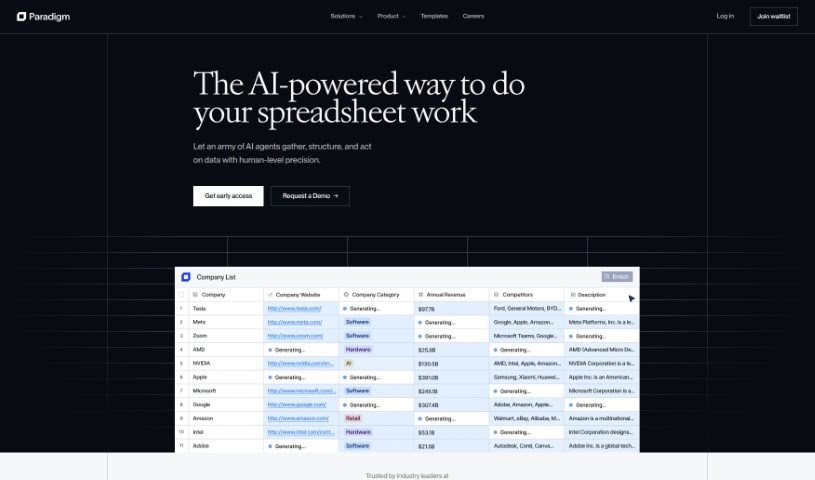
Screenshot of Paradigm AI

Paradigm AI

Freemium

Paradigm AI is a company that builds artificial intelligence solutions for a range of industries. Its core capability is instantly generating custom datasets using AI algorithms. The company offers data analysis, machine learning, and automation services aimed at improving efficiency and business decision-making. Paradigm AI emphasizes privacy and responsible use, and it also provides career opportunities and engages the community through initiatives such as Paradigm Riddles.

Automation View Tool →
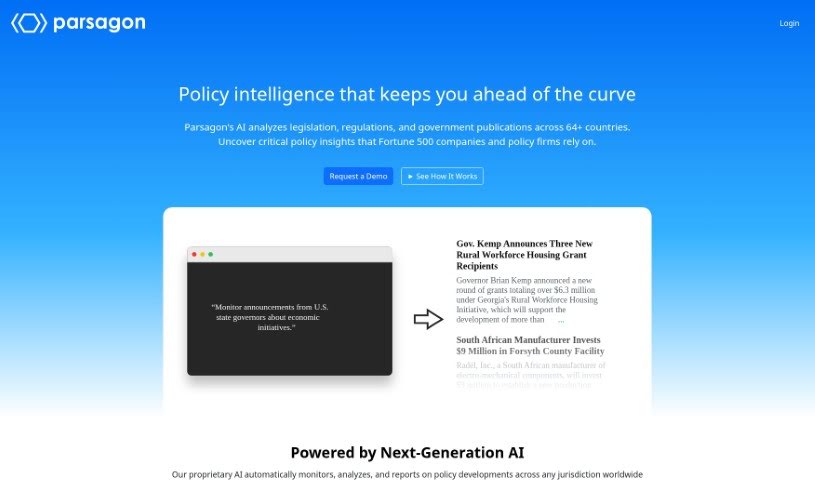
Screenshot of Parsagon

Parsagon

Freemium

Parsagon is a browser automation platform that lets you create automations using plain English. Instead of writing code or dealing with technical setup, you describe what you want done in natural language, and the platform carries out the task. It can handle activities such as filling out forms, scraping data from websites, and handling repetitive browser tasks. It's designed to be accessible to beginners while still being useful for experienced users, and it aims to boost productivity for both individuals and businesses.

Automation View Tool →
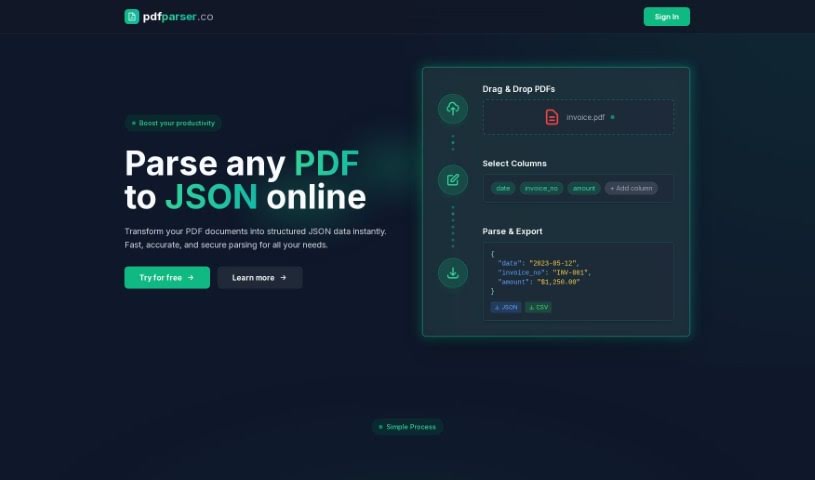
Screenshot of PDF Parser

PDF Parser

Freemium

PDF Parser is an AI-powered tool that converts PDF files into organized JSON data. You upload one or more PDFs, specify which pieces of data you want, and the parser automatically finds and extracts that information. This eliminates the manual work of sorting through documents like invoices or support tickets.

Automation View Tool →
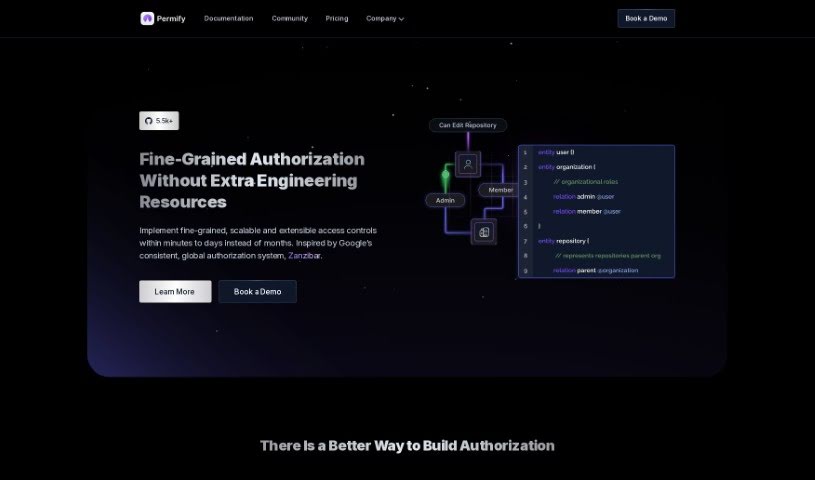
Screenshot of Permify

Permify

Freemium

Permify is a platform for adding detailed access controls to your systems. It acts as a central hub for authorization, keeping permission management consistent across all your applications and making testing, debugging, and updating permissions simpler.

Automation View Tool →
Screenshot of PhantomBuster

PhantomBuster

Freemium

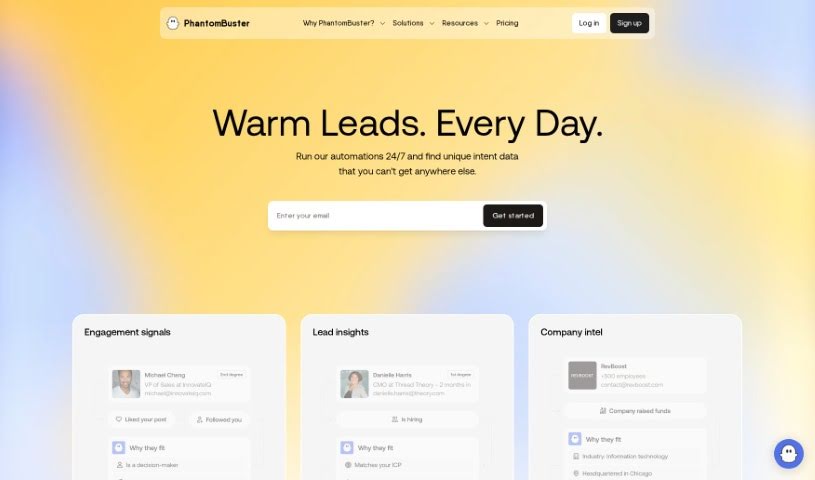
PhantomBuster is a cloud-based automation tool that handles repetitive tasks and data gathering across many web platforms. It can automate workflows, pull in data for lead generation, and connect with other services through its flexible API. For businesses, this means saving time, working more efficiently, and sharpening marketing strategies by using data effectively.

Automation View Tool →
Screenshot of Phew AI Tab

Phew AI Tab

Freemium

Phew AI Tab is a Google Chrome extension that uses AI to manage browser tabs automatically. It tackles tab overload by grouping tabs, suspending inactive ones to conserve memory, and organizing browsing to keep Chrome responsive.

Automation View Tool →
Screenshot of Pieces for Developers

Pieces for Developers

Freemium

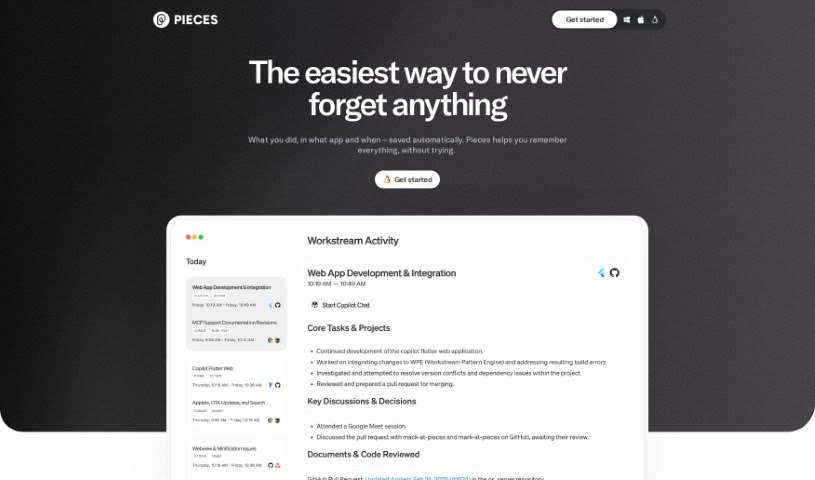
Pieces for Developers is an AI-powered assistant that helps developers and creators manage code snippets, workflow context, and related materials inside the tools they already use.

Automation View Tool →
Screenshot of Pinokio

Pinokio

Freemium

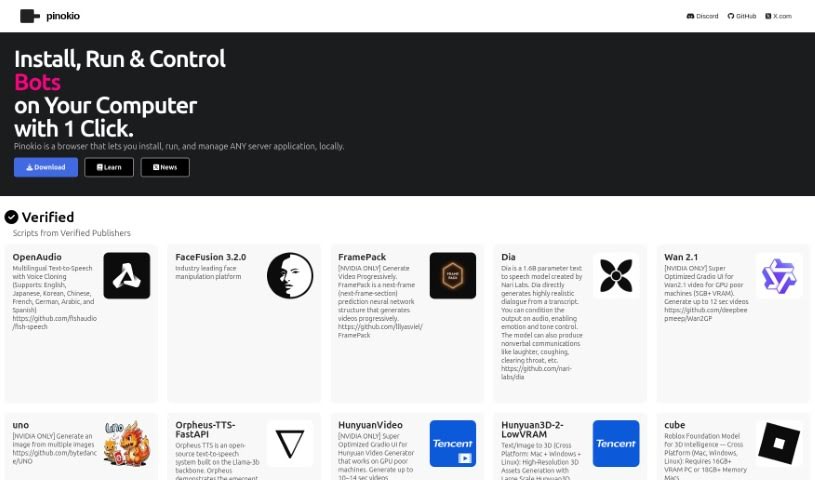
Pinokio is a browser built to install, run, and control applications rather than just browse websites. Developed by the Pinokio Factory, it uses automation to simplify installing and running programs, bringing a range of AI tools and models together in one interface.

Automation View Tool →
Screenshot of PixieBrix

PixieBrix

Freemium

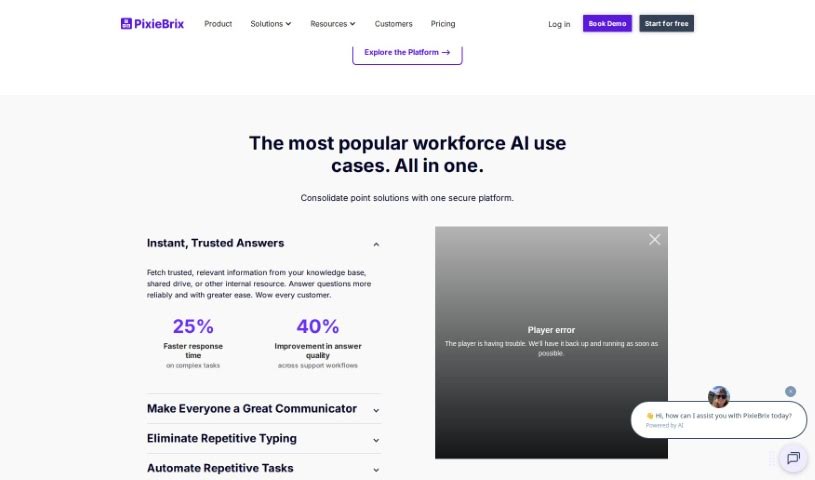
PixieBrix is a browser extension for improving workflow efficiency and productivity. Users apply it to tasks like automating Trello workflows, building AI tools, and automating web processes. It lets individuals and businesses create custom modifications for SaaS apps and web pages using basic coding knowledge, with the long-term goal of making customization accessible to everyone.

Automation View Tool →
Screenshot of Playlistable

Playlistable

Freemium

Playlistable is an AI tool that generates personalized Spotify playlists based on your mood, favorite artists, and specific songs you love — usually in less than a minute. It also helps you discover new music that fits your taste, and connects directly to your Spotify account so your playlists are ready to listen to anywhere.

Automation View Tool →
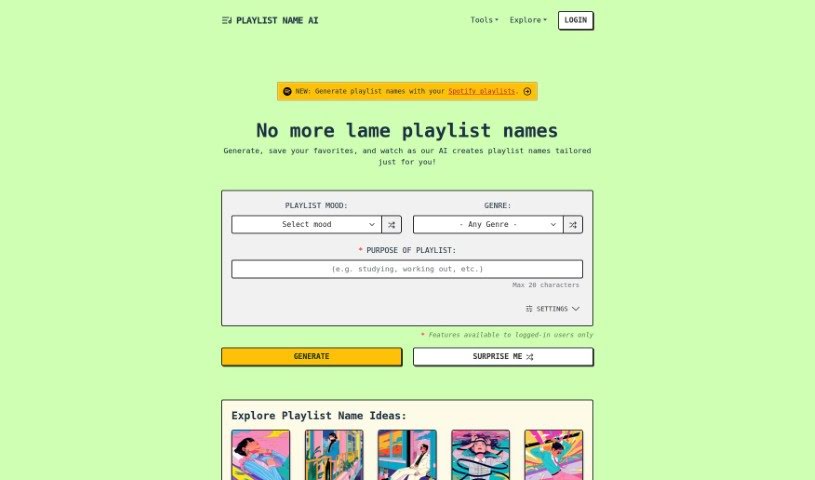
Screenshot of Playlistname AI

Playlistname AI

Freemium

Playlistname AI is a tool that uses artificial intelligence to generate names for your music playlists. It uses the GPT-4 model to create names tailored to your mood, genre, and the purpose of the playlist, helping you find a fitting title for your music collections.

Automation View Tool →

About Automation tools

We’ve all got daily chores that make us feel like human copy-paste machines. Transferring numbers from a PDF invoice into a spreadsheet, sending repetitive follow-up emails, or copying lead details from a web form into a database can eat up half your workday. It’s boring work, and one tiny distraction means you accidentally paste the wrong phone number into the wrong field.

Smart automation platforms go far beyond traditional software rules that only follow rigid “if this happens, then do that” triggers. Instead, AI tools can read unstructured information, understand what needs to happen next, and execute multi-step tasks across all your favorite applications.

Building Smarter Workflows

Older automation tools required every single step to be perfectly predictable. If an incoming email didn’t match an exact format, the whole system broke down. AI tools change that by understanding context. For instance, if a customer emails your support team with a mixed request about a delayed shipment and a billing question, an AI assistant can read the message, extract the order number, categorize the issue, and open the correct ticket in your help desk automatically.

Data entry and document cleanup get a massive speed boost, too. Instead of spending hours typing details from receipts, contracts, or paper forms into your system, intelligent scanning software extracts names, dates, and line items instantly. It structures messy text, flags unusual errors for your review, and pushes clean information straight into your accounting software.

Connecting different applications is another major time saver. Rather than jumping across ten browser tabs to update project statuses, send team messages, and reschedule calendar invites, you can build smooth pipelines. When a new sales lead books a meeting, the system can automatically create a client record, generate a custom proposal draft, and set a reminder for your sales rep.

Key Features to Look For:

  • Natural language workflow builders: Systems that let you describe an automated sequence in plain English rather than building complex logic chains.
  • Unstructured data extraction: Software capable of reading receipts, PDFs, and casual emails to pull out accurate numbers and details.
  • Multi-app connectivity: Tools that link smoothly with your existing stack, from spreadsheets and email to project boards and CRMs.
  • Conditional decision making: Engines that evaluate incoming information and choose the best next step based on custom rules.
  • Human-in-the-loop checks: Safety features that pause an automated task to request your approval before taking major actions, like sending an external email or processing a payment.

While smart software handles routine mechanics, human oversight and strategy still matter most. Automation takes care of the background work so you can give your full attention to solving real problems and serving your clients.

Check out the selection below to find the right automation setup for your daily routine.

The Best AI Automation Tools

  1. Databricks: Great for automating data pipeline workflows.
  2. Cal.ai: Makes scheduling tasks easy.
  3. UiPath: Automates invoice processing.
  4. Glean: Automates insights with custom AI bots.
  5. Kaiber: Streamlines video editing.
  6. Text Blaze: Helps you breeze through repetitive tasks.
  7. Phantom Buster: Automates LinkedIn outreach campaigns.
  8. God of Prompt: Streamlines repetitive tasks effectively.
  9. MyMind: Automates capturing and organizing notes.
  10. SlidesGPT.com: Automates presentation creation.
  11. Carepatron: Streamlines medical documentation.
  12. HiPDF: Automates splitting PDFs by page ranges.
  13. HARPA AI: Automates email replies and notifications.
  14. Fibery: Streamlines task workflows efficiently.
  15. Addoobot: Hub for robot comparisons, job listings and community events.

New tools, in your inbox.

Weekly picks of the best AI tools we've researched and added — no spam, unsubscribe anytime.

Join 25,000+ AI enthusiasts. No spam, unsubscribe anytime.