AI Automation Tools: Top Picks & How They Work

AI Tools for Automation

Discover the best Automation AI tools to enhance your productivity and creativity.

Page 22 of 39 • 461 total tools
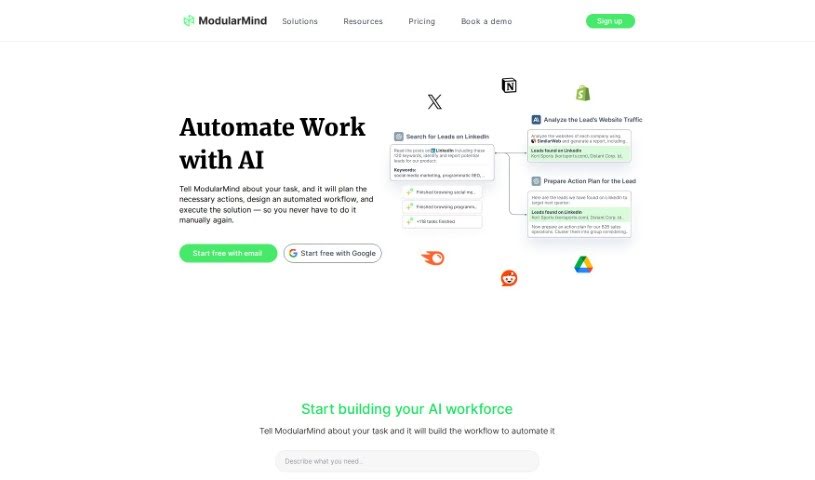
Screenshot of ModularMind

ModularMind

Freemium

ModularMind is a no-code AI builder for productivity workflows. It lets you automate repetitive tasks without starting from scratch each time, build workflows piece by piece, and connect with various AI models, including advanced machine learning models. No coding is required — the interface makes custom workflow building accessible, and pricing is budget-friendly.

Automation View Tool →
Screenshot of Morpho by Neutone

Morpho by Neutone

Freemium

Morpho by Neutone is a tool developed by Neutone Inc. that focuses on advanced audio processing and real-time tone morphing. It resynthesizes sounds into different styles while preserving the shape of the original sound, so the source material stays recognizable even as its character changes.

Automation View Tool →
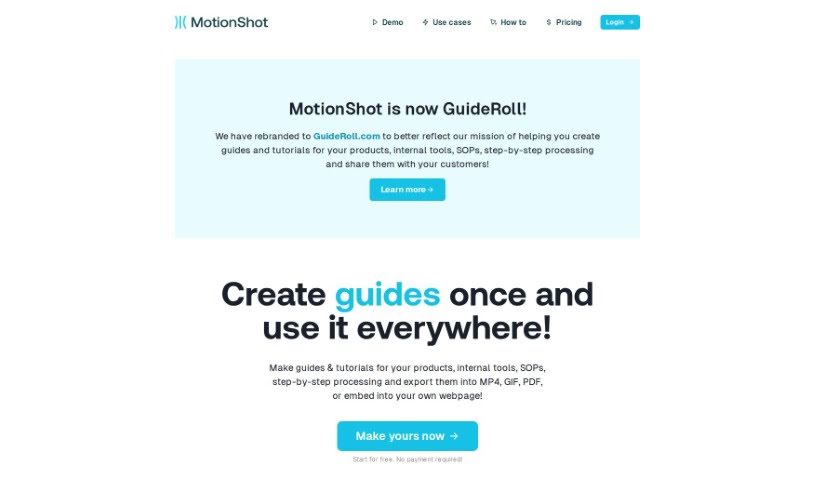
Screenshot of MotionShot

MotionShot

Freemium

MotionShot creates step-by-step walkthrough guides for browser-based tasks. Its Chrome extension captures your screen and clicks automatically as you work, turning the process into a guide you can customize and export as MP4 video, GIF, or PDF, or embed directly on your website.

Automation View Tool →
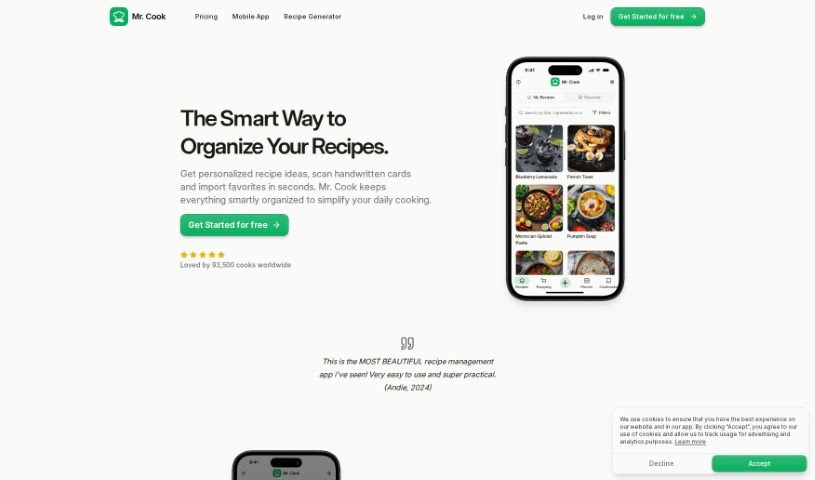
Screenshot of Mr. Cook

Mr. Cook

Freemium

Mr. Cook is a recipe management app that lets you save, share, and organize all your recipes in one place. You can create recipes based on your preferences or the ingredients you have on hand, turning leftovers into new meals. It can also scan recipes from handwritten notes, books, or magazines.

Automation View Tool →
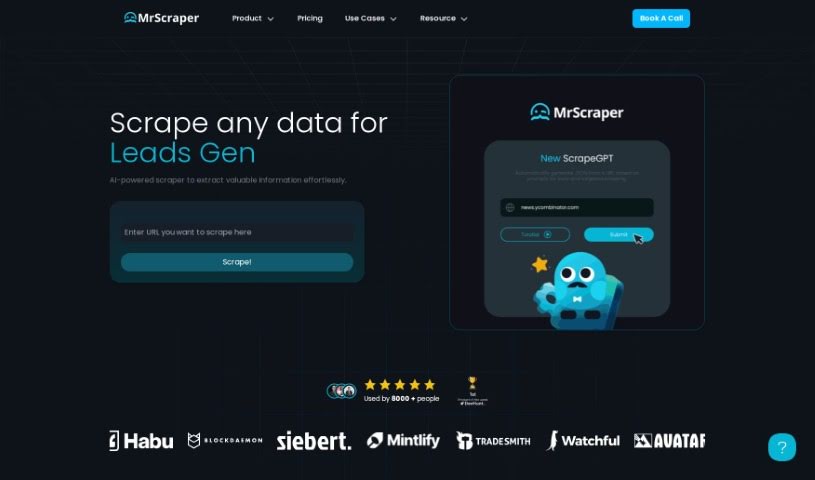
Screenshot of MrScraper

MrScraper

Freemium

MrScraper is a web scraping tool that extracts data from websites without requiring code selectors. It combines AI language models with traditional scraping techniques to handle large, complex web pages.

Automation View Tool →
Screenshot of MultiOn AI

MultiOn AI

Freemium

MultiOn AI is a technology and design group that uses artificial intelligence to simplify digital life. Its AI agents act as assistants that handle tasks on the web for you, reducing time spent on repetitive or complicated online chores. The company also offers APIs for developers who want to build with its AI, and it worked on a mobile app designed to automate tasks in the background of your digital life.

Automation View Tool →
Screenshot of MyFoodPlanet

MyFoodPlanet

Freemium

MyFoodPlanet is an AI-powered food assistant for meal planning and nutrition tracking. It suggests meals tailored to you, creates new recipes, helps you plan the week ahead, and builds your shopping list. You can track diet progress, set goals for weight loss or nutrient balance, and subscribe to plans that include the Orion AI concierge, which offers personalized advice on food and fitness. Meal prep, planning, shopping, and tracking all live in one place. A 14-day free trial is available, and no credit card is required to sign up.

Automation View Tool →
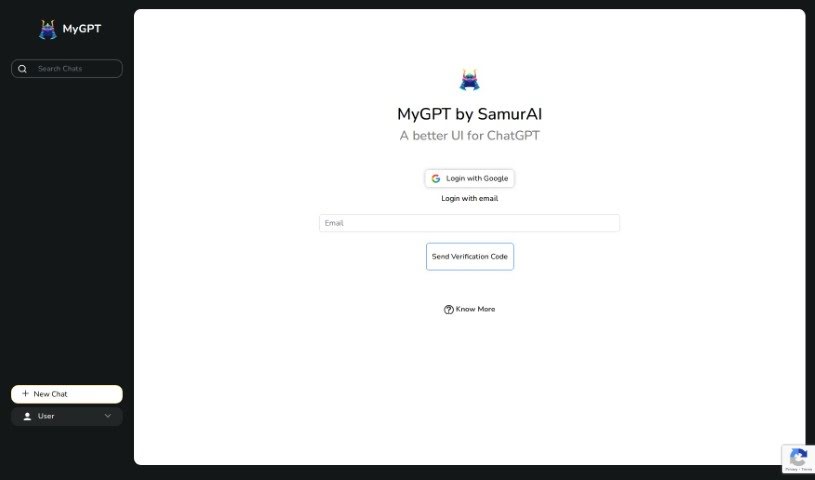
Screenshot of MyGPT

MyGPT

Freemium

MyGPT, created by Samurai, is an AI-powered productivity tool designed to streamline digital tasks and save time. It features an easy-to-use interface, advanced AI-driven capabilities, and customization options that let users tailor the tool to their specific needs. The goal is to improve workflows so users can focus on their most important work.

Automation View Tool →
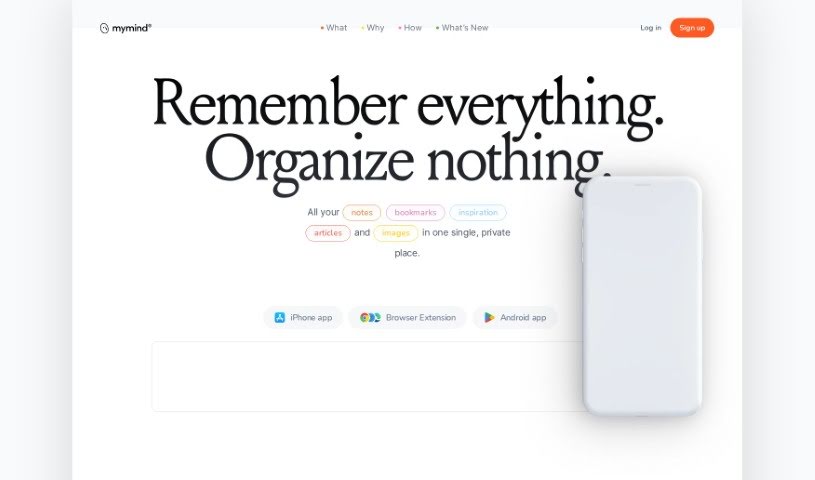
Screenshot of MyMind

MyMind

Freemium

MyMind is a private, secure digital extension for your brain — a place to save and organize notes, pictures, quotes, and highlighted text. It uses AI to help you capture thoughts, ideas, and anything that sparks inspiration, all in one spot.

Automation View Tool →
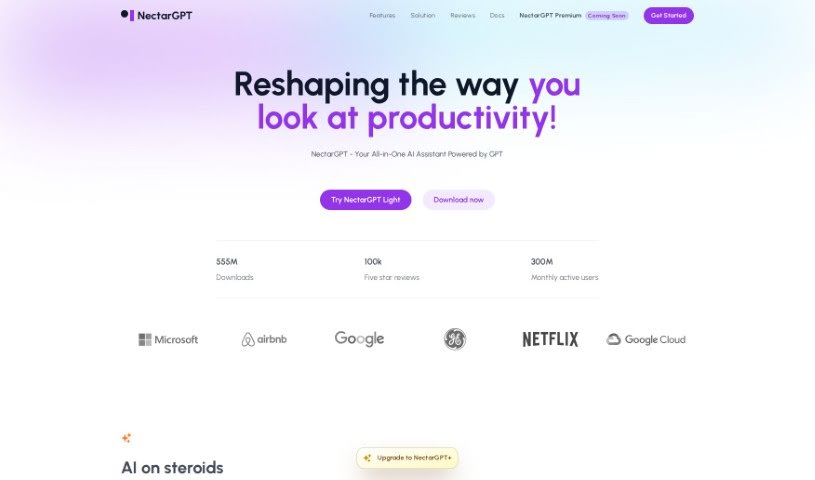
Screenshot of Nectar-GPT

Nectar-GPT

Freemium

NectarGPT is an AI assistant extension built to improve productivity and efficiency. It automates repetitive tasks, offers smart suggestions and insights, and provides personalized recommendations. Its two core strengths are task management—organizing and optimizing your tasks—and automation that takes over time-consuming work. The tool learns from your preferences, usage patterns, and past interactions to deliver tailored insights.

Automation View Tool →
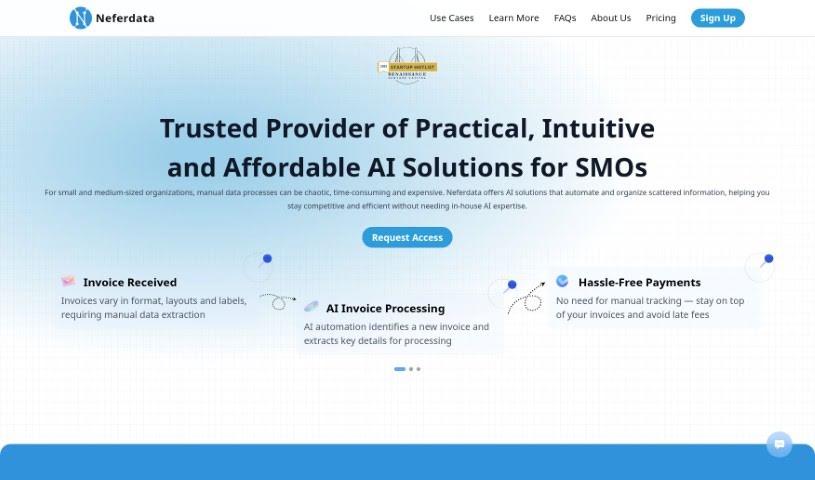
Screenshot of Neferdata

Neferdata

Freemium

Neferdata is an AI-powered email assistant and product explorer built for fast-growing businesses. It prioritizes important tasks, filters unwanted emails, and surfaces personalized insights based on your specific context. Privacy is central to the design: your data and conversations are protected with strict security measures, your information is never shared with third parties, and you can review filtered emails at any time to decide what gets through. The system learns and adapts as your relationships change.

Automation View Tool →
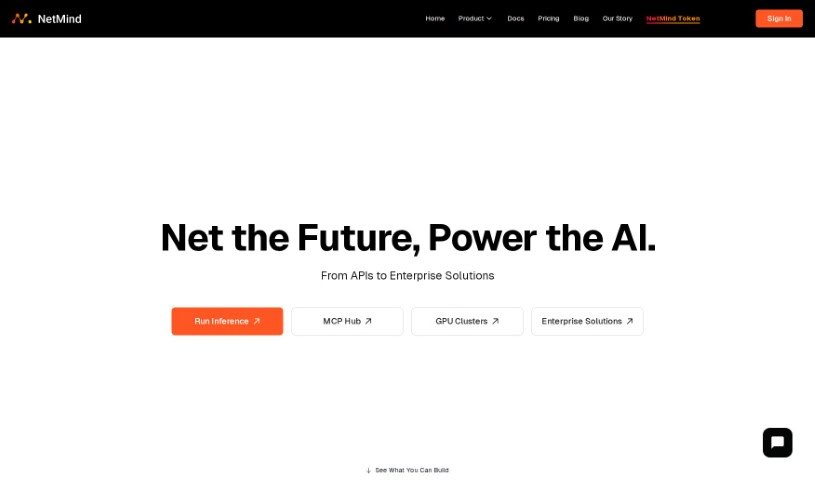
Screenshot of NetMind AI

NetMind AI

Freemium

NetMind Power is a decentralized computing platform and AI ecosystem. Its core offering is a decentralized GPU network: users contribute GPUs, making it possible to train AI models at lower cost. The ecosystem also includes a conversational AI chatbot (NetMind Chat), an evolutionary digital human model called NetMind Avagi, and an AI-powered platform focused on healthy aging.

Automation View Tool →

About Automation tools

We’ve all got daily chores that make us feel like human copy-paste machines. Transferring numbers from a PDF invoice into a spreadsheet, sending repetitive follow-up emails, or copying lead details from a web form into a database can eat up half your workday. It’s boring work, and one tiny distraction means you accidentally paste the wrong phone number into the wrong field.

Smart automation platforms go far beyond traditional software rules that only follow rigid “if this happens, then do that” triggers. Instead, AI tools can read unstructured information, understand what needs to happen next, and execute multi-step tasks across all your favorite applications.

Building Smarter Workflows

Older automation tools required every single step to be perfectly predictable. If an incoming email didn’t match an exact format, the whole system broke down. AI tools change that by understanding context. For instance, if a customer emails your support team with a mixed request about a delayed shipment and a billing question, an AI assistant can read the message, extract the order number, categorize the issue, and open the correct ticket in your help desk automatically.

Data entry and document cleanup get a massive speed boost, too. Instead of spending hours typing details from receipts, contracts, or paper forms into your system, intelligent scanning software extracts names, dates, and line items instantly. It structures messy text, flags unusual errors for your review, and pushes clean information straight into your accounting software.

Connecting different applications is another major time saver. Rather than jumping across ten browser tabs to update project statuses, send team messages, and reschedule calendar invites, you can build smooth pipelines. When a new sales lead books a meeting, the system can automatically create a client record, generate a custom proposal draft, and set a reminder for your sales rep.

Key Features to Look For:

  • Natural language workflow builders: Systems that let you describe an automated sequence in plain English rather than building complex logic chains.
  • Unstructured data extraction: Software capable of reading receipts, PDFs, and casual emails to pull out accurate numbers and details.
  • Multi-app connectivity: Tools that link smoothly with your existing stack, from spreadsheets and email to project boards and CRMs.
  • Conditional decision making: Engines that evaluate incoming information and choose the best next step based on custom rules.
  • Human-in-the-loop checks: Safety features that pause an automated task to request your approval before taking major actions, like sending an external email or processing a payment.

While smart software handles routine mechanics, human oversight and strategy still matter most. Automation takes care of the background work so you can give your full attention to solving real problems and serving your clients.

Check out the selection below to find the right automation setup for your daily routine.

The Best AI Automation Tools

  1. Databricks: Great for automating data pipeline workflows.
  2. Cal.ai: Makes scheduling tasks easy.
  3. UiPath: Automates invoice processing.
  4. Glean: Automates insights with custom AI bots.
  5. Kaiber: Streamlines video editing.
  6. Text Blaze: Helps you breeze through repetitive tasks.
  7. Phantom Buster: Automates LinkedIn outreach campaigns.
  8. God of Prompt: Streamlines repetitive tasks effectively.
  9. MyMind: Automates capturing and organizing notes.
  10. SlidesGPT.com: Automates presentation creation.
  11. Carepatron: Streamlines medical documentation.
  12. HiPDF: Automates splitting PDFs by page ranges.
  13. HARPA AI: Automates email replies and notifications.
  14. Fibery: Streamlines task workflows efficiently.
  15. Addoobot: Hub for robot comparisons, job listings and community events.
New tools, in your inbox.

Weekly picks of the best AI tools we've researched and added — no spam, unsubscribe anytime.

Join 25,000+ AI enthusiasts. No spam, unsubscribe anytime.