AI Tools for Teachers: Top Picks for the Classroom

AI Tools for Teachers

Discover the best Teachers AI tools to enhance your productivity and creativity.

Page 3 of 9 • 104 total tools
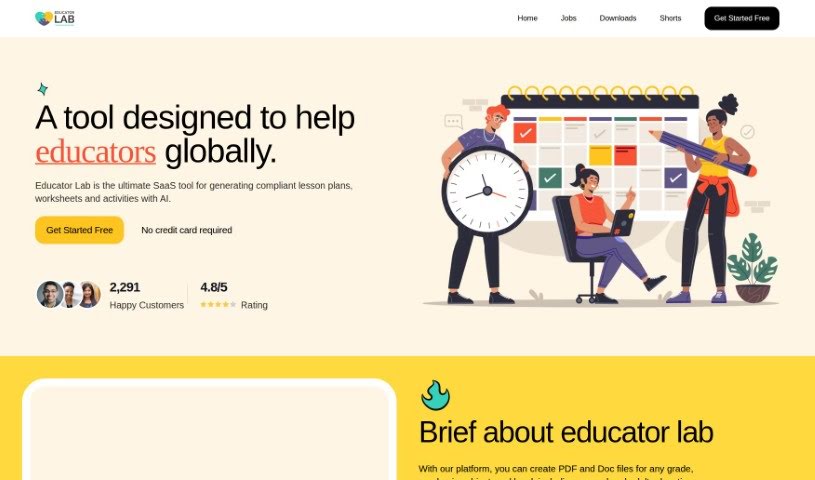
Screenshot of Educator Lab

Educator Lab

Freemium

Educator Lab is a software-as-a-service (SaaS) platform built for teachers, administrators, and instructional designers. It uses AI to help create compliant lesson plans, worksheets, and activities for any grade level or subject. Users get access to educational resources, can customize materials to fit classroom needs, collaborate with other educators, and automate parts of lesson planning and grading. Signing up is free and requires no credit card.

Screenshot of Educup Studio

Educup Studio

Freemium

Educup Studio is a gamified educational platform for building interactive courses, earning money from your expertise, and giving students a personalized learning experience. It uses rewards and challenges to keep learners engaged and includes a marketplace where students can find and access courses. Educators get analytics and reporting tools to monitor student progress. The platform supports multiple media formats, asynchronous learning, and a range of learner types, with the goal of making education more interactive and accessible.

Screenshot of EduEase

EduEase

Freemium

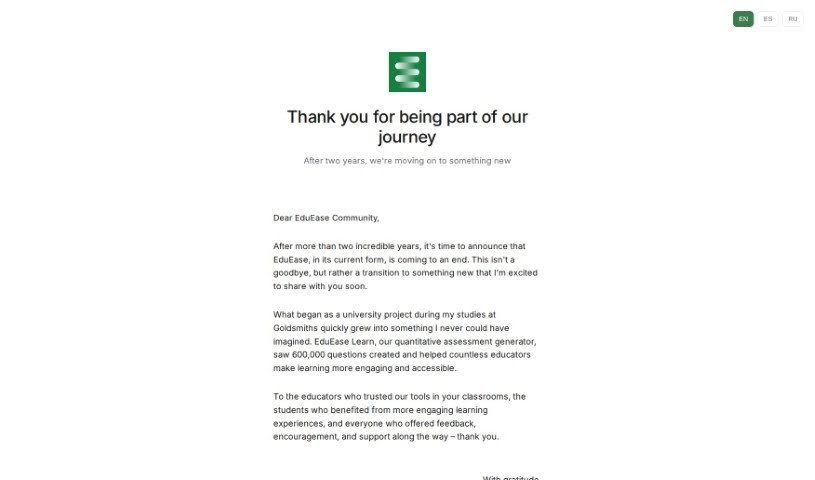
EduEase is used by over 100,000 teachers worldwide. It began as a research project by Charles Barlow, who wanted to explore AI in teaching, and he later teamed up with Patrick Drabble to develop it further. That project grew into EduEase Learn, a public tool for creating quantitative assessments.

Screenshot of Essay Grader Ai

Essay Grader Ai

Freemium

Essay Grader AI is a tool that helps teachers grade essays more efficiently. It automatically checks essays for grammar, punctuation, spelling, coherence, and overall writing style, then produces detailed error reports with suggested fixes. Teachers can set their own grading standards, upload multiple essays at once, and keep their classes organized within the platform. It also includes tools from Magic School AI for creating assessment materials. The tool uses natural language processing algorithms to analyze and evaluate essays, spot errors precisely, and deliver thorough feedback that streamlines the grading process for educators.

Screenshot of Essay Grader AI

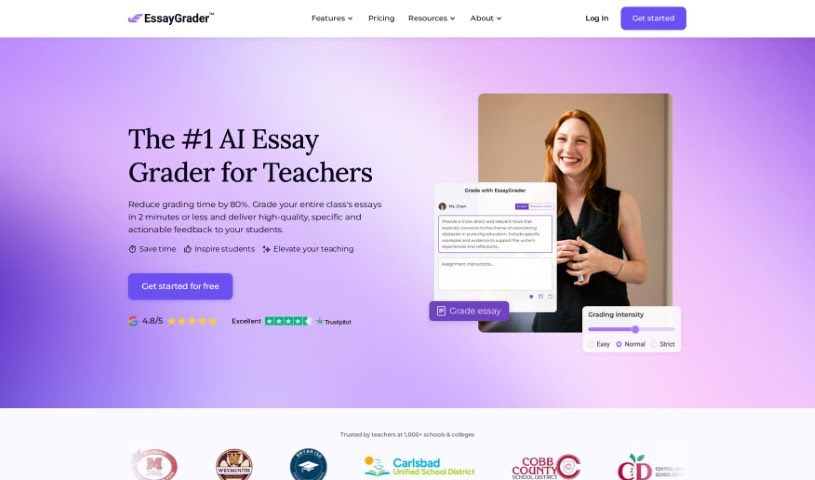
Essay Grader AI

Freemium

EssayGrader.ai is a software tool that uses artificial intelligence to analyze essays. It checks for grammar mistakes, punctuation issues, spelling errors, and problems with clarity, coherence, and writing style. After analysis, it produces detailed reports showing the errors it found and offering suggestions for corrections, which can significantly speed up grading for teachers.

Screenshot of EvalSystem

EvalSystem

Freemium

EvalSystem is an AI-powered course evaluation software built for a wide range of users, including universities, K-12 schools, and businesses. Educational institutions use it to improve the classroom experience through regular professor performance evaluations. B2B companies use it for user research, employee surveys, and improving training programs.

Screenshot of EverLearns Mindmap Generator

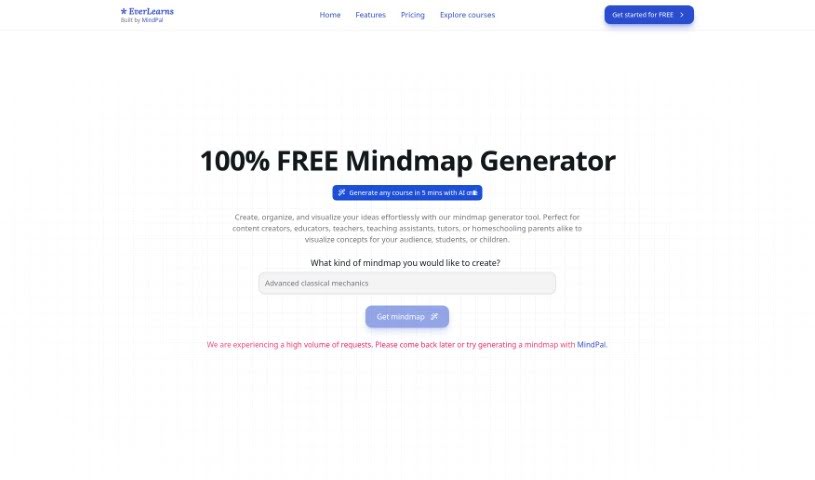
EverLearns Mindmap Generator

Freemium

The EverLearns Mindmap Generator is a free tool for creating, organizing, and visually laying out ideas in a structured way. It is aimed at content creators, educators, teachers, teaching assistants, tutors, and homeschooling parents who need to illustrate concepts clearly for their audience, students, or children.

Screenshot of Fetchy

Fetchy

Freemium

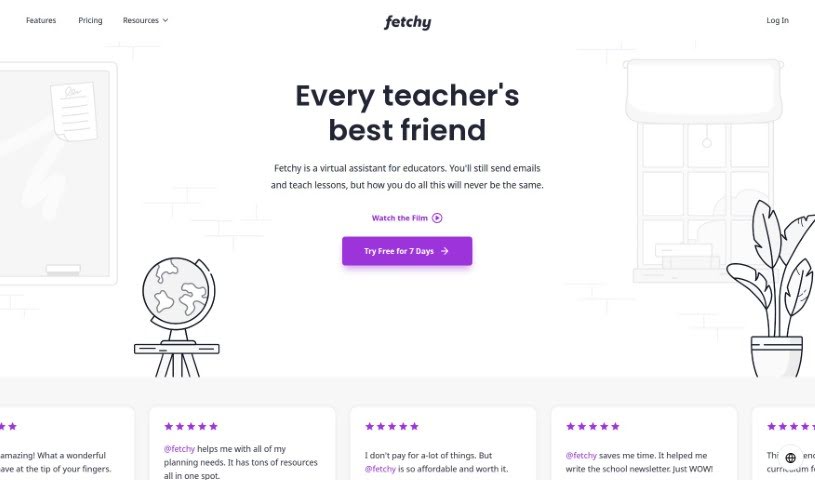
Fetchy is a virtual assistant built specifically for teachers, whether in a traditional classroom or a homeschooling setting. It offers a suite of AI productivity tools designed to save time, simplify tasks, and improve teaching methods. Use cases include planning lessons, managing content, and communicating with students, with the goal of freeing teachers to focus more on inspiring their students. Fetchy offers a free trial, so you can try it before subscribing.

Screenshot of FibonacciKu

FibonacciKu

Freemium

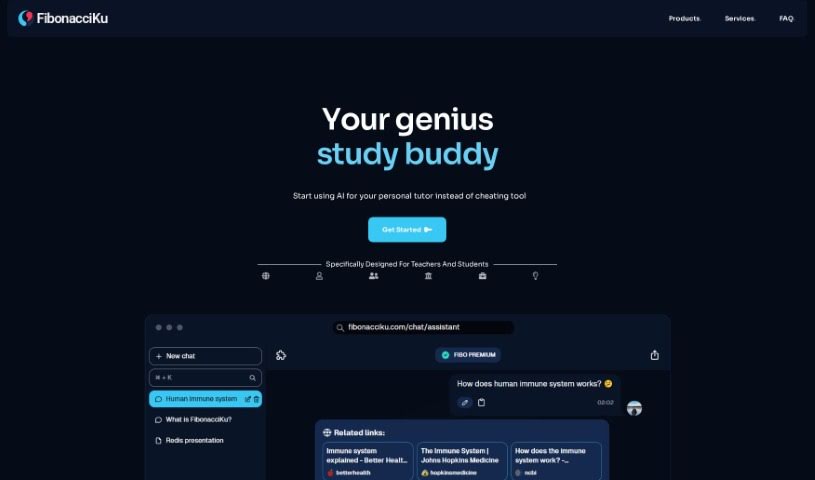
FibonacciKu is an AI-powered study tool built for both teachers and students. It consists of three components — Fibo Assistant, Fibo Book, and Fibo School — each designed for specific educational needs. Its core aim is to encourage genuine learning and prevent AI misuse in academic settings by providing clear explanations instead of simply handing out answers.

Screenshot of Flint

Flint

Freemium

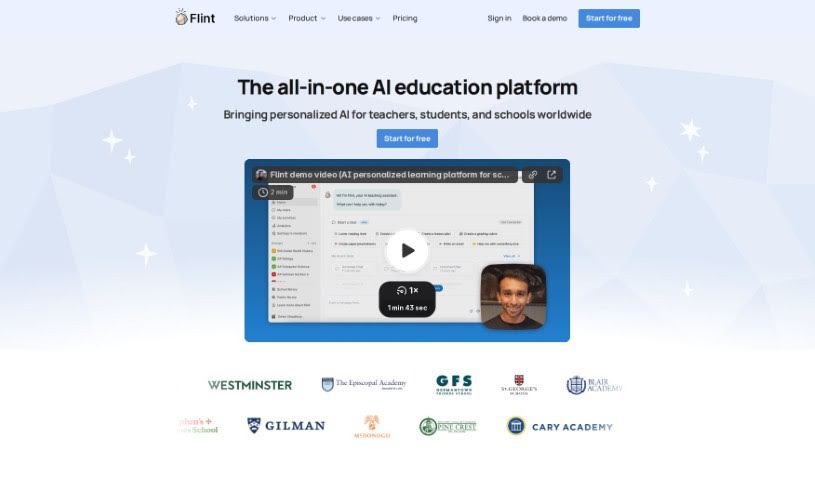
Flint is an AI tool for K-12 educators that generates customized classroom materials — activities, worksheets, quizzes, and handouts — aligned with standards such as Common Core and NGSS. Teachers select the standards they want to target and customize the generated activities through a straightforward interface. Content can be adjusted to different reading levels, so students across ability levels can work with the same material.

Screenshot of Formative

Formative

Freemium

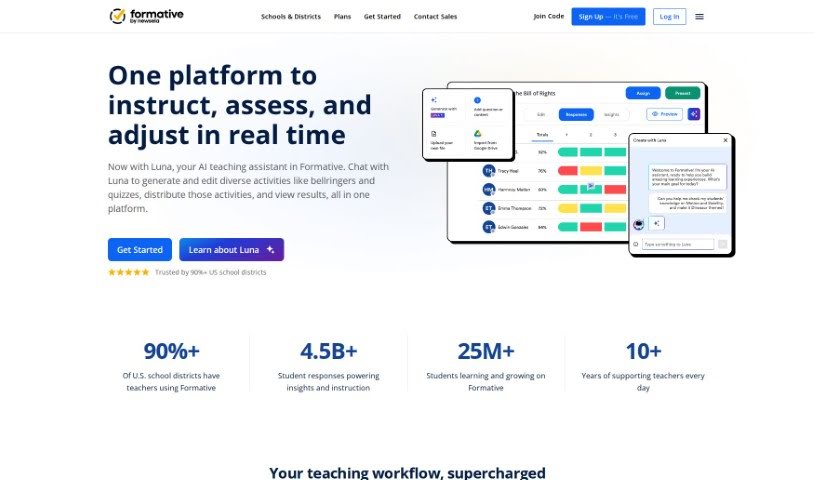
Formative is an educational platform that supports how teachers teach and how students learn. Educators can create questions, lessons, and assignments, including automatically generated questions aligned with educational standards and optional hints. The company emphasizes ethical AI use and provides resources to help users avoid AI bias.

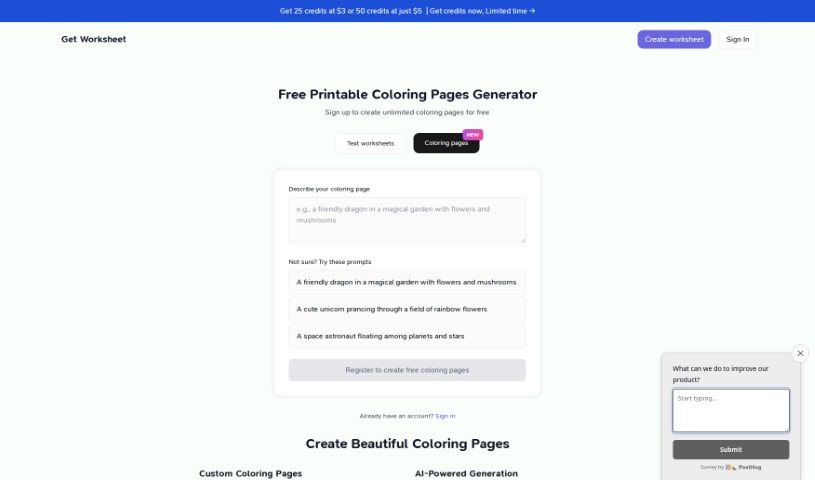
Screenshot of Getworksheet

Getworksheet

Freemium

GetWorksheet is an online platform offering free printable worksheets across a range of subjects and grade levels. Its core feature is an AI-powered Worksheet Generator: you pick a grade level, and it produces a worksheet tailored to that level. The library covers Grade 1 through Grade 12, with grade-appropriate material and interactive elements designed to keep students engaged.

About Teachers tools

Juggling lesson plans, stacks of grading, administrative paperwork, and classroom management can make teaching feel like a constant race against the clock. Between tailoring materials for different learning levels and writing progress updates, finding time to focus on actual instruction often feels impossible.

These teaching assistants handle routine prep work, generate fresh activity ideas, and simplify administrative chores without replacing human instruction or automating your personal teaching style.

Lesson Planning, Differentiated Instruction, and Parent Communications

Crafting engaging lesson plans and interactive activities from scratch takes hours of unpaid evening time. AI assistants generate customizable rubrics, structured unit outlines, and reading passages tailored to specific grade levels in seconds. Instead of starting with a blank document on Sunday night, you get a solid framework to adapt to your curriculum and teaching style.

Supporting a classroom full of diverse learning needs becomes far less overwhelming, as well. Creating multiple versions of an assignment, translating notices for non-native English speakers, or simplifying complex articles normally takes hours of tedious editing. Educational AI platforms let you adjust text complexity, build targeted practice sets, or draft personalized accommodations for students who need extra support with a few clicks.

Managing feedback and parent communication also takes far less energy. AI tools help streamline essay grading by organizing constructive commentary, generating exit tickets, and identifying common student errors. You can send home clear, professional progress notes and email updates to families without spending your whole evening staring at a screen.

Practical Capabilities for Educators:

  • Automated lesson generation: Systems that draft detailed lesson plans, learning objectives, and discussion prompts tied to educational standards.
  • Differentiated learning controls: Settings that let you quickly adjust reading levels, vocabulary lists, and assignment complexity for different student needs.
  • Interactive quiz creation: Tools that turn text passages, notes, or web pages into ready-to-use quizzes, flashcards, and exit tickets.
  • Assessment and feedback assistance: Features that provide structured feedback templates and help summarize student performance trends.
  • Parent communication tools: Generators that help draft professional emails, newsletters, and behavior updates for families in multiple languages.

Great teaching will always rely on empathy, intuition, and personal connection with your students. Software cannot mentor a struggling reader, foster a positive classroom culture, or replace the human element of education. But letting smart tools handle repetitive paperwork and lesson formatting gives you back the time and energy needed to focus on your students.

Check out the teaching tools below to streamline your classroom prep.

The Best AI Teacher Tools

  1. Gradescope: Automates grading and feedback for assignments.
  2. Smodin: Offers feedback on students’ writing skills.
  3. Magic School AI: Helps streamline lesson creation and management.
  4. Study Fetch: Provides automated grading and feedback for assessments.
  5. Quizgecko: Efficiently creates classroom quizzes.
  6. Formative: Turns PDFs into auto-graded quizzes.
  7. Revisely: Gives personalized feedback on essays.
  8. Microsoft Reading Coach Preview: Improves reading engagement in the classroom.
  9. Wasitai: Aids classroom engagement and lesson planning.
  10. Brisk Teaching: Customizes curriculum for different learners.
  11. Twee: Creates adaptable lesson plans for various topics.
  12. Lumos Learning: Makes class assignments effortless.
  13. AILessonPlan: Creates lesson plans, worksheets, quizzes and rubrics.
  14. To Teach AI: Streamlines lesson planning using AI tools.
  15. Curipod: Boosts lesson planning efficiency.
New tools, in your inbox.

Weekly picks of the best AI tools we've researched and added — no spam, unsubscribe anytime.

Join 25,000+ AI enthusiasts. No spam, unsubscribe anytime.