Top AI Search Engines

AI Tools for Search Engines

Discover the best Search Engines AI tools to enhance your productivity and creativity.

Page 2 of 9 • 98 total tools
Screenshot of Citizen Portal AI

Citizen Portal AI

Freemium

Citizen Portal AI is a platform that gives citizens access to well-researched government information, powered by AI and deep search capabilities. Its goal is to support a government that works beyond political parties, encourage broad civic participation, and build a more transparent political landscape. By making government information easier to find, the platform aims to rebuild trust in government and help citizens make informed decisions. It attracts new users every day who want to help shape democracy's future.

Search Engines View Tool →
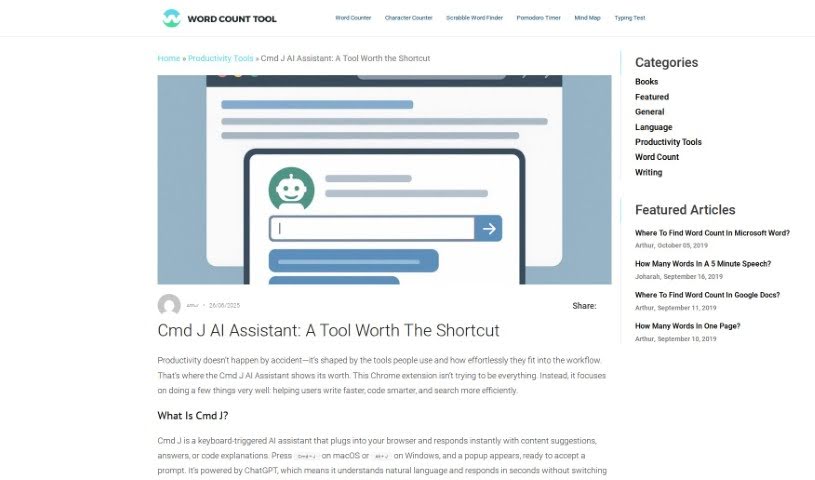
Screenshot of Cmd J

Cmd J

Freemium

Cmd J is a Chrome extension that uses AI to assist with writing, coding, and content creation. Press Cmd/Alt + J to get instant help with grammar and spelling checks, code explanations, drafting blog posts, or getting quick answers from Google search results without digging through pages.

Search Engines View Tool →
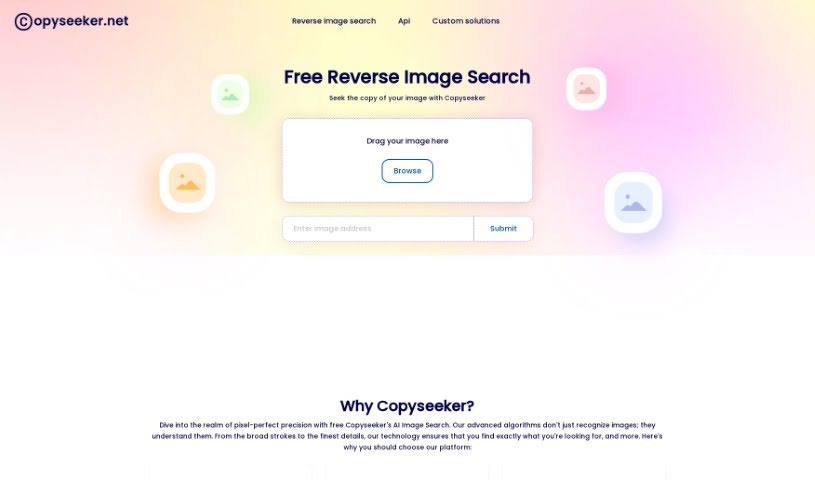
Screenshot of Copyseeker

Copyseeker

Freemium

Copyseeker is an AI-powered image search tool built to help you avoid accidentally using copyrighted material. It scans the web for exact matches to images you upload, helping you steer clear of copyright trouble and potential legal disputes. A Chrome extension makes image searches quick and straightforward.

Search Engines View Tool →
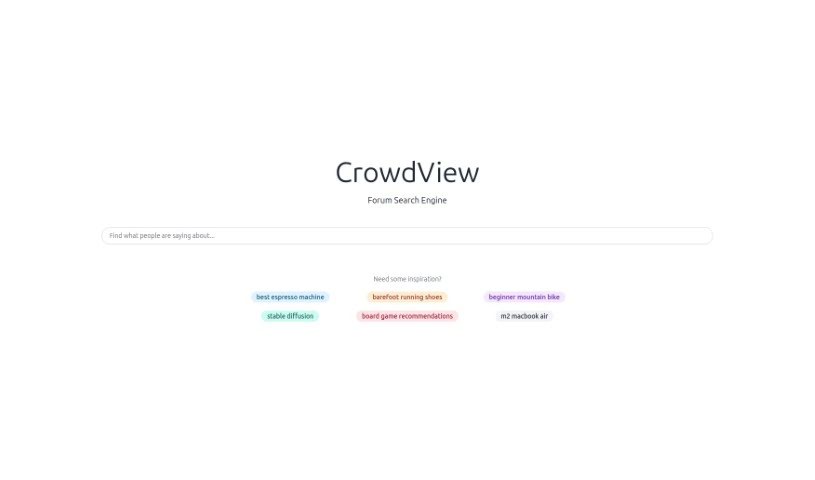
Screenshot of CrowdView

CrowdView

Freemium

CrowdView is a search engine built specifically for conversations. It helps you find and explore discussions happening across the internet, pulling content from social media sites, forums, and online communities into one place. Results can be sorted and filtered by relevance, popularity, or recency, and you can bookmark discussions to revisit later. This makes it useful for researchers, journalists, or anyone who wants to track how conversations develop or connect with people who share their interests.

Search Engines View Tool →
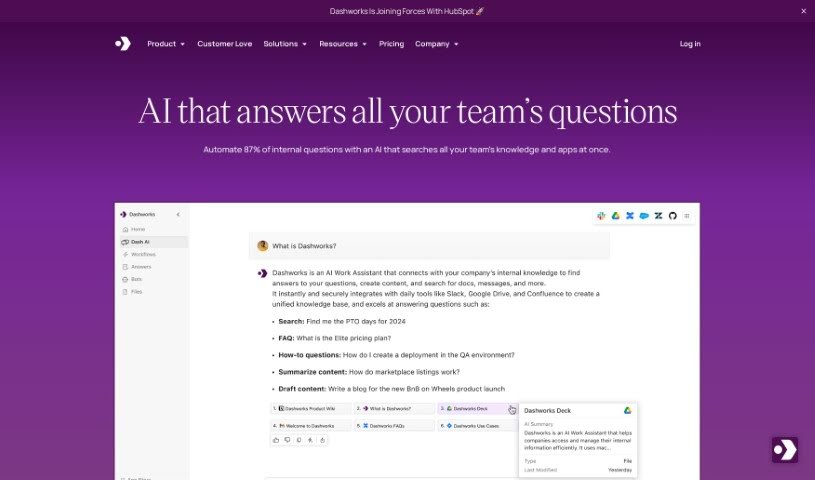
Screenshot of Dashworks

Dashworks

Freemium

Dashworks is an AI assistant that connects with Slack, giving teams one place to search across all their apps. You can get answers directly in Slack or set it as your team's browser homepage. Dashworks is known for accuracy and provides references for its answers, and it doesn't need to index your data for its AI models to work. You can customize it to build bots for tasks like onboarding new hires or answering product questions.

Search Engines View Tool →
Screenshot of Deeptab

Deeptab

Freemium

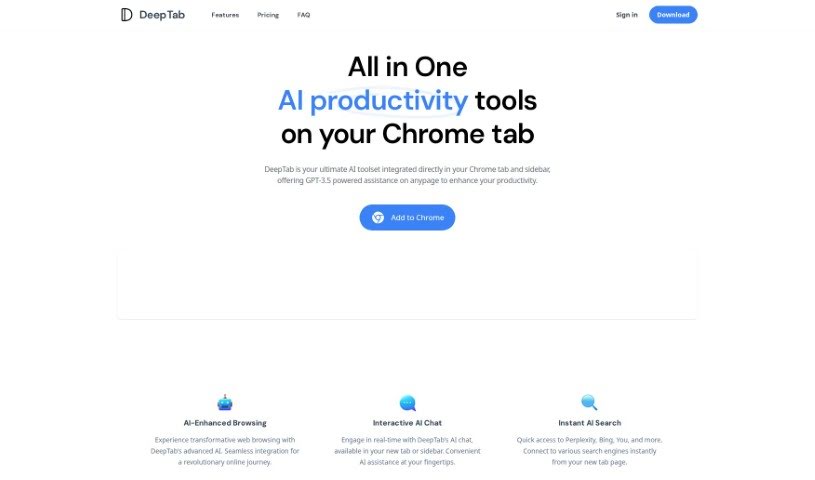
Deeptab is a Google Chrome extension that bundles several productivity features into your browser: GPT-3.5-powered AI assistance, multi-engine search, an interactive AI chat, an AI navigation directory, and dynamic daily wallpapers. The goal is to help you browse more efficiently and find information faster.

Search Engines View Tool →
Screenshot of Docubank

Docubank

Freemium

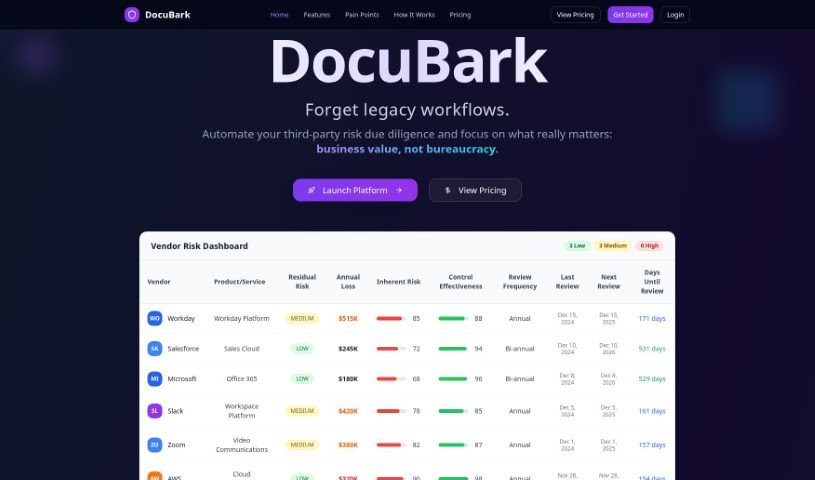
Docubank, listed as "DocuBark" on its website, is a generative AI tool for finding answers in your documents. It uses a FAISS-based search engine for fast, precise queries across one or multiple documents, with responses powered by OpenAI. It can also extract insights from documents using generative AI.

Search Engines View Tool →
Screenshot of Dokkio

Dokkio

Freemium

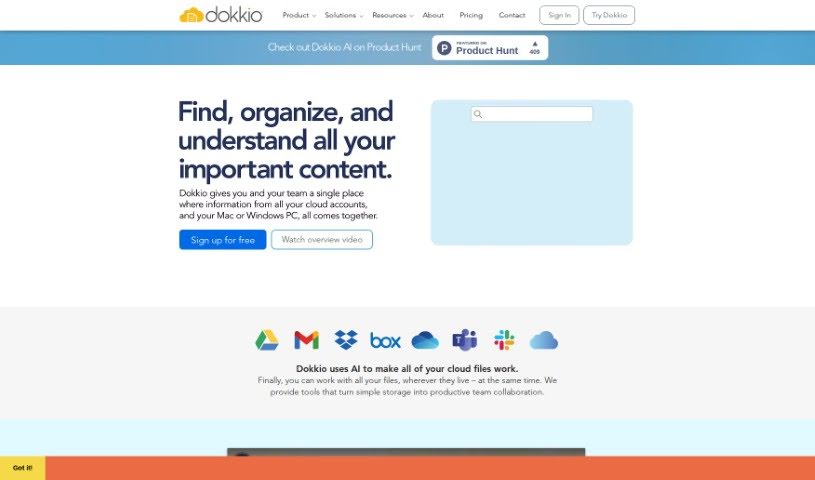
Dokkio is an AI-powered tool that manages and organizes online files across multiple storage services, including Dropbox, Google Drive, Gmail, Box, Slack, and OneDrive. It pulls content from these sources into one central hub and adds powerful search, automatic tagging, and the ability to flag important web content.

Search Engines View Tool →
Screenshot of Double

Double

Freemium

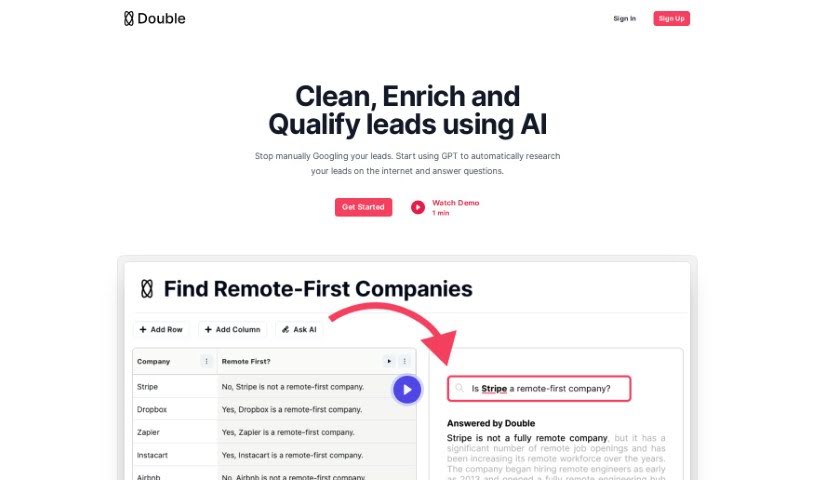
Double is a GPT bot that can connect to the internet, making it useful for automating repetitive tasks such as pulling data from websites, cleaning up messy datasets, and running many Google searches at once. It falls under the Automation category and is available on a freemium model. Members of the World of AI community can share their reviews of Double there.

Search Engines View Tool →
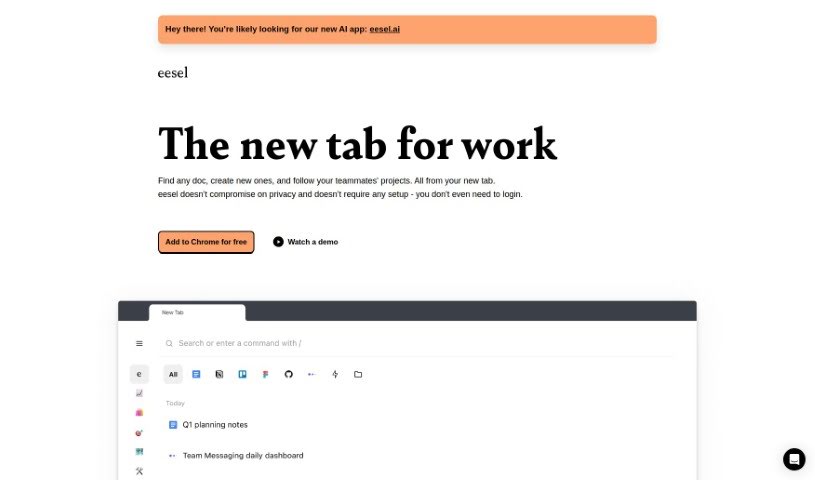
Screenshot of Eesel

Eesel

Freemium

Eesel is a productivity tool that makes accessing work-related links simple. Instead of digging through bookmarks or searching, it shows the documents, designs, and other content you need right when you open a new browser tab. It requires no setup or login and works automatically, sorting your work into folders so you can quickly reach project-specific pages or customer information without manual organizing. Eesel also works with any application you open in your browser, letting you switch between tools and platforms easily.

Search Engines View Tool →
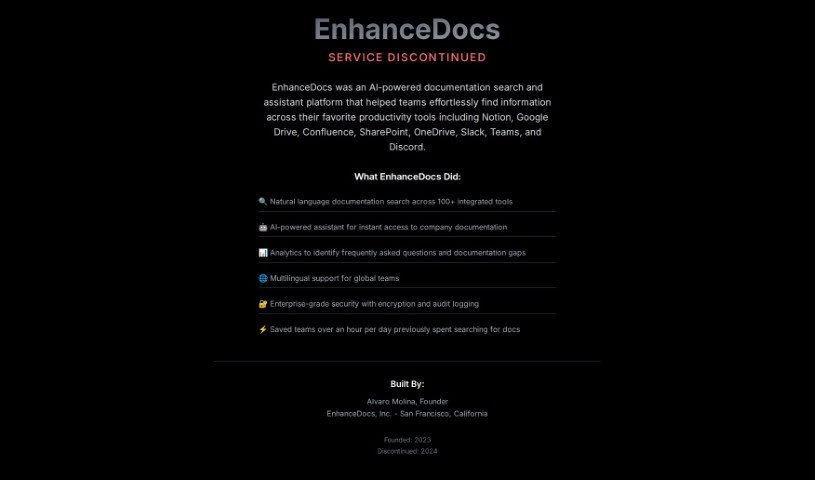
Screenshot of EnhanceDocs

EnhanceDocs

Freemium

EnhanceDocs is an AI-powered search tool that helps you find information across all your platforms, including Notion, Google Drive, Confluence, SharePoint, and OneDrive. It uses natural language understanding so you can ask questions conversationally instead of digging through folders. Key capabilities include:

Search Engines View Tool →
Screenshot of Ev Intersection

Ev Intersection

Freemium

EV Intersection is a digital platform that uses artificial intelligence to help people buy electric vehicles. Built by Toyota, it lists top electric cars from multiple manufacturers and generates AI summaries of reviews for each model. Users can compare vehicles by model, range, horsepower, motor type, top speed, and price.

Search Engines View Tool →

About Search Engines tools

Staring at a page of ten blue links while trying to solve a specific technical problem or research an unfamiliar topic can drain your patience. I remember sitting at my desk for nearly an hour, opening fifteen separate browser tabs and scanning long articles, only to realize none of them directly answered my core question. Traditional search engines excel at matching keywords, but they often leave the heavy lifting to you: reading through pages of filler text, dodging invasive ads, and piecing together answers on your own.

These AI search engines, research discovery tools, and conversational web lookup platforms act as high-speed research assistants. They scan the open web, synthesize key facts, provide direct source citations, and give you concise answers in seconds without replacing critical thinking or source verification.

Synthesizing Answers, Refining Queries, and Parsing Data

Synthesizing multi-source information turns tedious research into clear summaries in seconds. Reading through dozens of articles to compare two complex concepts or summarize a breaking news event usually takes substantial time. Modern AI search platforms query the live web, read multiple pages simultaneously, and compile a single response that highlights key takeaways while linking directly to original sources so you can verify the details.

Refining queries through natural conversation makes complex research feel seamless. When an initial search query returns broad or slightly off-target results, traditional engines force you to guess new keyword combinations. AI-powered lookup tools let you ask follow-up questions, request simpler explanations, or add specific parameters—like “explain this for a beginner” or “focus only on studies from the last two years”—without starting your search over.

Parsing specialized documents and technical data uncovers hard-to-find insights quickly. Finding a specific metric hidden inside a 100-page financial report, a legal filing, or an academic paper often feels like hunting for a needle in a haystack. Specialized conversational search engines can read uploaded PDFs, analyze raw data tables, and calculate precise answers while citing the exact page numbers for reference.

Key Features to Look For:

  • Direct source citations: Platforms that link every inline claim to verifiable web pages, news articles, or research papers.
  • Live web indexing: Systems that pull real-time information from current web pages rather than relying solely on static, outdated training data.
  • Multimodal search inputs: Tools that let you upload images, screenshots, voice notes, or documents alongside your text queries.
  • Privacy-focused browsing: Search engines that deliver AI-synthesized answers without tracking your query history, building ad profiles, or selling your data.
  • Model switching and customization: Applications that let you toggle between different underlying AI models or customize source preferences for specialized topics.

Finding accurate information will always depend on your personal judgment, critical evaluation, and willingness to verify source material. Software can scan web pages, summarize articles, and pull direct quotes, but evaluating truth and context requires a human mind.

Check out the AI search tools below to upgrade your web research.

The Best AI Search Engines

  1. Perplexity: for understanding your search queries better
  2. Facecheck Id: for checking the authenticity of online profiles
  3. HIX.AI: for automating SEO tasks to get more traffic
  4. Onfido: for verifying identities for ad targeting
  5. Namelix: for boosting SEO with catchy domain names
  6. Veriff: for improving user verification for search results
  7. Andi Search: for quickly finding and summarizing complex facts
  8. Google Teachable Machine: for enhancing custom image searches
  9. Copyseeker: for improving image search accuracy and relevance
  10. Nyckel: for real-time news tagging in searches
  11. Shufti Pro: for detecting fraud in search engine ads
  12. Movie Wiser: for better film search results and filters
  13. Everypixel: for an efficient stock image search solution
  14. How normal am I?: for AI face assessment for search personalization
  15. Name Combiner: for optimizing blog names for better SEO

New tools, in your inbox.

Weekly picks of the best AI tools we've researched and added — no spam, unsubscribe anytime.

Join 25,000+ AI enthusiasts. No spam, unsubscribe anytime.