AI Lesson Planning Tools: Top Picks & How They Work

AI Tools for Lesson Planning

Discover the best Lesson Planning AI tools to enhance your productivity and creativity.

Page 2 of 4 • 43 total tools
Screenshot of Courses Ai

Courses Ai

Freemium

Courses.ai is an AI assistant for course development. It provides a dedicated workspace to keep your content, ideas, and notes organized, and uses built-in course blueprints and AI features to help you generate course ideas, map out detailed syllabi, and plan lessons. It also supports writing sales copy, setting up email sequences, and applying industry best practices for creating and launching online courses.

Lesson Planning View Tool →
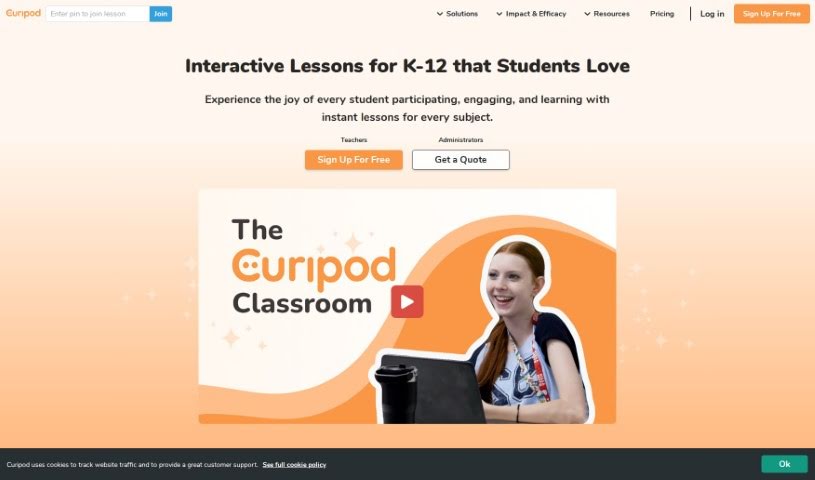
Screenshot of Curipod

Curipod

Freemium

Curipod is an educational platform that helps teachers spark curiosity, get students talking, and build critical thinking. It offers interactive lessons aligned with educational standards across subjects including literacy, science, social studies, and math. Lessons are customizable, and detailed reports track student progress. The platform complies with student privacy laws including FERPA and COPPA.

Lesson Planning View Tool →
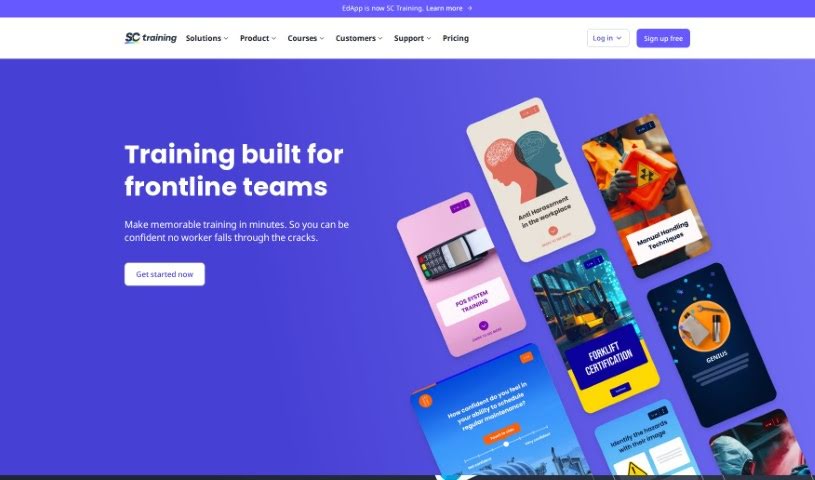
Screenshot of EdApp

EdApp

Freemium

EdApp is a course creation tool built around interaction and microlearning, developed by SafetyCulture. Its AI Create feature, part of the Creator Tool suite, handles the brainstorming and research phases for you: it can generate entire lessons and slide content without a pre-compiled outline or manual research. Courses follow microlearning principles—bite-sized content that can improve knowledge retention and reduce training development time—and learners can access courses anytime, anywhere.

Lesson Planning View Tool →
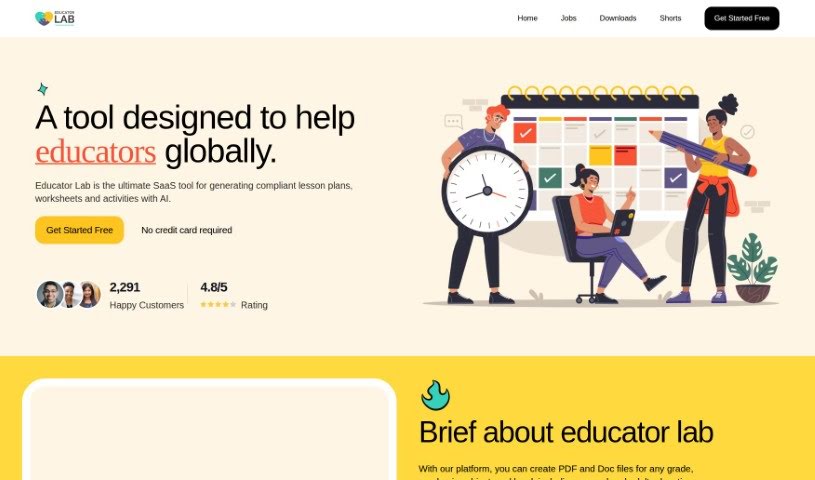
Screenshot of Educator Lab

Educator Lab

Freemium

Educator Lab is a software-as-a-service (SaaS) platform built for teachers, administrators, and instructional designers. It uses AI to help create compliant lesson plans, worksheets, and activities for any grade level or subject. Users get access to educational resources, can customize materials to fit classroom needs, collaborate with other educators, and automate parts of lesson planning and grading. Signing up is free and requires no credit card.

Lesson Planning View Tool →
Screenshot of Educup Studio

Educup Studio

Freemium

Educup Studio is a gamified educational platform for building interactive courses, earning money from your expertise, and giving students a personalized learning experience. It uses rewards and challenges to keep learners engaged and includes a marketplace where students can find and access courses. Educators get analytics and reporting tools to monitor student progress. The platform supports multiple media formats, asynchronous learning, and a range of learner types, with the goal of making education more interactive and accessible.

Lesson Planning View Tool →
Screenshot of EverLearns Mindmap Generator

EverLearns Mindmap Generator

Freemium

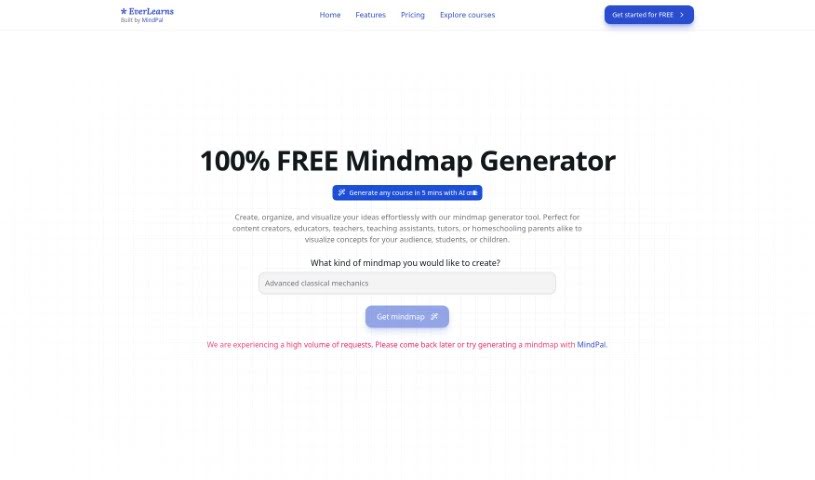
The EverLearns Mindmap Generator is a free tool for creating, organizing, and visually laying out ideas in a structured way. It is aimed at content creators, educators, teachers, teaching assistants, tutors, and homeschooling parents who need to illustrate concepts clearly for their audience, students, or children.

Lesson Planning View Tool →
Screenshot of Fetchy

Fetchy

Freemium

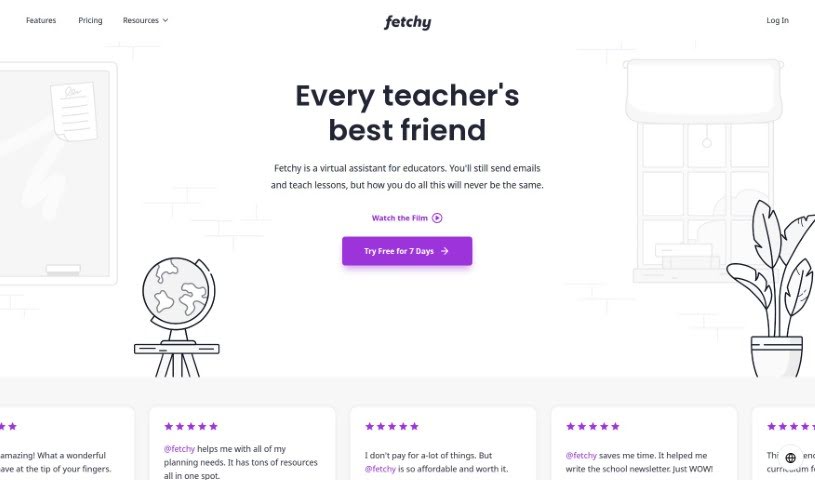
Fetchy is a virtual assistant built specifically for teachers, whether in a traditional classroom or a homeschooling setting. It offers a suite of AI productivity tools designed to save time, simplify tasks, and improve teaching methods. Use cases include planning lessons, managing content, and communicating with students, with the goal of freeing teachers to focus more on inspiring their students. Fetchy offers a free trial, so you can try it before subscribing.

Lesson Planning View Tool →
Screenshot of Flint

Flint

Freemium

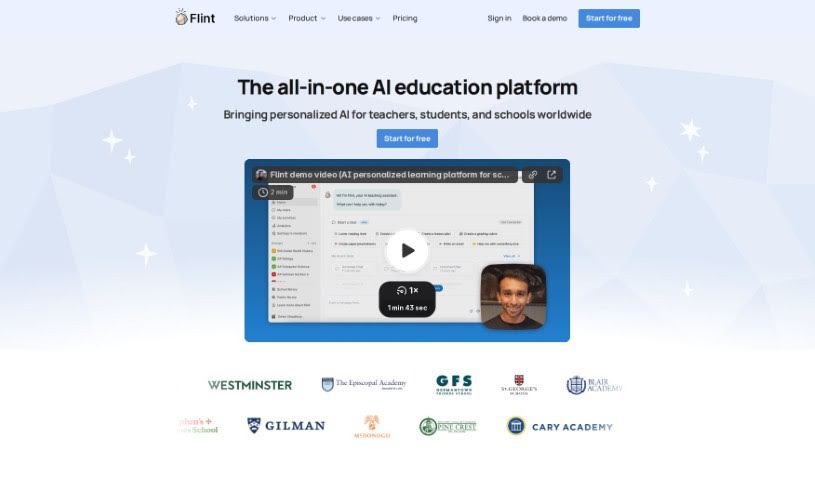
Flint is an AI tool for K-12 educators that generates customized classroom materials — activities, worksheets, quizzes, and handouts — aligned with standards such as Common Core and NGSS. Teachers select the standards they want to target and customize the generated activities through a straightforward interface. Content can be adjusted to different reading levels, so students across ability levels can work with the same material.

Lesson Planning View Tool →
Screenshot of Formative

Formative

Freemium

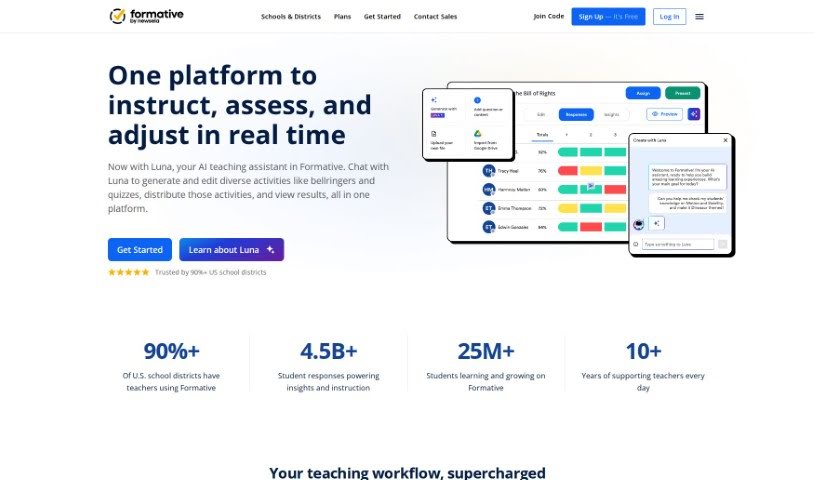
Formative is an educational platform that supports how teachers teach and how students learn. Educators can create questions, lessons, and assignments, including automatically generated questions aligned with educational standards and optional hints. The company emphasizes ethical AI use and provides resources to help users avoid AI bias.

Lesson Planning View Tool →
Screenshot of Gizmo

Gizmo

Freemium

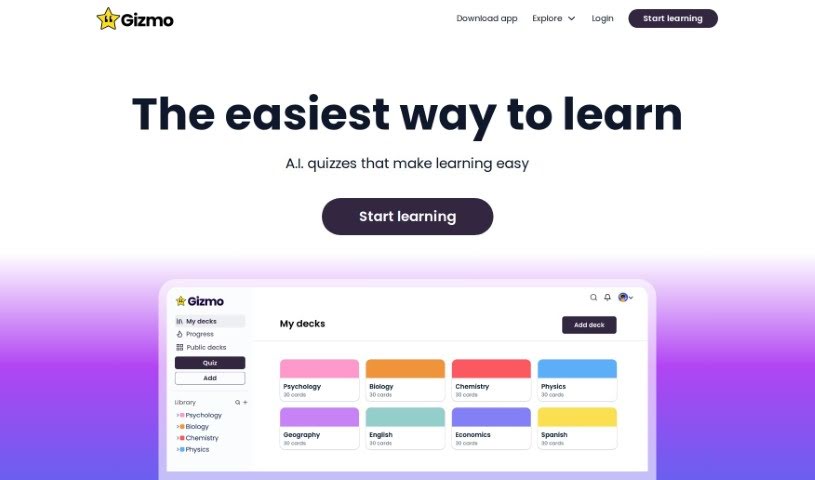
Gizmo is an AI learning tool built to help you retain what you study. It uses spaced repetition and active recall, prompting you to retrieve information at optimal intervals to strengthen memory.

Lesson Planning View Tool →
Screenshot of Learning Studio AI

Learning Studio AI

Freemium

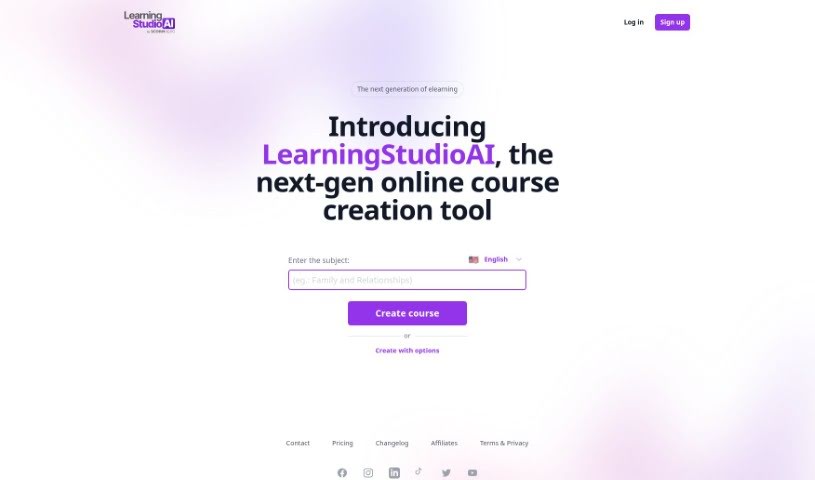
Learning Studio AI is an online tool for creating courses. It uses artificial intelligence to help educators build dynamic, engaging educational content. You can use its AI technology to make learning experiences more personal, add videos and interactive quizzes, and include smart assessments. The platform offers user-friendly tools that adapt to different ways people learn, freeing you up to focus on keeping students interested.

Lesson Planning View Tool →
Screenshot of Learnt.ai

Learnt.ai

Freemium

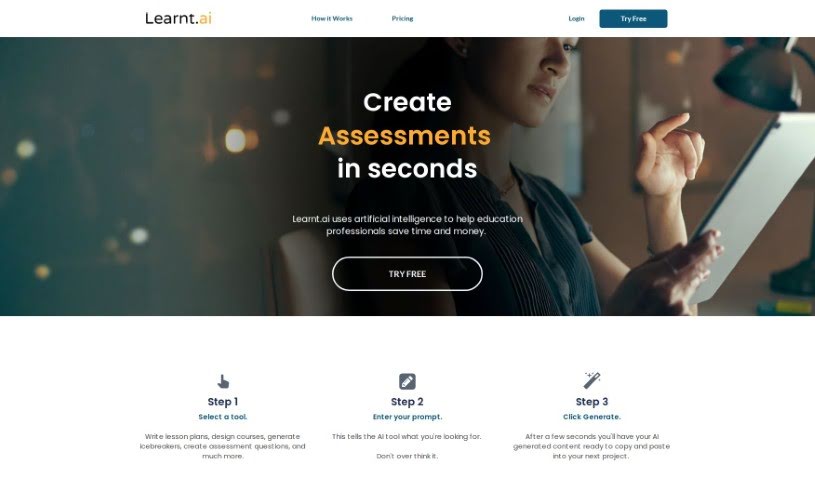
Learnt.ai is a platform built specifically for education professionals. Its goal is to save users time and money by automating the creation of teaching resources — lesson plans, assessment questions, course designs, icebreakers, and more. It offers over 110 tools and AI sidekicks designed to speed up content creation for educators.

Lesson Planning View Tool →

About Lesson Planning tools

Staring at an empty lesson plan template on Sunday evening is a familiar nightmare for teachers. Balancing state standards, building engaging activities, and tailoring reading levels for twenty different kids takes hours of prep time. When grading and unit outlines eat up every night, bringing real energy to the classroom gets tough.

These platforms don’t replace your teaching experience or automate relationships with your students. Instead, think of them as creative teaching assistants that draft unit outlines, create tiered activities, and build assessment rubrics in minutes.

Faster Unit Plans, Tiered Prep, and Assessments

Drafting unit plans and creative class activities gets much faster when you aren’t starting from scratch. Coming up with fresh hooks, group projects, and step-by-step lab instructions for every topic takes continuous mental effort. AI lesson generators turn learning objectives and state standards into structured daily plans complete with warm-ups, guided practice, and quick checks for understanding.

Differentiating instruction for varied learning needs becomes far less overwhelming, too. Modifying a reading passage or assignment for advanced students, English language learners, and kids who need extra support usually means rewriting worksheets three times over. Smart teaching tools adjust text complexity, generate vocabulary banks, and build tiered practice problems from a single master lesson.

Building quizzes, exit tickets, and grading rubrics takes a fraction of the usual time. Writing fair multiple-choice questions and clear scoring criteria for every unit swallows precious planning periods. AI assessment tools generate customizable quizzes from your lesson notes, align questions with depth-of-knowledge targets, and construct rubric grids that explain expectations clearly to students.

Practical Capabilities to Consider:

  • Curriculum standard alignment: Tools that map lesson plans, objectives, and activities directly to state or national standards.
  • Differentiated content scaling: Features that adjust reading levels, simplify instructions, or add extension challenges for varied learning needs.
  • Automated rubric and quiz generation: Software that creates custom assessment grids, exit tickets, and test items from your notes.
  • Interactive activity templates: Applications offering pre-formatted layouts for science labs, document-based questions, writing prompts, and group discussions.
  • Export and LMS compatibility: Connectors that export lessons directly to Google Classroom, Canvas, Word, or printable PDFs.

Great teaching will always depend on human connection, empathy, and classroom intuition. Software can outline a unit, adjust a reading level, and format a quiz rubric, but inspiring students requires your personal presence. Handing off routine planning chores simply gives you back the energy needed for your students.

Explore the lesson planning tools below to reclaim your prep time.

The Best AI Lesson Planning Tools

  1. Gizmo: Helps you create daily lesson schedules.
  2. Magic School AI: Streamlines curriculum design.
  3. Formative: Makes creating interactive lesson slides easy.
  4. EdApp: Simplifies making organized lesson plans.
  5. To Teach AI: Efficiently streamlines lesson creation.
  6. Curipod: Helps you streamline and customize lesson creation.
  7. Learning Studio AI: Streamlines lesson plans with AI suggestions.
  8. Flint: Streamlines lesson plan creation.
  9. Tutorai: Creates personalized lesson plans efficiently.
  10. Conker: Streamlines curriculum development tasks.
  11. Course Mind: Offers smart templates for effective lesson planning.
  12. Courseai: Streamlines customized lesson plans.
  13. Teacher Matic: Simplifies lesson planning.
  14. Courseau: Streamlines lesson plans with AI support.
  15. Almanack: For dynamic lesson design that meets varied needs.

New tools, in your inbox.

Weekly picks of the best AI tools we've researched and added — no spam, unsubscribe anytime.

Join 25,000+ AI enthusiasts. No spam, unsubscribe anytime.