AI Data Visualization Tools

AI Tools for Data Visualization

Discover the best Data Visualization AI tools to enhance your productivity and creativity.

Page 4 of 14 • 166 total tools
Screenshot of Dataing

Dataing

Freemium

Dataing is a platform centered on working with data — collecting, storing, processing, and interpreting it to extract useful insights. Based on its name and positioning, it covers practices such as data mining (finding patterns), data visualization (making data easy to read), and data modeling (building frameworks for data). The goal is to help users make better decisions in business, science, and technology.

Data Visualization View Tool →
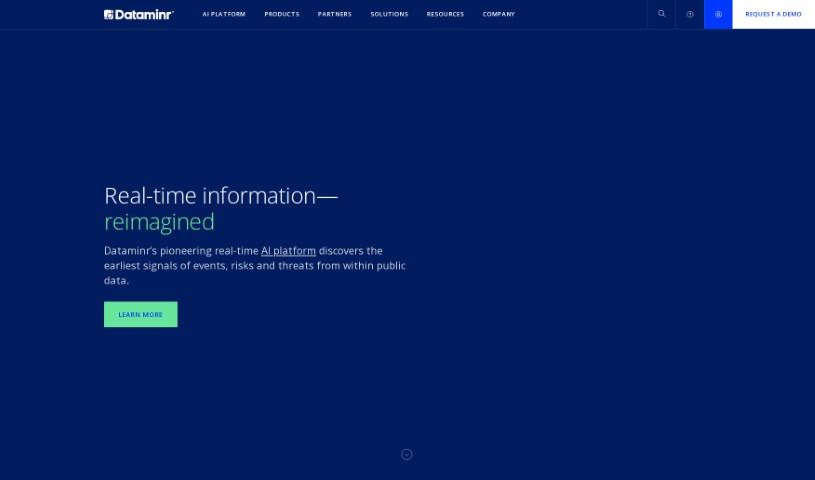
Screenshot of Dataminr

Dataminr

Freemium

Dataminr is a real-time AI platform that provides early warnings about major events and developing risks, enabling faster reaction and more effective crisis management. It uses artificial intelligence to analyze data from social media, news, and other sources, delivering alerts and insights as events unfold.

Data Visualization View Tool →
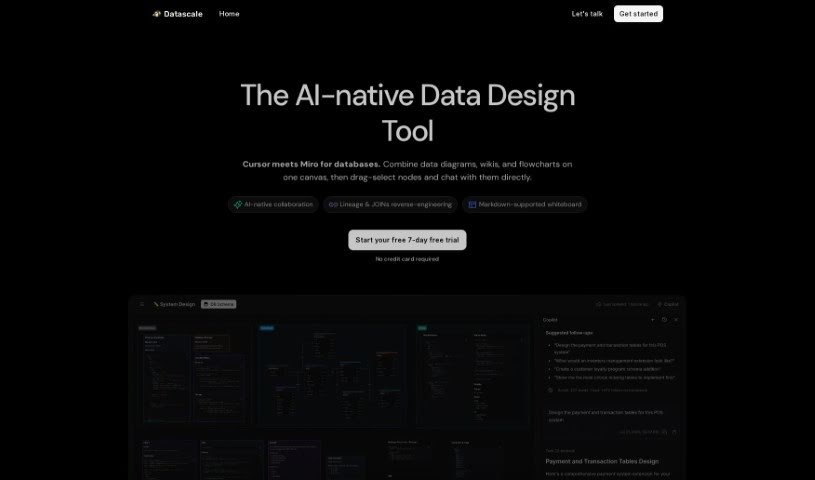
Screenshot of Datascale

Datascale

Freemium

Datascale is a tool that automatically analyzes SQL lineage using AI. Its goal is to give you a clear picture of how complex data connects, help you be more productive with data, and keep your data workflows running smoothly.

Data Visualization View Tool →
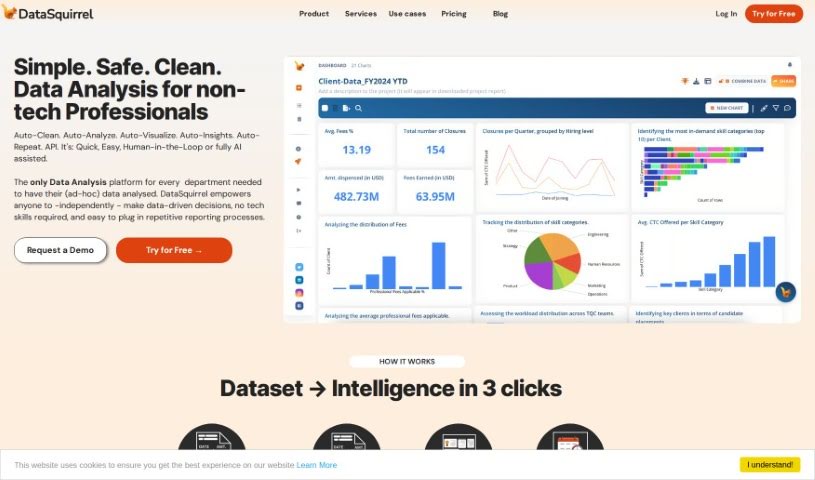
Screenshot of Datasquirrel

Datasquirrel

Freemium

Datasquirrel is an AI-powered data analytics tool that automatically cleans data and creates clear visualizations. It fixes common data problems such as input errors, blank values, inconsistent date formats, and typos, and it provides automatic analysis, interactive dashboards, and secure data handling.

Data Visualization View Tool →
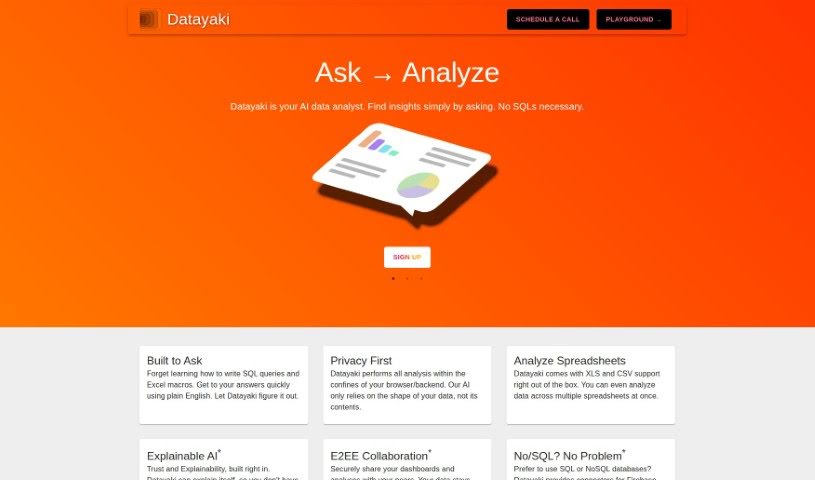
Screenshot of Datayaki

Datayaki

Freemium

Datayaki is an AI-powered data analyst that lets you create data widgets by asking questions in plain English—no SQL queries or Excel macros required. Privacy is built into the design: analysis runs either in your browser or on your backend, and the tool only examines your data's structure, never its actual content.

Data Visualization View Tool →
Screenshot of Daydream

Daydream

Freemium

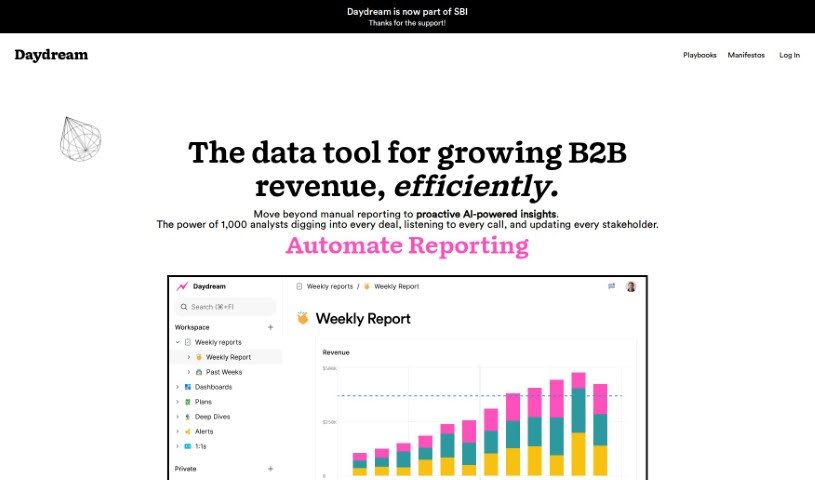
Daydream is a Business Intelligence (BI) tool built for CEOs, COOs, finance professionals, and operations teams. It uses AI to focus on self-service analytics, insights, and reporting, helping users understand the story behind their data. The platform encourages collaboration, supports accountability, and streamlines KPI reporting with templates and collaborative reporting tools. Getting started is simple — just sign up for a free trial on their website. Daydream has been recognized as "Product of the Day."

Data Visualization View Tool →
Screenshot of DB Pilot

DB Pilot

Freemium

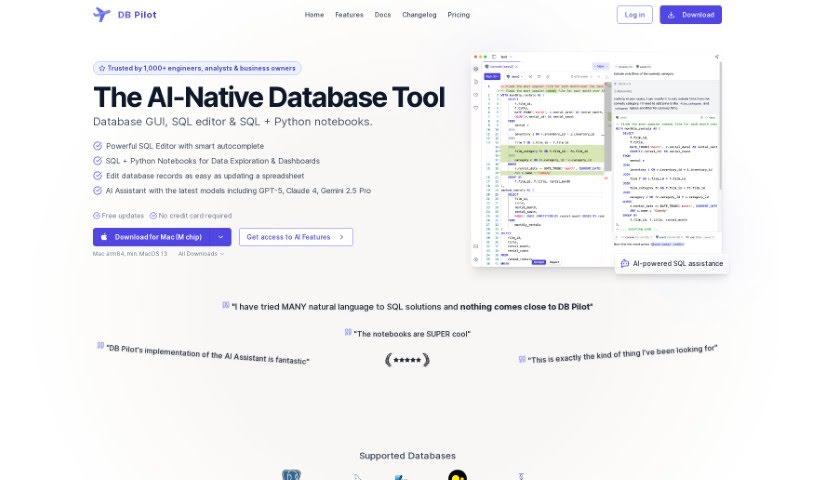
DB Pilot is a database GUI built on an OLAP system from ClickHouse. It lets you query multiple data sources — PostgreSQL, S3, CSV, and JSON — as if they were a single database.

Data Visualization View Tool →
Screenshot of Decision Mentor

Decision Mentor

Freemium

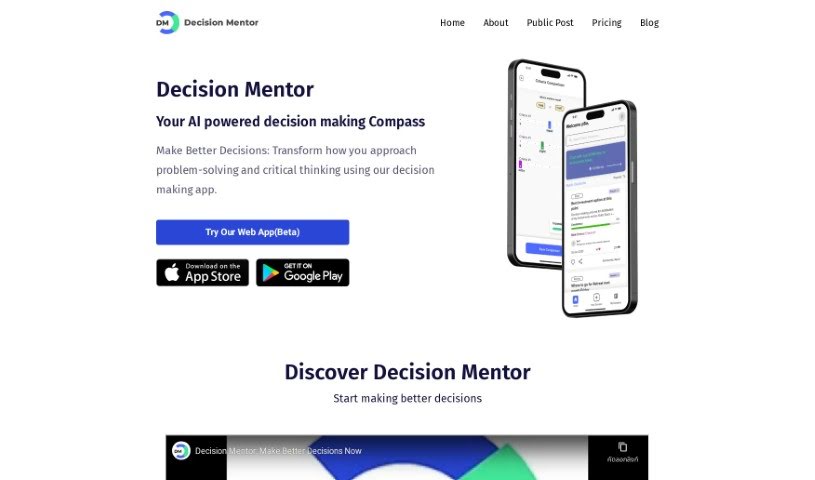
Decision Mentor is an AI-powered app designed to help you make tough choices, whether personal or business-related. It guides you through a structured process where you weigh your options, decide what matters most, and see the likely results. The goal is to bring a scientific approach to decision-making.

Data Visualization View Tool →
Screenshot of deepsheet

deepsheet

Freemium

Deepsheet is a data analysis tool that lets you query your datasets using everyday English instead of code. It works with common data formats including CSV, XLSX, TSV, and JSON, so you can start analyzing your data right away. It offers real-time updates on data processing, sample datasets to practice with, and a chat-based interface.

Data Visualization View Tool →
Screenshot of Definite

Definite

Freemium

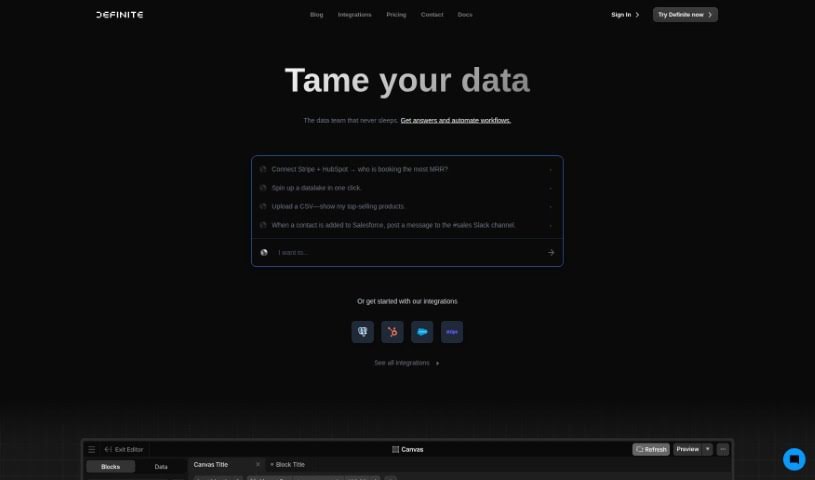
Definite is an enterprise data platform aimed at startups, with pricing suited to growing businesses. It brings data collection, storage, analysis, and visualization into a single application, covering Extract and Load, Transform and Model, Analyze and Visualize, and a Lakehouse for data infrastructure.

Data Visualization View Tool →
Screenshot of Definite

Definite

Freemium

Definite is an enterprise data platform built for startups, with pricing suited to growing businesses. It combines data collection, storage, analysis, and visualization in a single application: Extract and Load, Transform and Model, Analyze and Visualize, plus a Lakehouse that keeps your data infrastructure running.

Data Visualization View Tool →
Screenshot of Defog.ai

Defog.ai

Freemium

Defog.ai is a platform built for enterprise SQL environments. Its fine-tuned AI models let business teams ask questions about their data in everyday language and generate SQL queries automatically, simplifying data analysis in SQL, Python, and R.

Data Visualization View Tool →

About Data Visualization tools

Turning raw spreadsheets into clean, compelling graphics can easily feel like a slog. You spend hours adjusting chart axes, picking color palettes, and wrestling with dashboard settings just to present last week’s performance numbers. By the time you fix the legend formatting, your presentation deadline is minutes away.

These visual platforms convert complex datasets into presentation-ready charts and dynamic dashboards without the usual design friction.

Building Visuals Without the Formatting Headache

Setting up custom dashboards traditionally meant learning complex business intelligence software or sitting through endless drag-and-drop steps. Modern visualization tools skip that hassle with simple prompt-based controls. Upload a dataset, type a request like “plot monthly recurring revenue by region,” and the system selects an effective visual layout to render an interactive chart instantly.

Selecting the wrong chart format is an easy trap (like using a crowded pie chart for time-series data). Smart visualization engines evaluate your underlying metrics and recommend the most readable layout—whether your data calls for a stacked bar chart, a scatter plot, or a heatmap.

Graphics also become easier to present because these platforms generate written narrative summaries alongside your charts. They highlight key percentage shifts, call out anomalies, and point out trends directly on the screen, saving you from typing up explanatory slides for every team review.

Features Worth Looking For

  • Natural language chart creation: Tools that let you type plain-text prompts to generate custom charts instantly.
  • Automated chart selection: Software that analyzes your dataset structure to recommend the clearest visual layout.
  • Written narrative generation: Features that provide concise text summaries and key takeaways alongside your graphics.
  • Interactive dashboard controls: Platforms that convert static charts into dynamic visual boards viewers can filter on the fly.
  • Custom brand styling: Settings that apply your company colors, typography, and logos across every generated visual.

A polished visual means very little if the underlying numbers are flawed. While algorithms format charts and suggest color scales, verifying data accuracy and framing the narrative for your audience still rests on your shoulders.

Check out the tools below to turn your raw data into clear visual stories.

The Best AI Data Visualization Tools

  1. Databricks: Great for interactive dashboards that give you sales insights.
  2. Visme: Helps you turn data into stunning visuals.
  3. Julius AI: Lets you craft dynamic graphs for clear insights.
  4. Scale AI: Useful for visualizing security threat patterns efficiently.
  5. Text Cortex: Streamlines creating visuals for reports, effortlessly.
  6. Dataminr: Offers visual analytics tools for crisis response.
  7. Rapidminer: Provides interactive dashboards for sales performance.
  8. KNIME: Offers interactive dashboards for sales analysis.
  9. Kanaries: Delivers streamlined visual insights for data trends.
  10. Piktochart AI Infographic Maker: Perfect for data dashboard infographics.
  11. Strawpoll: Lets you create engaging visual reports from polls.
  12. Powerdrill: Helps with dynamic data dashboard creation.
  13. Quadratic: Ideal for visualizing quadratic regression trends.
  14. Insightjini: Generates dynamic charts from your datasets.
  15. Aitable: Transforms data into insightful charts.

New tools, in your inbox.

Weekly picks of the best AI tools we've researched and added — no spam, unsubscribe anytime.

Join 25,000+ AI enthusiasts. No spam, unsubscribe anytime.