AI Data Analytics Tools

AI Tools for Data Analytics

Discover the best Data Analytics AI tools to enhance your productivity and creativity.

Page 5 of 28 • 334 total tools
Screenshot of Chaturji

Chaturji

Freemium

Chaturji is an AI assistant for teams, built to simplify collaboration and knowledge sharing. It brings several leading AI systems together in one place — Claude 3 (Opus, Haiku, Sonnet), GPT4, and Gemini Pro — and adds a shared layer for writing, saving, organizing, and distributing prompts. The platform emphasizes data privacy and security, offering private AI workspaces where teams can work together without exposing sensitive information.

Data Analytics View Tool →
Screenshot of Cleora.ai

Cleora.ai

Freemium

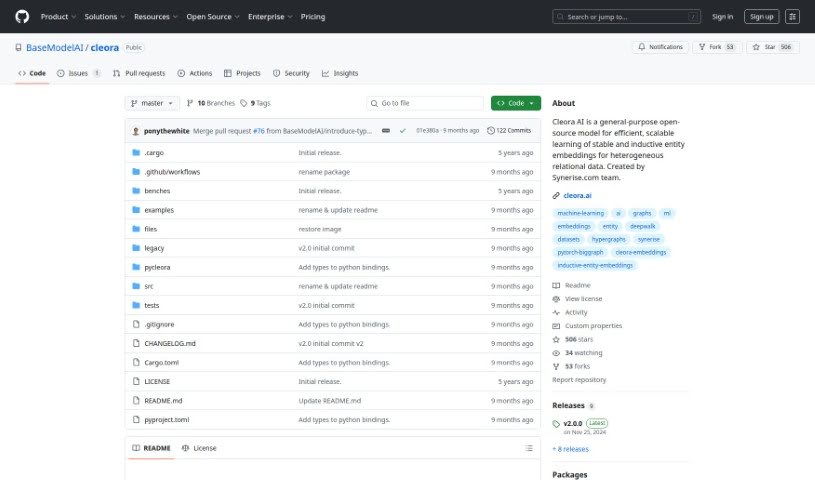
Cleora.ai is a machine learning tool that helps Data Science and Analytics teams create high-quality enterprise embeddings without expensive hardware. It embeds entities such as customers, products, and other business data into n-dimensional spaces using a stable, iterative projection method. The resulting embeddings capture an entity's behavioral history as large-scale graphs, enabling advanced models for recommender systems, customer segmentation, behavior prediction, and customer lifetime value modeling. To get started, you only need three columns from your databases.

Data Analytics View Tool →
Screenshot of Cloudverse.ai

Cloudverse.ai

Freemium

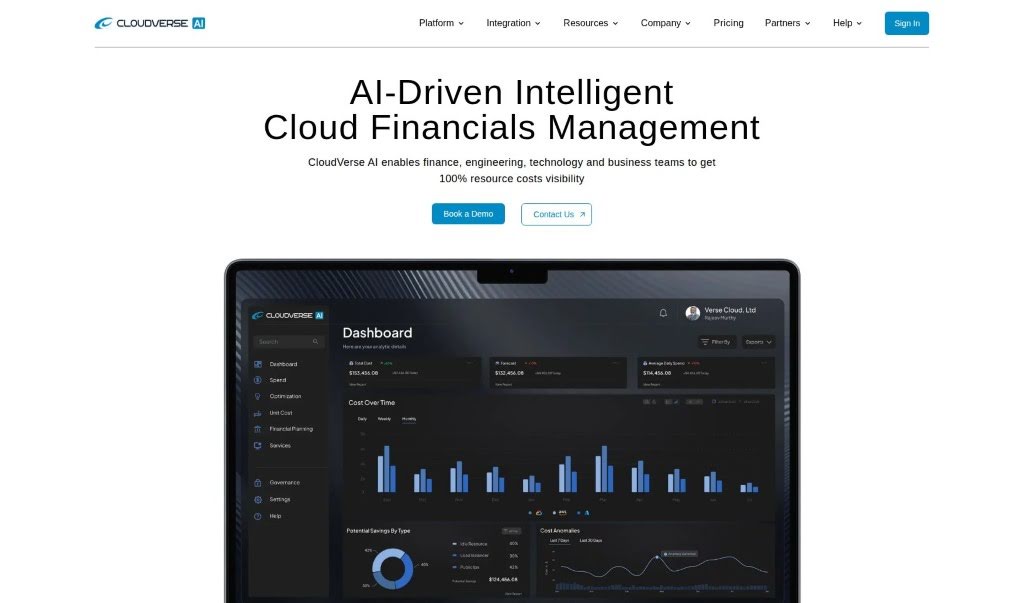
CloudVerse.AI is an AI-powered cloud management platform designed to make cloud management simpler and more affordable, particularly for larger businesses. It helps organizations oversee, manage, and fine-tune spending across multiple cloud providers and services, offering AI-driven insights, cloud security management, and continuous monitoring. The goal is to help companies cut costs, improve cloud governance, and strengthen security.

Data Analytics View Tool →
Screenshot of Coactive AI

Coactive AI

Freemium

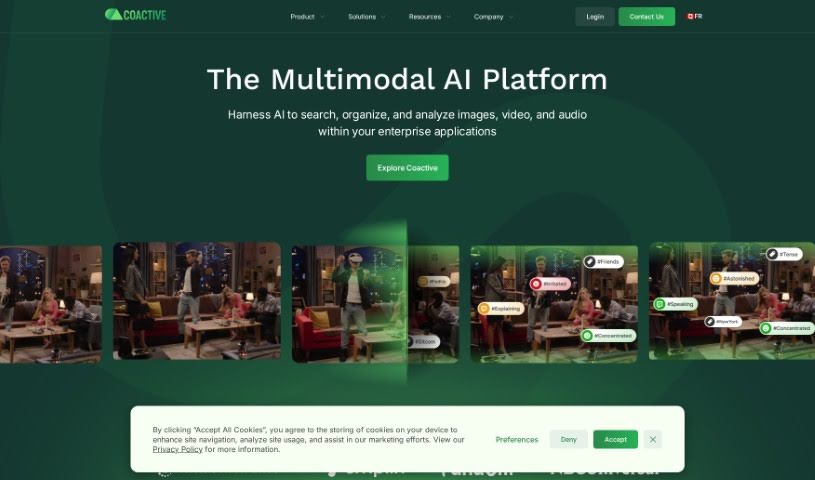
Coactive AI is a platform for extracting insights from unstructured image and video data. It organizes large collections of visual content so it becomes searchable and useful for machine learning and general data analysis. Businesses handling high volumes of images and videos can use it to make that data actionable.

Data Analytics View Tool →
Screenshot of Coefficient

Coefficient

Freemium

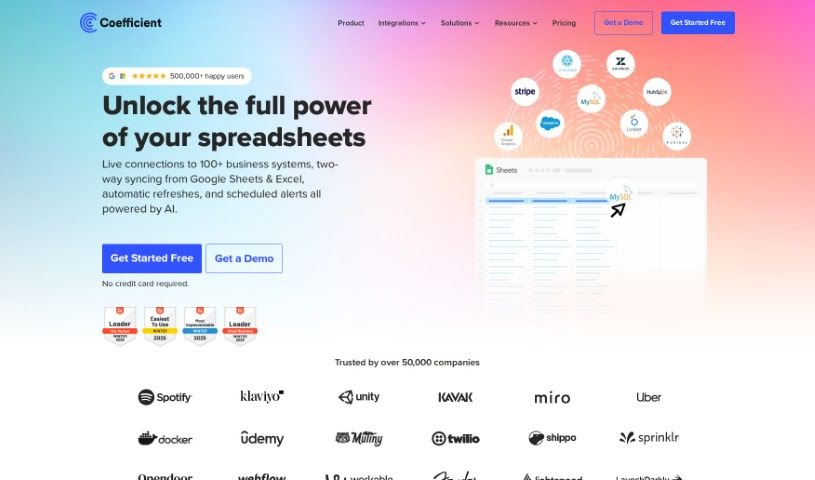
Coefficient connects spreadsheets directly to live business data, making data analysis easier for people who don't code. It automatically links Google Sheets to live data from business systems and includes GPTX() spreadsheet functions that can clean, format, query, and analyze your data. You can also create charts, pivot tables, reports, and dashboards by describing what you want in plain English, making it accessible for any business.

Data Analytics View Tool →
Screenshot of Coginiti Ai

Coginiti Ai

Freemium

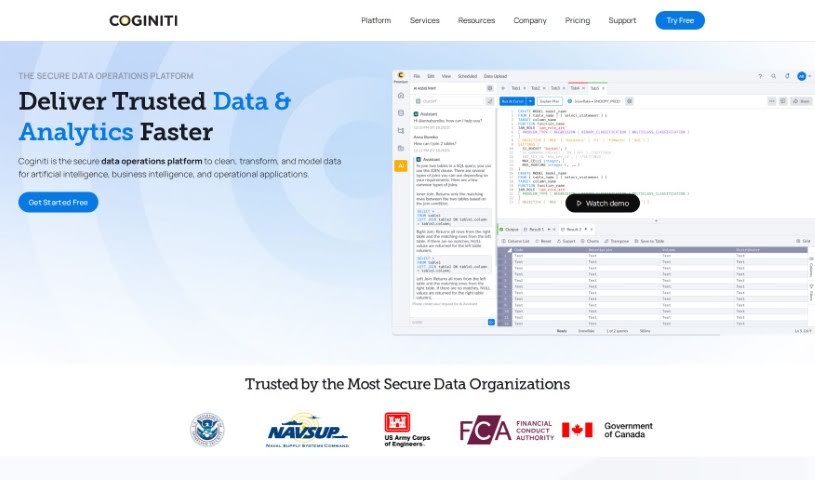
Coginiti AI is a platform offering AI-driven data and analytics advisory services. It uses generative artificial intelligence to help individuals and businesses learn, write, understand, and optimize SQL, acting as a personal SQL coach with tailored guidance and practical examples for every skill level. Machine learning keeps the information relevant and up to date, and the platform extends beyond SQL with resources on data modeling, visualization, and other core data science topics.

Data Analytics View Tool →
Screenshot of Cognosys

Cognosys

Freemium

Cognosys is an AI Copilot platform built to automate routine tasks so you can focus on higher-value work. You can create custom workflows from a single prompt, use AI to analyze your data in depth, and connect your communication tools in one place. The goal is to make operations run more efficiently regardless of role — whether you're in leadership, engineering, marketing, or management. With adjustable templates, flexible scheduling, and multiple workflow types, Cognosys supports data-driven decision-making, faster code shipping, and marketing campaign creation.

Data Analytics View Tool →
Screenshot of Collectif

Collectif

Freemium

Collectif analyzes user feedback sources — support tickets, NPS survey comments, sales call recordings, and interview notes — to surface what users need and where they struggle. It finds insights across departments, validates research through automatic interview analysis, and answers specific questions with evidence-backed responses in seconds. The goal is to streamline research, prioritize changes based on proof, and support data-driven decisions with less friction.

Data Analytics View Tool →
Screenshot of Columns AI

Columns AI

Freemium

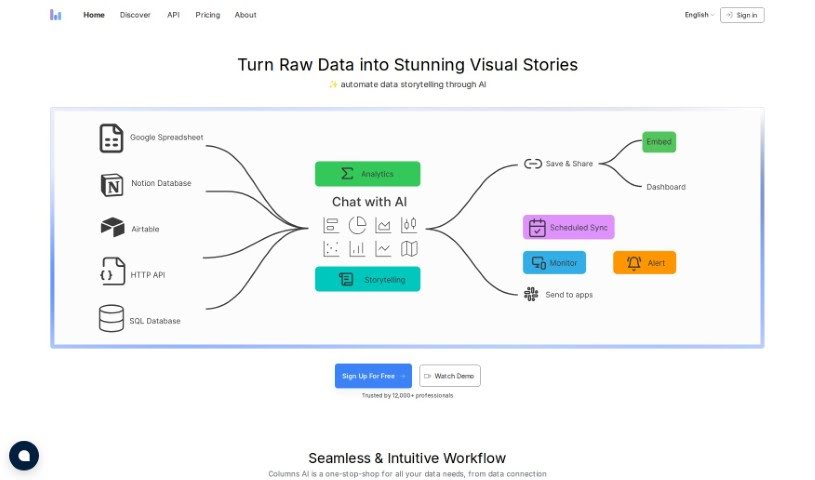
Columns AI is a data visualization platform that uses AI to help teams explore data and collaborate in real time. You can create charts and graphs by typing or speaking requests in everyday language, and the platform interprets those queries and responds conversationally. It also includes granular controls over who can see what in your data catalogs, along with templates, pre-built visualization tools, and integrations with other software.

Data Analytics View Tool →
Screenshot of Conduit app

Conduit app

Freemium

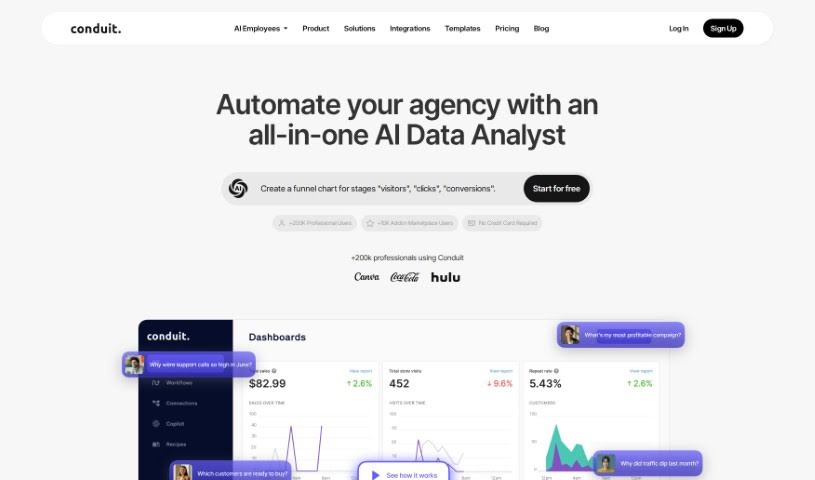
Conduit is an AI-powered data tool that pulls information from sources like Shopify, Salesforce, HubSpot, Google Analytics, Quickbooks, Zendesk, and Stripe directly into Google Sheets. Once connected, you can build custom dashboards from the combined data.

Data Analytics View Tool →
Screenshot of CrowdPrisma

CrowdPrisma

Freemium

CrowdPrisma is an AI-powered survey analysis platform that automates the analysis of open-ended survey responses. It claims to be the first tool of its kind, using advanced Natural Language Processing (NLP) to quickly process free-text answers and identify groups of respondents who think alike.

Data Analytics View Tool →
Screenshot of Crustdata

Crustdata

Freemium

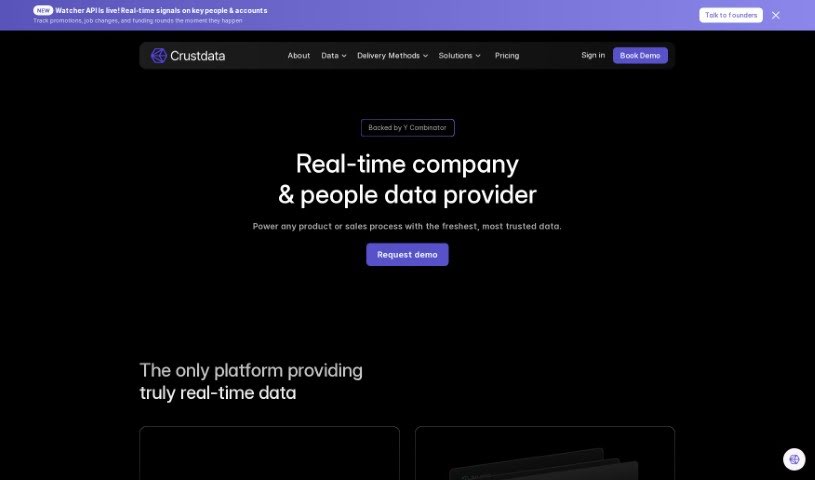
Crustdata is an AI-powered platform for understanding companies. It analyzes large volumes of data to produce insights that predict how companies might perform, supporting more informed business decisions. Features include BrandScope for brand data, tools for media data, and custom search criteria, along with data tailored to specific sectors such as enterprise SaaS, restaurant POS software, and fintech.

Data Analytics View Tool →

About Data Analytics tools

Pulling actionable insights from raw spreadsheets often feels like hunting for a needle in a digital haystack. You spend hours writing complex SQL queries, cleaning messy rows, and wrestling with dashboard settings just to answer a simple business question. By the time you finally build a clear chart, the data is already outdated and the meeting is over.

The tools in this category act like high-powered analytical assistants. They handle tedious data cleaning, spot hidden trends, and convert messy datasets into clear visual reports in seconds.

Asking Questions and Finding Patterns Faster

Querying databases in plain English is one of the biggest leaps in modern analytics. Instead of waiting on a specialized data team to pull a custom report, non-technical team members can type questions like “Which product category had the highest refund rate last quarter?” The software scans connected tables, writes the necessary SQL behind the scenes, and hands back a clean chart alongside a concise text summary.

Data cleaning gets much easier, too. Raw files rarely arrive neatly formatted; they’re usually packed with duplicate rows, inconsistent date formats, and missing values. Smart analytics engines spot these flaws right away, offering quick fixes to clean up messy tables before you even start analyzing. You spend less time fixing broken formulas and more time studying actual business metrics.

Machine learning models also help flag unexpected anomalies and forecast future trends. Rather than just showing what happened last month, these tools scan millions of data points to highlight emerging buyer habits and project revenue shifts—helping you adapt before competitors notice.

Practical Capabilities to Consider

  • Natural language querying: Systems that let you ask questions in plain English and deliver instant charts, tables, or SQL code.
  • Automated data preparation: Features that identify missing values, reformat inconsistent columns, and strip out duplicate entries automatically.
  • Predictive forecasting: Algorithms that analyze historical trends to project future sales, customer churn, and demand shifts.
  • Custom dashboard creation: Tools that convert raw numbers into interactive, shareable visual reports with minimal setup.
  • Enterprise data security: Platforms that connect directly to your data warehouse while enforcing strict access controls.

Software can run statistical correlations and render clean charts, but deciding what those numbers actually mean for your business still requires human judgment and domain context. Handing off routine data parsing simply gives you the clarity to make better decisions.

Explore the analytics platforms below to speed up your reporting.

The Best AI Data Analytics Tools

  1. Tableau: Great for visualizing insights to guide strategic decisions.
  2. DataCamp: Helps you get better insights through data visualization.
  3. 5-Out: Sales forecasting for restaurants, covering purchasing, staffing and profitability.
  4. Databricks: Offers real-time insights into business performance.
  5. Kaiber: Creates visualizations for insightful analysis.
  6. Scale AI: Provides real-time analytics for threat detection.
  7. Text Cortex: Simplifies the process of generating reports.
  8. Football Predictions AI: Analyzes match outcomes and makes predictions.
  9. Labelbox: Offers insights into data quality using its tools.
  10. Meta Gen AI: Helps analyze data trends with AI assistance.
  11. HubSpot Chatspot: Uncovers trends using visual data insights.
  12. Tomorrow.io: Enhances decision-making with data insights.
  13. Metaphor: Visualizes complex data relationships.
  14. Dimensions AI: Streamlines research data analysis processes.
  15. Dataminr: Identifies market trends for businesses.

New tools, in your inbox.

Weekly picks of the best AI tools we've researched and added — no spam, unsubscribe anytime.

Join 25,000+ AI enthusiasts. No spam, unsubscribe anytime.