AI Creative Tools

AI Tools for Creative

Discover the best Creative AI tools to enhance your productivity and creativity.

Page 43 of 107 • 1276 total tools
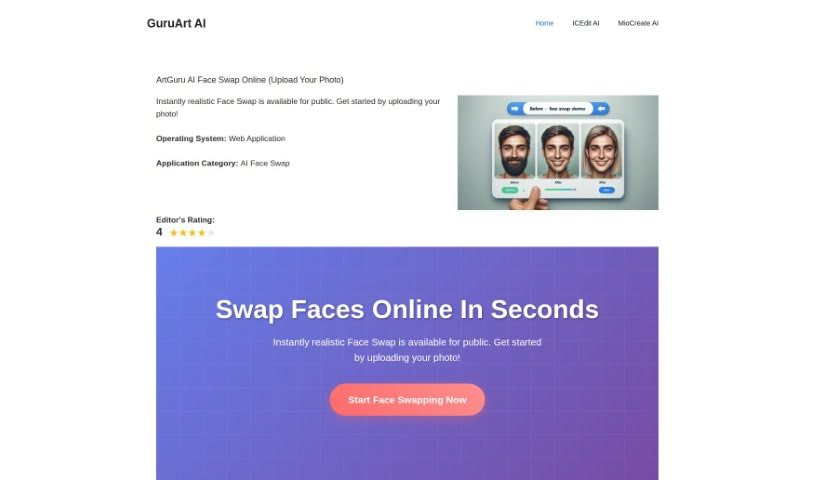
Screenshot of Guru Art Face Swap

Guru Art Face Swap

Freemium

GuruArt Face Swap is a free AI tool for swapping faces between two photos. Upload a source image (the face to use) and a destination image (where it should go), then submit and download the result within seconds. The tool emphasizes responsible use, reminding users to respect privacy and likeness.

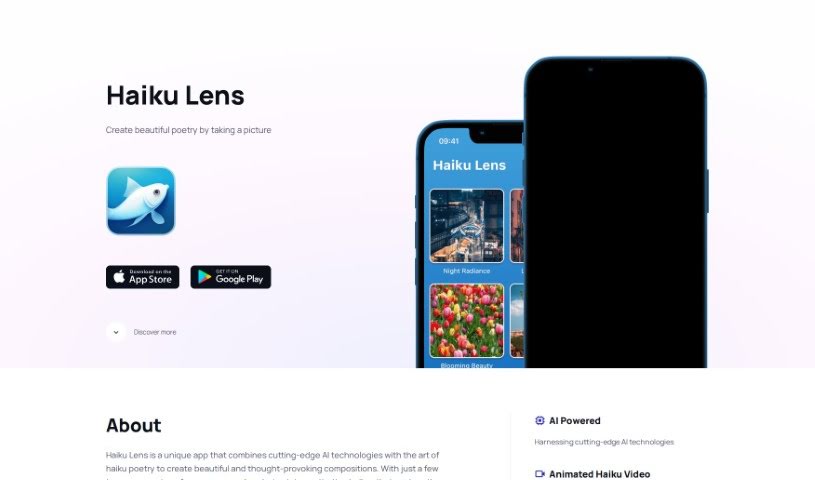
Screenshot of Haiku Lens

Haiku Lens

Freemium

Haiku Lens is an app that combines AI with the traditional art of haiku poetry. It analyzes your photos and generates haikus that reflect the mood and atmosphere of the captured moment. The app is designed to encourage mindfulness and a greater appreciation of your surroundings through poetry.

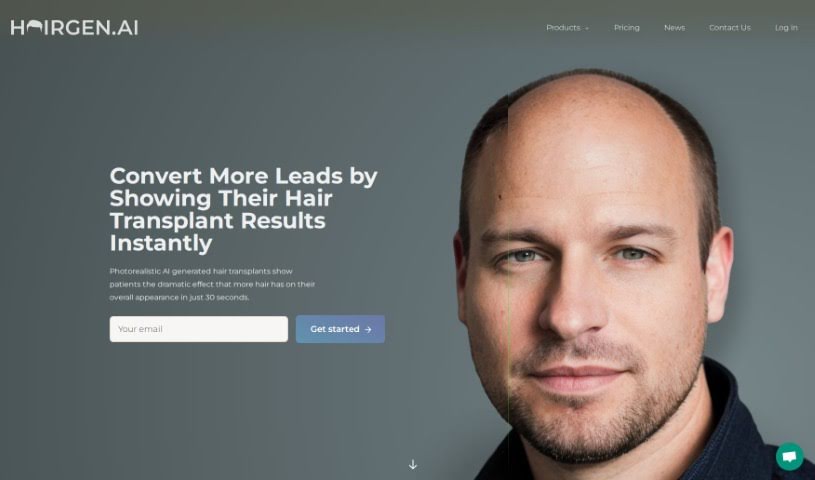
Screenshot of Hairgen Ai

Hairgen Ai

Freemium

Hairgen AI is a web-based service that uses artificial intelligence to preview how a hair transplant might look. Upload a photo and the AI simulates different hairline designs, hair density, and styles, giving you a realistic idea of your appearance after the procedure. It's designed to help people evaluate potential results before committing to surgery.

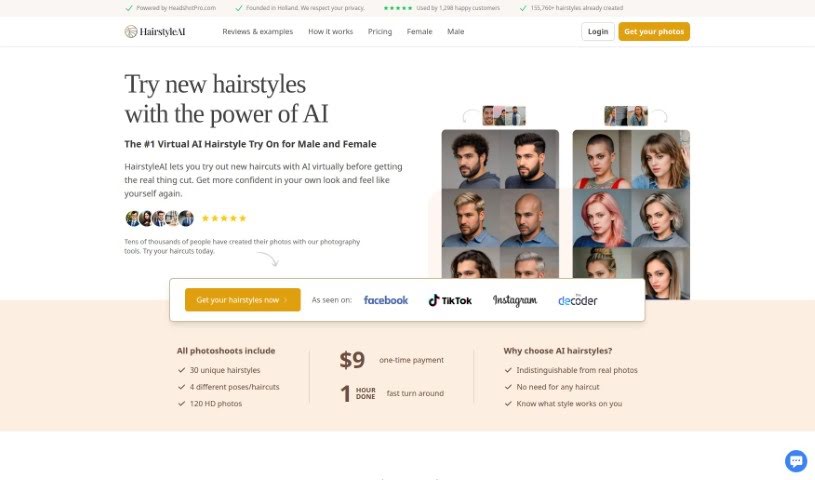
Screenshot of Hairstyle AI

Hairstyle AI

Freemium

Hairstyle AI is a digital makeover tool that lets you virtually try on new hairstyles without getting a haircut. Developed in Holland by the team at HeadshotPro.com, it offers a library of over 155,760 AI-generated hairstyles to explore, with the goal of helping you find a cut that complements your features.

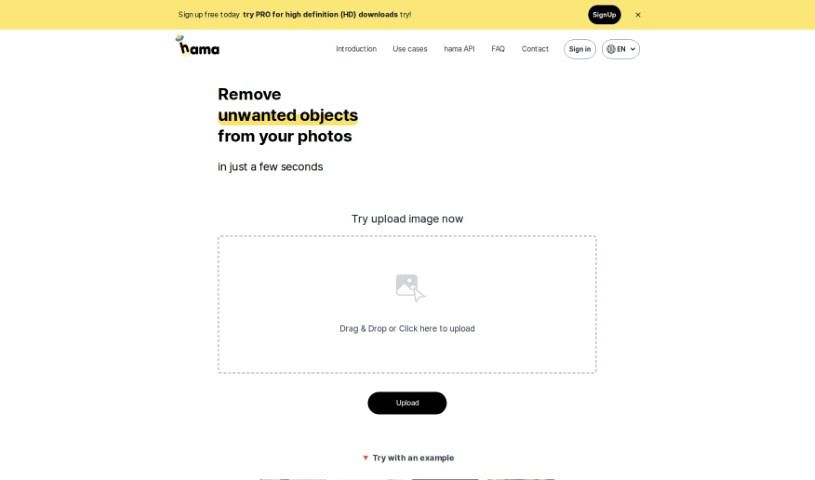
Screenshot of Hama

Hama

Freemium

Hama is an AI tool designed specifically for erasing unwanted elements from photos. It removes objects, people, text, and other distractions quickly: brush over the area you want gone and hit "Erase," and the AI produces a clean, polished image in seconds. It suits anyone from hobbyists to professionals who want to improve photos without much effort or cost.

Screenshot of Happy Pages AI

Happy Pages AI

Freemium

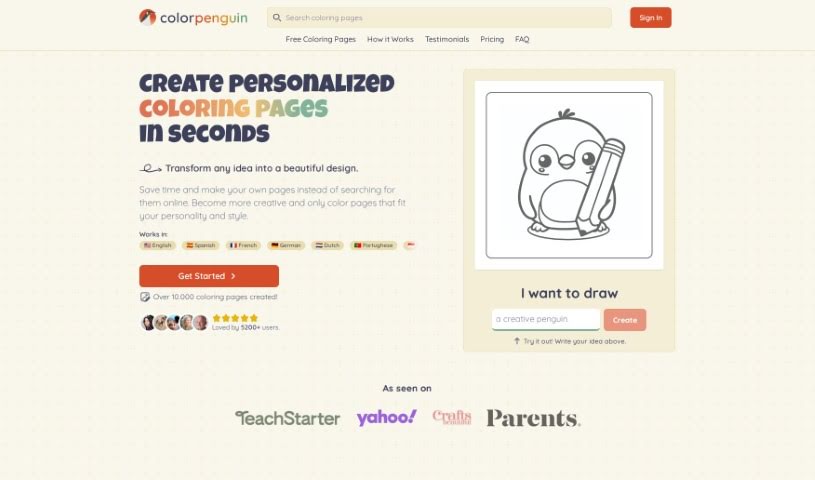
HappyPagesAI is an AI Coloring Page Generator that lets kids and adults create their own unique coloring sheets using a user-friendly digital designer on a laptop. You describe your idea, pick a style, and the AI produces a custom design you can download and print for free. It's a more affordable alternative to buying coloring books, with a wide range of custom templates available.

Screenshot of Harry Potter Spell Generator

Harry Potter Spell Generator

Freemium

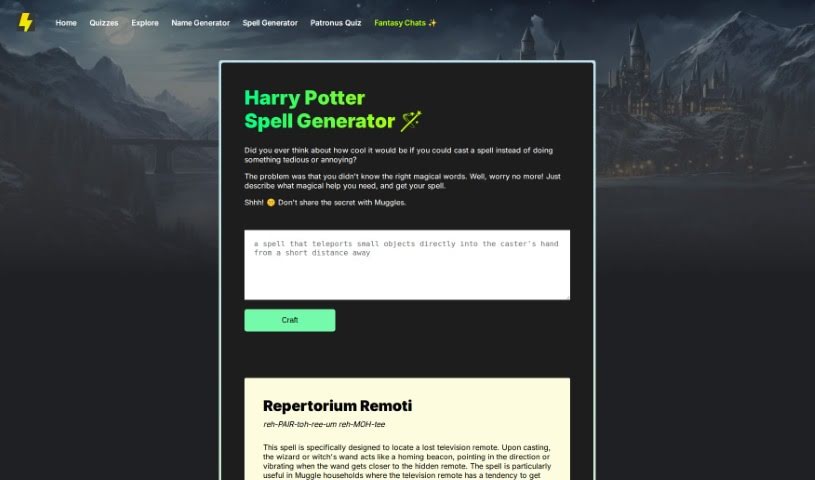
The Spell Generator lets you describe the magical help you need, and it creates a custom spell in the style of the Harry Potter books. For example, it can produce a spell like "Repertorium Remoti," designed to help you find a lost TV remote: your wand acts as a homing beacon, pointing you in the right direction or vibrating as you get closer. It's aimed at those times when remotes vanish into couch cushions or clutter in Muggle homes.

Screenshot of Headbot

Headbot

Freemium

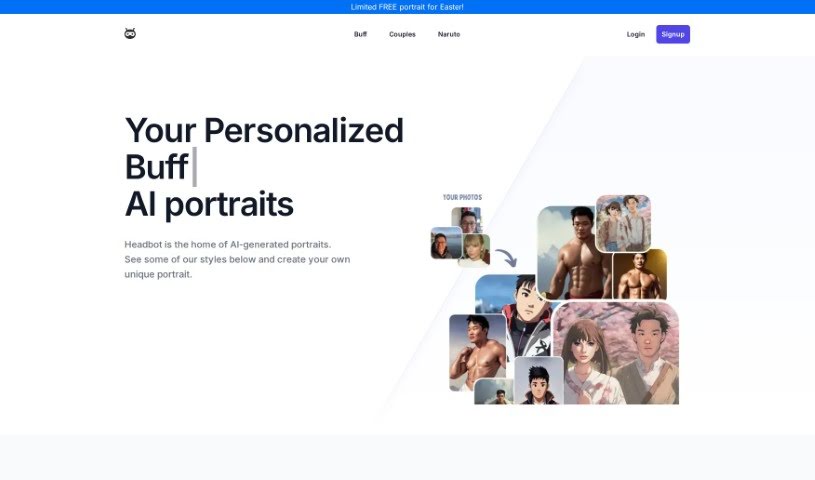
Headbot is an AI tool that transforms your photos into humorous, muscular versions of yourself. From a single upload, it generates over 100 custom buff portraits in 4K resolution, which you can download or share once the one-time fee of $7.99 is paid — there are no subscriptions or monthly fees. Uploaded photos are securely deleted within 24 hours for privacy, and each generation produces a different set of results. The portraits work well as gag gifts or simply to amuse friends and family.

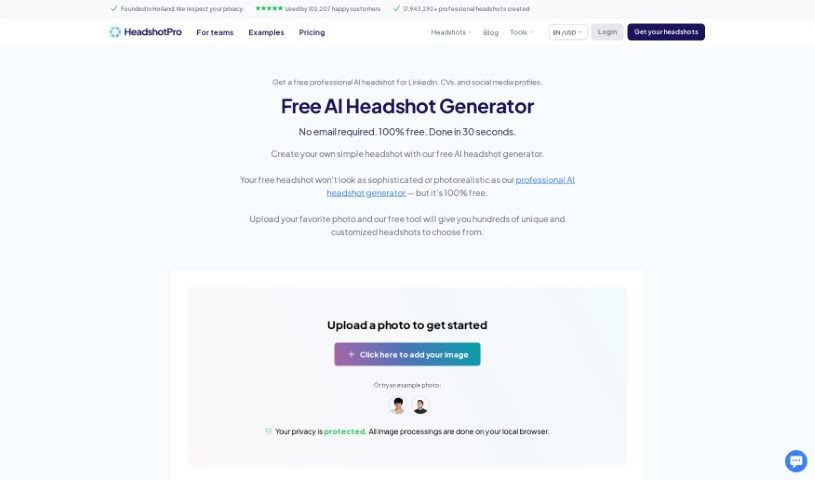
Screenshot of Headshot Pro

Headshot Pro

Freemium

Headshot Pro is a service that uses AI to create professional headshots for individuals and remote teams. You upload a variety of your own photos showing different facial expressions and backgrounds, and the AI learns from them to generate realistic headshots of you.

Screenshot of Headshot Pro Headshot generator

Headshot Pro Headshot generator

Freemium

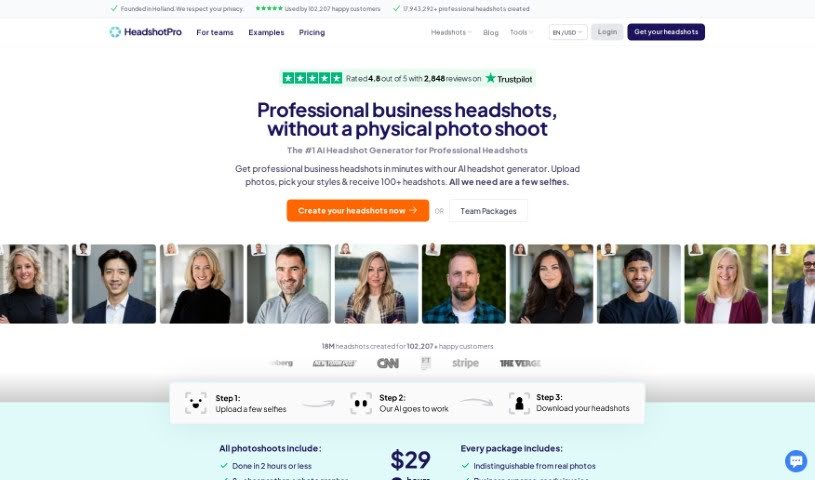
Headshot Pro is a platform for creating professional business headshots quickly. It uses AI to generate polished photos in minutes, delivering consistent quality — useful for LinkedIn profiles and other work-related images. The tool has received positive feedback and endorsements from many users.

Screenshot of Headshot Studio

Headshot Studio

Freemium

Headshot Studio is an online tool that uses AI to turn your selfies into professional-looking headshots. You upload your photos, choose from over 300 styles, and the AI transforms them into 2K resolution headshots — no studio or photographer required.

Screenshot of Headshotgenerator.io

Headshotgenerator.io

Freemium

HeadshotGenerator.io is an AI tool that transforms selfies into professional, realistic headshots. You can customize clothing and hairstyles, and it generates high-quality images in various styles quickly. The high-resolution output works well for LinkedIn profiles, company websites, and other professional uses.

About Creative tools

Bringing a creative vision to life takes stamina. Whether you’re working on visual art, video projects, sound design, or written work, the gap between a great idea and a finished piece is usually filled with hours of tedious setup. You spend time masking image layers, cutting out filler words from audio, or wrestling with software settings when you’d rather be making art.

The tools in this category handle repetitive technical tasks so you can keep your focus where it belongs: on creative direction and artistic choice.

Offloading Technical Setup to Focus on Art

Testing visual concepts gets much faster when you can prototype ideas instantly. Instead of spending hours building manual moodboards or sketching rough wireframes by hand, generative tools let you test lighting styles, color palettes, and compositions in seconds. You can explore dozens of creative paths before committing to a full production shoot or detailed illustration.

In video and audio editing, smart software handles the tedious mechanics. Automatically generating precise closed captions, reframing shots for vertical video formats, or isolating vocal tracks from ambient background noise used to take complex plugins and hours of manual editing. Modern creative tools process those heavy tasks in minutes, giving you back time to polish the story itself.

Maintaining visual consistency across large projects gets a major upgrade, too. Managing design elements, color palettes, and character references across a long series or multi-asset campaign often leads to small visual errors. Creative AI tools help enforce visual rules and match styles automatically, keeping your artwork, video sequences, or digital assets aligned from start to finish.

Key Capabilities for Creators:

  • Style and reference matching: Systems that analyze an artistic style or reference image and apply it across new graphic assets.
  • Generative canvas expansion: Tools that expand image borders, fill in background details, or remove unwanted objects cleanly.
  • Text-to-media rendering: Software that converts written prompts into high-resolution images, video clips, or sound textures for fast prototyping.
  • Non-destructive asset editing: Applications that adjust lighting, color tones, and individual layers without destroying original files.
  • Cross-format conversion: Features that automatically reformat visual assets and video projects for desktop, mobile, and print.

Technology can generate pixels and format files, but true artistic judgment, taste, and emotional expression still belong to you. Handing off routine file conversions, background cleanup, and quick concept testing simply gives you the freedom to focus on your craft.

Explore the tools below to upgrade your creative workspace.

The Best AI Creative Tools

  1. Canva: for designing social media posts
  2. Character AI: for brainstorming story ideas and concepts.
  3. Janitor AI: for quickly crafting unique story ideas.
  4. Remove.bg: for instantly removing backgrounds from design projects
  5. Leonardo AI: for generating dynamic artwork for designers
  6. Photopea: for designing stunning graphics and illustrations.
  7. Photoroom: for improving photos for creative projects
  8. Pixelcut: for designing eye-catching product ads
  9. Pixlr: for designing great graphics with ease
  10. Midjourney: for visual storytelling through art prompts.
  11. AI Face Swap: for creating unique memes for social media.
  12. Cutout.pro: for creating dynamic backgrounds for art
  13. Remaker: for AI-powered image creation for unique designs.
  14. Ideogram: for logo design and customization.
  15. Openart: for experimenting with unique artistic styles
New tools, in your inbox.

Weekly picks of the best AI tools we've researched and added — no spam, unsubscribe anytime.

Join 25,000+ AI enthusiasts. No spam, unsubscribe anytime.