AI Creative Tools

AI Tools for Creative

Discover the best Creative AI tools to enhance your productivity and creativity.

Page 40 of 107 • 1276 total tools
Screenshot of Fylm.ai

Fylm.ai

Freemium

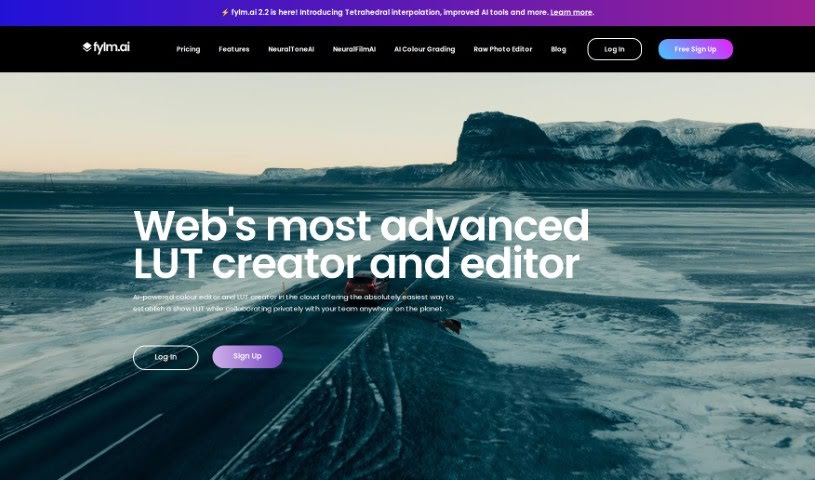
Fylm.ai is a cloud-based color grading platform that uses AI to help photographers and filmmakers create and edit look-up tables (LUTs). Its core feature, NeuralToneAI, automates color matching between shots, reducing manual work so you can focus on the creative side. Because it runs in the cloud, you can work on projects from anywhere with an internet connection. The platform also includes team collaboration features and a built-in asset management system for shared grading projects.

Screenshot of Game-Generator

Game-Generator

Freemium

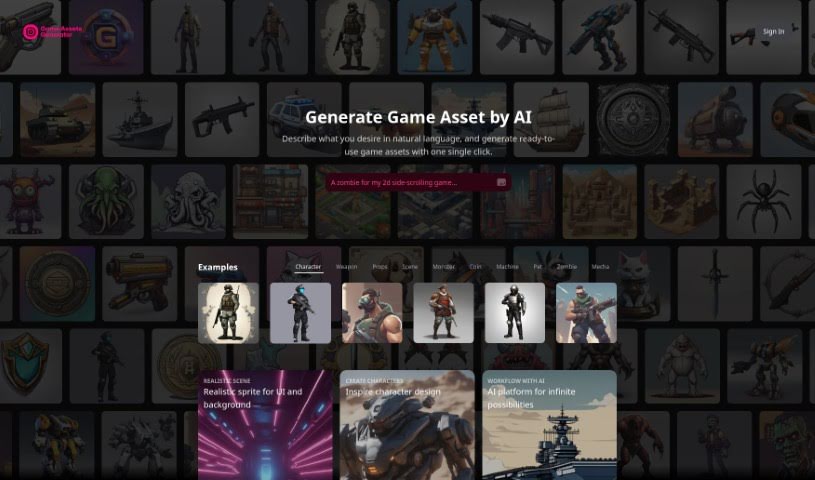
Game-Generator (the "AI Game Assets Generator") is a platform for creating game visuals with AI. You describe what you need in plain English, click once, and get ready-to-use assets in about 10 seconds. It is particularly good at producing realistic sprites for game UI and backgrounds, offering ideas for character design, and generating a wide variety of assets: characters, weapons, props, scenes, monsters, coins, machines, pets, zombies, and mechas. The platform supports multiple languages for creators worldwide.

Screenshot of Gameofpromptsqr

Gameofpromptsqr

Freemium

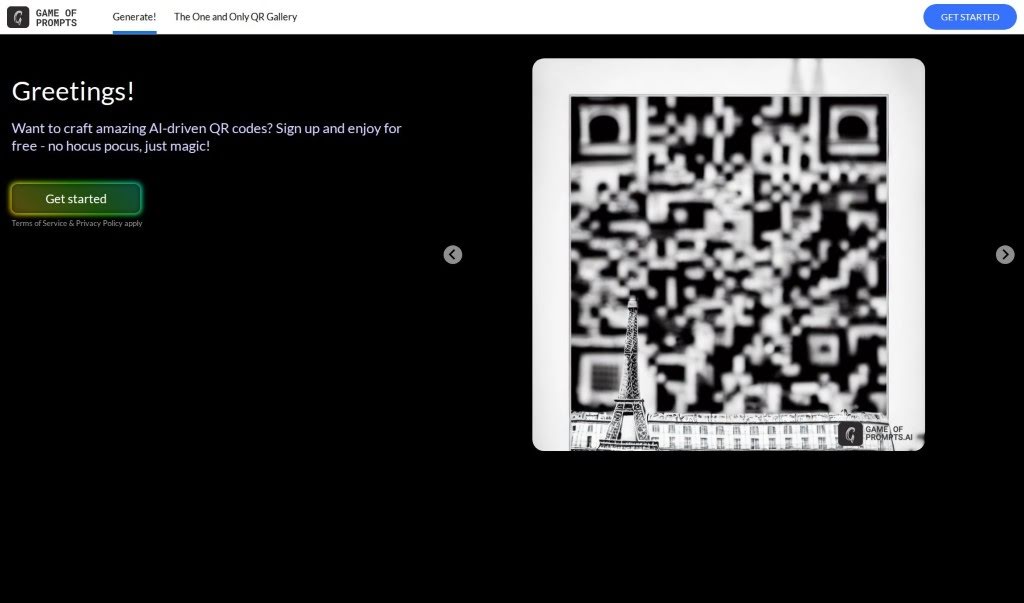
Game of Prompts QR (ImagineQR) is a free platform for creating AI-powered QR codes that are visually engaging and designed to encourage scanning. It requires no technical skills: the interface is simple to navigate, offers extensive customization options, and includes a gallery of design ideas for inspiration. It works for personal projects as well as business branding and promotions.

Screenshot of Gcore AI Image

Gcore AI Image

Freemium

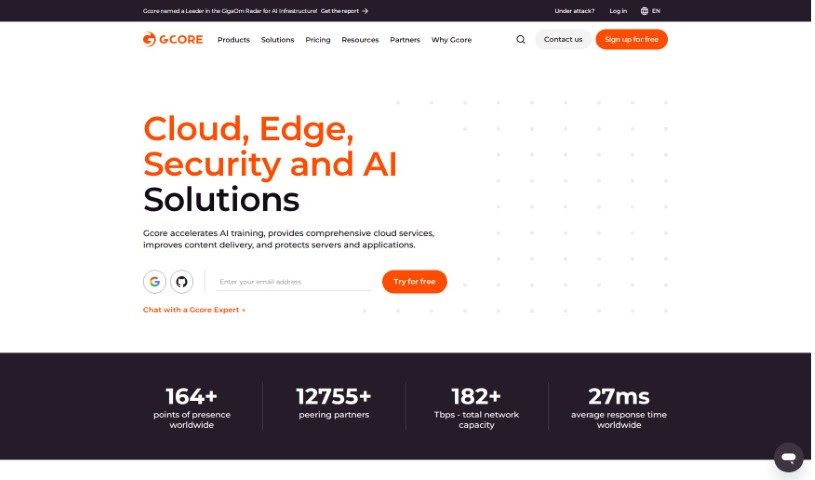
Gcore AI Image is an AI-powered tool that interprets visual content. It uses algorithms to extract information from images, performing tasks such as object recognition, image classification, and pattern detection with speed and accuracy.

Screenshot of Gen2D

Gen2D

Freemium

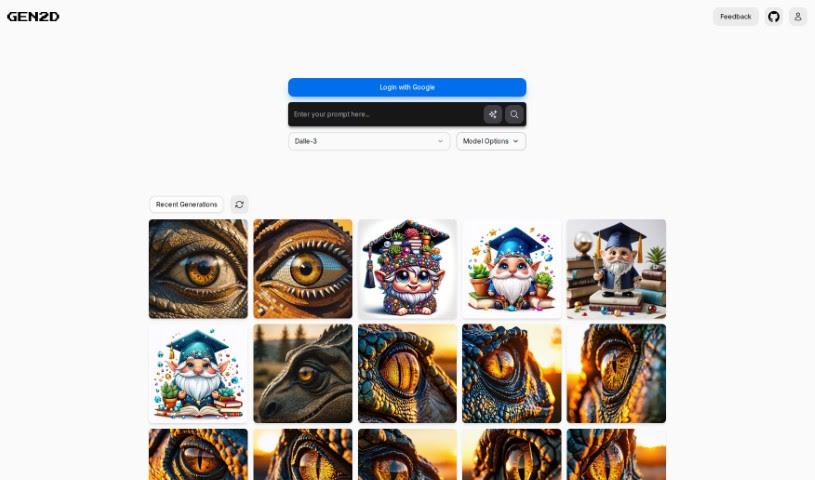
Gen2D is an AI image generator built for digital projects. Every generated image is hosted online, so you can share it via a link or embed it directly in websites and apps. It runs on a pay-as-you-go model through the AI Pay browser extension — you pay only for what you use, with no monthly subscription.

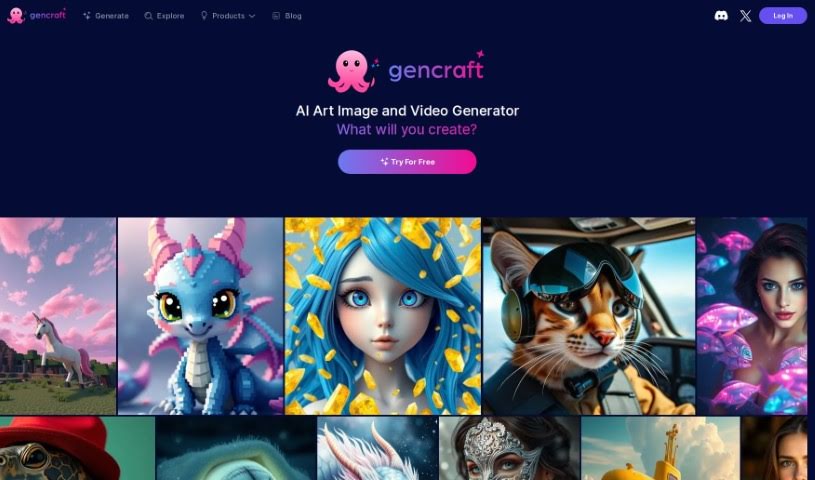
Screenshot of Gencraft

Gencraft

Freemium

Gencraft is a software tool aimed at design and creative work. Publicly available details about the product are limited, so this overview covers only what can be stated with confidence: it is a user-friendly program built around design, creativity, and innovation. For the most current and accurate information, visit the [official Gencraft website](https://gencraft.com/).

Screenshot of Genera.so

Genera.so

Freemium

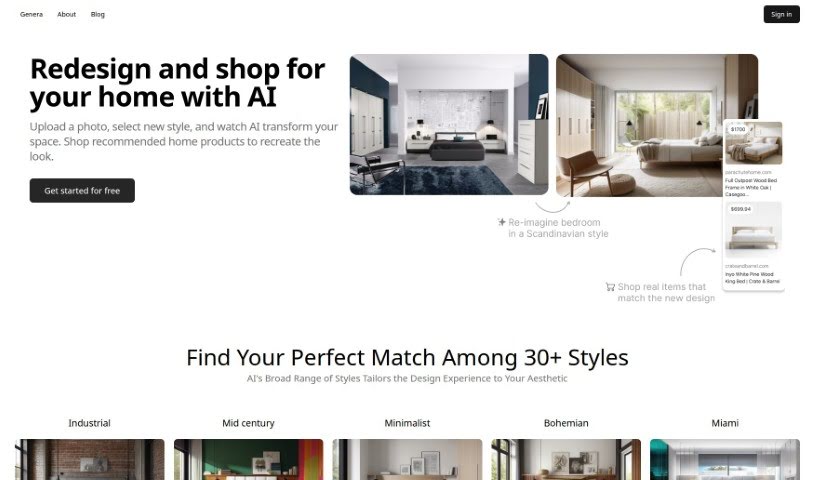
Genera.so is an AI platform offering a suite of image generation tools for architects, interior designers, and industrial designers. Its applications include Bau: AI Interior Designer and Arch-E: Architectural AI, which help users visualize ideas, generate images, and share them. The platform targets creative professionals in architecture, interior design, fashion, and photography, providing specialized AI models for each discipline. It was created by a company called Genera and serves anyone who wants to visualize spaces or objects before they are built. A free trial is available, with subscription plans for continued use.

Screenshot of Generai

Generai

Freemium

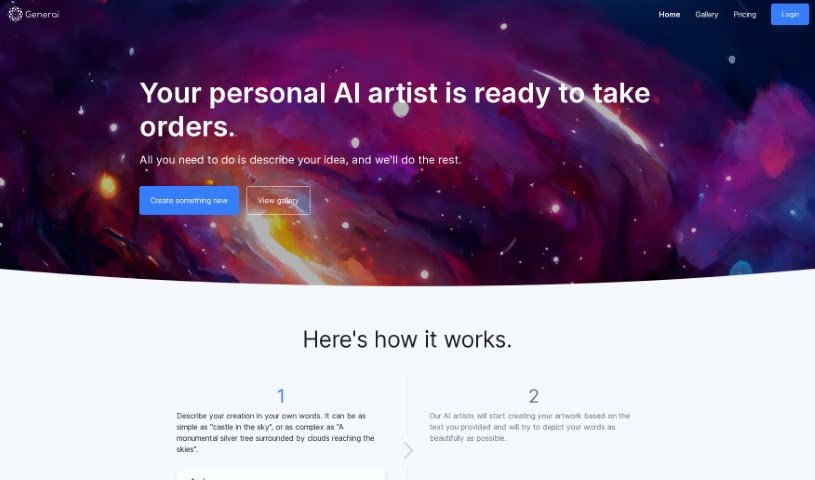
Generai is a platform where you describe your artistic ideas in words, and AI creates artwork based on those descriptions. It aims to make artistic imagination accessible to everyone, producing high-quality images, often in 4k+ resolution. A smart prompting system helps you craft effective descriptions, and the platform runs on state-of-the-art algorithms and fast GPUs.

Screenshot of Generated Photos

Generated Photos

Freemium

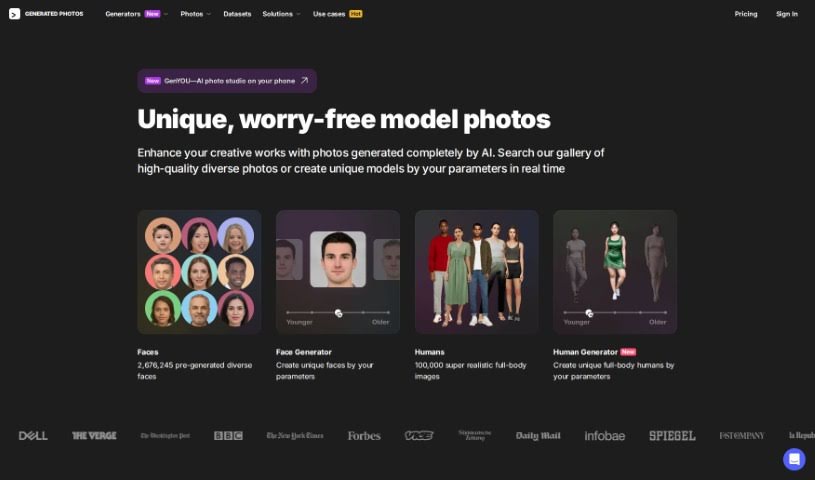
Generated Photos is an AI tool built to protect your identity online. Upload a clear, forward-facing portrait and it generates a synthetic face that preserves key aspects of your likeness — skin color, age, and hair length — without revealing who you actually are. Generated images are saved locally on your device.

Screenshot of Geniverse

Geniverse

Freemium

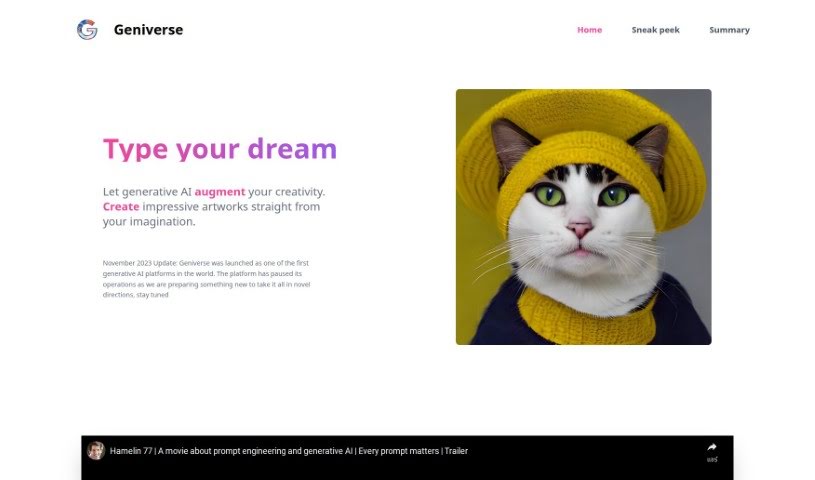
Geniverse is a generative AI platform built for artists, developers, and other creatives who want to bring their ideas to life without needing complex coding skills. It aims to make AI-powered art creation accessible and easy to use.

Screenshot of Genpictures

Genpictures

Freemium

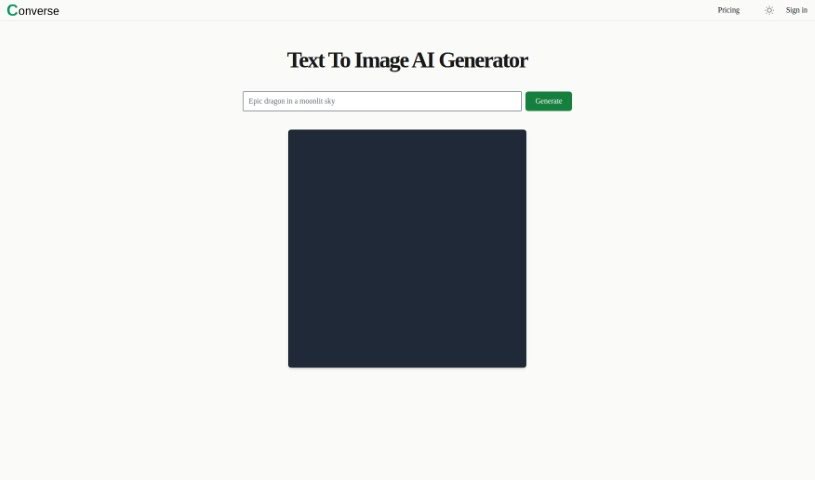
GenPictures is a free online tool that turns text prompts into AI-generated images. Enter a prompt and the AI produces a unique visual in seconds. No design skills or paid software are required, and the generated images can be used for social media posts, websites, presentations, and personal projects.

Screenshot of Gensbot

Gensbot

Freemium

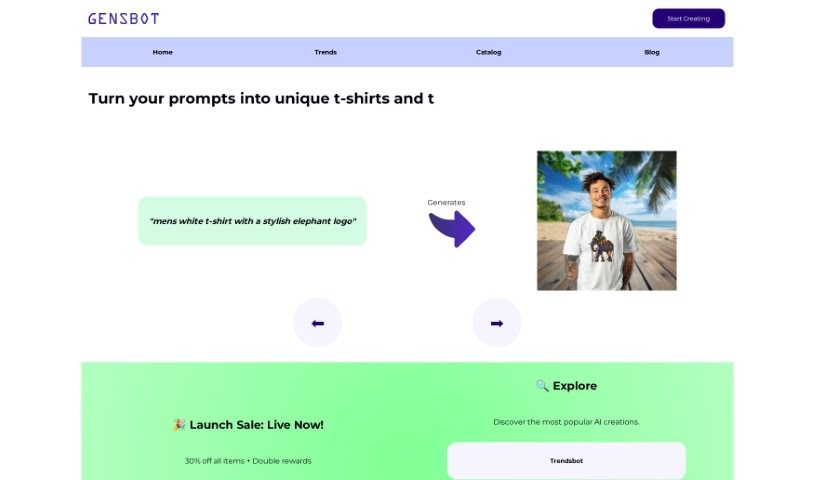
Gensbot is a platform that uses artificial intelligence to create custom printed merchandise for unique gifts, company branding, and personalized items. It was built by a team focused on combining AI with creativity, aiming to meet users' customization needs through smart technology.

About Creative tools

Bringing a creative vision to life takes stamina. Whether you’re working on visual art, video projects, sound design, or written work, the gap between a great idea and a finished piece is usually filled with hours of tedious setup. You spend time masking image layers, cutting out filler words from audio, or wrestling with software settings when you’d rather be making art.

The tools in this category handle repetitive technical tasks so you can keep your focus where it belongs: on creative direction and artistic choice.

Offloading Technical Setup to Focus on Art

Testing visual concepts gets much faster when you can prototype ideas instantly. Instead of spending hours building manual moodboards or sketching rough wireframes by hand, generative tools let you test lighting styles, color palettes, and compositions in seconds. You can explore dozens of creative paths before committing to a full production shoot or detailed illustration.

In video and audio editing, smart software handles the tedious mechanics. Automatically generating precise closed captions, reframing shots for vertical video formats, or isolating vocal tracks from ambient background noise used to take complex plugins and hours of manual editing. Modern creative tools process those heavy tasks in minutes, giving you back time to polish the story itself.

Maintaining visual consistency across large projects gets a major upgrade, too. Managing design elements, color palettes, and character references across a long series or multi-asset campaign often leads to small visual errors. Creative AI tools help enforce visual rules and match styles automatically, keeping your artwork, video sequences, or digital assets aligned from start to finish.

Key Capabilities for Creators:

  • Style and reference matching: Systems that analyze an artistic style or reference image and apply it across new graphic assets.
  • Generative canvas expansion: Tools that expand image borders, fill in background details, or remove unwanted objects cleanly.
  • Text-to-media rendering: Software that converts written prompts into high-resolution images, video clips, or sound textures for fast prototyping.
  • Non-destructive asset editing: Applications that adjust lighting, color tones, and individual layers without destroying original files.
  • Cross-format conversion: Features that automatically reformat visual assets and video projects for desktop, mobile, and print.

Technology can generate pixels and format files, but true artistic judgment, taste, and emotional expression still belong to you. Handing off routine file conversions, background cleanup, and quick concept testing simply gives you the freedom to focus on your craft.

Explore the tools below to upgrade your creative workspace.

The Best AI Creative Tools

  1. Canva: for designing social media posts
  2. Character AI: for brainstorming story ideas and concepts.
  3. Janitor AI: for quickly crafting unique story ideas.
  4. Remove.bg: for instantly removing backgrounds from design projects
  5. Leonardo AI: for generating dynamic artwork for designers
  6. Photopea: for designing stunning graphics and illustrations.
  7. Photoroom: for improving photos for creative projects
  8. Pixelcut: for designing eye-catching product ads
  9. Pixlr: for designing great graphics with ease
  10. Midjourney: for visual storytelling through art prompts.
  11. AI Face Swap: for creating unique memes for social media.
  12. Cutout.pro: for creating dynamic backgrounds for art
  13. Remaker: for AI-powered image creation for unique designs.
  14. Ideogram: for logo design and customization.
  15. Openart: for experimenting with unique artistic styles
New tools, in your inbox.

Weekly picks of the best AI tools we've researched and added — no spam, unsubscribe anytime.

Join 25,000+ AI enthusiasts. No spam, unsubscribe anytime.