AI Creative Tools

AI Tools for Creative

Discover the best Creative AI tools to enhance your productivity and creativity.

Page 3 of 107 • 1276 total tools
Screenshot of AI Designs

AI Designs

Freemium

AI Designs is a platform that uses artificial intelligence to create digital visuals across design areas including brand product design, packaging, logos, and posters. It emphasizes personalized intellectual property and designs that match a client's brand identity. Users can commission custom AI art, engage with interactive design experiences, or browse a gallery of pre-made AI art. The platform supports collaborating with AI to craft bespoke artwork, tweak designs, and buy or license finished pieces. AI Designs states it respects intellectual property and aims to ensure every design is original, relying on AI technology, advanced algorithms, and machine learning to generate and refine its output.

Screenshot of AI Drawing Generator

AI Drawing Generator

Freemium

AI Drawing Generator is an AI-powered tool that turns simple sketches into detailed images. It is built on ControlNet, a neural network architecture developed by Lvmin Zhang and Maneesh Agrawala that enhances existing AI models such as diffusion models. ControlNet lets these models accept additional inputs like outlines, color segments, and keypoints. Users upload a sketch and provide a text description to guide the final image. The tool works with different AI models, including StableDiffusion, and can train effectively even with smaller datasets. It is designed mainly for learning and creative use.

Screenshot of AI Emoji Generator

AI Emoji Generator

Freemium

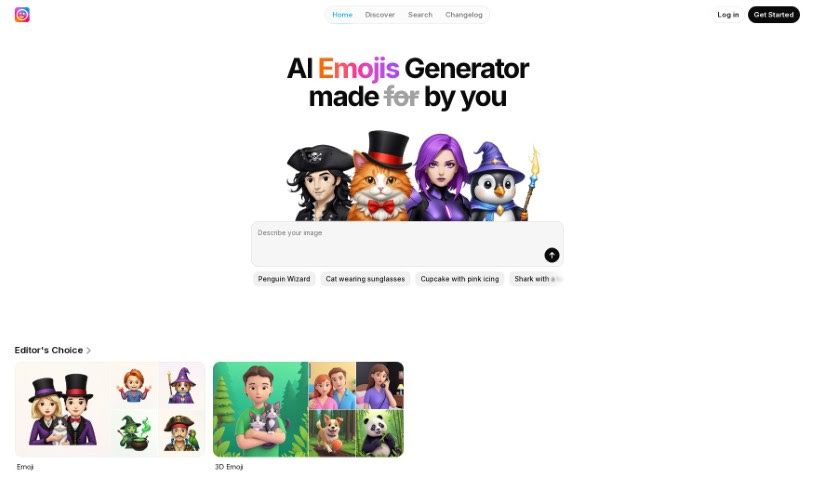
An AI Emoji Generator uses artificial intelligence and machine learning to create custom emojis from text prompts. It can generate emojis based on feelings, expressions, or traits, and is designed to make messaging and online communication more engaging — especially on platforms like Slack that support custom emojis. No details about the founder or company behind the tool are available.

Screenshot of AI Emoji Generator

AI Emoji Generator

Freemium

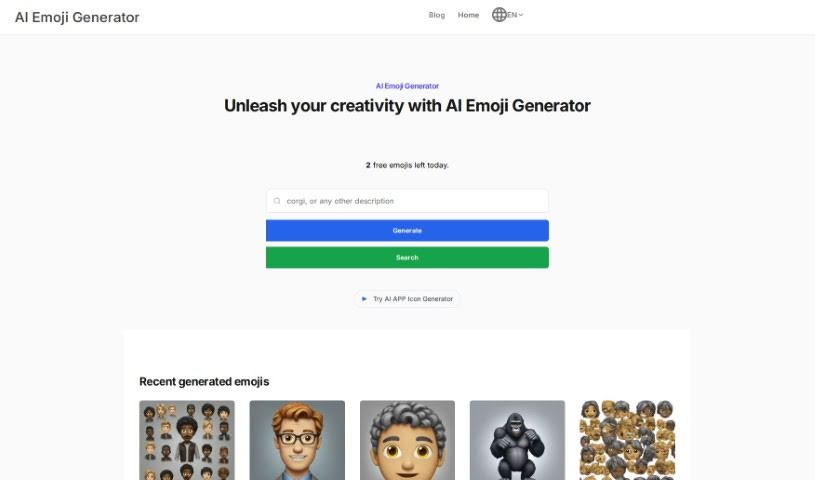
AI Emoji Generator uses Stable Diffusion AI to turn text into unique emojis. It runs on GPUs for fast generation, produces sharp, high-quality results, and is free to use. The interface is simple enough for non-technical users.

Screenshot of AI Face Studio

AI Face Studio

Freemium

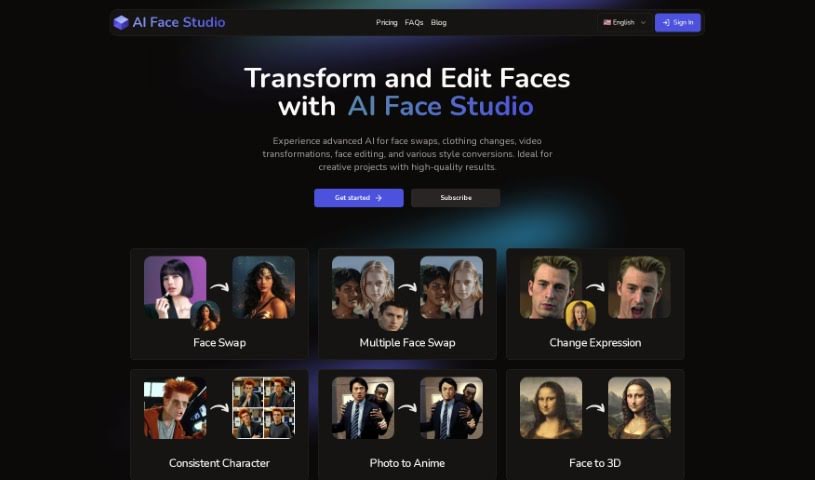
AI Face Studio is an AI tool for face swaps, clothing changes, video transformations, face editing, and style conversion. It emphasizes lifelike, high-resolution output and a simple interface, and new users receive free credits.

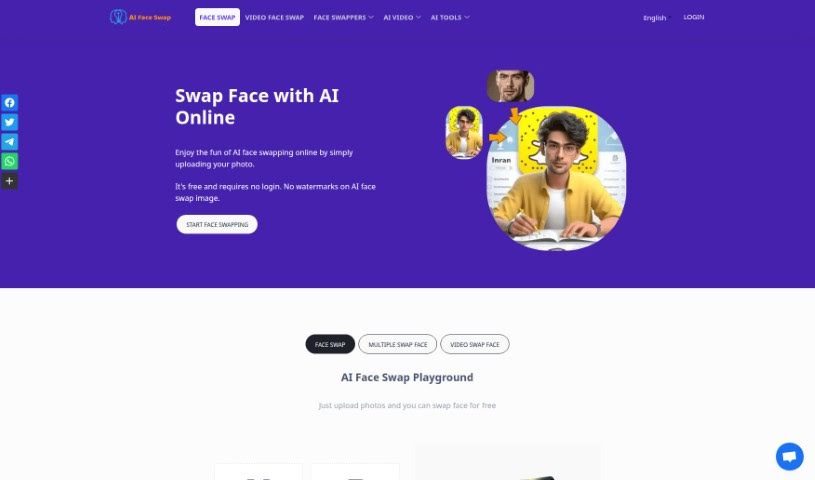
Screenshot of AI Face Swap

AI Face Swap

Freemium

AI Face Swap is a free tool that uses AI to digitally swap one person's face in a photo or video with another's. It analyzes facial features, expressions, and movements to blend faces naturally. No login is required, images can be uploaded in JPG, PNG, or WebP format, and swapped images can be downloaded on desktop or mobile. Results work best when the source photo shows one person with clear facial features. The service states it does not store your information unless you explicitly give permission.

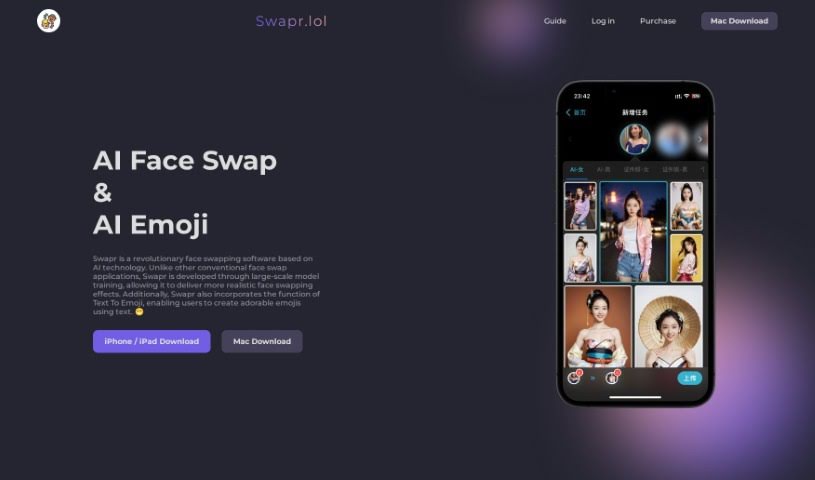
Screenshot of AI Face Swap Swapr

AI Face Swap Swapr

Freemium

Swapr is an AI face-swapping app that creates realistic face swaps. It was trained on a large dataset, which improves the quality of the results. The developers focused on extensive model training to make the face-swapping effects lifelike, and the app also includes a Text To Emoji feature that turns text messages into emojis.

Screenshot of AI Funko Pop

AI Funko Pop

Freemium

AI Funko Pop Generator is an online tool that creates custom Funko Pop figurine images from text descriptions. You describe the character, outfit, accessories, and other details, and it produces an image in the Funko Pop style. The generator runs on an artificial neural network trained on image-text pairs to capture the distinctive Funko Pop look, checks output quality with a dedicated metric, and collects no personal information. It was built as an AI-powered web application and requires no coding skills.

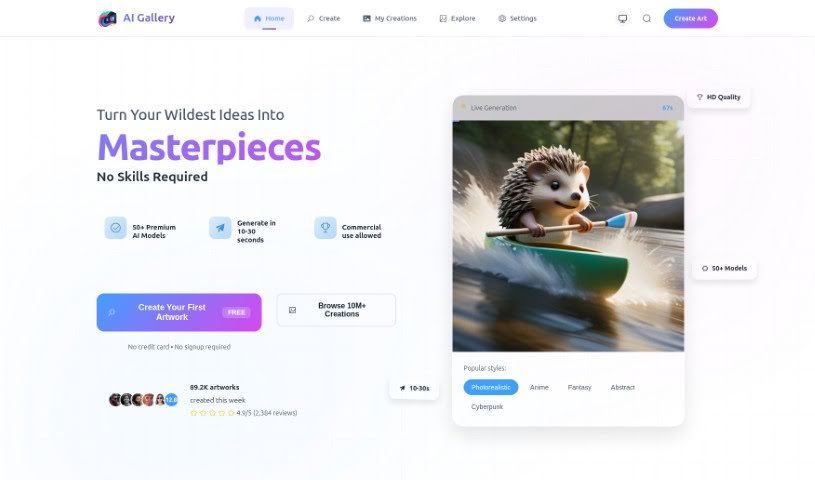
Screenshot of AI Gallery

AI Gallery

Freemium

AI Gallery is a platform for creating AI-generated art. It uses algorithms and machine learning to transform uploaded images into artwork, offering a range of styles and effects to experiment with — from abstract looks to more realistic results. The interface is designed to work for all skill levels, so no art or AI expertise is needed.

Screenshot of AI Game Master

AI Game Master

Freemium

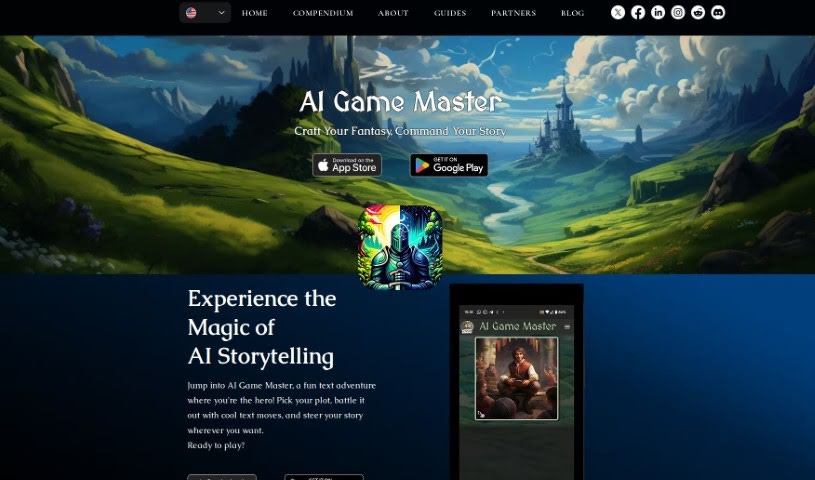
AI Game Master is an RPG-focused AI project built by a team of developers, writers, and gaming fans. It uses GPT-4 to write stories and DALL-E 3 to generate visuals. The tool guides players through adventures, adapts the story to choices made in the moment, and combines text and images for an immersive experience, whether you are new to RPGs or a seasoned player. Development is community-driven, with player feedback shaping ongoing improvements.

Screenshot of AI Garden Planner

AI Garden Planner

Freemium

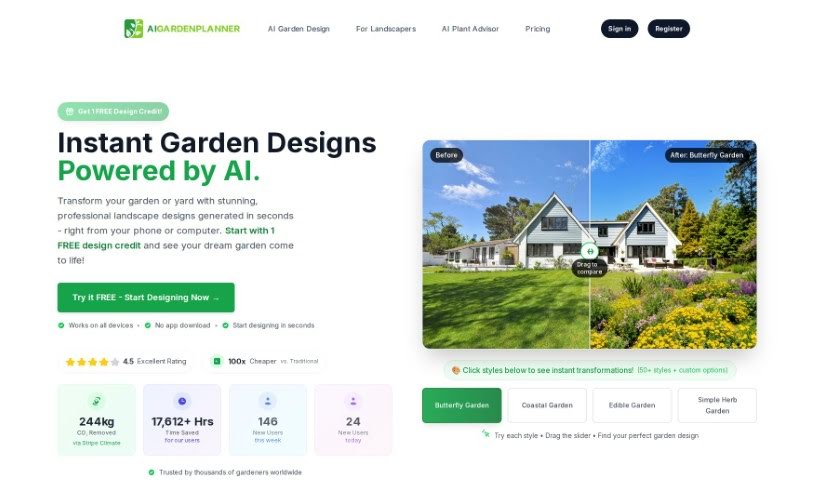
AIGardenPlanner is an AI gardening assistant for gardeners of all skill levels. It creates custom planting plans, identifies which plants grow well together, suggests optimal planting times, and offers pest management tips based on your garden's conditions. It also provides planting guides, soil and climate analysis, personalized garden roadmaps, and quick responses to your questions.

Screenshot of AI Greem

AI Greem

Freemium

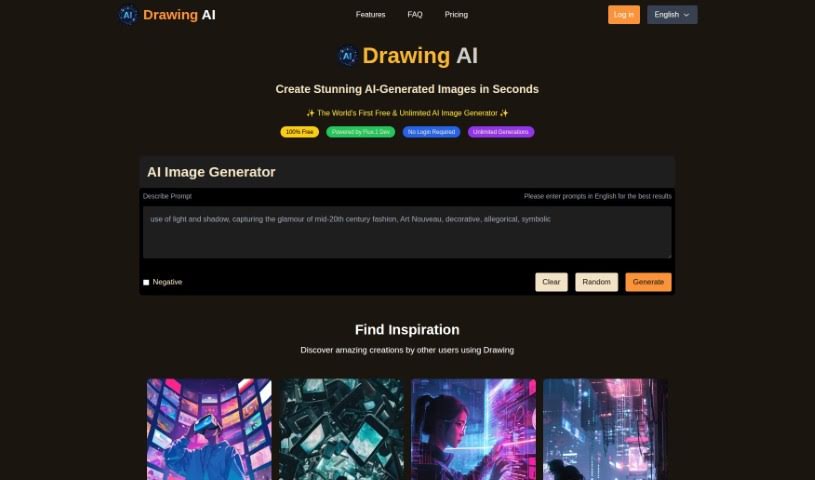
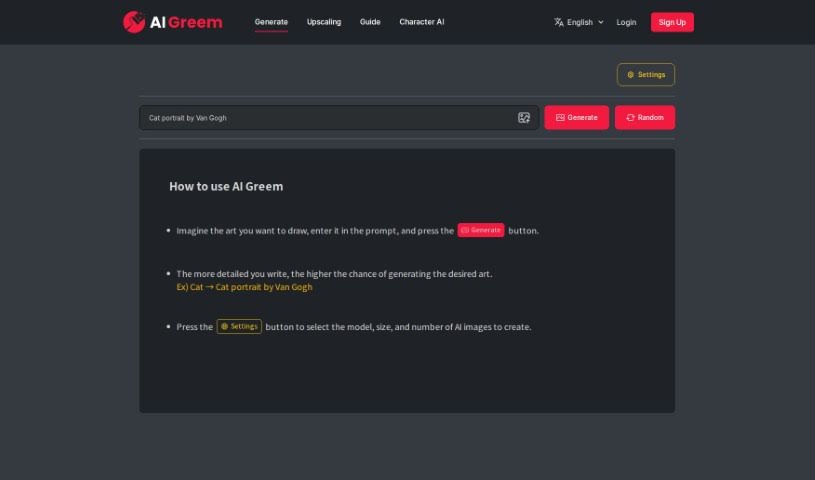
AI Greem is a creative tool that generates art from a text description. You type in a description of the image you want and press the "Generate" button. The more detail you provide, the better your chances of getting an image close to what you're picturing.

About Creative tools

Bringing a creative vision to life takes stamina. Whether you’re working on visual art, video projects, sound design, or written work, the gap between a great idea and a finished piece is usually filled with hours of tedious setup. You spend time masking image layers, cutting out filler words from audio, or wrestling with software settings when you’d rather be making art.

The tools in this category handle repetitive technical tasks so you can keep your focus where it belongs: on creative direction and artistic choice.

Offloading Technical Setup to Focus on Art

Testing visual concepts gets much faster when you can prototype ideas instantly. Instead of spending hours building manual moodboards or sketching rough wireframes by hand, generative tools let you test lighting styles, color palettes, and compositions in seconds. You can explore dozens of creative paths before committing to a full production shoot or detailed illustration.

In video and audio editing, smart software handles the tedious mechanics. Automatically generating precise closed captions, reframing shots for vertical video formats, or isolating vocal tracks from ambient background noise used to take complex plugins and hours of manual editing. Modern creative tools process those heavy tasks in minutes, giving you back time to polish the story itself.

Maintaining visual consistency across large projects gets a major upgrade, too. Managing design elements, color palettes, and character references across a long series or multi-asset campaign often leads to small visual errors. Creative AI tools help enforce visual rules and match styles automatically, keeping your artwork, video sequences, or digital assets aligned from start to finish.

Key Capabilities for Creators:

  • Style and reference matching: Systems that analyze an artistic style or reference image and apply it across new graphic assets.
  • Generative canvas expansion: Tools that expand image borders, fill in background details, or remove unwanted objects cleanly.
  • Text-to-media rendering: Software that converts written prompts into high-resolution images, video clips, or sound textures for fast prototyping.
  • Non-destructive asset editing: Applications that adjust lighting, color tones, and individual layers without destroying original files.
  • Cross-format conversion: Features that automatically reformat visual assets and video projects for desktop, mobile, and print.

Technology can generate pixels and format files, but true artistic judgment, taste, and emotional expression still belong to you. Handing off routine file conversions, background cleanup, and quick concept testing simply gives you the freedom to focus on your craft.

Explore the tools below to upgrade your creative workspace.

The Best AI Creative Tools

  1. Canva: for designing social media posts
  2. Character AI: for brainstorming story ideas and concepts.
  3. Janitor AI: for quickly crafting unique story ideas.
  4. Remove.bg: for instantly removing backgrounds from design projects
  5. Leonardo AI: for generating dynamic artwork for designers
  6. Photopea: for designing stunning graphics and illustrations.
  7. Photoroom: for improving photos for creative projects
  8. Pixelcut: for designing eye-catching product ads
  9. Pixlr: for designing great graphics with ease
  10. Midjourney: for visual storytelling through art prompts.
  11. AI Face Swap: for creating unique memes for social media.
  12. Cutout.pro: for creating dynamic backgrounds for art
  13. Remaker: for AI-powered image creation for unique designs.
  14. Ideogram: for logo design and customization.
  15. Openart: for experimenting with unique artistic styles
New tools, in your inbox.

Weekly picks of the best AI tools we've researched and added — no spam, unsubscribe anytime.

Join 25,000+ AI enthusiasts. No spam, unsubscribe anytime.