AI Audio Tools

AI Tools for Audio

Discover the best Audio AI tools to enhance your productivity and creativity.

Page 21 of 37 • 442 total tools
Screenshot of PocketPod

PocketPod

Freemium

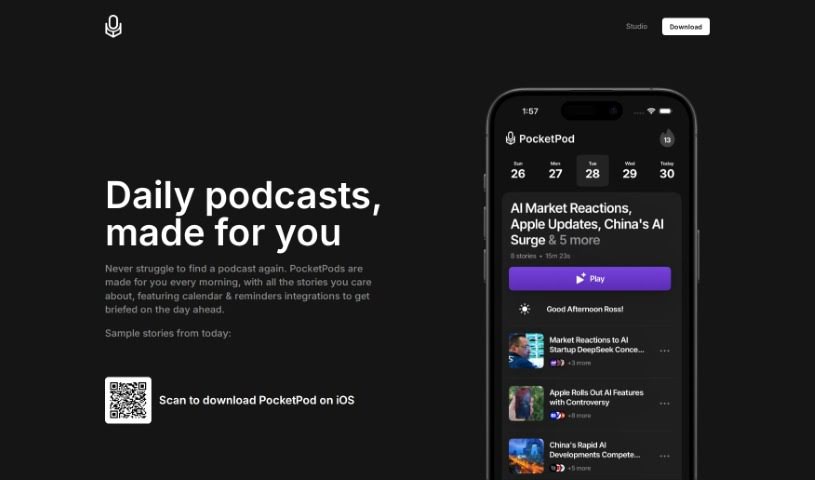
PocketPod is a personal daily news radio station built around your interests. The service creates podcasts on the topics you choose, from the latest news to niche subjects like feudal Japanese cuisine. You can either pick exactly what you want to hear or simply hit play and let PocketPod curate the show. Every morning, you get a personalized news podcast bringing together the stories you care about, and calendar and reminder integrations keep you updated on what's happening throughout the day. PocketPod is developed by Pocket AI, Inc., which holds all rights to the product.

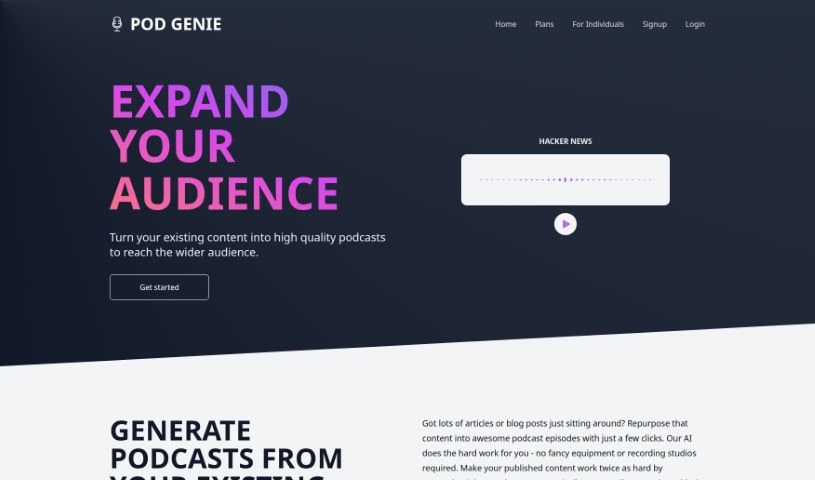
Screenshot of Pod Genie

Pod Genie

Freemium

Pod Genie is a platform for creating personalized podcasts from existing written content. Its AI converts articles, blog posts, and RSS feeds into audio episodes, letting you reach audiences through podcasts without recording equipment. You choose specific RSS feeds to shape each episode, curating content that matches your interests. The platform offers natural-sounding voices, a variety of templates, and tools for creating short videos for social media.

Screenshot of Podcast Disclosed

Podcast Disclosed

Freemium

Podcast Disclosed is a curated collection of podcasts covering a wide range of topics, designed to give listeners insight into subjects through discussions and interviews. Episodes touch on everything from mental health and relationships to secrets and shame. One episode features psychologist Michael Slepian, PhD, who discusses how keeping secrets affects mental well-being, how opening up can change relationships, what makes us trust someone with our secrets, and whether people can tell when we're hiding something.

Screenshot of PodcastGPT

PodcastGPT

Freemium

PodcastGPT is an AI agent that identifies the most interesting segments in podcasts you choose and delivers those clips directly to your podcast app. Setup takes about a minute, and it works with any podcast app — PodcastGPT doesn't host audio itself; it sends curated segments to the app you already use.

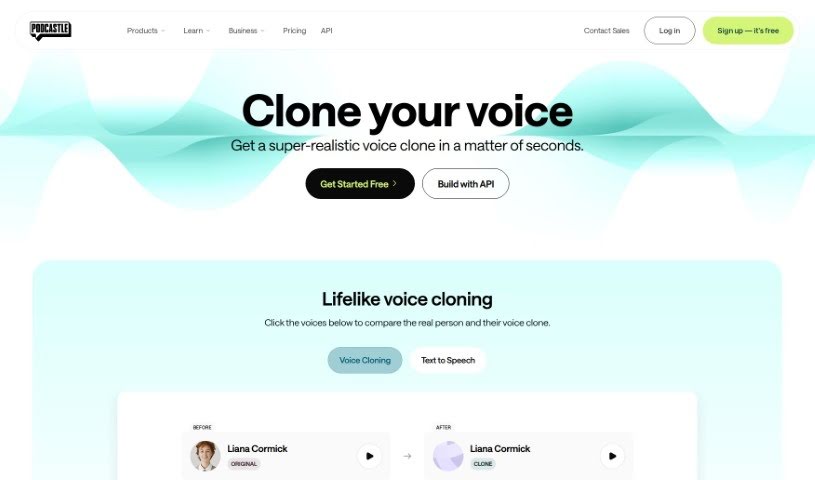
Screenshot of Podcastle AI Voice Cloning

Podcastle AI Voice Cloning

Freemium

AI voice cloning uses artificial intelligence to create synthetic voices that closely resemble real human speech. Podcastle applies generative AI to analyze voice samples and build realistic cloned voices. The process involves recording yourself speaking a few sample sentences, submitting them for cloning, and then using your new voice for content creation — often within 24 hours.

Screenshot of PodfyAI - The Platform For Creators And Agencies

PodfyAI - The Platform For Creators And Agencies

Freemium

PodfyAI is a platform that helps creators and agencies turn content into podcasts and reach a wider audience. Its AI-powered tools streamline podcast production and distribution: with a single click, it generates transcriptions, show notes, timestamps, newsletters, and social media posts. Support for multiple languages makes it easier to connect with listeners around the world.

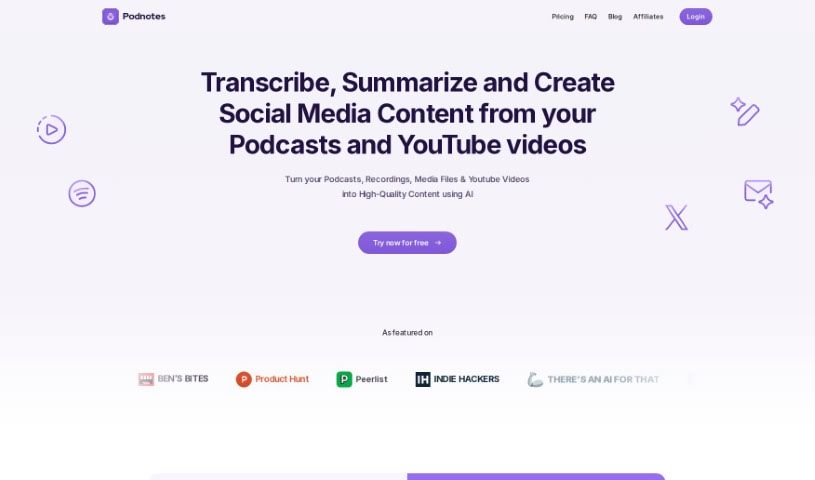
Screenshot of Podnotes

Podnotes

Freemium

Podnotes is an AI platform that helps podcasters and video creators repurpose their audio and video into a range of text and video formats. It supports over 19 languages, making it possible to reach a global audience. Outputs include transcripts, summaries, blog posts, social media updates, and audiograms. A "Magic Chat" feature, powered by ChatGPT, generates articles, social media posts, and SEO-friendly show notes. A free plan includes 50 minutes of transcription, with subscription plans available for unlimited content generation.

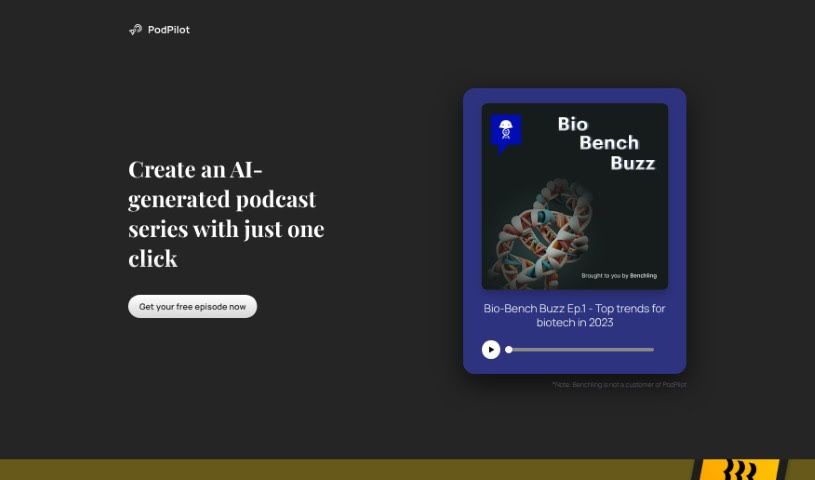
Screenshot of PodPilot

PodPilot

Freemium

PodPilot is an AI tool that simplifies podcast creation for organizations. It analyzes your company's website content using natural language processing to extract key ideas and themes, then automatically generates podcast scripts and professional-sounding audio, complete with background music and sound effects.

Screenshot of PodPulse

PodPulse

Freemium

PodPulse is an AI-powered podcast tool that curates episodes and pulls out the most important bits. Instead of listening to a full episode, you get concise notes and key takeaways, so you can grasp the essence of a show quickly. It works whether you're learning something new or just want the highlights from a favorite series.

Screenshot of Pods.ee

Pods.ee

Freemium

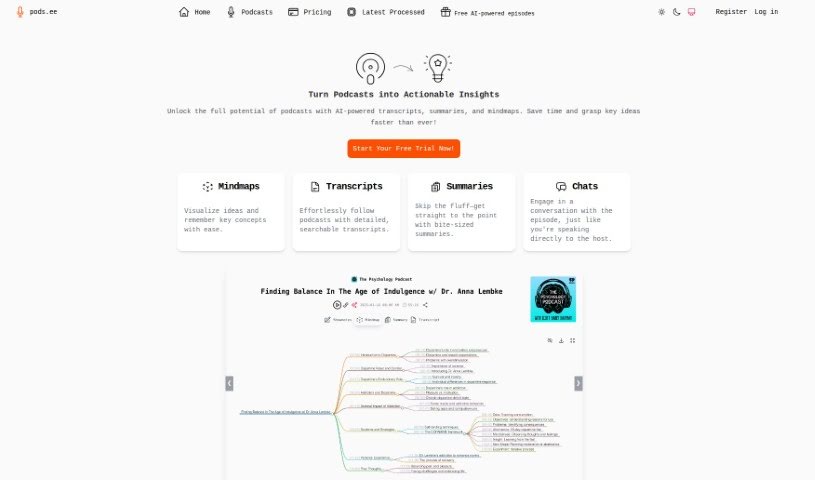
Pods.ee is an AI tool for podcast listeners. It generates transcripts so you can follow along with episodes, mindmaps that visualize the ideas discussed, and summaries that capture the key insights. A random discovery feature also surfaces new shows to try.

Screenshot of Podscribe

Podscribe

Freemium

Podscribe is a tool for podcasters that offers transcription, captioning, and analytics. It was developed by Alex Edelstein, whose company builds services specifically for podcast content creators.

Screenshot of PodShorty

PodShorty

Freemium

PodShorty was a service that has since shut down. All users received refunds. It offered a set of features that are no longer available.

About Audio tools

Recording clean audio can be frustrating. You hit record, start talking, and suddenly a neighbor starts mowing their lawn, your air conditioner kicks into high gear, or you realize you spoke too close to the mic. In the past, fixing those issues meant spending hours in complex editing software manually cutting out background noise or re-recording takes from scratch.

The AI audio tools in this section handle the tedious cleanup work in minutes so your podcasts, video voiceovers, and music projects sound polished without the technical headaches.

Where Audio AI Saves the Most Time

Noise removal is easily one of the most practical uses for this technology. Modern noise reduction tools don’t just apply a harsh filter that makes your voice sound like it’s trapped in a tin can. Instead, they isolate the unique frequency patterns of human speech, separating your voice from background hums, traffic, or room echoes. You can take a conversation recorded on a noisy street corner and make it sound like it was captured inside a quiet studio.

Editing speech has changed completely, too. Older workflows required staring at complex waveforms for hours, hunting down every awkward pause, slip of the tongue, or repeated word. Text-based audio editors transcribe your recording into written text first. Delete a word or sentence from the transcript, and the tool cuts that exact audio segment automatically. You can edit a full podcast episode in minutes just like tweaking a text document.

Voice synthesis and localized dubbing have also taken a massive leap forward. If you need a quick voiceover for a product demo or internal training video, text-to-speech engines generate natural-sounding voices with realistic pauses and subtle tone shifts. Some platforms even let you clone your own voice or translate audio files into new languages while matching the speaker’s original cadence.

For creators who need background tracks, generative music tools build royalty-free sound effects and original background tracks on demand. Specify the mood, tempo, and duration, and the software builds a custom piece that fits your video perfectly without copyright risks.

Key Features to Consider:

  • Background noise isolation: Software that strips out air conditioner hums, wind noise, and room echo without distorting human speech.
  • Text-based editing: Tools that automatically transcribe your files and let you edit audio by editing the written transcript.
  • Voice synthesis and cloning: Applications that convert text to speech or replicate existing voices for quick voiceover work.
  • Automated mastering: Systems that balance volume levels, equalize frequencies, and optimize audio for streaming platforms.
  • Multilingual translation and dubbing: Features that translate spoken words into new languages while preserving the original voice’s tone.

Clear sound is non-negotiable for keeping an audience engaged. Viewers might forgive a slightly grainy video, but harsh audio makes them click away in seconds. While software handles background noise, leveling, and fast edits, your message and creative direction remain the heart of the project.

Take a look through the options below to upgrade your audio workflow.

The Best AI Audio Tools

  1. ElevenLabs: Great for making multilingual video voiceovers if you’re a creator.
  2. Suno: Perfect for creating custom soundscapes to help you relax.
  3. BandLab: Lets you mix and master tracks smoothly.
  4. TurboScribe: Helps improve audio for clearer transcriptions.
  5. Voicemod: Lets you change your voice for creative projects.
  6. Adobe Podcast: Enhances audio with simple, one-click AI tools.
  7. Transkriptor: An automated tool for transcribing lectures.
  8. Speechify: Makes it easy to listen to articles and documents.
  9. NaturalReader: Good for creating voiceovers for your video content.
  10. Riffusion: Offers real-time audio manipulation for creators.
  11. Narakeet: Converts subtitles into synchronized audio.
  12. 008 Agent: Open-source assistant for VoIP calls, with transcription and call summaries.
  13. Lalal.ai: Lets you remove vocals seamlessly for remixes.
  14. Ttsmaker: Effortlessly create voiceovers for videos.
  15. Udio: Craft unique sounds using its audio tools.
New tools, in your inbox.

Weekly picks of the best AI tools we've researched and added — no spam, unsubscribe anytime.

Join 25,000+ AI enthusiasts. No spam, unsubscribe anytime.