Top AI Assistants

AI Tools for AI Assistants

Discover the best AI Assistants AI tools to enhance your productivity and creativity.

Page 33 of 34 • 407 total tools
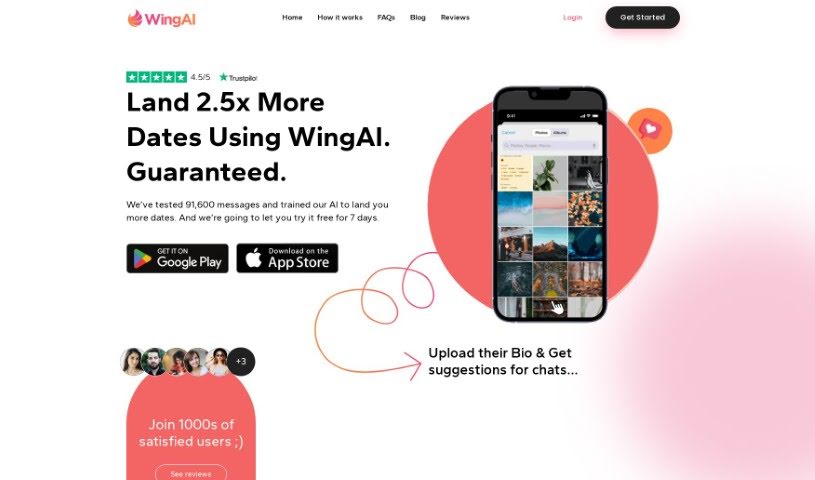
Screenshot of Wing AI

Wing AI

Freemium

Wing AI is a tool designed to make online dating easier. It analyzes a screenshot of your match's bio and generates unique, natural-sounding opening lines to start conversations. The app emphasizes privacy — it does not share or sell personal information — and offers a simple interface and compatibility across different dating apps.

AI Assistants View Tool →
Screenshot of Wingman

Wingman

Freemium

Wingman is an AI tool that improves your conversations by suggesting replies based on what's already been said. You upload screenshots of your chats, and Wingman analyzes them to offer personalized suggestions. You can pick the tone you want—casual, professional, or something more unique—and it supports many languages. If you're juggling multiple conversations, Wingman can handle them all; just add more screenshots to keep the dialogue flowing.

AI Assistants View Tool →
Screenshot of WiseTalk

WiseTalk

Freemium

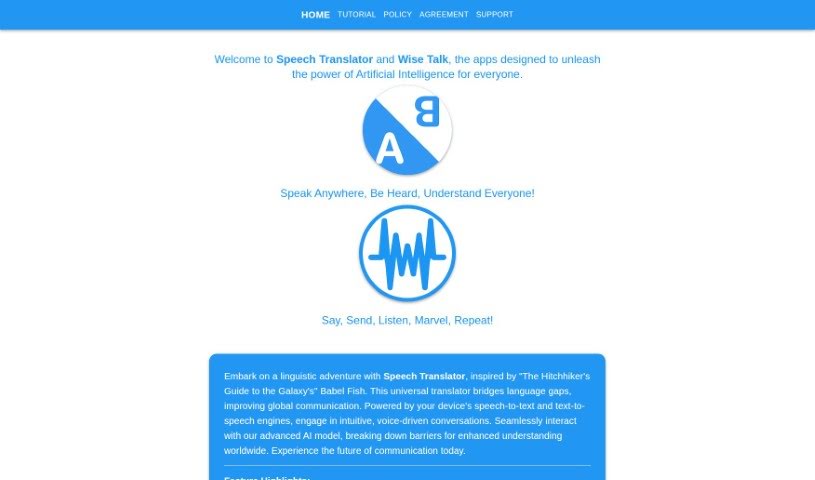
WiseTalk is a voice-controlled AI assistant app that handles chat and assistant tasks through simple voice commands. It uses artificial intelligence to provide responsive, personalized answers, with features including voice activation, intelligent responses, a conversational design, task management tools, and AI-powered search for finding information quickly.

AI Assistants View Tool →
Screenshot of WittyWingMan

WittyWingMan

Freemium

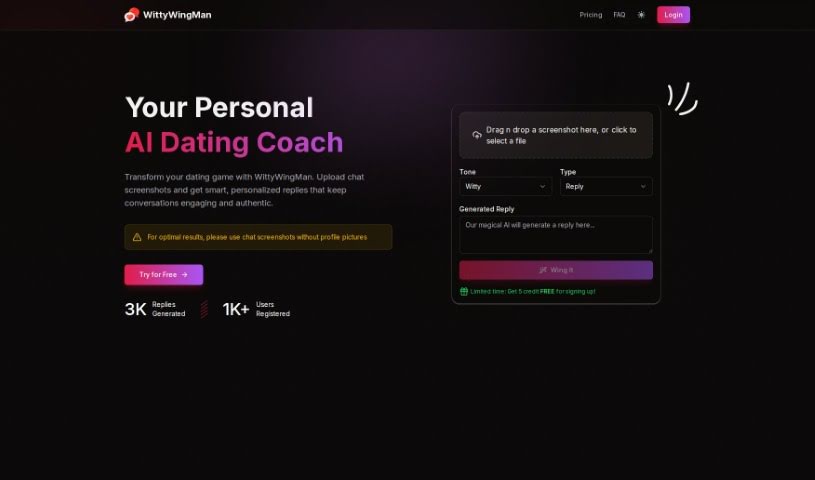
WittyWingMan is an AI chat assistant built for online dating. It uses machine learning to analyze your chat style and your match's interests, then generates replies that sound like you. Features include real-time chat analysis, multilingual support, and privacy-focused security.

AI Assistants View Tool →
Screenshot of WizAI

WizAI

Freemium

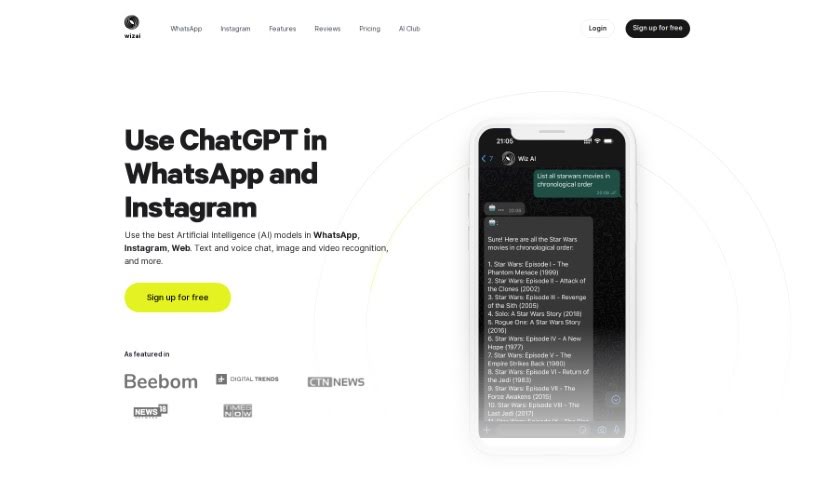
WizAI is an AI-powered chatbot service that works on WhatsApp, Instagram, and the web (web app coming soon). It uses OpenAI models to provide smart replies via text or voice, with image and video interaction planned. Features include ChatGPT-4 access, image creation with DALL·E 3, voice recognition, and integration with popular messaging apps. The service handles millions of messages daily, with over 15,000 daily conversations.

AI Assistants View Tool →
Screenshot of Wordscope

Wordscope

Freemium

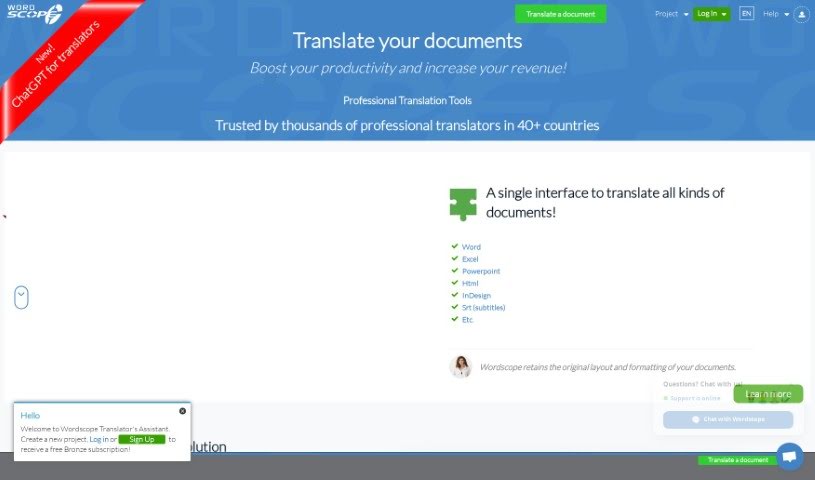
Wordscope is an AI platform for document translation, built to help professional translators improve accuracy, consistency, and efficiency. Its "ChatGPT for Translators" assistant, powered by ChatGPT, handles a wide range of tasks: defining words, explaining complex scientific concepts, gathering background information on a topic, rephrasing sentences, answering questions, performing translations, and correcting grammar and spelling. It can also suggest terminology, find synonyms, and compose complete sentences from just a few keywords.

AI Assistants View Tool →
Screenshot of Wp AI Chat

Wp AI Chat

Freemium

WP AI Chat is a chat plugin that adds conversational abilities to your website. It was created by Dr. Harlan Kilstein and Valentin Jed, who developed WPCHAT.AI, a tool for creating and curating content with artificial intelligence. The plugin includes a membership area where you can train the chat specifically for your own website, making it useful for site owners who want to increase visitor engagement.

AI Assistants View Tool →
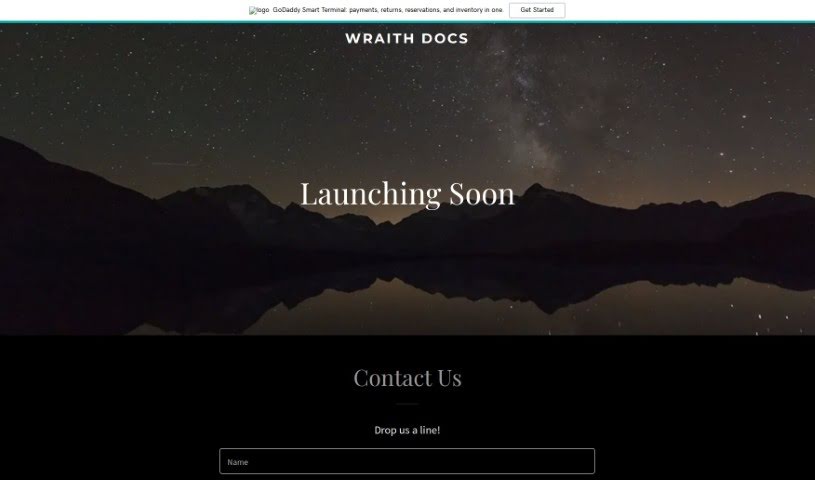
Screenshot of Wraith Docs

Wraith Docs

Freemium

Wraith Docs is an AI assistant for Google Docs designed to help you write and edit documents faster. It can paraphrase sentences, expand on your ideas, simplify complicated text, optimize content for SEO, and quickly insert text that matches your personal writing style.

AI Assistants View Tool →
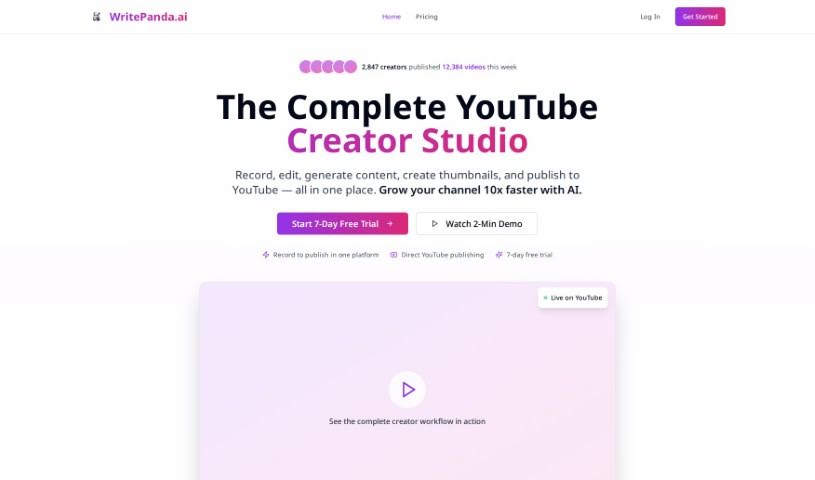
Screenshot of Write Panda

Write Panda

Freemium

Write Panda is an AI writing assistant built to help you produce professional written content quickly. It includes a library of more than 50 pre-built templates you can customize, and it works across platforms through a mobile app and a Chrome extension. It covers a wide range of content types, from blog posts to marketing campaigns, across many industries.

AI Assistants View Tool →
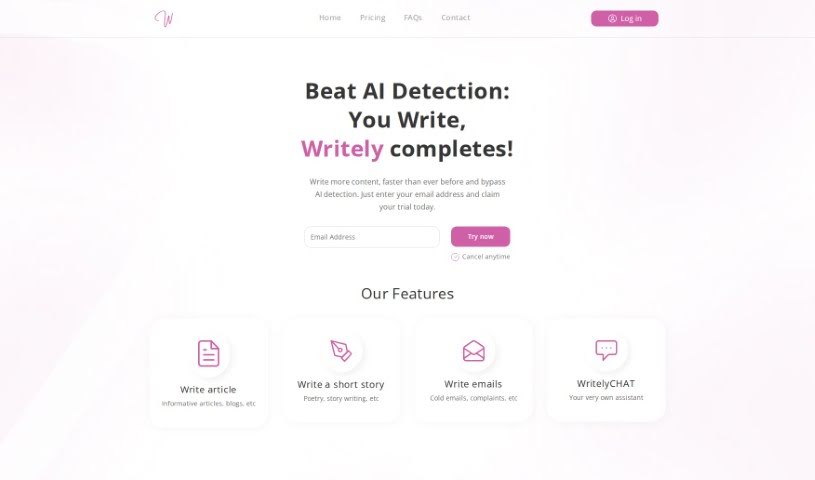
Screenshot of Writely

Writely

Freemium

Writely is an online writing platform designed to spark creativity, help you get past writer's block, and support you in hitting your writing targets. It provides prompts, exercises, and tools for writing articles, short stories, emails, and more, with WritelyCHAT — an AI writing assistant — available to help along the way.

AI Assistants View Tool →
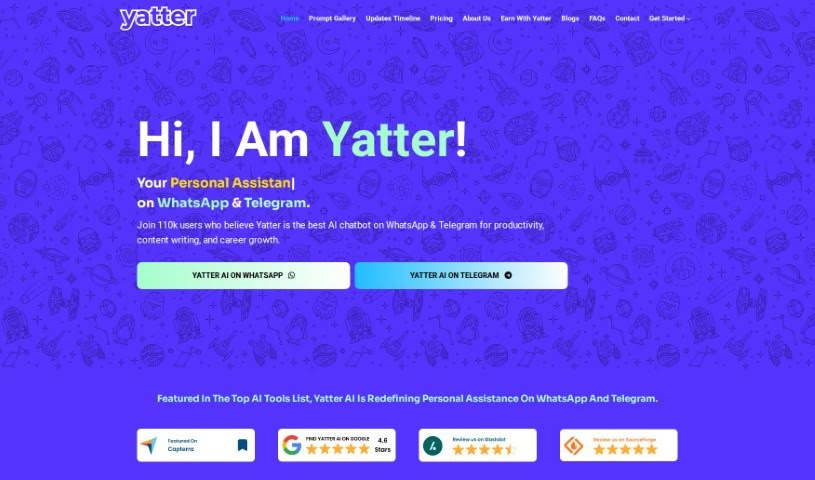
Screenshot of Yatter AI

Yatter AI

Freemium

Yatter AI is an AI assistant powered by ChatGPT-4 that works directly through WhatsApp and Telegram. It provides instant support and information without requiring a separate app. Features include voice chat, image text detection, live weather updates, personalized chats, and multilingual communication. New users get 15 free interactions, and upgrading to Yatter Plus provides unlimited access, extra features, and priority support. The company behind Yatter AI is Infokey Technology Private Limited.

AI Assistants View Tool →
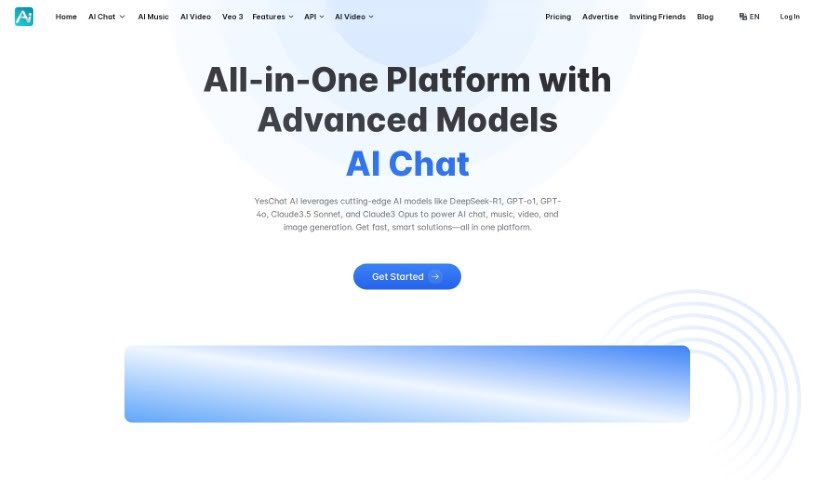
Screenshot of Yeschat

Yeschat

Freemium

Yeschat is an AI platform that provides access to a range of AI tools, including ChatGPT, GPT-4o for text generation and image understanding, and Dalle3 for image creation. It also offers global access to Claude 2 and nearly 200,000 GPT models tailored for specific uses in work, study, or everyday life.

AI Assistants View Tool →

About AI Assistants tools

We’ve all had days where the to-do list feels completely overwhelming. Between replying to urgent emails, rescheduling meetings, summarizing notes, and jumping across a dozen open browser tabs, there’s rarely enough energy left for actual deep work. It often feels like you need a full-time assistant just to keep up with daily operational noise.

Modern digital assistants go far beyond basic chatbots that answer trivia questions. These applications handle calendar scheduling, draft email replies, summarize lengthy reports, and keep your projects moving while you stay focused on the bigger picture.

How a Digital Assistant Fits Into Your Routine

The biggest benefit of a digital helper is how much friction it removes from routine tasks. Coordinating a single meeting, for instance, used to take four or five back-and-forth emails just to find an open time slot. Smart scheduling tools connect directly to your calendar, coordinate with other participants, and lock in a time that works for everyone.

Handling information overload is another area where these platforms excel. If you get dropped into a massive email thread or handed a fifty-page PDF, an AI assistant can digest the material in seconds. You get a clear summary of core decisions, outstanding questions, and action items before your morning coffee gets cold.

There’s also a major shift in how these applications work. Older tools only responded when you asked direct questions. Newer assistants act more like proactive teammates. They can flag overdue tasks, prepare draft responses for your review, or update your project management board automatically after a sales call wraps up.

Key Capabilities to Look For:

  • Integration depth: Tools that link directly into your existing inbox, calendar, and task management apps without extra steps.
  • Action capabilities: Systems that complete real tasks like booking events or updating records, rather than just generating plain text.
  • Contextual memory: Software that remembers your preferences, communication style, and past interactions so you don’t have to repeat instructions.
  • Customization options: Features that let you set custom rules, persona voices, and explicit instructions for routine tasks.
  • Privacy controls: Strong security measures that ensure personal communications and internal business data remain strictly confidential.

No software can replace human judgment or genuine empathy. While an assistant handles routine scheduling or drafts a quick project update, you still bring creative direction, build relationships, and make final decisions. The ideal setup is a partnership where software handles background busywork while you maintain full control.

Take a look through the options below to find an assistant that matches your daily routine.

The Best AI Assistants

  1. Monica: Great for easy chats with AI chatbots.
  2. Sider: Perfect for personalized virtual assistant conversations.
  3. Abacus.ai: Offers smart responses for users.
  4. Yeschat: Helps with smart scheduling and reminders.
  5. You.com: Streamlines everyday tasks with AI help.
  6. Merlin AI: Simplifies daily task management.
  7. MaxAI.me: Provides personalized virtual scheduling assistance.
  8. Chatgpt Online: Good for smart scheduling and task management.
  9. Casetext: Streamlines legal document review.
  10. Hume AI: Offers personalized customer support chatbots.
  11. Tavus: Features personalized AI assistant video interactions.
  12. AI Power: WordPress plugin that brings GPT-3.5 and GPT-4 to content, images and chat.
  13. Retell AI: Provides smart voice control for daily tasks.
  14. Runway Research: Enhances AI assistant training data.
  15. Alexa Translations: Legal-focused translation, interpretation and localization services.
New tools, in your inbox.

Weekly picks of the best AI tools we've researched and added — no spam, unsubscribe anytime.

Join 25,000+ AI enthusiasts. No spam, unsubscribe anytime.